
Original Industrial Spare Part
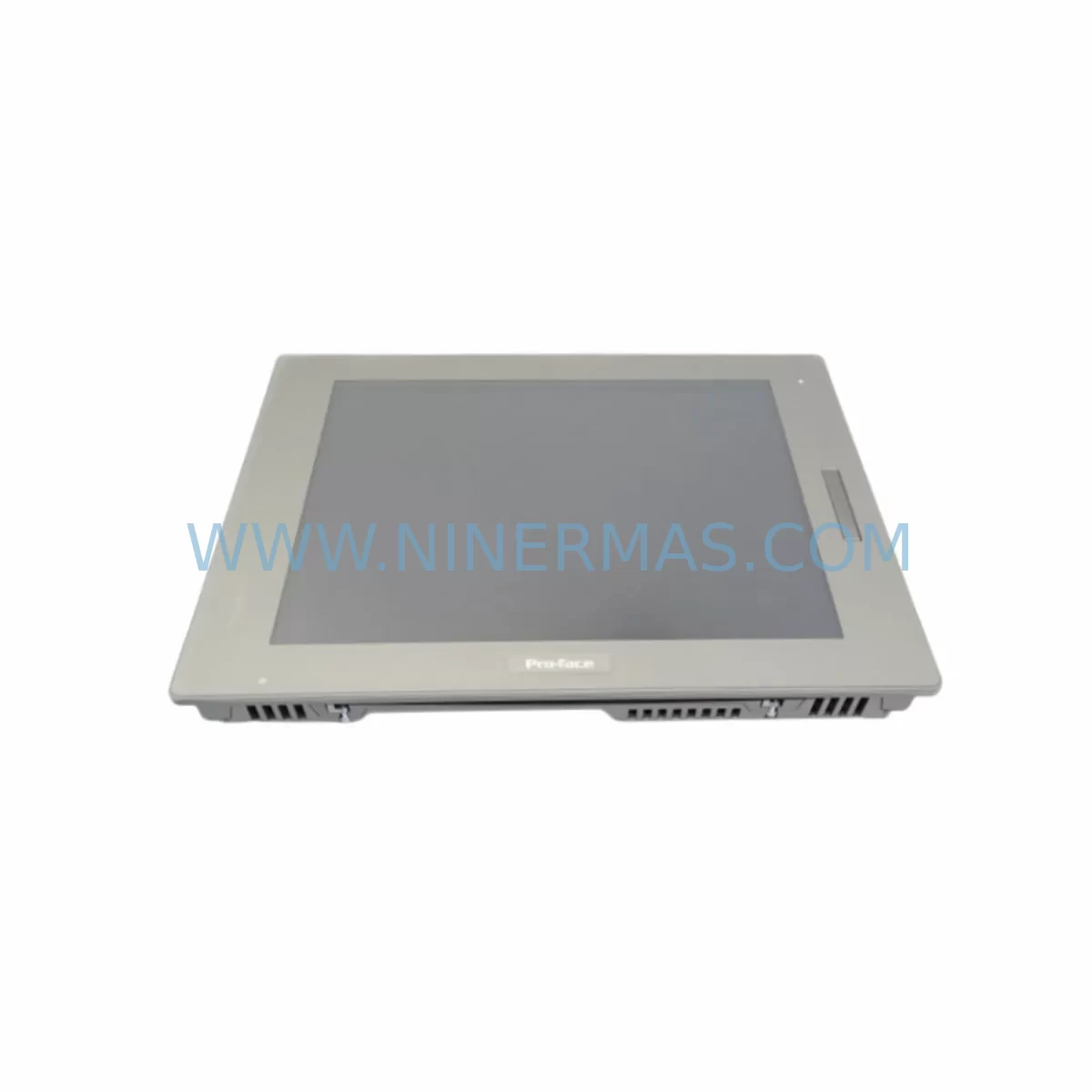
Pro-face PFXFP5700TPD Retrofit-Compatible HMI Panel
Verify the part, confirm the platform family, and move straight into quotation with the right commercial details.
RFQ Ready
- SKUPFXFP5700TPD
- CategoryPLC & Industrial Automation Modules
- BrandPro-face
- SupportAvailability, lead time, condition, and shipping coordination
How Buyers Usually Use This Page
- Confirm the exact part number and platform family before sending the quote request.
- Use direct email when quantity, condition, and destination are already defined internally.
- Switch to the broader brand or category archive when you need alternates nearby.
Series Navigation
Move through the most common platform families behind this part.
Product RFQ
Send this part directly for quotation.
Include quantity, required condition, destination country, and target delivery timing. Current reference: Pro-face PFXFP5700TPD Retrofit-Compatible HMI Panel with SKU PFXFP5700TPD.
Pro-face PFXFP5700TPD Retrofit-Compatible HMI Panel for Legacy Systems
The Pro-face PFXFP5700TPD is a ruggedized industrial HMI touch panel engineered for demanding automation environments. As legacy GP-series and SP-series HMI units reach end-of-life or become increasingly difficult to source, the PFXFP5700TPD provides a proven retrofit path that preserves existing screen logic, communication links, and panel cutout dimensions — minimizing engineering rework and unplanned downtime during system modernization.
Whether you are replacing a discontinued Pro-face GP2000 series, GP3000 series, or an aging SP5000 series display, the PFXFP5700TPD is designed to integrate into existing control cabinet layouts with minimal structural modification. Its wide-format TFT display, IP65-rated front panel, and support for multiple communication protocols make it a reliable choice for retrofit projects across process control, machine automation, and utility management applications.
Upgrade Compatibility Table
| Parameter | Details |
|---|---|
| SKU / Model | PFXFP5700TPD |
| Brand / Series | Pro-face / FP5000 Series |
| Display Type | TFT Color Touch Panel |
| Front Panel Protection | IP65 (dust and water resistant) |
| Communication Interfaces | RS-232C, RS-422/485, Ethernet (RJ45), USB |
| Typical Legacy Replacements | GP2501-TC41-24V, GP3500-T1H1, SP5B10-V8-SET |
| Panel Cutout Compatibility | Verify cutout dimensions before installation; adapter plates may be required for older GP2000 housings |
| Power Supply Requirement | 24 VDC; confirm existing PSU capacity before replacement |
| Backplane / Rack Interface | Standalone panel mount; no backplane dependency |
| Programming Software | GP-Pro EX (compatible with existing screen data migration) |
| Commissioning Focus | COM port mapping, IP address assignment, screen data transfer, tag re-linking |
| 12-Month Warranty | Yes — all units pre-shipment tested and covered for 12 months from delivery |
Retrofit Planning for Existing Automation Systems
A successful PFXFP5700TPD retrofit begins well before the unit arrives on site. Engineers should start by auditing the existing HMI wiring harness and confirming that the 24 VDC power supply — often a Siemens SITOP PSU100S or an Omron S8VS series unit — can deliver sufficient current for the new panel without voltage drop across long cable runs. If the control cabinet also houses a Mitsubishi MELSEC Q-series or iQ-R series PLC, verify that the communication driver selected in GP-Pro EX matches the PLC’s CPU module protocol, whether that is MC Protocol over RS-422 or Ethernet/IP over the RJ45 port.
For installations where the legacy HMI communicated with a Siemens S7-300 or S7-400 CPU via MPI or PROFIBUS DP, the PFXFP5700TPD supports protocol migration to PROFINET or Modbus TCP, which may require updating the PLC’s communication module — for example, replacing a CP 343-1 with a CP 343-1 Advanced — alongside the HMI swap. This is also an appropriate time to review whether the existing Wago 750-series or Phoenix Contact Inline I/O terminal blocks require re-addressing after the communication link is re-established.
Panel cutout dimensions must be confirmed against the existing cabinet door. Many GP3000-era installations used a 310 × 240 mm cutout; the PFXFP5700TPD may require a slightly different opening, and a stainless steel adapter frame is recommended to maintain IP65 integrity at the cabinet face. Mounting torque on the panel clamps should follow Pro-face specifications to avoid gasket deformation.
Where the legacy system included a Pro-face GP-Viewer or remote monitoring client connected via Ethernet, the PFXFP5700TPD’s built-in Ethernet port supports the same remote access architecture, preserving SCADA visibility without requiring changes to the network switch or firewall rules. If the site uses an Allen-Bradley PanelView or a Weintek cMT series as a secondary display in the same cabinet, confirm that the network segment and IP addressing scheme accommodates the new panel without conflict.
Before powering up, label all terminal connections on the existing wiring harness, photograph the original COM port pin assignments, and back up the legacy screen project file using GP-Pro EX’s project export function. This backup becomes the baseline for screen data migration and tag re-linking on the PFXFP5700TPD.
Downtime Control During System Migration
Minimizing production downtime during an HMI retrofit requires a structured changeover plan. The recommended approach is to complete all pre-work — screen data migration, communication driver configuration, and IP address assignment — on a bench unit before the scheduled maintenance window. Using GP-Pro EX’s offline simulation mode, engineers can validate all screen transitions, alarm displays, and data logging functions against the live PLC program without interrupting production.
During the physical swap, the sequence should be: isolate the 24 VDC supply to the HMI circuit only (not the PLC or I/O), disconnect the communication cable, remove the legacy panel, install the PFXFP5700TPD, reconnect the communication cable, restore power, and confirm communication link status within the first two minutes. If the PLC is a Mitsubishi FX5U or a Siemens S7-1200, the CPU continues executing its control program throughout the HMI replacement, maintaining field control continuity for outputs, interlocks, and safety relays.
A cold-start checklist should include: verify all alarm setpoints are correctly mapped, confirm analog input scaling on any connected Yokogawa or Endress+Hauser field instruments, and test all operator pushbutton functions on the new touch screen before releasing the line. Total changeover time for a prepared team is typically 30 to 90 minutes depending on cabinet accessibility and wiring complexity. All PFXFP5700TPD units shipped by NINERMAS are pre-tested for display function, touch accuracy, and communication port integrity before dispatch, reducing the risk of DOA failures during the maintenance window.
Retrofit Support FAQ
Q1: Is the PFXFP5700TPD a direct drop-in replacement for the GP3500-T1H1?
A: The PFXFP5700TPD is functionally compatible and supports the same communication protocols, but panel cutout dimensions and mounting clamp positions may differ. We recommend verifying the cutout size and ordering an adapter frame if required. Screen data created for the GP3500 can be migrated using GP-Pro EX with minor tag re-linking.
Q2: What communication protocols does the PFXFP5700TPD support for legacy PLC connections?
A: The unit supports RS-232C, RS-422/485, and Ethernet-based protocols including Modbus TCP, PROFINET, Ethernet/IP, and MC Protocol. This covers the majority of legacy Siemens S7, Mitsubishi MELSEC, Omron CJ/CS, and Allen-Bradley ControlLogix installations. Protocol driver selection is configured in GP-Pro EX prior to deployment.
Q3: How is the unit tested before shipment, and what does the 12-month warranty cover?
A: Every PFXFP5700TPD unit undergoes pre-shipment functional testing covering display quality, touch panel calibration, all communication ports, and power input range. The 12-month warranty covers hardware defects and component failures under normal operating conditions from the date of delivery. DOA units are replaced promptly upon confirmation.
Q4: What is the typical lead time and stock availability?
A: NINERMAS maintains stock of the PFXFP5700TPD to support urgent retrofit and breakdown replacement requirements. Standard orders are dispatched within 3–5 business days. For large-quantity or project-based orders, contact our team directly to confirm availability and arrange priority allocation.
| Product Series | Other series |
|---|
Catalog Continuation
More Pro-face modules in the catalog.
Use the brand lane to compare nearby part numbers, platform-adjacent modules, and other inquiry-ready listings before sending your final RFQ.
SKU: PFXPP170CA86K00N00
Pro-face PFXPP170CA86K00N00 Safety-Reliable IPC Panel
SKU: PFXPP161EA25P00G00
Pro-face PFXPP161EA25P00G00 Service-Ready Industrial Spare Part
SKU: PL6700-T11-W901F
Pro-face PL6700-T11-W901F Safety-Reliable HMI for Critical Sites
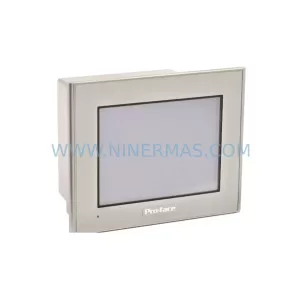
SKU: GP2301-SC41-24V
Pro-face GP2301-SC41-24V Safety-Reliable HMI for Critical Control
Catalog Continuation
Alternative parts within PLC & Industrial Automation Modules.
Stay inside the same system family when you need substitutes, adjacent modules, or a broader shortlist for procurement review.
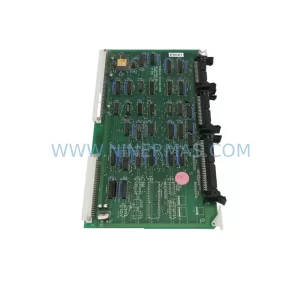
SKU: 80E 208-501035-6 281-501035-7 RPCON-56P RGW-DV C2000 GOT1000 , GT1575-VTBA GT15-75QBUSL
TEL 80E-208-501035-6 Service-Ready Industrial Spare Part
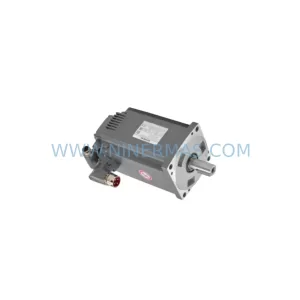
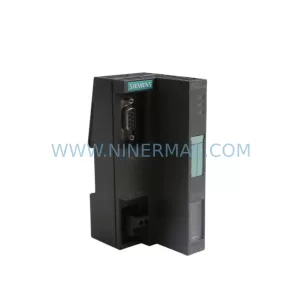
SKU: ES7151-1AA05-0AB0
SIEMENS 6ES7151-1AA05-0AB0 Retrofit-Compatible IM for Legacy ET200S
SKU: DC522 1SAP240600R0001
ABB DC522 1SAP240600R0001 Service-Ready Spare Part



