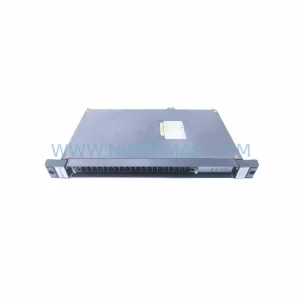
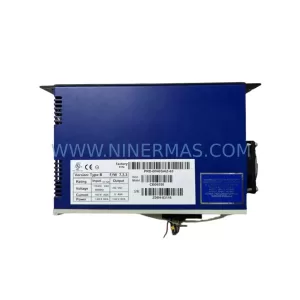
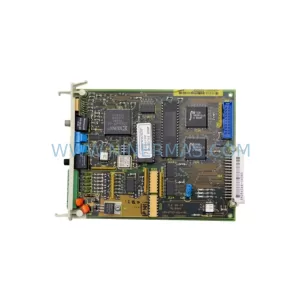
Original Industrial Spare Part
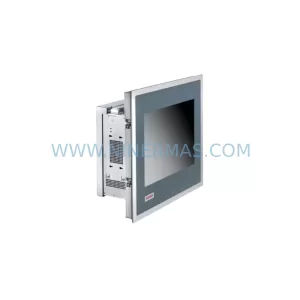
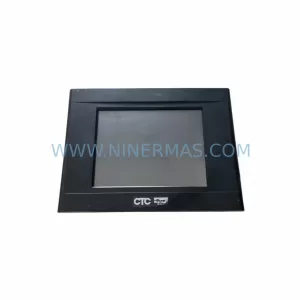
Pro-face GP2301-TC41-24V Service-Ready Spare Part
Verify the part, confirm the platform family, and move straight into quotation with the right commercial details.
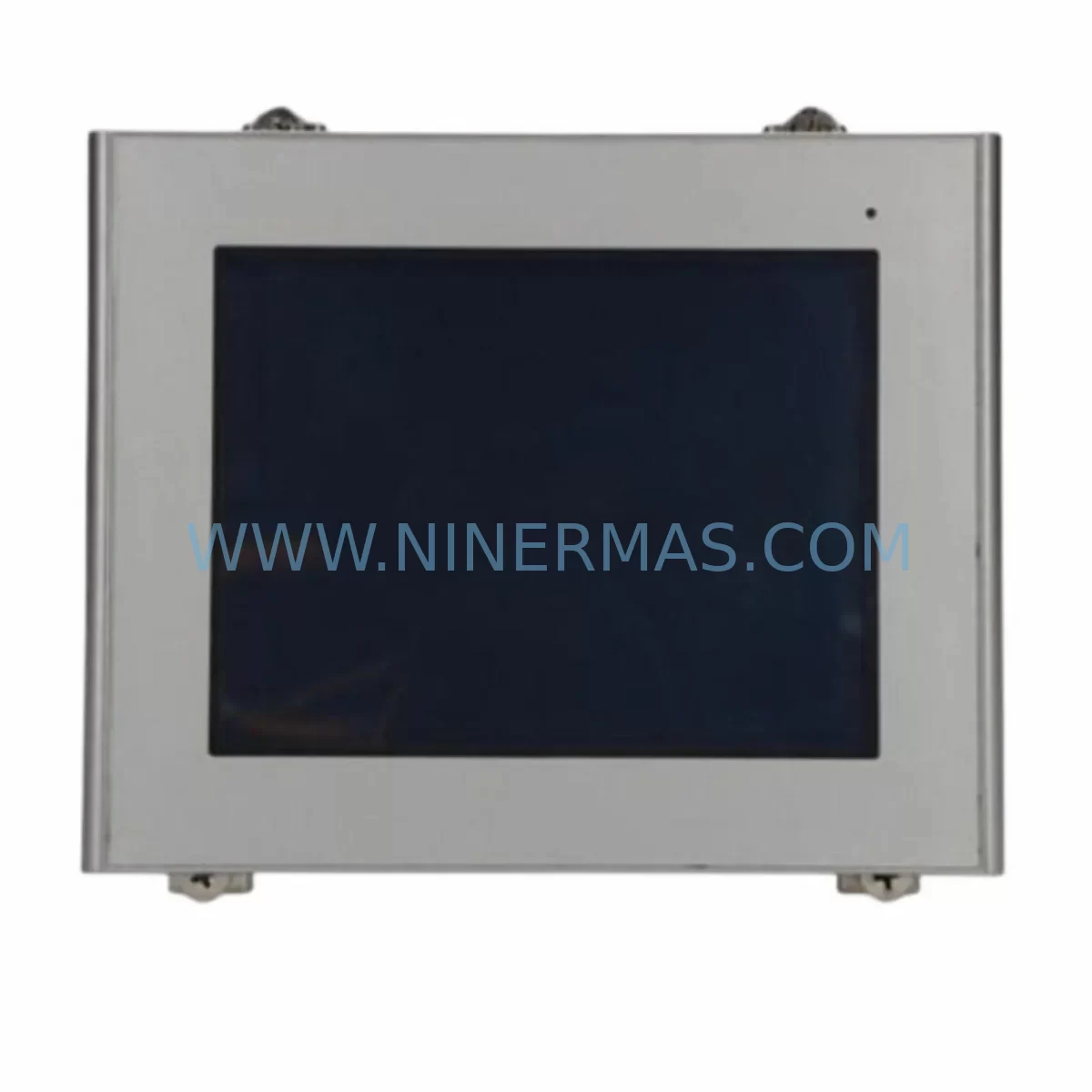
RFQ Ready
- SKUGP2301-TC41-24V
- CategoryPLC & Industrial Automation Modules
- BrandPro-face
- SupportAvailability, lead time, condition, and shipping coordination
How Buyers Usually Use This Page
- Confirm the exact part number and platform family before sending the quote request.
- Use direct email when quantity, condition, and destination are already defined internally.
- Switch to the broader brand or category archive when you need alternates nearby.
Series Navigation
Move through the most common platform families behind this part.
Product RFQ
Send this part directly for quotation.
Include quantity, required condition, destination country, and target delivery timing. Current reference: Pro-face GP2301-TC41-24V Service-Ready Spare Part with SKU GP2301-TC41-24V.
Pro-face GP2301-TC41-24V Service-Ready Spare Part for Industrial Maintenance
The Pro-face GP2301-TC41-24V is a color TFT touch panel HMI from the GP2301 Series, designed for demanding industrial automation environments. Operating on a 24VDC power supply, this unit serves as the primary operator interface in PLC-driven control systems across process manufacturing, packaging lines, water treatment facilities, and discrete assembly operations. When this HMI fails or reaches end-of-life, unplanned downtime can cascade across an entire production cell. Sourcing a verified, service-ready replacement from a reliable spare parts supplier is the fastest path to restoring normal operations.
At NINERMAS, every GP2301-TC41-24V unit is pre-shipment tested, visually inspected, and dispatched with a 12-month warranty. We maintain standing stock to support emergency call-outs, planned annual shutdowns, and long-term spare parts programs for facilities managing aging Pro-face GP2301 Series installations.
Spare Maintenance Table
| Parameter | Specification |
|---|---|
| Part Number / SKU | GP2301-TC41-24V |
| Brand | Pro-face (Schneider Electric / Digital Electronics) |
| Series | GP2301 |
| Product Type | Color TFT Touch Panel HMI |
| Display Size | 5.7-inch STN/TFT Color LCD |
| Power Supply | 24VDC (±10%) |
| Communication Ports | RS-232C / RS-422/485 serial; optional Ethernet |
| Touch Interface | Analog resistive touch screen |
| Operating Temperature | 0°C to 50°C |
| Storage Temperature | -20°C to 60°C |
| Protection Rating | IP65 (front panel) |
| Mounting | Panel cut-out, rear-mount with clamps |
| Compatible Series | GP2301, GP2000 family; retrofit-compatible with GP37W2 and GP377 series |
| Origin | Japan |
| Warranty | 12 Months — NINERMAS Pre-shipment Tested |
Maintenance Planning for Continuous Operation
Replacing a GP2301-TC41-24V in the field is rarely an isolated task. Maintenance engineers and procurement teams managing GP2301 Series panels should treat this replacement as an opportunity to audit the surrounding control cabinet components and reduce the risk of repeat failures.
Begin with the 24VDC power supply module feeding the HMI — units from the same installation vintage often share degradation timelines. Verify output voltage stability under load before commissioning the new panel. Next, inspect the RS-232C or RS-422/485 communication cable connecting the GP2301-TC41-24V to the host PLC or DCS controller; aged cables with cracked insulation or corroded connectors are a leading cause of communication faults that are misdiagnosed as HMI failures.
If the control cabinet houses a Mitsubishi MELSEC Q-series or FX-series PLC, or a Siemens S7-300/S7-400 CPU, confirm that the GP-PRO/PBiii or GP-Pro EX project file is backed up and the communication driver settings match the replacement unit’s firmware version. For sites running Omron CJ1/CJ2 or CS1 PLCs, re-validate the PLC link table after HMI swap to prevent I/O mapping errors on restart.
Inspect the terminal block wiring at the HMI power connector — loose or oxidized terminals are a common source of intermittent resets. Check the 24VDC fuse or circuit breaker protecting the HMI circuit; a nuisance trip that caused the original failure may recur if the protection device is not replaced simultaneously. Where signal isolators are used between the HMI serial port and field devices, verify isolation integrity and replace any units showing leakage or noise injection.
For facilities with GP2301-SC41-24V (monochrome variant) or GP2301-LG41-24V units in adjacent panels, consider consolidating spare stock under a single GP2301 Series procurement order to reduce per-unit cost and simplify inventory management. Sites operating GP37W2-BG41-24V or GP377R-TC41-24V panels in the same production area can often share the same GP-Pro EX screen project with minor revision, reducing engineering time during emergency replacements.
Finally, review the backlight status on all GP2301 Series panels in the facility. Backlight life is typically 50,000 hours; panels installed more than five years ago are approaching end-of-life and should be included in the next planned maintenance window. Proactive replacement during scheduled downtime is significantly less costly than an emergency call-out during production.
Site Replacement Workflow
Step 1 — Isolation & Backup: De-energize the control cabinet following site LOTO procedures. Export the existing GP2301-TC41-24V screen project using GP-Pro EX software before disconnecting the unit. Save the project file to a secure network location.
Step 2 — Physical Removal: Disconnect the 24VDC power connector and all serial communication cables, labelling each connection. Release the panel clamps from the rear and carefully extract the unit from the cabinet cut-out.
Step 3 — Inspection & Preparation: Inspect the panel gasket and cut-out edges for damage. Clean the mounting surface. Verify the replacement GP2301-TC41-24V firmware version matches or is compatible with the existing project file. Update firmware if required before installation.
Step 4 — Installation & Commissioning: Insert the replacement unit, secure clamps evenly to maintain IP65 sealing, reconnect communication cables in the correct sequence, and restore 24VDC power. Load the backed-up screen project via USB or Ethernet. Perform a full I/O check and communication link test before returning the system to production.
Step 5 — Documentation: Record the replacement in the site maintenance log, update the spare parts inventory, and initiate a reorder for the consumed spare to maintain minimum stock levels.
Spare Parts Support FAQ
Q1: Is the GP2301-TC41-24V you supply an original Pro-face unit?
Yes. NINERMAS supplies original Pro-face GP2301-TC41-24V units sourced through verified industrial supply channels. Each unit undergoes pre-shipment functional testing and is dispatched with a 12-month warranty covering manufacturing defects and operational failures under normal use conditions.
Q2: How do I confirm compatibility with my existing GP2301 Series installation?
The GP2301-TC41-24V is a direct replacement for other GP2301-TC41-24V units and is compatible with GP-Pro EX and GP-PRO/PBiii screen projects targeting the GP2301 platform. If you are retrofitting from a GP37W2 or GP377 Series panel, contact our technical team with your existing project file version and PLC model for a compatibility assessment before ordering.
Q3: What is your lead time and do you hold stock for emergency orders?
NINERMAS maintains standing inventory of GP2301-TC41-24V units to support both planned procurement and emergency call-outs. Standard orders are dispatched within 1–3 business days. For urgent requirements, contact us directly at sale@ninermas.com or +0086 187 5021 5667 to confirm same-day or next-day dispatch availability.
Q4: Can you support a long-term spare parts program for our GP2301 Series fleet?
Yes. We offer long-term supply agreements for facilities managing multiple GP2301 Series HMI panels. These programs include reserved stock allocation, fixed pricing for the agreement term, priority dispatch, and consolidated shipment scheduling aligned with your annual maintenance calendar. All units supplied under long-term agreements carry the standard 12-month warranty.
| Product Series | Other series |
|---|
Catalog Continuation
More Pro-face modules in the catalog.
Use the brand lane to compare nearby part numbers, platform-adjacent modules, and other inquiry-ready listings before sending your final RFQ.
SKU: PFXPP170CA86K00N00
Pro-face PFXPP170CA86K00N00 Safety-Reliable IPC Panel
SKU: PFXPP161EA25P00G00
Pro-face PFXPP161EA25P00G00 Service-Ready Industrial Spare Part
SKU: PL6700-T11-W901F
Pro-face PL6700-T11-W901F Safety-Reliable HMI for Critical Sites
Catalog Continuation
Alternative parts within PLC & Industrial Automation Modules.
Stay inside the same system family when you need substitutes, adjacent modules, or a broader shortlist for procurement review.