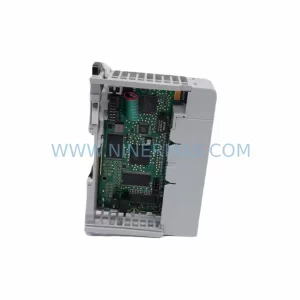
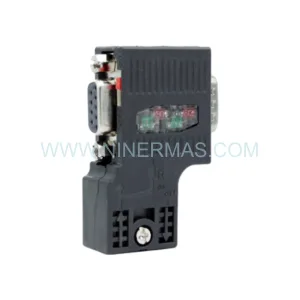
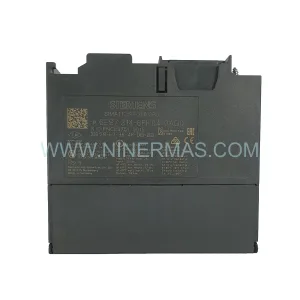
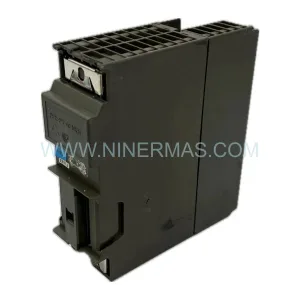
Original Industrial Spare Part
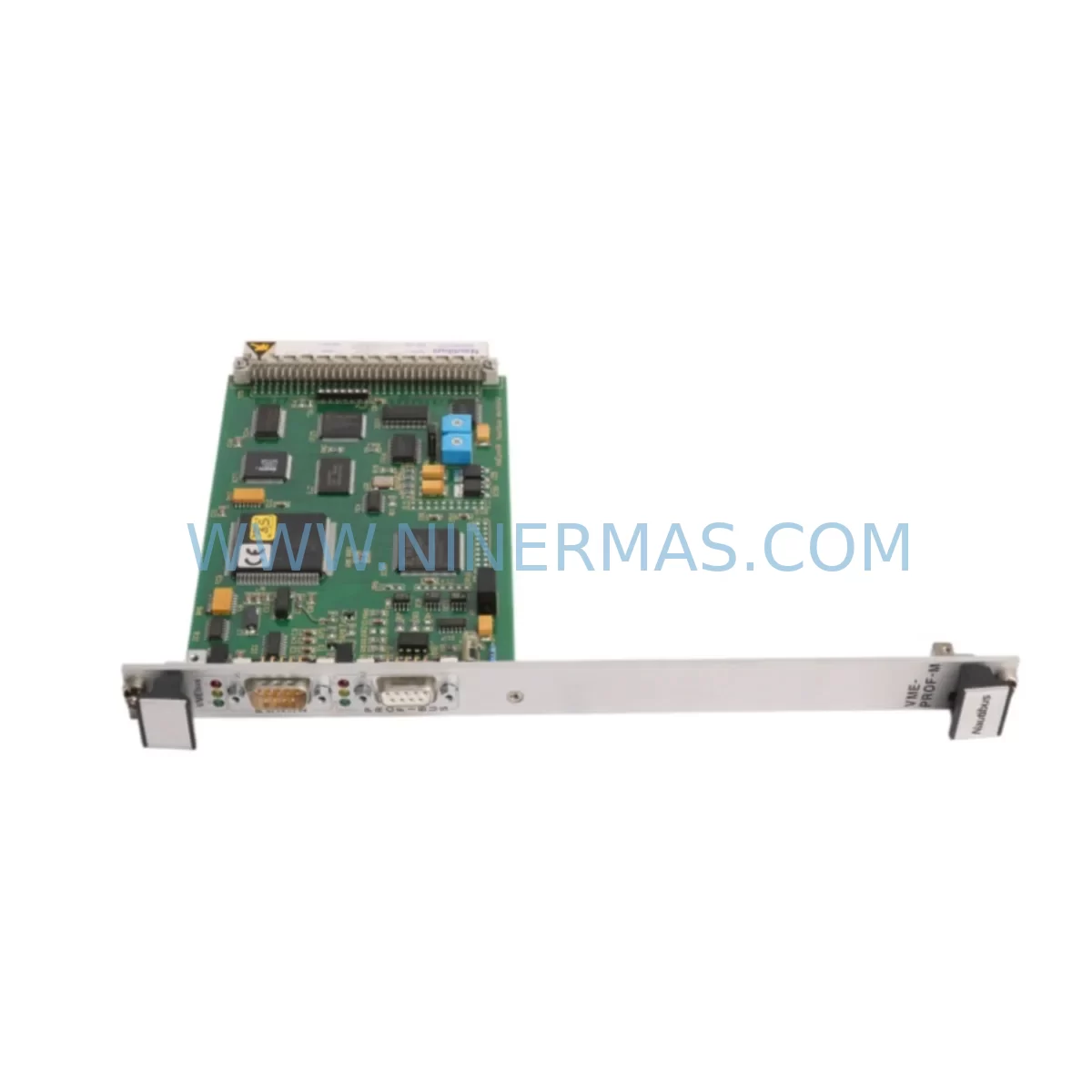
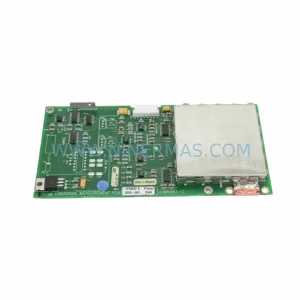
Nautibus VME-PROF-M Retrofit-Compatible Profibus DP Master
Verify the part, confirm the platform family, and move straight into quotation with the right commercial details.
RFQ Ready
- SKUVME-PROF-M
- CategoryPLC & Industrial Automation Modules
- BrandNautibus
- SupportAvailability, lead time, condition, and shipping coordination
How Buyers Usually Use This Page
- Confirm the exact part number and platform family before sending the quote request.
- Use direct email when quantity, condition, and destination are already defined internally.
- Switch to the broader brand or category archive when you need alternates nearby.
Series Navigation
Move through the most common platform families behind this part.
Product RFQ
Send this part directly for quotation.
Include quantity, required condition, destination country, and target delivery timing. Current reference: Nautibus VME-PROF-M Retrofit-Compatible Profibus DP Master with SKU VME-PROF-M.
Nautibus VME-PROF-M Retrofit-Compatible Profibus DP Master for Legacy System Modernization
The Nautibus VME-PROF-M is a Profibus DP Master communication module designed for VME bus architectures, widely deployed across legacy industrial automation platforms throughout the 1990s and 2000s. As original equipment manufacturers discontinue support for aging VMEbus-based control systems, the VME-PROF-M has become a critical retrofit component for engineers tasked with extending the operational life of existing production lines, upgrading control cabinets, and migrating communication protocols without full system replacement.
NINERMAS maintains verified inventory of the VME-PROF-M to support planned maintenance cycles, emergency spare part sourcing, and phased system modernization projects. Each unit undergoes pre-shipment functional testing and is backed by a 12-month warranty, ensuring confidence for both immediate deployment and long-term retrofit planning.
Upgrade Compatibility Table
| Parameter | VME-PROF-M Specification | Retrofit Consideration |
|---|---|---|
| Bus Interface | VMEbus (IEEE 1014) | Confirm backplane slot pitch and J1/J2 connector compatibility before installation |
| Communication Protocol | Profibus DP (EN 50170) | Verify GSD file version matches existing Profibus master configuration; update DP network parameters if replacing a different master module |
| Power Supply | +5 VDC via VMEbus backplane | Measure backplane power rail capacity; aging VME power supplies may require load assessment before adding modules |
| Module Addressing | Base address configurable via DIP switch or software | Record existing address map from legacy system documentation; conflicts with other VME modules must be resolved prior to commissioning |
| Installation Space | Single-slot VME 6U card | Confirm available slot in existing VME chassis; adjacent module clearance required for cable routing |
| Software / Driver Compatibility | Supports standard Profibus DP stack; driver packages available for major RTOS environments | Validate driver compatibility with host CPU board OS version before replacement; retain original configuration backup |
| HMI Integration | Transparent to HMI via Profibus DP network | HMI screen tag addresses remain valid if DP slave address assignments are preserved during migration |
| Warranty | 12 Months — Covers manufacturing defects; pre-shipment functional test report available on request | |
Retrofit Planning for Existing Automation Systems
Successful integration of the VME-PROF-M into a legacy control system requires a structured approach that accounts for the interdependencies between hardware, firmware, and field devices. In most VMEbus-based installations, the Profibus DP Master module operates alongside a host CPU board — such as a Motorola MVME series processor card or equivalent — which runs the application program and communicates with the VME-PROF-M through shared memory or mailbox registers. Engineers should retrieve the existing memory map and interrupt vector assignments from the original system documentation before removing the legacy module.
On the field side, the VME-PROF-M connects to a Profibus DP network that may include distributed I/O stations, variable frequency drives, servo amplifiers, and intelligent field devices. During retrofit planning, it is essential to export the complete Profibus network configuration — including all slave GSD files, station addresses, and I/O byte assignments — from the existing engineering tool before any hardware change is made. This configuration file becomes the baseline for commissioning the replacement module.
Power distribution within the control cabinet deserves careful attention. VME chassis power supplies — particularly units that have been in continuous service for over a decade — may be operating near their rated output capacity. Before installing the VME-PROF-M, measure the actual +5 VDC and ±12 VDC rail voltages under load. If margins are insufficient, a VME power supply replacement or supplemental DC-DC converter module should be included in the retrofit scope. Similarly, the Profibus cable termination resistors at both ends of the DP segment must be verified, as degraded termination is a common source of communication errors following module replacement.
For systems that include analog and digital I/O expansion through VME I/O modules — such as 32-channel digital input/output boards or 16-channel analog input modules installed in the same chassis — the retrofit scope should confirm that these modules are unaffected by the master replacement. In many cases, the I/O modules communicate directly with the host CPU and are independent of the Profibus master, but this must be verified against the system architecture diagram. Where signal isolation is required between field devices and the VME backplane, DIN-rail mounted signal isolators or signal conditioners may need to be retained or replaced as part of the upgrade.
Programming cable access is another practical consideration. If the host CPU board requires a serial or Ethernet programming connection for firmware updates or application program modifications during commissioning, ensure that the programming cable and associated software tools are available on-site. Some legacy VMEbus systems use proprietary front-panel connectors that may require adapters not commonly stocked in modern maintenance toolkits.
Downtime Control During System Migration
Minimizing unplanned downtime is the primary concern for any retrofit involving a Profibus DP Master replacement in a running production environment. The recommended approach is to complete all pre-migration tasks — configuration backup, hardware verification, spare part staging, and test procedure preparation — before scheduling the physical swap. A well-prepared team can typically complete the VME-PROF-M replacement and return the system to automatic operation within a planned maintenance window of two to four hours, depending on system complexity.
Before powering down the VME chassis, save a complete backup of the application program from the host CPU board to an external storage medium. If the system uses a battery-backed SRAM module or non-volatile memory card to retain the program during power loss, verify that the backup battery is functional and that the memory contents are intact. This step protects against data loss in the event that the power-down sequence causes unexpected memory corruption.
During the physical module swap, handle the VME-PROF-M using proper ESD precautions. Insert the module into the correct slot, secure the front panel ejector levers, and verify that the Profibus DB9 connector is firmly seated before restoring power. On initial power-up, observe the module’s LED status indicators — typically indicating power, bus activity, and error states — to confirm that the module has initialized correctly and established communication with the Profibus DP network.
If the system includes an HMI panel connected to the control network, verify that all process variable displays are updating correctly and that no alarm conditions related to communication loss are active before releasing the system to production. Document the completed retrofit, including the module serial number, installation date, and any configuration changes made during commissioning, to support future maintenance planning and warranty claims.
Retrofit Support FAQ
Q1: Is the VME-PROF-M a direct drop-in replacement for other Nautibus Profibus DP Master modules?
The VME-PROF-M is designed for VMEbus installations and is the standard Nautibus Profibus DP Master for this platform. Compatibility with other Nautibus modules depends on the specific hardware revision and firmware version of the host system. NINERMAS recommends providing your existing module part number and system documentation for a compatibility assessment before ordering.
Q2: What pre-shipment testing is performed on the VME-PROF-M?
Each VME-PROF-M unit supplied by NINERMAS undergoes functional verification prior to shipment, including power-on self-test, VMEbus interface check, and Profibus DP communication validation. A test report is available on request. All units are covered by a 12-month warranty against manufacturing defects.
Q3: How do I preserve my existing Profibus network configuration during the module replacement?
Export the complete Profibus DP network configuration — including all slave GSD files, station addresses, and I/O byte maps — from your engineering software (such as Siemens STEP 7, Siemens TIA Portal, or equivalent) before removing the legacy module. This configuration file is used to commission the VME-PROF-M and ensures that all field device assignments and HMI tag addresses remain consistent after the replacement.
Q4: What is the typical lead time and inventory availability for the VME-PROF-M?
NINERMAS maintains stock of the VME-PROF-M to support urgent retrofit and emergency spare part requirements. Standard orders are processed and shipped within 3–5 business days. For large-quantity orders or long-term supply agreements, please contact our sales team to discuss inventory reservation and delivery scheduling.
| Product Series | Other series |
|---|
Catalog Continuation
Alternative parts within PLC & Industrial Automation Modules.
Stay inside the same system family when you need substitutes, adjacent modules, or a broader shortlist for procurement review.
SKU: 16-167627-00 8122 410 05002, 4022.470.78191 8122 410 55702 16-273491-00
Novellus 16-167627-00 Service-Ready Industrial Spare Part
SKU: 2305451-C DT2000 0626 P2, OLE36-10632-02
Advanced Energy 2305451-C Service-Ready Industrial Spare Part