Original Industrial Spare Part
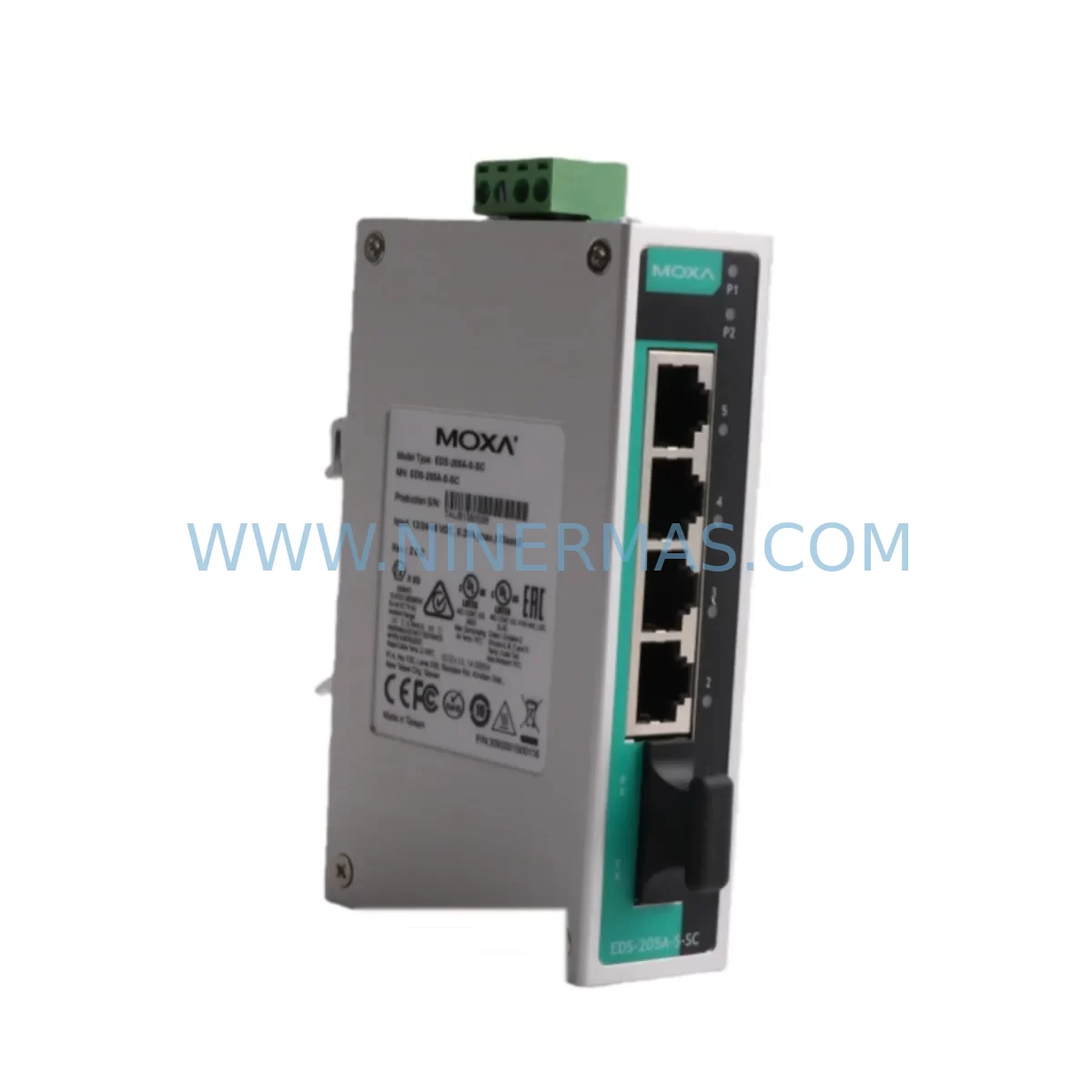
Moxa EDS-205A Service-Ready Spare Part for Industrial
Verify the part, confirm the platform family, and move straight into quotation with the right commercial details.
RFQ Ready
- SKUEDS-205A
- CategoryPLC & Industrial Automation Modules
- BrandMOXA
- SupportAvailability, lead time, condition, and shipping coordination
How Buyers Usually Use This Page
- Confirm the exact part number and platform family before sending the quote request.
- Use direct email when quantity, condition, and destination are already defined internally.
- Switch to the broader brand or category archive when you need alternates nearby.
Series Navigation
Move through the most common platform families behind this part.
Product RFQ
Send this part directly for quotation.
Include quantity, required condition, destination country, and target delivery timing. Current reference: Moxa EDS-205A Service-Ready Spare Part for Industrial with SKU EDS-205A.
Moxa EDS-205A Service-Ready Spare Part for Industrial Maintenance
The Moxa EDS-205A is a compact, 5-port unmanaged industrial Ethernet switch designed for reliable data communication in demanding automation environments. As a critical spare part in DCS, PLC, and SCADA network architectures, the EDS-205A ensures that control engineers and maintenance teams can restore network connectivity quickly following switch failure, port damage, or scheduled system overhaul. At NINERMAS, every EDS-205A unit is sourced, inspected, and dispatched with a 12-month warranty, giving procurement and maintenance engineers full confidence in long-term supply continuity.
Whether you are managing a petrochemical distributed control system, a power plant SCADA backbone, a water treatment automation network, or a discrete manufacturing cell, the EDS-205A delivers the plug-and-play simplicity and industrial-grade durability that maintenance teams depend on during both planned shutdowns and emergency recovery scenarios.
Spare Maintenance Table
| Parameter | Specification |
|---|---|
| Brand | Moxa |
| SKU / Model | EDS-205A |
| Series | EDS-200A Series |
| Product Type | Unmanaged Industrial Ethernet Switch |
| Number of Ports | 5 × 10/100BaseT(X) RJ45 |
| Switching Standard | IEEE 802.3, 802.3u |
| Power Input | 12–48 VDC / 24 VAC (redundant dual input) |
| Power Consumption | ≤ 2.7 W |
| Operating Temperature | -10°C to 60°C (standard); -40°C to 75°C (wide temp variant) |
| Storage Temperature | -40°C to 85°C |
| Humidity | 5–95% RH (non-condensing) |
| Mounting | DIN-Rail |
| Protection | IP30 enclosure |
| EMC Compliance | EN 61000-6-2, EN 61000-6-4, FCC Part 15 Class A |
| Certifications | CE, FCC, UL |
| MTBF | > 1,000,000 hours |
| Dimensions | 36 × 135 × 105 mm |
| Weight | Approx. 340 g |
| Origin | Taiwan |
| Warranty | 12 Months (NINERMAS) |
| Outgoing Inspection | Power-on functional test, port link verification |
Maintenance Planning for Continuous Operation
When a maintenance engineer identifies a failed or degraded EDS-205A in the field, the replacement workflow extends beyond simply swapping the switch. A thorough site inspection should accompany every spare part installation to prevent repeat failures and protect the broader control network.
Begin by verifying the 24 VDC panel power supply feeding the switch — a fluctuating or undersized supply rail is a common root cause of premature switch failure in industrial cabinets. If the site uses a Moxa DR-4524 or DR-75-24 DIN-rail power supply, confirm output voltage stability under load before commissioning the replacement EDS-205A. Alongside the switch, inspect the Ethernet patch cables and RJ45 connectors within the control cabinet; degraded cable insulation or loose terminations in high-vibration environments can cause intermittent link drops that are often misdiagnosed as switch faults.
In systems where the EDS-205A connects field devices such as Moxa NPort 5150A or NPort 5250A serial device servers, verify that the serial-to-Ethernet conversion modules are operating correctly after the switch is replaced, as network topology changes can affect device IP assignments. For sites running Moxa MGate MB3180 or MGate 5101 Modbus/EtherNet-IP gateways, confirm gateway communication parameters remain intact post-replacement to avoid PLC polling errors.
In control cabinets housing Phoenix Contact or Weidmüller terminal blocks and surge protection modules, check that the Ethernet surge arrestors on incoming field cables are not degraded — a single lightning or switching transient event that damaged the EDS-205A may have also stressed adjacent surge protection devices. Similarly, if the network segment connects to a Siemens S7-300/S7-400 PLC CP communication module or a Rockwell Allen-Bradley 1756-ENBT EtherNet/IP bridge module, validate that the PLC network configuration still recognises all connected nodes after the switch replacement.
For sites with Moxa EDS-510A or EDS-G508E managed switches upstream in the network hierarchy, review VLAN and port configuration to ensure the unmanaged EDS-205A segment is correctly integrated. Finally, document the replacement in the site maintenance log and update the spare parts inventory to trigger a replenishment order — maintaining at least one EDS-205A buffer stock per control room is a best practice for facilities with zero-tolerance downtime requirements.
Site Replacement Workflow
The EDS-205A is a direct replacement for earlier EDS-205 units and is backward-compatible with existing DIN-rail mounting brackets and 24 VDC wiring harnesses in most Moxa-based network panels. The replacement procedure is straightforward and can typically be completed within 15–30 minutes by a qualified maintenance technician:
Step 1 — Isolation: Notify the control room operator and place the affected network segment in maintenance mode. Where possible, use a managed upstream switch to isolate the faulty segment without disrupting the broader SCADA or DCS network.
Step 2 — Documentation: Photograph the existing cable layout and port assignments before disconnecting any Ethernet or power cables. Label each cable with its port number to ensure accurate reconnection.
Step 3 — Removal: Disconnect power leads first, then Ethernet cables. Release the DIN-rail clip and remove the faulty EDS-205A from the rail.
Step 4 — Installation: Clip the replacement EDS-205A onto the DIN rail. Reconnect power leads and verify the PWR LED illuminates. Reconnect Ethernet cables in the documented port order.
Step 5 — Verification: Confirm all port link LEDs are active. From the control room, verify that all field devices and PLC nodes are communicating normally. Run a brief ping test across the segment to confirm end-to-end connectivity.
Step 6 — Handover: Return the system to normal operation, update the maintenance log, and submit a spare part replenishment request to procurement. NINERMAS maintains ongoing EDS-205A inventory to support rapid reorder cycles with typical lead times of 3–7 business days.
Spare Parts Support FAQ
Q1: Is the EDS-205A covered by a warranty?
Yes. Every EDS-205A supplied by NINERMAS carries a 12-month warranty from the date of shipment. Units are power-on tested and port-verified before dispatch. In the event of a warranty claim, NINERMAS provides replacement or repair support with priority handling for critical site applications.
Q2: How do I confirm compatibility with my existing Moxa network installation?
The EDS-205A is compatible with all standard 10/100 Mbps Ethernet devices and is a direct functional replacement for the EDS-205 and other EDS-200 series variants. It operates on 12–48 VDC or 24 VAC power inputs, making it compatible with the majority of existing industrial panel power supplies. If you require compatibility confirmation for a specific site configuration, contact NINERMAS with your system details and our technical team will advise.
Q3: Can NINERMAS guarantee long-term supply of the EDS-205A?
NINERMAS maintains dedicated buffer stock of high-demand Moxa spare parts including the EDS-205A to support ongoing maintenance programmes. For facilities with annual maintenance contracts or multi-site operations, we offer scheduled procurement agreements to ensure supply continuity without lead time risk.
Q4: What pre-shipment testing is performed on each unit?
Each EDS-205A undergoes a power-on functional test and individual port link verification before shipment. Units that do not pass inspection are quarantined and not dispatched. A test confirmation is available upon request for quality-critical procurement processes.
| Product Series | Other series |
|---|
Catalog Continuation
More MOXA modules in the catalog.
Use the brand lane to compare nearby part numbers, platform-adjacent modules, and other inquiry-ready listings before sending your final RFQ.
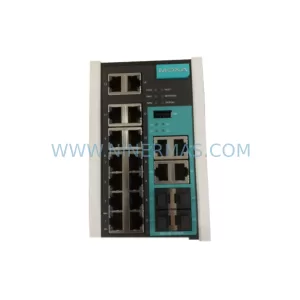
SKU: 4600136 EDS-316-SS-SC-T
MOXA EDS-316-SS-SC-T Retrofit Fiber Ethernet Switch
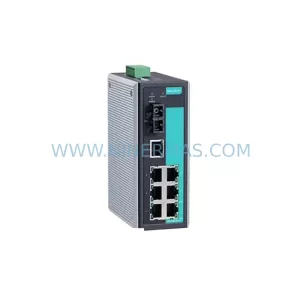
SKU: EDS-518E-4GTXSFP-T
MOXA EDS-518E-4GTXSFP-T Retrofit-Compatible Managed Switch
Catalog Continuation
Alternative parts within PLC & Industrial Automation Modules.
Stay inside the same system family when you need substitutes, adjacent modules, or a broader shortlist for procurement review.
SKU: HMS01.1N-W0054-A-07-NNNN HMS01.1N-W0054
Rexroth HMS01.1N-W0054-A-07-NNNN Service-Ready Spare Part
SKU: VIBRO METER VM600 IOC4T 200-560-000-019 I/O MODULE
Vibro-Meter VM600 IOC4T 200-560-000-019 Spare Part