Original Industrial Spare Part
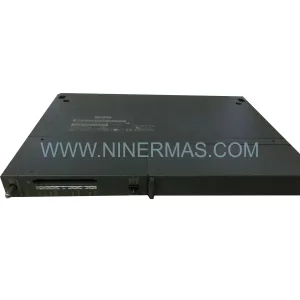
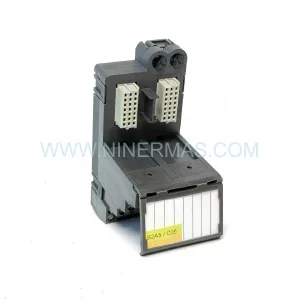
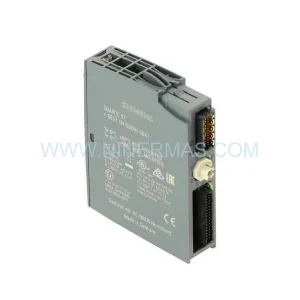
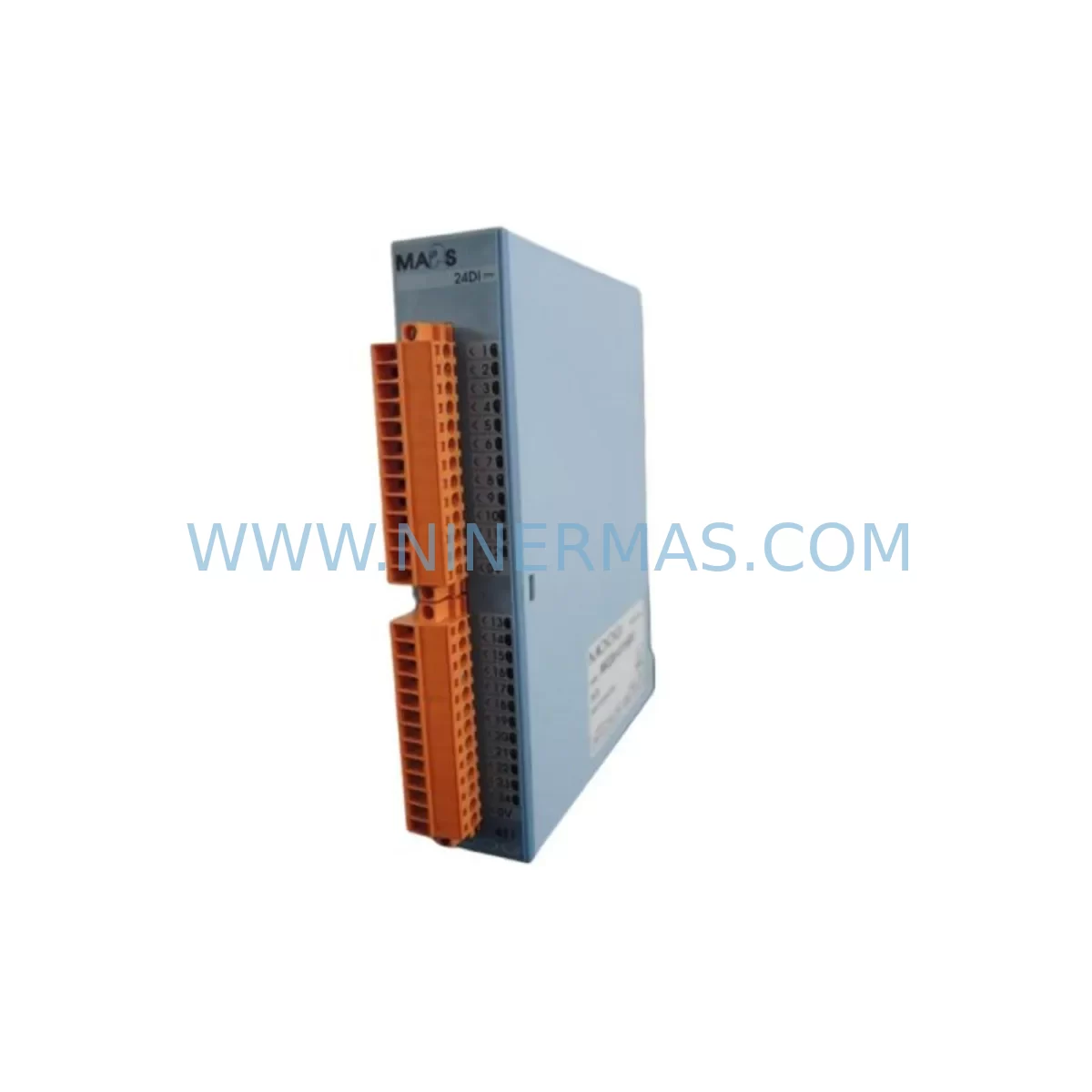
MOOG IMI220-422A001 Retrofit-Compatible Machine Controller
Verify the part, confirm the platform family, and move straight into quotation with the right commercial details.
RFQ Ready
- SKUIMI220-422A001
- CategoryPLC & Industrial Automation Modules
- BrandMOOG
- SupportAvailability, lead time, condition, and shipping coordination
How Buyers Usually Use This Page
- Confirm the exact part number and platform family before sending the quote request.
- Use direct email when quantity, condition, and destination are already defined internally.
- Switch to the broader brand or category archive when you need alternates nearby.
Series Navigation
Move through the most common platform families behind this part.
Product RFQ
Send this part directly for quotation.
Include quantity, required condition, destination country, and target delivery timing. Current reference: MOOG IMI220-422A001 Retrofit-Compatible Machine Controller with SKU IMI220-422A001.
MOOG IMI220-422A001 Retrofit-Compatible Machine Controller: Legacy System Compatibility & Smooth Upgrade Path
The MOOG IMI220-422A001 is a ruggedized Total Machine Controller engineered for demanding industrial environments where reliability, continuity, and long service life are non-negotiable. As legacy automation systems age and original equipment manufacturers discontinue support for older control platforms, the IMI220-422A001 has become a critical retrofit solution for facilities seeking to extend the operational life of existing production lines without committing to a full system overhaul.
Designed within MOOG’s IMI220 Series architecture, this controller supports a wide range of motion control, I/O management, and machine sequencing functions. Its ruggedized construction — featuring enhanced vibration tolerance, extended temperature range, and sealed enclosure options — makes it particularly well-suited for retrofit applications in heavy manufacturing, metal forming, plastics processing, and energy sector automation where environmental conditions are severe and downtime is costly.
For maintenance engineers and system integrators managing aging control cabinets, the IMI220-422A001 offers a technically sound replacement path for discontinued controllers in the same performance class. Before proceeding with installation, engineers should carefully verify power supply capacity within the existing cabinet. The IMI220-422A001 requires a stable DC supply within its rated input range; if the existing power module — such as an older MOOG PSU or third-party DIN-rail supply — cannot meet the current draw under full I/O load, a replacement or supplemental power module should be sourced concurrently to avoid instability after commissioning.
Upgrade Compatibility Table
| Parameter | IMI220-422A001 (This Unit) | Retrofit Notes |
|---|---|---|
| Controller Series | MOOG IMI220 | Compatible with IMI220 Series backplane and rack |
| Installation Format | Rack / Backplane Mount | Verify slot width and backplane connector alignment before installation |
| Communication Interface | Serial / Proprietary MOOG Bus (verify per revision) | Confirm protocol compatibility with existing HMI and network nodes |
| I/O Compatibility | Supports IMI220 Series I/O modules | Existing I/O expansion modules should be audited for address conflicts |
| Power Requirement | DC Input (rated range — verify datasheet) | Confirm cabinet power module capacity under full load |
| Terminal Wiring | Per IMI220 Series standard | Cross-reference original wiring diagrams; re-label terminals after retrofit |
| Program Compatibility | IMI220 Series firmware environment | Back up existing program logic before replacement; verify firmware revision match |
| HMI Screen Compatibility | Compatible with IMI220-linked HMI panels | HMI tag mapping should be verified post-swap; screen refresh may require reconfiguration |
| Physical Dimensions | Standard IMI220 module footprint | Confirm available rack space and adjacent module clearance |
| Warranty | 12-Month Warranty — All units tested prior to shipment | |
Retrofit Planning for Existing Automation Systems
A successful retrofit using the MOOG IMI220-422A001 begins well before the unit arrives on-site. System integrators should conduct a full audit of the existing control cabinet, documenting every installed module, its slot position, wiring termination, and communication address. In a typical IMI220-based control system, the cabinet may house a combination of digital input modules, analog output modules, motion axis cards, and a dedicated communication gateway — all of which interact with the central controller through the backplane bus.
Terminal wiring is one of the most time-sensitive steps in any retrofit. Engineers should photograph and document all existing terminal connections before disconnecting any wiring. In older installations, terminal labels may have faded or been relabeled informally over years of field maintenance. Cross-referencing the original electrical schematics against the physical wiring state is essential to avoid miswiring during reinstallation.
Backplane interface compatibility must also be confirmed. The IMI220-422A001 is designed for the IMI220 Series rack, but installations that have undergone previous partial upgrades may include mixed-generation backplanes. If the existing rack includes modules such as an IMI220 Series I/O expansion module or a MOOG motion axis controller card, the backplane connector pinout and bus protocol must be verified to ensure the new controller communicates correctly with all installed peripherals.
Module addressing is another critical checkpoint. In rack-based systems, each module occupies a defined address space that the controller uses to map I/O data. When replacing the central controller, the address table must be preserved or carefully reconstructed. Any mismatch between the controller’s expected I/O map and the physical module layout will result in faults at startup. Engineers should use the original program documentation or a MOOG programming cable and compatible software to read back the existing configuration before the old controller is removed.
For facilities where the existing HMI panel — such as a MOOG operator terminal or a third-party panel PC running MOOG-compatible visualization software — is linked to the controller via a serial or proprietary communication link, the communication parameters (baud rate, node address, protocol variant) must be documented and replicated on the replacement unit. Failure to match these parameters will result in loss of HMI communication after the swap, requiring additional on-site debugging time.
In systems where I/O capacity has been extended over time through the addition of remote I/O modules or signal isolator cards, the retrofit plan should include a full scan of all active I/O points. Unused or legacy I/O addresses that remain in the program but are no longer physically wired can cause unexpected faults if the new controller initializes them differently. Cleaning up the I/O map during the retrofit is strongly recommended.
Finally, installation space must be confirmed before the unit ships. The IMI220-422A001 occupies a defined slot width in the IMI220 rack. If adjacent modules — such as a power distribution module or a communication bridge module — have been repositioned over time, the available slot may be narrower than the original design. Physical measurement of the available rack space, including clearance for cable routing and ventilation, should be completed during the pre-retrofit site survey.
Downtime Control During System Migration
Minimizing production downtime is the primary operational concern in any controller retrofit. For facilities running continuous or semi-continuous processes, even a planned maintenance window carries significant cost implications. A structured migration approach using the MOOG IMI220-422A001 can reduce the active swap window to a matter of hours when preparation is thorough.
The most effective downtime reduction strategy is parallel preparation. Before the scheduled maintenance window, the replacement controller should be pre-configured off-line using a MOOG programming cable and the backed-up program file from the existing system. Where firmware versions differ between the old and new units, the program should be reviewed for any deprecated function blocks or instruction set differences that may require minor edits before download.
During the swap window, the sequence should follow a defined order: power down the cabinet in the correct sequence to protect connected drives and I/O modules, remove the old controller, install the IMI220-422A001, verify backplane seating, restore power, download the pre-tested program, and perform a controlled startup with all field devices in a safe state. Having a laptop with MOOG programming software and a pre-loaded program image on-site eliminates the need for remote access during commissioning, reducing dependency on network connectivity in the field.
For systems where the controller interfaces with a servo drive or motion controller axis card, the drive parameters — including axis tuning, speed limits, and fault response settings — should be documented and verified after the controller swap. Motion parameters are sometimes stored in the drive rather than the controller, but the controller’s motion command structure must still be compatible with the drive’s firmware version.
Post-swap, a structured functional test covering all I/O points, communication links, HMI screens, and motion sequences should be completed before returning the system to production. This test should be documented and signed off by the responsible engineer. All units supplied by NINERMAS are tested prior to shipment and covered by a 12-month warranty, reducing the risk of early failure and providing a clear support path if issues arise during commissioning.
Retrofit Support FAQ
Q1: Is the MOOG IMI220-422A001 a direct drop-in replacement for my existing IMI220 Series controller?
In most cases, yes — the IMI220-422A001 is designed for the IMI220 Series rack and backplane architecture. However, firmware revision differences between the original unit and the replacement may require a program review before download. We recommend confirming the firmware version of your existing controller and requesting a matched or compatible revision when ordering.
Q2: What wiring changes are required during installation?
The IMI220-422A001 uses the standard IMI220 Series terminal and backplane connector layout. In most retrofit scenarios, no wiring changes are required at the controller level — the existing cabinet wiring connects through the backplane. However, any field wiring connected directly to the controller’s front terminals should be documented and verified against the original schematics before reconnection.
Q3: How do I verify communication compatibility with my existing HMI and network?
Communication parameters — including protocol type, baud rate, and node address — should be read from the existing controller before removal using a programming cable and compatible software. These parameters must be replicated on the IMI220-422A001 during commissioning. If the existing HMI panel uses a proprietary MOOG communication driver, confirm that the driver version is compatible with the replacement controller’s firmware.
Q4: What does the 12-month warranty cover, and what is the lead time?
All MOOG IMI220-422A001 units supplied by NINERMAS are tested prior to shipment and covered by a 12-month warranty against manufacturing defects and functional failure under normal operating conditions. Stock availability is confirmed at time of order. For urgent retrofit requirements, please contact our team directly to confirm lead time and arrange expedited dispatch.
| Product Series | Other series |
|---|
Catalog Continuation
More MOOG modules in the catalog.
Use the brand lane to compare nearby part numbers, platform-adjacent modules, and other inquiry-ready listings before sending your final RFQ.
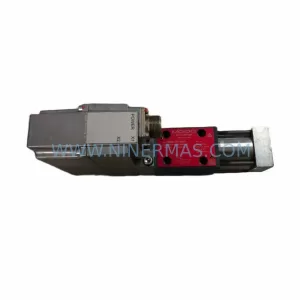
SKU: D638-177-0001 R02TB1F0HSS2MBOK1B1
MOOG D638-177-0001/R02TB1F0HSS2MBOK1B1 Safety-Reliable Valve
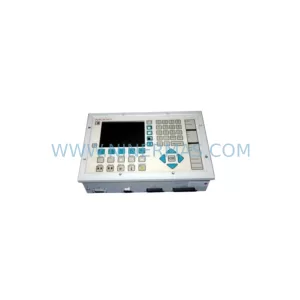
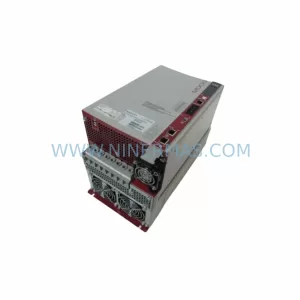
SKU: G392-006-020-001
MOOG G392-006-020-001 Safety-Reliable Servo Drive for Critical Control
Catalog Continuation
Alternative parts within PLC & Industrial Automation Modules.
Stay inside the same system family when you need substitutes, adjacent modules, or a broader shortlist for procurement review.