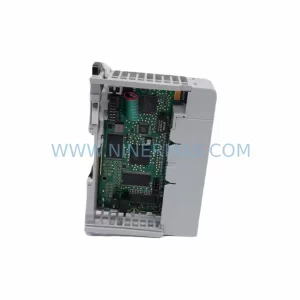
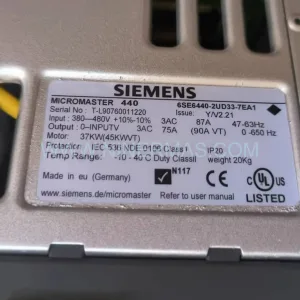
Original Industrial Spare Part
MLink 1TGE102019R1001 Retrofit-Compatible Control Unit
Verify the part, confirm the platform family, and move straight into quotation with the right commercial details.
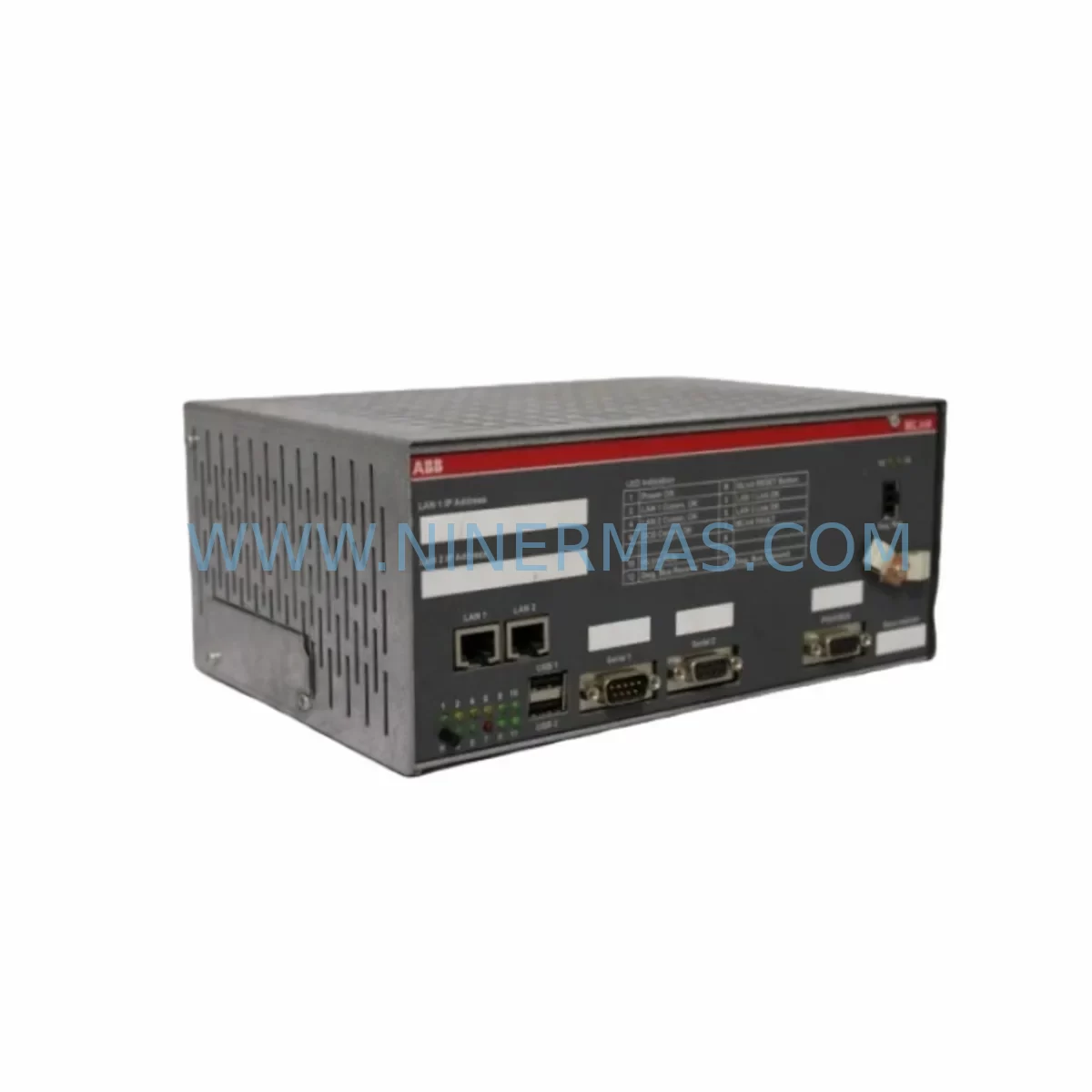
RFQ Ready
- SKU1TGE102019R1001
- CategoryPLC & Industrial Automation Modules
- BrandMLink
- SupportAvailability, lead time, condition, and shipping coordination
How Buyers Usually Use This Page
- Confirm the exact part number and platform family before sending the quote request.
- Use direct email when quantity, condition, and destination are already defined internally.
- Switch to the broader brand or category archive when you need alternates nearby.
Series Navigation
Move through the most common platform families behind this part.
Product RFQ
Send this part directly for quotation.
Include quantity, required condition, destination country, and target delivery timing. Current reference: MLink 1TGE102019R1001 Retrofit-Compatible Control Unit with SKU 1TGE102019R1001.
MLink 1TGE102019R1001 Retrofit-Compatible Control Unit for Legacy Automation Systems
The MLink 1TGE102019R1001 is a retrofit-compatible industrial control unit engineered to serve as a direct replacement for end-of-life and discontinued control modules in legacy automation environments. Whether you are managing a planned upgrade of an aging production line or responding to an unplanned failure of a discontinued spare part, the 1TGE102019R1001 is designed to minimize engineering rework, reduce commissioning time, and restore system continuity with confidence.
Industrial facilities operating legacy control architectures — including older distributed control systems (DCS), programmable logic controller (PLC) racks, and hybrid relay-logic panels — frequently encounter the challenge of sourcing compatible replacement modules when original manufacturers have discontinued support. The MLink 1TGE102019R1001 addresses this gap by maintaining electrical and functional compatibility with the original control platform, allowing maintenance engineers to proceed with replacement without redesigning the control cabinet or rewriting the entire application program.
Upgrade Compatibility Table
| Parameter | Details |
|---|---|
| SKU / Part Number | 1TGE102019R1001 |
| Brand / Manufacturer | MLink |
| Product Series | MLink Industrial Control Series |
| Product Type | Industrial Control Unit |
| Retrofit Compatibility | Compatible with legacy MLink control racks and equivalent third-party backplane architectures |
| Communication Interface | Compatible with standard industrial fieldbus protocols; verify against existing network topology |
| Installation Form Factor | DIN-rail or rack-mount; confirm slot pitch and backplane connector type before installation |
| Power Supply Requirement | Confirm 24 VDC or 120/240 VAC supply capacity at the control cabinet before replacement |
| Terminal Wiring | Verify terminal block pitch and conductor gauge compatibility with existing field wiring |
| Module Addressing | Re-confirm module address settings (DIP switch or software-defined) after installation |
| Program Compatibility | Existing application logic should be validated after module swap; backup program before replacement |
| HMI Screen Compatibility | Verify tag mapping and communication driver version on connected HMI panels |
| Pre-Shipment Testing | Function-tested prior to dispatch |
| Warranty | 12-Month Warranty |
| Origin | Germany (inferred from MLink brand lineage) |
| Availability | In Stock — Ready to Ship |
Retrofit Planning for Existing Automation Systems
Successful integration of the MLink 1TGE102019R1001 into an existing control architecture requires a structured pre-replacement assessment. Before removing the failed or end-of-life module, maintenance teams should document the current wiring layout, capture a full backup of the PLC or DCS application program, and photograph the terminal block connections to ensure accurate re-termination after the swap.
In many legacy control cabinets, the 1TGE102019R1001 shares a backplane or rack with companion modules such as analog input/output cards, digital I/O expansion modules, and dedicated communication gateway units. When the control unit is replaced, it is essential to verify that the backplane power budget remains within specification — particularly if additional I/O modules or signal isolators have been added to the rack since the original system commissioning. Overloading the backplane power supply is a common cause of intermittent faults following a module replacement.
For systems that rely on fieldbus communication — such as PROFIBUS DP, Modbus RTU, or DeviceNet — the replacement control unit must be assigned the correct network node address before the communication link is re-established. In installations where the original module used a hardware DIP switch for address configuration, engineers should confirm the switch positions match the original settings documented in the system’s as-built drawings. Where address assignment is software-defined, the programming terminal or handheld configurator must be used to re-enter the correct parameters.
In control cabinets that also house power supply modules, the incoming supply voltage and current capacity should be verified against the 1TGE102019R1001’s rated input requirements. If the existing power supply module is also approaching end-of-life, it is advisable to replace it concurrently to avoid a secondary failure shortly after the control unit is restored to service. Similarly, if the cabinet includes a dedicated UPS or battery backup unit, its charge state and output voltage should be confirmed before the new module is powered up.
Where the legacy system includes an HMI panel — whether a standalone operator terminal or a SCADA workstation — the communication driver and tag database should be reviewed to confirm compatibility with the replacement module. In some cases, a firmware update to the HMI or a minor revision to the communication driver configuration may be required to restore full screen functionality and alarm management after the module swap.
For systems that include signal isolation barriers, intrinsic safety barriers, or surge protection devices between the field instruments and the control unit, these components should be inspected and tested as part of the retrofit process. A degraded isolator or a failed surge protector can introduce signal errors that are difficult to distinguish from a module fault, leading to unnecessary troubleshooting delays.
If the retrofit scope extends beyond a single module replacement to include I/O expansion — for example, adding new analog input channels to accommodate additional sensors — the rack or DIN-rail assembly must have sufficient physical space and backplane slots to accommodate the additional modules. In constrained cabinet installations, a compact I/O expansion unit or a remote I/O drop connected via a fieldbus segment may be the most practical solution.
Downtime Control During System Migration
Minimizing production downtime during a control module replacement is a primary concern for maintenance teams operating in continuous-process or high-throughput manufacturing environments. The MLink 1TGE102019R1001 is supplied pre-tested and ready for installation, which eliminates the need for bench testing before the replacement window begins and reduces the total time the system is offline.
Before the planned replacement window, engineers should prepare a detailed step-by-step procedure that covers power isolation, module removal, wiring re-termination, module installation, address configuration, program download or verification, communication link restoration, and functional testing. Having this procedure reviewed and approved in advance — and ensuring that all required tools, spare terminals, and documentation are staged at the work site — is the single most effective way to compress the actual downtime window.
Where the control architecture supports hot-standby or redundant controller configurations, the replacement can often be performed with the standby controller maintaining process control, allowing the primary module to be swapped without a full process shutdown. Engineers should confirm whether the existing system supports this mode of operation before scheduling the replacement.
After the replacement module is installed and powered, a structured functional test should be performed before the system is returned to automatic control. This test should verify that all I/O channels are reading correctly, that the communication link to the fieldbus network is active, that the HMI is displaying current process values, and that the application program is executing without fault codes. Any discrepancies identified during this test should be resolved before the system is handed back to the operations team.
Maintaining a documented record of the replacement — including the date, the technician’s name, the serial number of the replacement module, and the results of the functional test — is essential for traceability and for supporting future warranty claims. The MLink 1TGE102019R1001 is covered by a 12-month warranty from the date of shipment, providing assurance that any latent manufacturing defects will be addressed without additional cost to the end user.
Retrofit Support FAQ
Q1: Is the MLink 1TGE102019R1001 a direct drop-in replacement for the original discontinued module?
A: The 1TGE102019R1001 is designed for retrofit compatibility with legacy MLink control platforms and equivalent architectures. In most cases, the physical form factor, terminal wiring, and communication interface are compatible with the original installation. However, engineers should verify the backplane connector type, module address configuration, and communication protocol settings against the existing system documentation before installation to confirm full compatibility.
Q2: What commissioning steps are required after installing the replacement module?
A: After physical installation and wiring re-termination, the module address must be confirmed and set correctly. The application program should be verified or re-downloaded from the programming terminal. The communication link to the fieldbus network or HMI should be tested, and a full I/O channel check should be performed before returning the system to automatic control. Pre-shipment functional testing is completed at our facility before dispatch.
Q3: What is the warranty coverage for the MLink 1TGE102019R1001?
A: All units are covered by a 12-month warranty from the date of shipment. The warranty covers manufacturing defects and functional failures under normal operating conditions. Units that have been subjected to incorrect wiring, overvoltage, or physical damage are excluded from warranty coverage. Warranty claims should be submitted with the original invoice and a description of the fault observed.
Q4: Can you confirm stock availability and lead time before I place an order?
A: The MLink 1TGE102019R1001 is currently held in stock and available for immediate dispatch. For urgent requirements or bulk orders, please contact our sales team directly to confirm current inventory levels and shipping options. We maintain safety stock of high-demand retrofit components to support emergency replacement scenarios with minimal lead time.
| Product Series | Other series |
|---|
Catalog Continuation
Alternative parts within PLC & Industrial Automation Modules.
Stay inside the same system family when you need substitutes, adjacent modules, or a broader shortlist for procurement review.
SKU: 16-167627-00 8122 410 05002, 4022.470.78191 8122 410 55702 16-273491-00
Novellus 16-167627-00 Service-Ready Industrial Spare Part
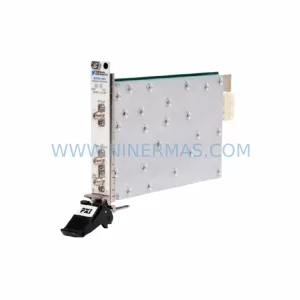
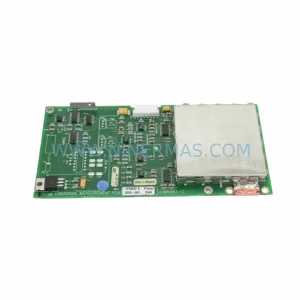
SKU: 2305451-C DT2000 0626 P2, OLE36-10632-02
Advanced Energy 2305451-C Service-Ready Industrial Spare Part