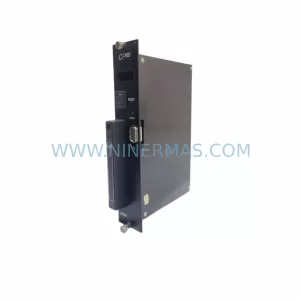
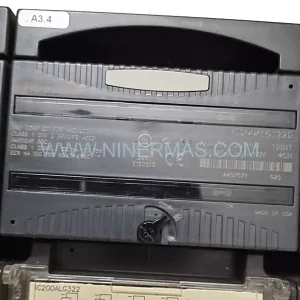
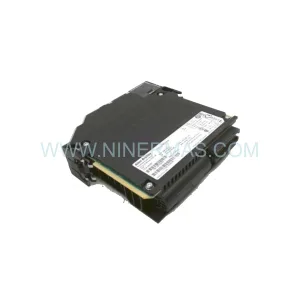
Original Industrial Spare Part
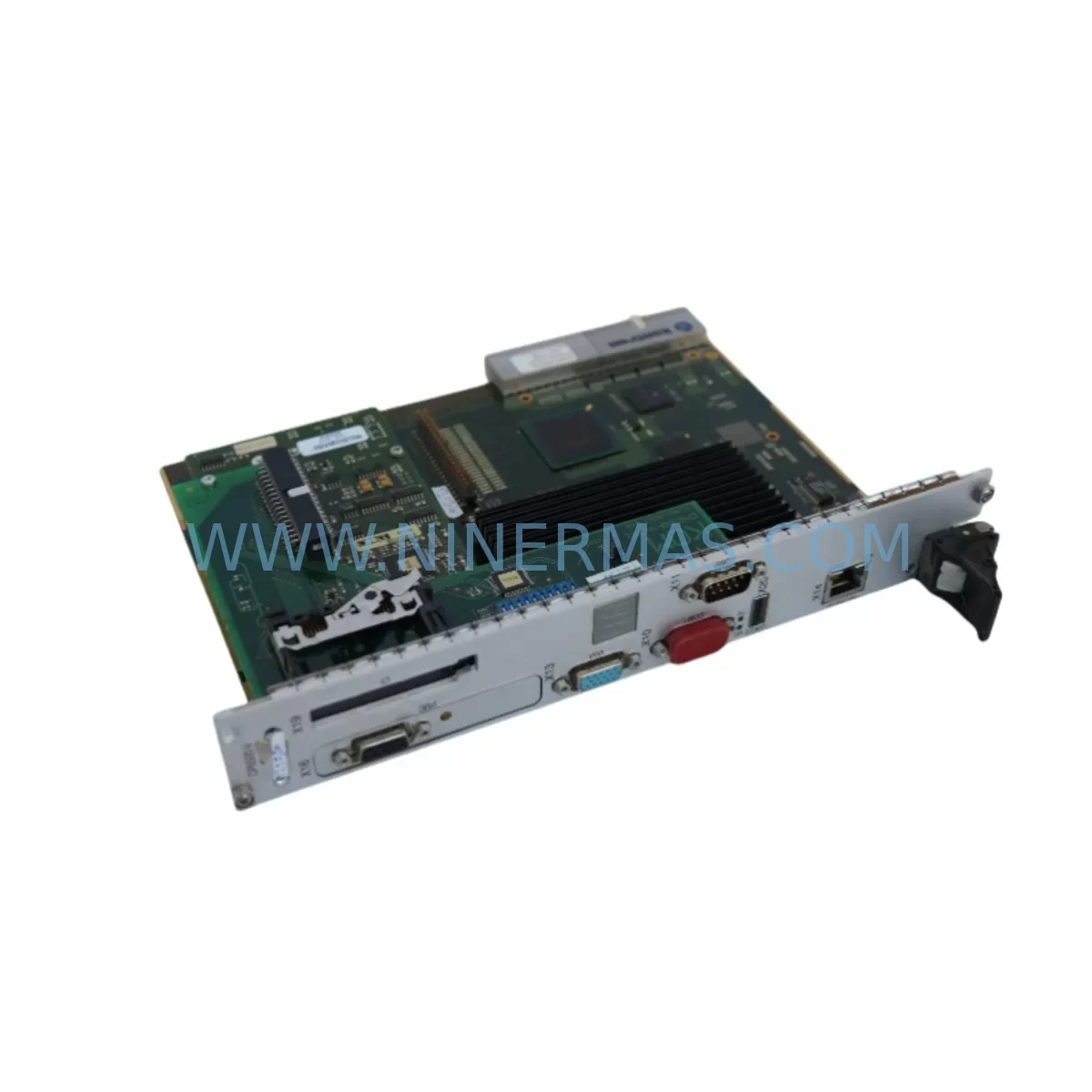
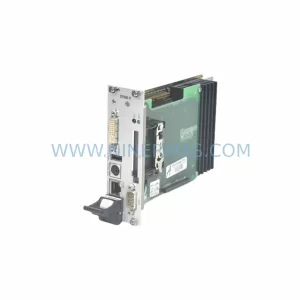
Kontron CP6500-V Service-Ready Spare Part for Industrial Maintenance
Verify the part, confirm the platform family, and move straight into quotation with the right commercial details.
RFQ Ready
- SKUCP6500-V
- CategoryPLC & Industrial Automation Modules
- BrandKontron
- SupportAvailability, lead time, condition, and shipping coordination
How Buyers Usually Use This Page
- Confirm the exact part number and platform family before sending the quote request.
- Use direct email when quantity, condition, and destination are already defined internally.
- Switch to the broader brand or category archive when you need alternates nearby.
Series Navigation
Move through the most common platform families behind this part.
Product RFQ
Send this part directly for quotation.
Include quantity, required condition, destination country, and target delivery timing. Current reference: Kontron CP6500-V Service-Ready Spare Part for Industrial Maintenance with SKU CP6500-V.
Kontron CP6500-V Service-Ready Spare Part for Industrial Maintenance
For maintenance engineers and procurement teams managing legacy CompactPCI-based control systems, unplanned downtime caused by a failed processor board is one of the most operationally disruptive events on the plant floor. The Kontron CP6500-V is a high-performance CompactPCI single board computer (SBC) designed for demanding industrial environments, and sourcing a verified, service-ready spare is critical to protecting system uptime. NINERMAS supplies original Kontron CP6500-V units that have been inspected, tested, and prepared for immediate deployment — backed by a 12-month warranty and long-term supply commitment.
The CP6500-V operates within the PICMG 2.0 CompactPCI standard, making it a direct replacement candidate for aging Kontron CP6500-series processor boards deployed across industrial automation, transportation, telecommunications, and defense control systems. Whether you are managing a scheduled annual overhaul, responding to an emergency board failure, or building a strategic spare parts inventory for a multi-year maintenance contract, the CP6500-V represents a reliable, original-source solution that eliminates the compatibility risks associated with third-party alternatives.
Spare Maintenance Table
| Parameter | Specification / Detail |
|---|---|
| Part Number / SKU | CP6500-V |
| Brand | Kontron |
| Series | CompactPCI (CPCI) CP6500 Series |
| Form Factor | 6U CompactPCI, PICMG 2.0 Compliant |
| Processor Architecture | Intel x86 (Pentium M / Core generation, per revision) |
| Bus Interface | CompactPCI 32/64-bit, 33/66 MHz |
| Operating Voltage | +3.3 V / +5 V via CompactPCI backplane |
| Operating Temperature | 0°C to +60°C (standard); extended range per variant |
| Compatibility | Kontron CP6500 series, PICMG 2.0 CompactPCI chassis and backplanes |
| I/O Interfaces | Ethernet (front panel), USB, Serial (RS-232/RS-422), VGA/DVI |
| Memory Support | DDR SDRAM (capacity per board revision) |
| Storage Interface | CompactFlash, SATA (revision dependent) |
| OS Support | VxWorks, Linux, Windows Embedded, QNX |
| Application Environment | Industrial automation, transportation, telecom, defense control systems |
| Installation | Hot-swap capable (PICMG 2.1 R2.0 compliant chassis required) |
| Maintenance Recommendation | Inspect board connectors, backplane pins, and cooling fans every 12 months |
| Origin | Germany |
| Warranty | 12 Months — NINERMAS Spare Parts Warranty |
| Supply Commitment | Long-term availability; contact for multi-unit procurement |
Maintenance Planning for Continuous Operation
A processor board failure in a CompactPCI-based control system rarely occurs in isolation. When replacing the Kontron CP6500-V, experienced maintenance engineers know that a thorough inspection of the surrounding system components is essential to prevent repeat failures and ensure stable operation after the board swap.
Begin with the CompactPCI backplane — inspect all J1/J2 connector pins for oxidation, mechanical damage, or intermittent contact. A degraded backplane is a common root cause of processor board instability and should be part of any CP6500-V replacement checklist. Alongside the backplane, verify the CompactPCI chassis power supply unit output rails (+3.3 V, +5 V, +12 V) under load; a marginal PSU can cause random resets or boot failures on the new board.
If the system uses a Kontron CP6930 Ethernet switch module or similar CPCI network blade, confirm that the switch firmware and VLAN configuration remain intact after the processor board replacement. Communication loss between the SBC and the network switch is a frequent post-replacement issue in multi-slot CompactPCI systems. Similarly, inspect any PMC or XMC carrier boards installed in the system — these mezzanine modules carry I/O, serial communication, or signal conditioning functions that must be re-validated after a host processor change.
For systems with front-panel I/O modules or terminal blocks, verify wiring integrity and signal continuity before powering up the replacement board. Loose or corroded terminal connections can introduce ground loops or signal noise that damage the new processor board’s I/O circuitry. If the control system includes signal isolators between field devices and the CompactPCI I/O, test isolation resistance and confirm that isolator output levels are within the board’s input specifications.
In systems where the CP6500-V interfaces with a Kontron CP6004 or CP6003 SBC in a multi-processor CompactPCI configuration, re-validate the inter-board communication links and shared memory mapping after replacement. Boards such as the Kontron CPCI-6510 system management module provide chassis health monitoring and should be queried for any logged fault events that preceded the processor board failure — this data is invaluable for root cause analysis.
Do not overlook the CompactPCI chassis cooling system: fan trays, airflow baffles, and temperature sensors should be inspected and cleaned during any board replacement event. Thermal stress is a leading cause of premature SBC failure in enclosed industrial enclosures. Finally, if the system includes an HMI panel or operator interface connected via serial or Ethernet to the CP6500-V, re-establish the communication link and verify screen refresh and alarm response times before returning the system to production.
Site Replacement Workflow
Step 1 — Pre-Replacement Verification: Confirm the failed board’s part number and hardware revision against the CP6500-V spare. Check BIOS version compatibility and note any custom BIOS settings (boot order, serial port configuration, watchdog timer) that must be replicated on the replacement unit. Back up any CompactFlash or onboard storage image if accessible.
Step 2 — Safe Removal: Follow LOTO (Lockout/Tagout) procedures. In hot-swap capable chassis, use the PICMG 2.1 extraction handle sequence to safely de-enumerate the board before physical removal. In non-hot-swap systems, perform a controlled system shutdown. Ground yourself with an ESD wrist strap before handling the board.
Step 3 — Installation and Configuration: Insert the CP6500-V into the correct slot, ensuring full engagement of the J1/J2 connectors. Restore BIOS settings, re-install the OS image or boot from the original CompactFlash card, and re-apply any application software configuration. Verify that the board is recognized by the chassis system management module.
Step 4 — System Validation: Power up the system and monitor boot sequence for errors. Validate all I/O channels, network connectivity, serial communication links, and HMI response. Run a functional test cycle before returning the system to automatic operation. Document the replacement event, including board serial numbers and test results, for maintenance records.
This structured workflow minimizes mean time to repair (MTTR), reduces the risk of secondary failures, and ensures that the replacement CP6500-V operates within its design parameters from the first power-on.
Spare Parts Support FAQ
Q1: Is the CP6500-V supplied by NINERMAS an original Kontron unit?
Yes. NINERMAS sources original Kontron CP6500-V boards through verified industrial supply channels. Each unit undergoes incoming inspection and functional testing before dispatch. We do not supply counterfeit, refurbished-without-disclosure, or third-party clone boards. All units are shipped with documentation confirming origin and test status.
Q2: What warranty coverage applies to the CP6500-V?
All CP6500-V units supplied by NINERMAS are covered by a 12-month warranty from the date of shipment. The warranty covers manufacturing defects and functional failures under normal operating conditions. Warranty claims are processed promptly — contact sale@ninermas.com with your order reference and fault description to initiate a return or replacement.
Q3: How do I verify compatibility before ordering?
Provide your chassis model, backplane part number, and current board hardware revision to our technical team. We will confirm slot compatibility, PICMG compliance, and any known firmware or OS dependencies before your order is confirmed. For multi-unit procurement or long-term maintenance contracts, we recommend a compatibility verification call with our engineering support team.
Q4: Can NINERMAS support long-term supply for end-of-life CompactPCI systems?
Yes. NINERMAS specializes in long-term spare parts supply for legacy and end-of-life industrial control systems. We maintain strategic inventory of high-demand CompactPCI components and can support multi-year maintenance contracts with guaranteed availability commitments. Contact us to discuss your annual consumption forecast and we will structure a supply agreement that protects your production continuity.
| Product Series | Other series |
|---|
Catalog Continuation
More Kontron modules in the catalog.
Use the brand lane to compare nearby part numbers, platform-adjacent modules, and other inquiry-ready listings before sending your final RFQ.
Catalog Continuation
Alternative parts within PLC & Industrial Automation Modules.
Stay inside the same system family when you need substitutes, adjacent modules, or a broader shortlist for procurement review.