
Original Industrial Spare Part
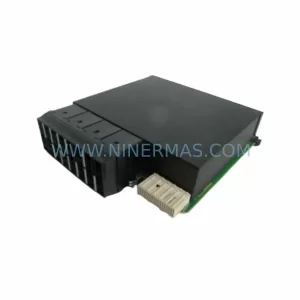
GE Multilin UR67H Service-Ready Spare Part for Industrial Maintenance
Verify the part, confirm the platform family, and move straight into quotation with the right commercial details.
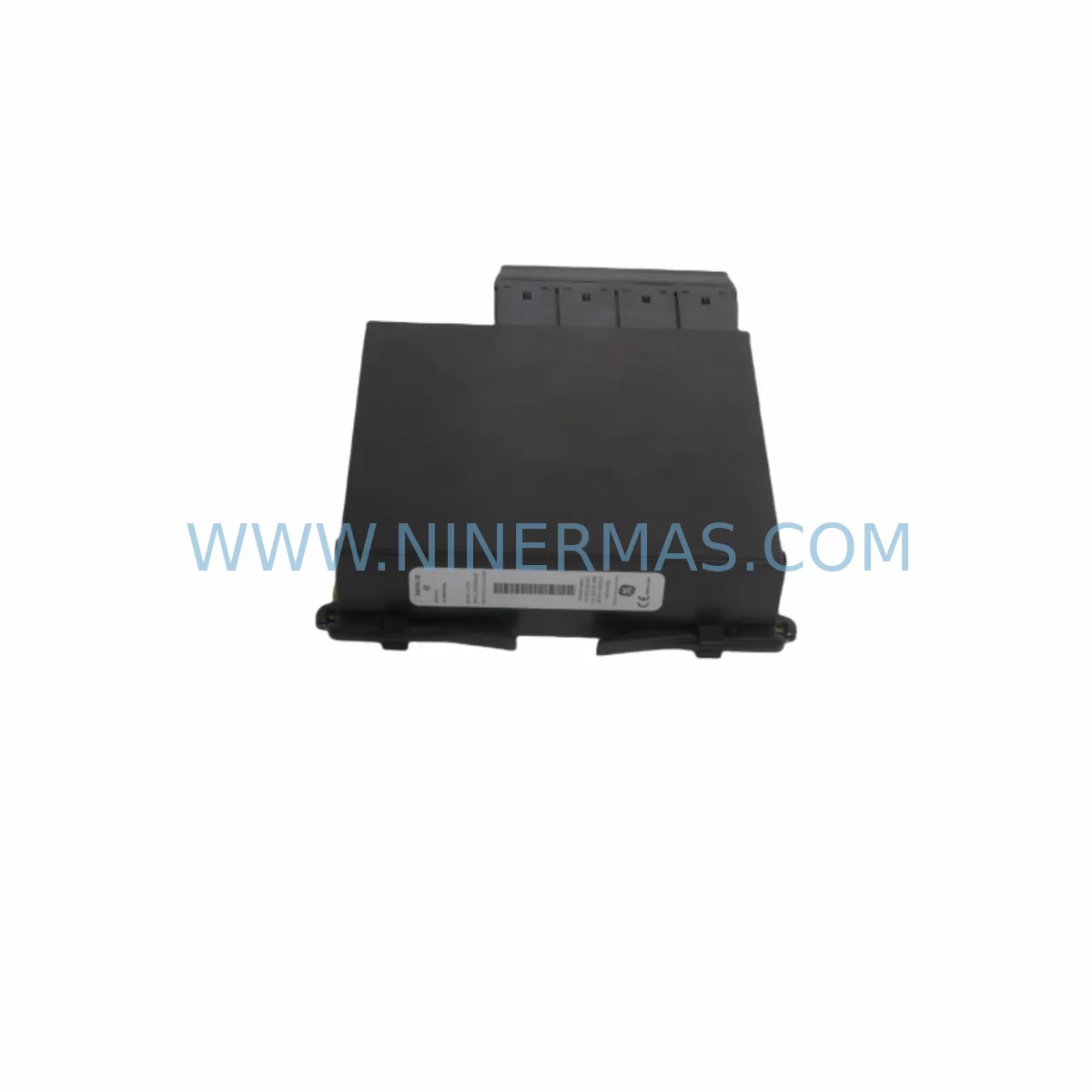
RFQ Ready
- SKUUR 67H UR67H
- CategoryPLC & Industrial Automation Modules
- BrandGE Multilin
- SupportAvailability, lead time, condition, and shipping coordination
How Buyers Usually Use This Page
- Confirm the exact part number and platform family before sending the quote request.
- Use direct email when quantity, condition, and destination are already defined internally.
- Switch to the broader brand or category archive when you need alternates nearby.
Series Navigation
Move through the most common platform families behind this part.
Product RFQ
Send this part directly for quotation.
Include quantity, required condition, destination country, and target delivery timing. Current reference: GE Multilin UR67H Service-Ready Spare Part for Industrial Maintenance with SKU UR 67H UR67H.
GE Multilin UR67H Service-Ready Spare Part for Industrial Maintenance
The GE Multilin UR67H is a Digital I/O module designed for the GE Multilin UR Series protection and control relay platform — one of the most widely deployed numerical relay families in power generation, transmission, and industrial distribution systems. As aging UR Series installations approach end-of-support cycles, maintaining a verified stock of the UR67H becomes a critical element of any substation or plant maintenance strategy. This listing provides a service-ready, pre-tested UR67H spare part backed by a 12-month warranty and long-term supply commitment from NINERMAS.
The UR67H module occupies a dedicated slot in the UR Series chassis and provides configurable digital input and output channels used for protection trip signals, alarm outputs, breaker control, and interlock logic. Failure or degradation of this module can result in loss of protection visibility, nuisance trips, or — critically — failure to trip under fault conditions. Rapid replacement with a verified spare is the only reliable path to restoring full protection functionality without extended downtime.
Spare Maintenance Table
| Parameter | Specification / Detail |
|---|---|
| Part Number | UR67H |
| Full SKU | UR 67H / UR67H |
| Brand | GE Multilin (GE Grid Solutions) |
| Series | UR Series (Universal Relay) |
| Module Type | Digital I/O Module |
| Function | Configurable Digital Inputs & Outputs for protection, control, and interlock circuits |
| Compatible Platforms | GE Multilin UR Series chassis (C30, C60, D30, D60, F35, F60, G30, G60, L30, L60, L90, M60, N60, T35, T60, B30, B90, C95) |
| Installation | Modular slot-in card; hot-swap capable on supported firmware revisions |
| Application Environment | Substations, power plants, industrial switchgear, motor control centers, process plant protection panels |
| Operating Temperature | -20°C to +60°C (typical UR Series module rating) |
| Pre-Shipment Testing | Yes — functional I/O verification performed before dispatch |
| Condition | Original / Genuine — New or Tested Surplus |
| Warranty | 12 Months from date of shipment |
| Long-Term Supply | Available — contact NINERMAS for blanket order and stock-commitment programs |
| Origin | United States |
| Lead Time | In-stock: 1–3 business days; sourced: subject to availability confirmation |
Maintenance Planning for Continuous Operation
When a GE Multilin UR67H Digital I/O module is flagged during routine inspection or fails in service, the replacement workflow should extend beyond the module itself. The UR Series chassis is a tightly integrated protection platform, and a thorough site assessment during any planned or emergency outage will reduce the risk of repeat failures and unplanned downtime.
Begin by verifying the UR Series power supply module — typically a dedicated DC/AC input card occupying its own chassis slot. A degraded power supply can cause intermittent I/O faults that mimic module failure. Confirm output voltage stability and check for capacitor aging indicators if the unit has been in service for more than five years. Alongside the power supply, inspect the UR Series CPU or main processing module, which coordinates all I/O slot communications via the internal backplane bus. Firmware version compatibility between the CPU and the replacement UR67H should be confirmed before installation.
The UR Series backplane itself warrants inspection during any I/O module swap. Connector pins, slot guides, and backplane bus integrity should be checked for oxidation or mechanical wear — particularly in high-vibration environments such as compressor stations or turbine halls. A damaged backplane connector can cause a new UR67H to report communication faults immediately after installation, leading to misdiagnosis.
On the field wiring side, review the terminal blocks and wiring harnesses connected to the UR67H’s digital input and output circuits. Inspect for insulation degradation, loose terminations, and correct labeling against the as-built drawings. If the site uses signal isolators or interposing relays between the UR67H outputs and field devices such as breaker trip coils or motor starters, verify that these components are within their rated operating life. Interposing relays with worn contacts are a common source of intermittent trip failures that are incorrectly attributed to the protection relay module.
For sites running IEC 61850 GOOSE messaging or DNP3 / Modbus communications, the UR Series communications module (such as the 9E or 9F communications card) should be checked for firmware alignment and port integrity. A UR67H replacement that changes the relay’s I/O map may require a settings file update in EnerVista UR Setup software to re-map digital I/O assignments — coordinate this with the protection engineer before energizing.
Annual maintenance checklists for UR Series installations should also include the UR Series analog input module (for CT/VT signal conditioning), any installed transducer input modules, and the IRIG-B time synchronization module if GPS-based time stamping is used for event records and fault analysis. Keeping verified spares of these modules — alongside the UR67H — ensures that any single-card failure can be resolved within a single maintenance window rather than extending into a multi-day outage.
Site Replacement Workflow
Replacing a GE Multilin UR67H in a live substation or industrial protection panel follows a structured sequence to minimize protection gaps and ensure system compatibility:
1. Pre-Replacement Preparation: Retrieve the current relay settings file from EnerVista UR Setup or from the site’s protection settings archive. Confirm the firmware version running on the UR Series CPU module. Verify that the replacement UR67H hardware revision is compatible with the installed firmware. If the existing module is still partially functional, use the relay’s front panel or EnerVista to export the current I/O assignment map and event log before removal.
2. Isolation and Safe Removal: Follow the site’s switching schedule to isolate the protection zone covered by this relay. Place the relay in test mode if supported by the installed firmware to block trip outputs during the module swap. Remove the UR67H by releasing the module locking mechanism and sliding the card out of its chassis slot. Inspect the backplane connector for damage before inserting the replacement unit.
3. Installation and Commissioning: Insert the replacement UR67H into the correct chassis slot. The UR Series will auto-detect the new module on power-up or hot-swap. Reload the settings file via EnerVista UR Setup and verify that all digital I/O assignments are correctly mapped. Perform a functional test of each digital input and output channel using the relay’s test mode or a portable test set before returning the relay to service.
4. Documentation and Spare Stock Update: Record the replacement in the site maintenance log, including the removed module’s serial number, the replacement unit’s serial number, and the date of installation. Update the site’s spare parts inventory to reflect the consumed UR67H and initiate a replenishment order to maintain minimum stock levels. NINERMAS supports blanket purchase orders and reserved stock programs for sites with multiple UR Series installations.
Spare Parts Support FAQ
Q1: Is the UR67H compatible with all UR Series relay models?
The UR67H Digital I/O module is designed for the GE Multilin UR Series modular chassis platform. Compatibility depends on the specific relay model (e.g., C60, D60, F60, T60) and the installed firmware version. NINERMAS recommends confirming the chassis model and firmware revision before ordering. Our technical team can assist with compatibility verification based on your relay nameplate and settings file information.
Q2: What pre-shipment testing is performed on the UR67H?
Each UR67H unit supplied by NINERMAS undergoes functional verification prior to dispatch. Testing confirms digital input channel response, output relay operation, and backplane communication integrity. A test record is available upon request. All units are shipped with ESD-protective packaging to prevent damage in transit.
Q3: What does the 12-month warranty cover?
The 12-month warranty covers manufacturing defects and functional failures under normal operating conditions from the date of shipment. It does not cover damage resulting from incorrect installation, overvoltage events, or physical mishandling. In the event of a warranty claim, NINERMAS will arrange for replacement or repair at no additional cost. Contact sale@ninermas.com with your order reference and a description of the fault.
Q4: Can NINERMAS support long-term supply for sites with multiple UR Series installations?
Yes. NINERMAS offers blanket order programs and reserved stock commitments for customers managing large fleets of GE Multilin UR Series relays. Fixed lead times, price stability, and dedicated inventory allocation are available under formal supply agreements. Contact our team to discuss your site’s spare parts requirements and annual consumption forecast.
| Product Series | Other series |
|---|---|
| Country of Origin | US |
Catalog Continuation
More GE Multilin modules in the catalog.
Use the brand lane to compare nearby part numbers, platform-adjacent modules, and other inquiry-ready listings before sending your final RFQ.
Catalog Continuation
Alternative parts within PLC & Industrial Automation Modules.
Stay inside the same system family when you need substitutes, adjacent modules, or a broader shortlist for procurement review.
SKU: 1070092392-AA/1070089906-GI1
Rexroth 1070092392-AA/1070089906-GI1 Spare Part for Industrial Maintenance
SKU: CP-9200SH/ DDCP-921311
Yaskawa DDCP-921311 Retrofit CPU Controller for Legacy Systems
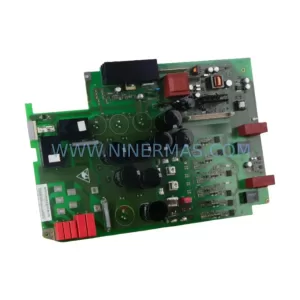
SKU: 6SE7022-6TC84-1HF3
Siemens 6SE7022-6TC84-1HF3 Service-Ready Spare Part



