Original Industrial Spare Part
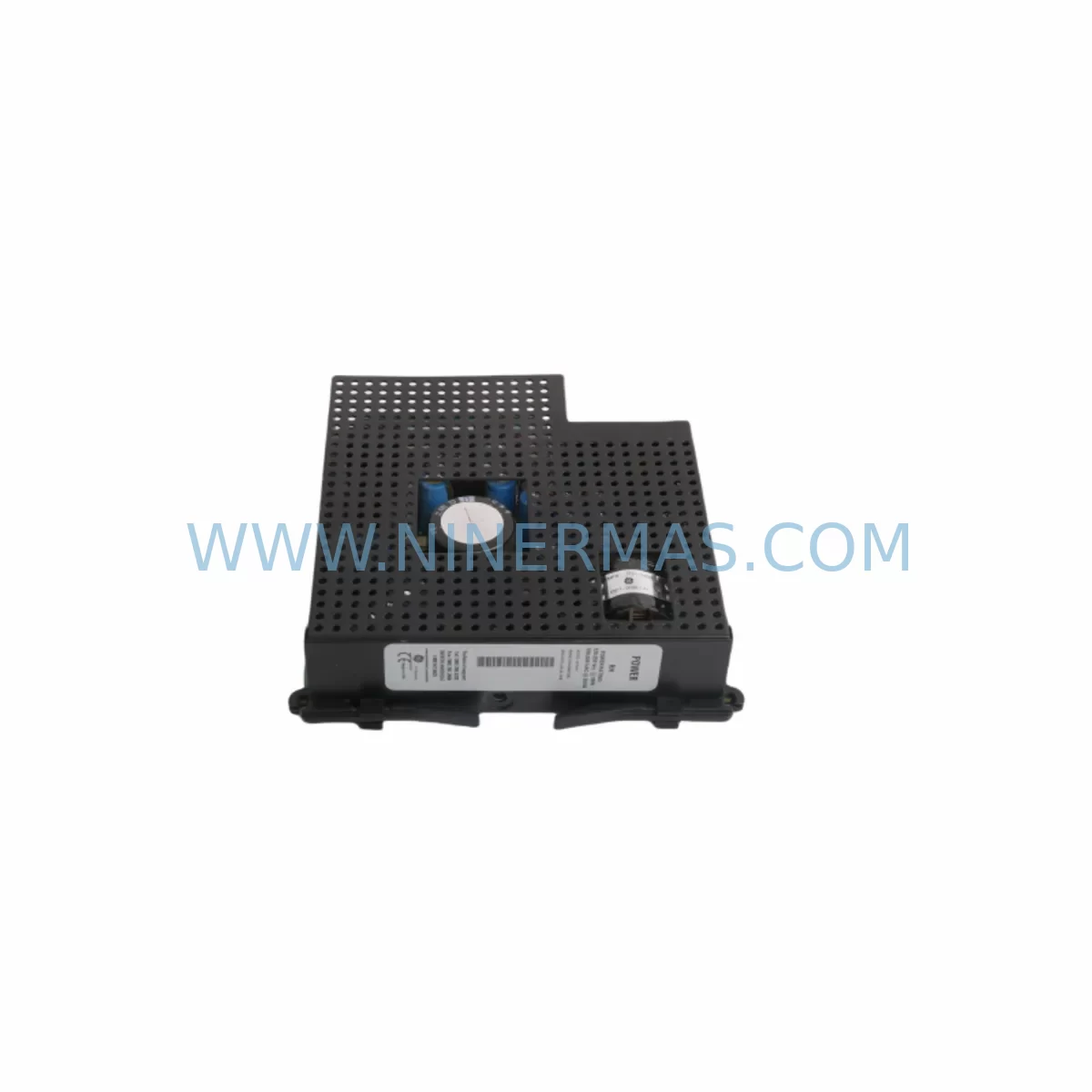
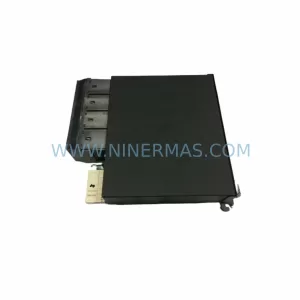
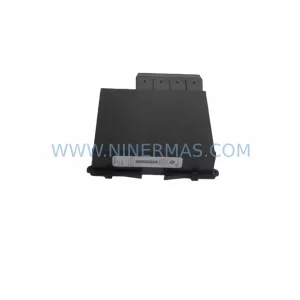
GE Multilin UR-RHH Retrofit Power Supply for Legacy Systems
Verify the part, confirm the platform family, and move straight into quotation with the right commercial details.
RFQ Ready
- SKUUR RHH URRHH
- CategoryPLC & Industrial Automation Modules
- BrandGE Multilin
- SupportAvailability, lead time, condition, and shipping coordination
How Buyers Usually Use This Page
- Confirm the exact part number and platform family before sending the quote request.
- Use direct email when quantity, condition, and destination are already defined internally.
- Switch to the broader brand or category archive when you need alternates nearby.
Series Navigation
Move through the most common platform families behind this part.
Product RFQ
Send this part directly for quotation.
Include quantity, required condition, destination country, and target delivery timing. Current reference: GE Multilin UR-RHH Retrofit Power Supply for Legacy Systems with SKU UR RHH URRHH.
GE Multilin UR-RHH Retrofit Power Supply for Legacy Systems
The GE Multilin UR-RHH is a dedicated power supply module engineered for the Universal Relay (UR) platform — one of the most widely deployed protection and control architectures in substations, industrial switchgear, and legacy power distribution systems worldwide. As original UR-series hardware reaches end-of-life and OEM support windows close, plant engineers and maintenance teams increasingly rely on retrofit-compatible replacements like the UR-RHH to sustain operational continuity without committing to a full system overhaul. This module delivers the regulated DC power required to keep UR chassis backplanes energized, ensuring that protection relays, I/O modules, and communication cards continue to function within their original design parameters.
For facilities running aging UR-series protection panels, the UR-RHH represents a direct, form-fit-function replacement that eliminates the need to re-engineer the entire control cabinet. Whether you are managing a substation retrofit, upgrading a motor control center, or restoring a tripped protection relay panel after an unplanned outage, the UR-RHH can be sourced, tested, and shipped to site with minimal lead time — backed by a 12-month warranty covering both parts and workmanship.
Upgrade Compatibility Table
| Parameter | Details |
|---|---|
| Compatible Platform | GE Multilin UR Series (Universal Relay) |
| Module Function | Chassis Power Supply — provides regulated DC power to UR backplane and installed modules |
| Backplane Interface | Direct plug-in to UR-series chassis backplane; no adapter required for standard UR rack configurations |
| Installation Requirement | Confirm chassis slot assignment and backplane revision before installation; verify input voltage range (AC/DC) matches site supply |
| Communication Compatibility | Passive power module — does not affect IEC 61850, DNP3, Modbus, or GOOSE communication links hosted on UR-NTH or UR-DFH network cards |
| Replacement Recommendation | Direct replacement for failed or degraded UR-RHH units; verify output voltage rails before energizing downstream modules |
| Commissioning Focus | Measure output DC rails under load; confirm no alarm flags in UR relay self-test; verify chassis LED status post-installation |
| Warranty | 12 months — covers manufacturing defects and functional failure under normal operating conditions |
Retrofit Planning for Existing Automation Systems
Replacing a power supply module in an active UR-series protection panel requires careful pre-work to avoid unintended relay trips or loss of protection coverage during the changeover window. Before removing the existing UR-RHH, maintenance teams should document the current chassis configuration — noting which slots are occupied by modules such as the UR-8EH (eight-channel high-speed digital input card), UR-6CI (six-channel current input module), and UR-8DI (eight-channel digital input card). These I/O modules draw their operating power directly from the backplane, so any interruption to the power supply rail must be coordinated with the site protection engineer and the SCADA operator to ensure that upstream breaker interlocks and downstream trip circuits are placed in a safe state.
In multi-chassis installations — common in large substation bay protection schemes — the UR-RHH may be one of several power supply modules distributed across a UR-series rack assembly. Engineers should confirm whether the chassis uses a single power supply slot or a redundant configuration before ordering a replacement. Redundant power supply arrangements, where a second UR-RHH or equivalent module provides hot-standby backup, allow the failed unit to be swapped without de-energizing the chassis, significantly reducing downtime exposure.
Communication continuity is another critical planning element. UR-series panels frequently host network interface cards such as the UR-NTH (network time and communications module) or the UR-DFH (dual-port fiber communications card), which maintain IEC 61850 GOOSE messaging and DNP3 polling links to the substation automation system. Since these cards rely on the backplane power rail supplied by the UR-RHH, a power supply failure will interrupt all communication sessions. During the retrofit window, the SCADA team should be notified to suppress communication alarms and, where possible, switch to manual monitoring of the affected bay.
For panels that also include analog output modules such as the UR-4AH or transducer input cards like the UR-5MH, the post-installation verification checklist should include a confirmation that all analog signal channels are reading correctly after the new UR-RHH is energized. Similarly, if the chassis hosts a UR-HAH (high-accuracy analog input module) used for revenue-grade metering, the metering accuracy should be verified against a reference standard before the panel is returned to service.
Where the retrofit scope extends beyond a single power supply replacement — for example, when a facility is simultaneously upgrading from an older UR-series firmware baseline to a current release — the programming cable (typically a UR-KXH or equivalent USB-to-RS232 adapter) and the EnerVista UR Setup software should be prepared in advance. Firmware upgrades on UR-series relays require the chassis to be powered and communicating, so the new UR-RHH must be confirmed functional before any firmware migration is attempted. Relay settings files should be backed up from the existing relay before any hardware or firmware change is made.
Downtime Control During System Migration
Minimizing unplanned downtime during a UR-RHH replacement begins with advance preparation. The replacement module should be on-site and bench-tested before the maintenance window opens. A bench test involves applying the correct input voltage to the UR-RHH and measuring the output DC rails with a calibrated multimeter to confirm they are within specification. This step eliminates the risk of installing a second faulty unit and extending the outage.
During the physical swap, the original relay settings and logic programs stored in the UR-series relay processor are retained in non-volatile memory and are not affected by a power supply module replacement — provided the chassis is de-energized cleanly rather than experiencing an abrupt power loss. A controlled shutdown, initiated through the relay’s front panel or EnerVista software, ensures that all settings are committed to memory before power is removed. This protects the original protection logic, HMI display configurations, and communication parameters from corruption.
After the new UR-RHH is installed and the chassis is re-energized, the relay self-test sequence should be allowed to complete before any protection functions are re-enabled. The relay’s front-panel LED indicators and the EnerVista status screen will confirm whether all installed modules — including I/O cards, communication modules, and the power supply itself — have passed their initialization checks. Only after a clean self-test result should the protection functions be re-armed and the bay returned to normal service. This disciplined commissioning sequence typically allows a UR-RHH replacement to be completed within a two-to-four-hour maintenance window, keeping field control continuity intact and minimizing exposure to unprotected operation.
Retrofit Support FAQ
Q1: Is the UR-RHH a direct drop-in replacement for the original GE Multilin power supply module in my UR-series chassis?
A: Yes. The UR-RHH is designed as a form-fit-function replacement for the original power supply slot in standard UR-series chassis configurations. Before installation, confirm the input voltage specification (AC or DC input range) matches your site supply, and verify the chassis backplane revision to ensure full compatibility. No wiring modifications to the terminal block or backplane connector are required for a standard replacement.
Q2: Will replacing the UR-RHH erase the relay settings or protection logic stored in the UR relay?
A: No. Relay settings, protection logic, and communication parameters are stored in the UR relay processor module’s non-volatile memory, which is independent of the power supply module. A controlled shutdown before the swap preserves all stored data. We recommend backing up the settings file via EnerVista UR Setup before any hardware change as a precautionary measure.
Q3: What pre-shipment testing is performed on the UR-RHH before delivery?
A: Each UR-RHH unit is functionally tested prior to shipment. Testing includes input voltage application across the rated range, output DC rail measurement under representative load conditions, and visual inspection for physical integrity. A test record is available upon request. All units are covered by a 12-month warranty from the date of shipment.
Q4: What is the typical lead time, and do you maintain stock of the UR-RHH?
A: We maintain inventory of the UR-RHH to support urgent replacement requirements. Standard orders are processed and shipped within 1–3 business days. For time-critical outage situations, please contact our team directly to confirm current stock availability and expedited shipping options. Long-term supply agreements are available for facilities managing multi-site UR-series fleets.
| Product Series | Legacy |
|---|---|
| Country of Origin | US |
Catalog Continuation
More GE Multilin modules in the catalog.
Use the brand lane to compare nearby part numbers, platform-adjacent modules, and other inquiry-ready listings before sending your final RFQ.
Catalog Continuation
Alternative parts within PLC & Industrial Automation Modules.
Stay inside the same system family when you need substitutes, adjacent modules, or a broader shortlist for procurement review.


SKU: 00-176-037 00-176-037 00-262-652 00-262-652 00-178-888 00-178-888
KUKA 00-176-037 Retrofit Reducer Module for Legacy Systems

SKU: 6SE7027-2TD84-6HF3
SIEMENS 6SE7027-2TD84-6HF3 Service-Ready Spare Part