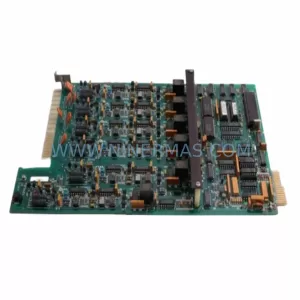
Original Industrial Spare Part
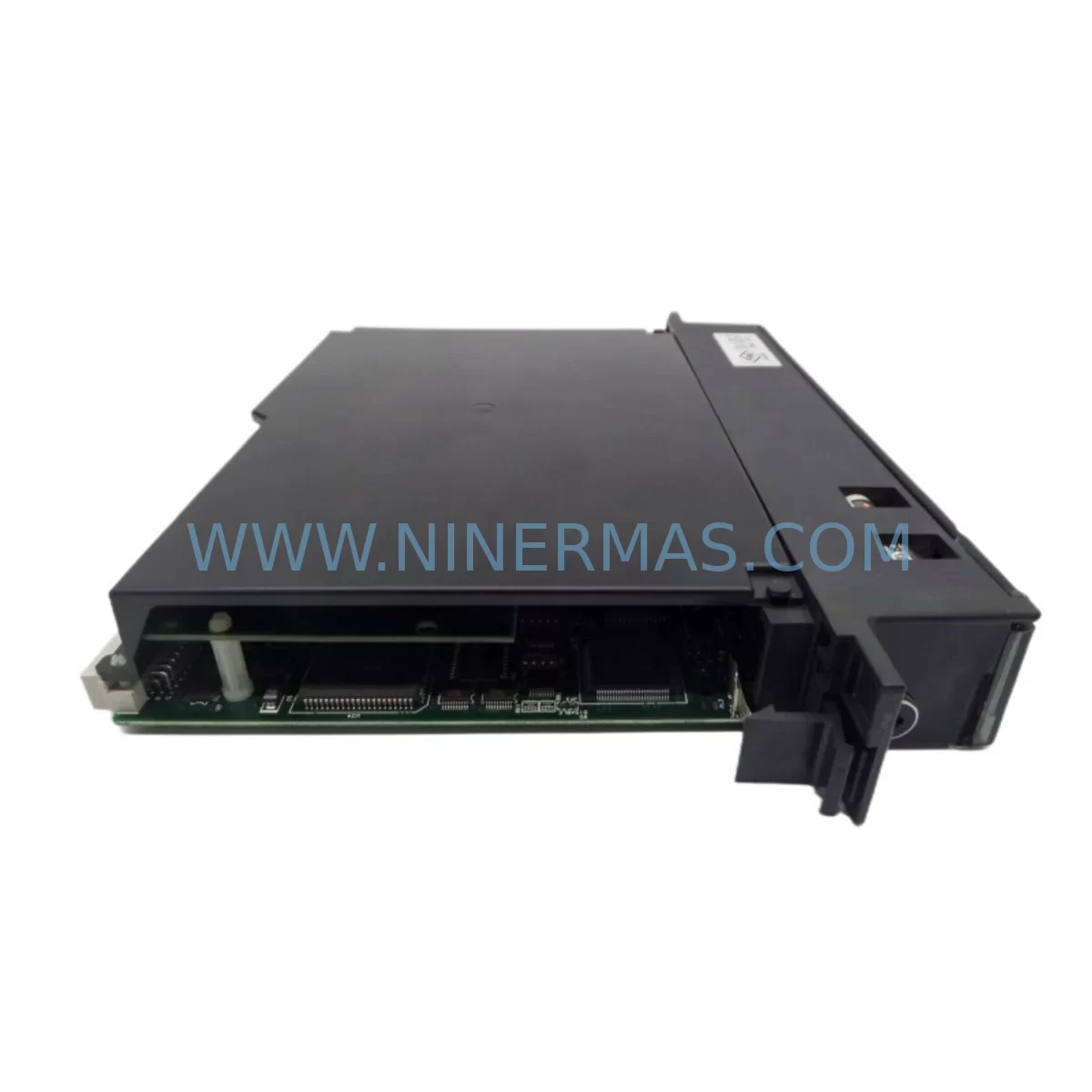
GE IC697CPX935-FD Service-Ready Spare Part for Industrial Maintenance
Verify the part, confirm the platform family, and move straight into quotation with the right commercial details.
RFQ Ready
- SKUIC697CPX935-FD
- CategoryPLC & Industrial Automation Modules
- BrandGE
- SupportAvailability, lead time, condition, and shipping coordination
How Buyers Usually Use This Page
- Confirm the exact part number and platform family before sending the quote request.
- Use direct email when quantity, condition, and destination are already defined internally.
- Switch to the broader brand or category archive when you need alternates nearby.
Series Navigation
Move through the most common platform families behind this part.
Product RFQ
Send this part directly for quotation.
Include quantity, required condition, destination country, and target delivery timing. Current reference: GE IC697CPX935-FD Service-Ready Spare Part for Industrial Maintenance with SKU IC697CPX935-FD.
GE IC697CPX935-FD Service-Ready Spare Part for Industrial Maintenance
The GE IC697CPX935-FD is a high-performance CPU module designed for the GE Series 90-70 PLC platform — one of the most widely deployed programmable logic controller architectures in heavy industry, power generation, oil & gas, and discrete manufacturing. As production lines age and OEM support windows close, maintaining a verified, service-ready spare of the IC697CPX935-FD becomes a critical element of any plant’s downtime prevention strategy.
At NINERMAS, every IC697CPX935-FD unit is sourced from original manufacturing channels, inspected prior to dispatch, and shipped with a 12-month warranty. Whether you are responding to an unplanned CPU fault, building a strategic spare parts buffer, or executing a scheduled annual overhaul, this module is ready to restore your Series 90-70 rack to full operation with zero firmware compromise.
Spare Maintenance Table
| Parameter | Specification |
|---|---|
| Part Number | IC697CPX935-FD |
| Brand | GE (General Electric) / GE Fanuc Automation |
| Series | Series 90-70 |
| Module Type | CPU / Central Processing Unit Module |
| Processor | 32-bit RISC-based CPU |
| Memory | Extended program and data memory, battery-backed RAM |
| Communication Ports | RS-232 serial port; supports SNP/SNPX, RTU Modbus |
| Backplane Compatibility | GE Series 90-70 VME-based backplane (IC697CHS750, IC697CHS782, IC697CHS790) |
| Power Requirement | Supplied via Series 90-70 rack power supply (e.g. IC697PWR711, IC697PWR724) |
| Operating Temperature | 0°C to 60°C |
| Humidity | 5% to 95% non-condensing |
| Installation | Slide-in VME rack slot; no tools required for module swap |
| Programming Software | Proficy Machine Edition (ME) / Logicmaster 90-70 |
| Condition | Original / New Surplus / Tested Refurbished (as labeled) |
| Warranty | 12 Months — covers manufacturing defects and functional failure |
| Lead Time | In stock — ships within 1–3 business days |
| Origin | United States |
Maintenance Planning for Continuous Operation
When a Series 90-70 CPU such as the IC697CPX935-FD fails or is flagged during a routine control cabinet inspection, the fault rarely exists in isolation. Experienced maintenance engineers understand that a CPU replacement is the starting point of a broader system health check — not the end of it.
Begin by verifying the rack power supply. The IC697PWR711 and IC697PWR724 are the most common power modules paired with this CPU. A degraded power supply can cause intermittent CPU resets, memory corruption, or false fault codes that mimic CPU failure. Always measure output voltage under load before condemning the CPU itself.
Next, inspect the backplane and rack assembly. The IC697CPX935-FD seats into VME-format racks such as the IC697CHS750 (5-slot), IC697CHS782 (9-slot), or IC697CHS790 (9-slot with expansion). Backplane connector pins should be cleaned and inspected for oxidation, especially in high-humidity or coastal environments. A damaged backplane can cause the new CPU to exhibit the same fault symptoms as the failed unit.
I/O module integrity is equally important. After restoring the CPU, validate all digital input modules (e.g., IC697MDL340, IC697MDL341) and digital output modules (e.g., IC697MDL940) for correct status indication. Analog I/O modules such as the IC697ALG320 (analog input) and IC697ALG390 (analog output) should be re-calibrated if the CPU was offline for an extended period, as analog reference drift can occur.
Communication continuity must be confirmed before returning the system to production. If the plant uses Genius Bus or Ethernet TCP/IP connectivity, verify that the IC697BEM711 (Genius Bus Controller) or IC697CMM711 (Ethernet Interface Module) re-establishes its network handshake with the new CPU. Modbus RTU configurations stored in the CPU serial port parameters will need to be re-verified against the original project documentation.
For facilities running multi-rack configurations, the IC697BEM731 (Remote I/O Scanner) and associated IC697CHS790 expansion racks should be checked for proper bus termination and address settings. A CPU swap in the master rack can sometimes trigger address conflicts in remote I/O drops if the configuration file is not correctly restored.
Procurement engineers should also consider stocking companion modules as part of a critical spare parts kit: a replacement IC697MEM715 or IC697MEM719 memory expansion module, a spare IC697ACC701 battery backup unit, and at minimum one additional CPU of the same firmware revision. This kit approach reduces mean time to repair (MTTR) from hours to minutes during emergency callouts.
Site Replacement Workflow
Step 1 — Pre-Replacement Backup: Before removing the IC697CPX935-FD, use Proficy Machine Edition or Logicmaster 90-70 to upload and save the current PLC program, hardware configuration, and I/O table to a secure engineering workstation. Confirm the backup file is readable and complete.
Step 2 — Power Down Safely: Follow your site LOTO procedure. De-energize the rack via the main power disconnect. Do not attempt a hot-swap on the CPU slot — the IC697CPX935-FD is not designed for live insertion.
Step 3 — Module Removal and Inspection: Slide out the faulty CPU module. Inspect the VME connector on both the module and the backplane for bent pins, carbon tracking, or moisture ingress. Clean with appropriate contact cleaner if necessary.
Step 4 — Install Replacement Unit: Insert the new IC697CPX935-FD into the same slot. Ensure the module is fully seated and the front locking lever is engaged. Restore rack power and observe the CPU status LEDs — the RUN and OK indicators should illuminate within the normal boot sequence.
Step 5 — Program Restore and Verification: Download the saved program and hardware configuration to the new CPU. Perform a full I/O force test on critical outputs before releasing the system to automatic mode. Document the replacement date, firmware version, and technician name in the site maintenance log.
Step 6 — Compatibility Confirmation: Verify that the replacement IC697CPX935-FD carries the same firmware suffix (-FD) as the original. Mixing firmware revisions within a multi-CPU redundancy configuration can cause synchronization faults. Contact NINERMAS if firmware version matching is required — we maintain revision-specific inventory.
Spare Parts Support FAQ
Q1: Is the IC697CPX935-FD still available as a new original part?
GE Series 90-70 has reached end-of-active-production, but original new-surplus and factory-refurbished units remain available through authorized industrial spare parts distributors like NINERMAS. Each unit is tested for full functional operation before shipment. We maintain long-term inventory specifically to support legacy system continuity.
Q2: How do I verify compatibility before ordering?
The IC697CPX935-FD is compatible with all standard GE Series 90-70 VME racks. Confirm your existing rack model (IC697CHS750, IC697CHS782, or IC697CHS790) and your current CPU firmware suffix. If you are replacing a different CPU revision, contact our technical team at sale@ninermas.com to confirm cross-compatibility and any required configuration adjustments.
Q3: What testing is performed before shipment?
Every IC697CPX935-FD dispatched by NINERMAS undergoes a pre-shipment functional test: power-on self-test (POST) verification, memory read/write cycle check, serial port communication test, and visual inspection of the VME connector and front panel indicators. A test report is available upon request for quality-critical procurement processes.
Q4: What does the 12-month warranty cover?
The 12-month warranty covers all manufacturing defects and functional failures under normal operating conditions. It does not cover damage resulting from incorrect installation, overvoltage events, or physical mishandling. In the event of a warranty claim, NINERMAS provides advance replacement shipping to minimize your system downtime. Long-term supply agreements and volume pricing are available for MRO procurement teams managing multi-site Series 90-70 installations.
| Product Series | 90-70 |
|---|---|
| Country of Origin | US |
Catalog Continuation
Nearby part numbers around IC697CPX.
Use this lane when the buyer is comparing adjacent model numbers, revision-near items, or closely related spare variants within the same brand family.
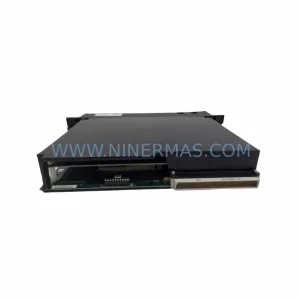
SKU: IC697CPX782-ED
GE IC697CPX782-ED Retrofit CPU for Series 90-70 Systems
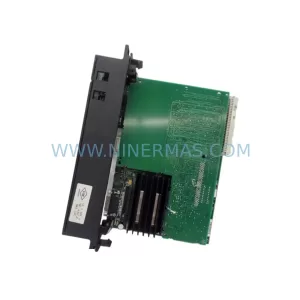
SKU: IC697CPX782-CB
GE IC697CPX782-CB Safety-Reliable CPU for Critical Control
Catalog Continuation
More GE modules in the catalog.
Use the brand lane to compare nearby part numbers, platform-adjacent modules, and other inquiry-ready listings before sending your final RFQ.
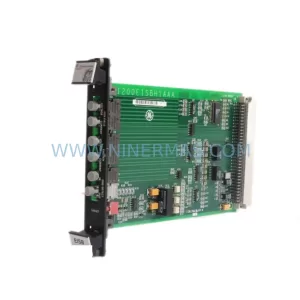
SKU: IS200EISBH1A IS200EISBH1AAA
GE IS200EISBH1A IS200EISBH1AAA Safety-Reliable I/O for Critical Control
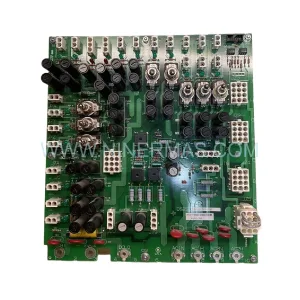
SKU: DS200TCPDG2BEC
GE DS200TCPDG2BEC Power Distribution Board Original Spare Parts
Catalog Continuation
Alternative parts within PLC & Industrial Automation Modules.
Stay inside the same system family when you need substitutes, adjacent modules, or a broader shortlist for procurement review.
SKU: HMS01.1N-W0054-A-07-NNNN HMS01.1N-W0054
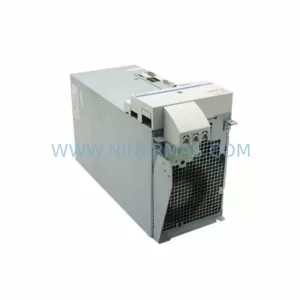
Rexroth HMS01.1N-W0054-A-07-NNNN Service-Ready Spare Part
SKU: VIBRO METER VM600 IOC4T 200-560-000-019 I/O MODULE
Vibro-Meter VM600 IOC4T 200-560-000-019 Spare Part