Original Industrial Spare Part
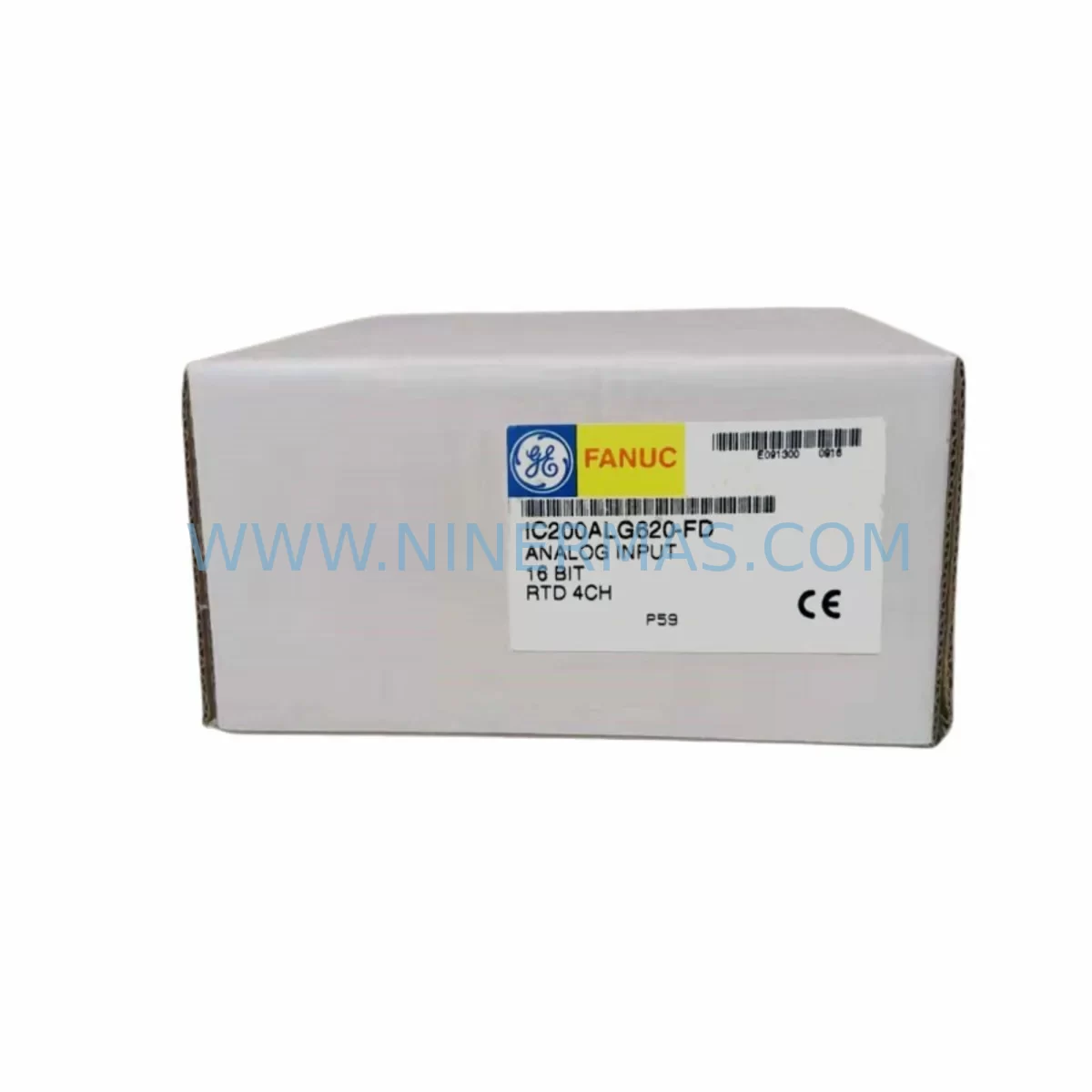
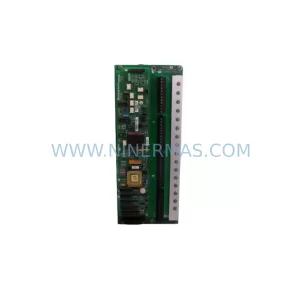
GE IC200ALG620-FD Service-Ready Spare Part for Industrial Maintenance
Verify the part, confirm the platform family, and move straight into quotation with the right commercial details.
RFQ Ready
- SKUIC200ALG620-FD
- CategoryDCS Distributed Control Systems
- BrandGE
- SupportAvailability, lead time, condition, and shipping coordination
How Buyers Usually Use This Page
- Confirm the exact part number and platform family before sending the quote request.
- Use direct email when quantity, condition, and destination are already defined internally.
- Switch to the broader brand or category archive when you need alternates nearby.
Series Navigation
Move through the most common platform families behind this part.
Product RFQ
Send this part directly for quotation.
Include quantity, required condition, destination country, and target delivery timing. Current reference: GE IC200ALG620-FD Service-Ready Spare Part for Industrial Maintenance with SKU IC200ALG620-FD.
GE IC200ALG620-FD Service-Ready Spare Part for Industrial Maintenance
The GE IC200ALG620-FD is a ruggedized analog input module designed for the GE VersaMax series PLC platform, engineered to operate reliably in harsh industrial environments including high-vibration, wide-temperature, and high-humidity conditions. As a critical I/O component in distributed control architectures, the IC200ALG620-FD delivers stable analog signal acquisition for process monitoring, machine control, and safety-critical applications across industries such as oil & gas, power generation, water treatment, chemical processing, and heavy manufacturing.
At NINERMAS, every IC200ALG620-FD unit is sourced as an original spare part, fully tested prior to shipment, and backed by a 12-month warranty. Our inventory is maintained to support emergency replacement, planned annual overhauls, and long-term spare parts programs for maintenance and procurement engineers managing aging VersaMax control systems.
Spare Maintenance Table
| Part Number | IC200ALG620-FD |
| Brand | GE / GE Fanuc |
| Series | VersaMax PLC I/O |
| Module Type | Ruggedized Analog Input Module |
| Analog Channels | 16 Channels (Voltage / Current Input) |
| Input Range | 0–10V DC / 4–20mA (configurable per channel) |
| Resolution | 12-bit |
| Operating Temperature | -40°C to +70°C (ruggedized rating) |
| Humidity Tolerance | 5–95% RH, non-condensing |
| Backplane Compatibility | VersaMax Local / Remote I/O Backplane |
| Communication Interface | Via VersaMax backplane bus |
| Power Consumption | Supplied via backplane (5V DC) |
| Mounting | Snap-on VersaMax I/O backplane slot |
| Certifications | CE, UL (subject to revision; verify with datasheet) |
| Application Environment | Harsh industrial: vibration, dust, wide temperature |
| Condition | Original, New or Tested Refurbished |
| Warranty | 12 Months — NINERMAS Quality Guarantee |
| Lead Time | In Stock — Ships within 1–3 business days |
Maintenance Planning for Continuous Operation
When replacing the IC200ALG620-FD in a VersaMax control cabinet, a thorough site inspection is essential to prevent repeat failures and ensure system stability. Maintenance engineers should treat this replacement as an opportunity to audit the surrounding electrical environment.
Begin by verifying the VersaMax power supply module (such as the IC200PWR002 or IC200PWR101) is delivering clean, stable 24V DC to the I/O backplane. Voltage fluctuations or ripple are a leading cause of premature analog module failure in harsh environments. Inspect the VersaMax backplane (e.g., IC200CHS002 or IC200CHS022) for corrosion, bent connector pins, or mechanical damage that could cause intermittent signal loss after module swap.
Check all field wiring terminal blocks connected to the analog input channels. Loose terminations, corroded screw terminals, or undersized conductors introduce noise and offset errors that mimic module faults. If the system uses signal isolators or signal conditioners upstream of the IC200ALG620-FD — common in 4–20mA loop-powered sensor circuits — verify their output accuracy and isolation integrity before commissioning the replacement module.
Review the status of adjacent digital output modules (such as the IC200MDL740) and digital input modules (such as the IC200MDL640) sharing the same backplane. A failing module in a neighboring slot can corrupt backplane communication and cause false diagnostics on the analog module. Similarly, inspect any relay output modules (e.g., IC200MDL940) for contact wear if they are part of the same control loop.
For systems using a VersaMax Network Interface Unit (NIU) such as the IC200BEM003 for Profibus DP or IC200BEM104 for DeviceNet, confirm that the communication module firmware is current and that the node address configuration matches the replacement module’s channel mapping. Misconfigured NIU parameters after a module swap are a common source of post-maintenance downtime.
If the control system includes an HMI panel (such as a GE QuickPanel or third-party touchscreen) displaying analog process values, recalibrate the display tags after replacement to confirm the new module’s scaling matches the original configuration. Procurement engineers building annual spare parts kits for VersaMax-based lines should also stock IC200ALG320 (standard analog input) and IC200ALG430 (analog output) modules to cover the full analog I/O footprint of the control cabinet.
Finally, inspect fuse holders and circuit protection on the 24V field power distribution rail. A blown fuse or failed surge protection device on the analog input supply is frequently overlooked during emergency replacements and can damage a new module within hours of commissioning.
Site Replacement Workflow
Step 1 — Isolation & Safety: Follow site LOTO (Lockout/Tagout) procedures. De-energize the control cabinet and confirm zero-energy state before opening the enclosure.
Step 2 — Configuration Backup: Before removing the faulty IC200ALG620-FD, use the GE Proficy Machine Edition or VersaPro programming software to export the current I/O configuration, channel scaling parameters, and module diagnostics log. This ensures the replacement module is configured identically.
Step 3 — Module Removal: Disconnect field wiring from the terminal block. Release the module locking tab and slide the IC200ALG620-FD out of the backplane slot. Inspect the backplane connector for damage.
Step 4 — Replacement Installation: Insert the new IC200ALG620-FD into the same backplane slot. Reconnect field wiring per the original termination diagram. Torque terminal screws to specification to prevent loose connections.
Step 5 — Configuration Restore & Commissioning: Re-energize the system and download the saved configuration to the CPU. Verify all 16 analog channels report expected values. Compare live readings against known process references (e.g., calibrated transmitter outputs) to confirm accuracy.
Step 6 — Documentation: Update the maintenance log with the replacement date, module serial number, and post-replacement test results. Schedule the next inspection interval per your preventive maintenance plan.
This structured workflow minimizes downtime, reduces the risk of configuration errors, and ensures the replacement IC200ALG620-FD performs to specification from the first power-on.
Spare Parts Support FAQ
Q1: Is the IC200ALG620-FD a direct drop-in replacement for the standard IC200ALG620?
The IC200ALG620-FD is the ruggedized (-FD) variant of the IC200ALG620, featuring extended temperature and vibration ratings. It is electrically and functionally compatible with the same backplane slot and software configuration. In most applications, it can replace the standard variant without configuration changes, while providing superior environmental tolerance. Always verify the hardware revision and firmware compatibility with your CPU before installation.
Q2: What is included in NINERMAS’s 12-month warranty for this module?
Every IC200ALG620-FD shipped by NINERMAS is covered by a 12-month warranty against manufacturing defects and functional failure under normal operating conditions. Pre-shipment testing includes power-on verification, channel functionality checks, and backplane communication validation. If a unit fails within the warranty period, NINERMAS provides replacement or repair support. Contact sale@ninermas.com with your order reference and fault description to initiate a warranty claim.
Q3: How should I manage long-term spare parts inventory for aging VersaMax systems?
For production lines dependent on VersaMax PLC platforms, we recommend maintaining a minimum of one IC200ALG620-FD per control cabinet as a hot spare, particularly for systems in harsh environments where module wear is accelerated. Pair this with stocked power supply modules, backplane units, and communication NIUs to cover the most common failure points. NINERMAS supports long-term supply agreements and can reserve inventory for customers with multi-site maintenance programs.
Q4: Can NINERMAS supply the IC200ALG620-FD for emergency same-week shipment?
Yes. NINERMAS maintains ready stock of the IC200ALG620-FD to support emergency maintenance scenarios. Orders confirmed before the daily cut-off time are typically dispatched within 1–3 business days via DHL, FedEx, or UPS Express. For urgent requirements, contact our sales team directly at sale@ninermas.com or +0086 187 5021 5667 to confirm availability and arrange priority shipment.
| Product Series | Fanuc |
|---|---|
| Country of Origin | US |
Catalog Continuation
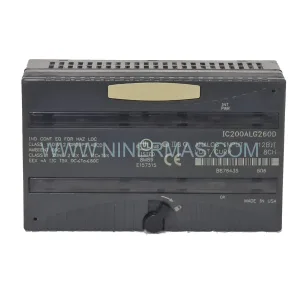
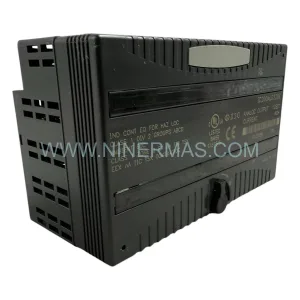
Nearby part numbers around IC200ALG.
Use this lane when the buyer is comparing adjacent model numbers, revision-near items, or closely related spare variants within the same brand family.
Catalog Continuation
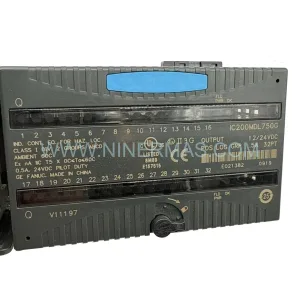
More GE modules in the catalog.
Use the brand lane to compare nearby part numbers, platform-adjacent modules, and other inquiry-ready listings before sending your final RFQ.
Catalog Continuation
Alternative parts within DCS Distributed Control Systems.
Stay inside the same system family when you need substitutes, adjacent modules, or a broader shortlist for procurement review.
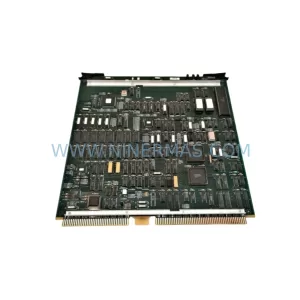
SKU: 51402089-100 EPDG2
Honeywell 51402089-100 Retrofit Interface Card Legacy Systems
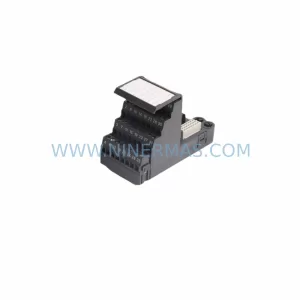
SKU: KJ4001X1-CJ1 12P1902X032
Emerson KJ4001X1-CJ1 12P1902X032 Retrofit Terminal Module
SKU: 8C-PAIH52 51307070-175
Honeywell 8C-PAIH52 51307070-175 Retrofit-Compatible AI Module