Original Industrial Spare Part
GE IC697CPX782 Service-Ready Spare Part for Industrial Maintenance
Verify the part, confirm the platform family, and move straight into quotation with the right commercial details.
RFQ Ready
- SKUIC697CPX782
- CategoryPLC & Industrial Automation Modules
- BrandGE
- SupportAvailability, lead time, condition, and shipping coordination
How Buyers Usually Use This Page
- Confirm the exact part number and platform family before sending the quote request.
- Use direct email when quantity, condition, and destination are already defined internally.
- Switch to the broader brand or category archive when you need alternates nearby.
Series Navigation
Move through the most common platform families behind this part.
Product RFQ
Send this part directly for quotation.
Include quantity, required condition, destination country, and target delivery timing. Current reference: GE IC697CPX782 Service-Ready Spare Part for Industrial Maintenance with SKU IC697CPX782.
GE IC697CPX782 Service-Ready Spare Part for Industrial Maintenance
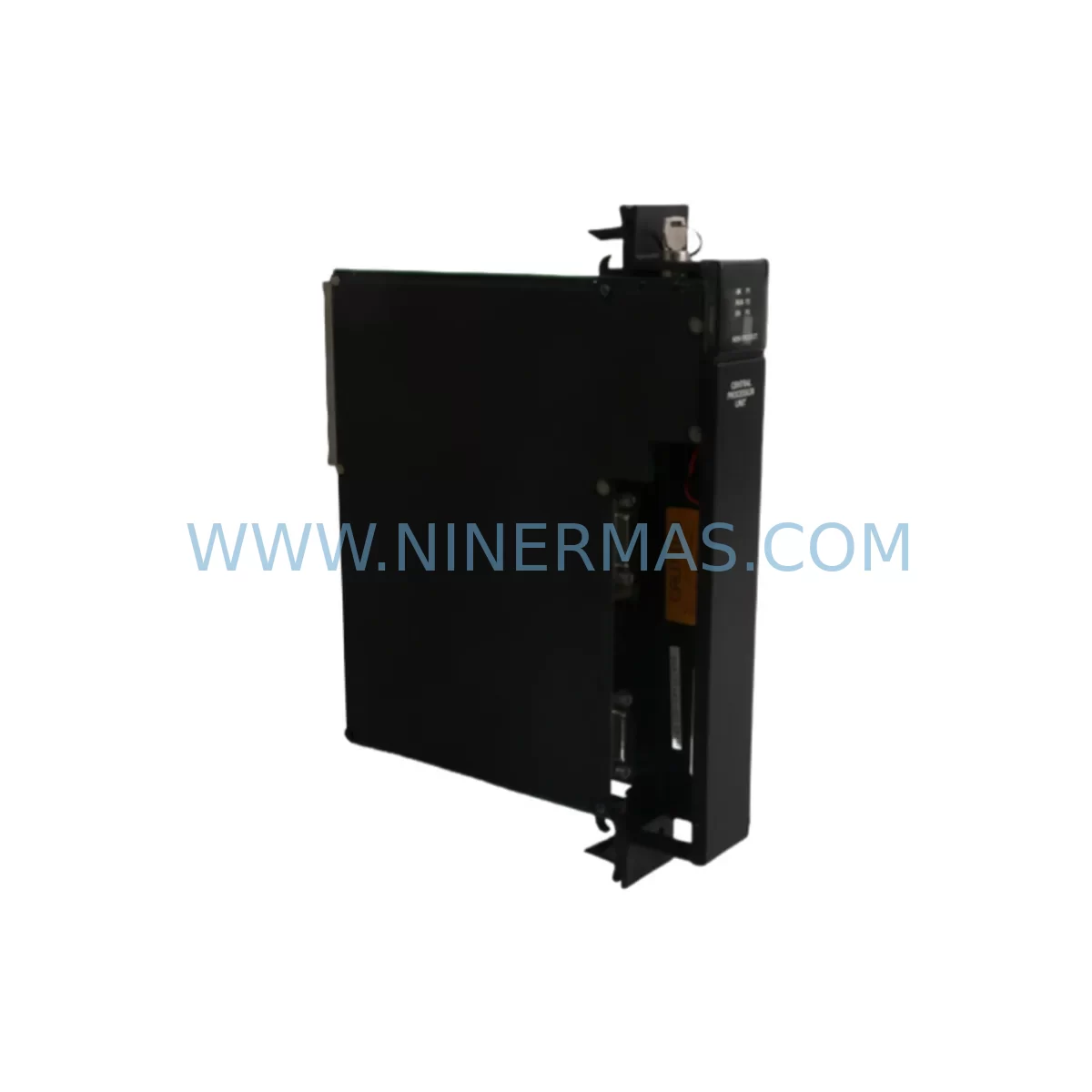
The GE IC697CPX782 is a high-performance CPU module from the GE Fanuc Series 90-70 programmable logic controller platform — one of the most widely deployed PLC architectures in heavy industry, power generation, oil & gas, and discrete manufacturing. As production lines age and OEM support windows close, maintaining a verified, service-ready stock of the IC697CPX782 becomes a critical pillar of any plant’s uptime strategy. NINERMAS supplies this module as an original spare, fully tested prior to shipment, backed by a 12-month warranty, and available for long-term procurement agreements to support your maintenance planning cycle.
Whether you are responding to an unplanned CPU fault, executing a scheduled annual overhaul, or building out your control cabinet spare parts inventory, the IC697CPX782 delivers the processing power and I/O coordination your Series 90-70 rack depends on. Its compatibility with the standard 90-70 backplane architecture means replacement can be completed without rack modification, firmware re-engineering, or system-wide reconfiguration — minimizing mean time to repair (MTTR) and protecting production continuity.
Spare Maintenance Table
| Parameter | Specification |
|---|---|
| Part Number / SKU | IC697CPX782 |
| Brand / Manufacturer | GE Fanuc Automation |
| Series | Series 90-70 |
| Module Type | CPU / Central Processing Unit Module |
| Backplane Compatibility | GE Series 90-70 Standard Rack (IC697CHS750, IC697CHS782, IC697CHS790) |
| Memory | 512 KB user program memory (expandable with memory expansion modules) |
| Communication Ports | RS-232 serial port; supports SNP/SNPX protocol |
| I/O Capacity | Up to 4,096 discrete I/O points; 512 analog I/O channels |
| Operating Voltage | 5 VDC (supplied via backplane) |
| Operating Temperature | 0°C to 60°C (32°F to 140°F) |
| Relative Humidity | 5% to 95% non-condensing |
| Mounting | Direct backplane slot insertion — no tools required |
| Programming Software | Proficy Machine Edition (ME) / Logicmaster 90-70 |
| Condition | Original / Tested before shipment |
| Warranty | 12 Months |
| Lead Time | In stock — ships within 1–3 business days |
| Long-Term Supply | Available for blanket order and annual maintenance contracts |
Maintenance Planning for Continuous Operation
When a Series 90-70 system experiences a CPU fault, the IC697CPX782 is rarely the only component that warrants inspection. A disciplined maintenance engineer understands that a CPU failure event often signals stress across the entire control cabinet ecosystem. Before returning the system to service after replacing the IC697CPX782, a thorough site assessment should include the following associated components:
Begin with the IC697PWR710 or IC697PWR724 power supply modules — an under-voltage or ripple condition on the 5 VDC backplane rail is a common root cause of CPU instability and premature module failure. Verify output voltage stability under load before inserting the replacement CPU. Next, inspect the IC697CHS750 or IC697CHS790 rack backplane for bent connector pins, oxidation, or mechanical damage that could cause intermittent contact with the new module.
Discrete I/O modules such as the IC697MDL340 (input) and IC697MDL940 (output) should be checked for blown fuses, failed output drivers, or input filter degradation — particularly in high-cycle applications. Analog I/O modules including the IC697ALG320 should be verified for signal drift and calibration integrity, as a CPU replacement provides an ideal opportunity to recalibrate the entire analog loop without additional downtime.
Communication continuity is equally important. If your system uses a IC697CMM742 Ethernet interface module or a IC697BEM731 Genius Bus Controller for field device communication, confirm that these modules re-establish their network connections correctly after the CPU is restarted. Token-passing and bus arbitration issues can surface after a CPU swap if firmware versions are mismatched.
For facilities running HMI panels connected to the Series 90-70 rack via serial SNP links, verify that the HMI communication parameters — baud rate, station address, and timeout settings — remain consistent with the replacement CPU’s configuration. Terminal blocks and field wiring terminations on I/O modules should also be inspected for loose connections, especially in high-vibration environments where terminal screws can back out over time.
Finally, if your cabinet includes signal isolators or surge protection devices on analog input channels, confirm that these passive components are functioning correctly. A failed isolator can introduce ground loops or signal noise that mimics a CPU or I/O fault, leading to misdiagnosis and repeat downtime events. Incorporating all of the above into your IC697CPX782 replacement checklist transforms a reactive repair into a proactive maintenance event — reducing the probability of a secondary failure within the next maintenance interval.
Site Replacement Workflow
Step 1 — Pre-Replacement Verification: Before powering down the rack, use Proficy Machine Edition or Logicmaster 90-70 to perform a full program backup from the existing IC697CPX782 to a connected programming device. Confirm the backup file integrity and document the current I/O configuration, memory allocation, and communication settings.
Step 2 — Safe Power-Down: Follow your site’s lockout/tagout (LOTO) procedure. Remove the CPU module by releasing the front-panel locking tabs and sliding the module out of the backplane slot. Inspect the backplane connector for damage before proceeding.
Step 3 — Module Inspection and Comparison: Compare the replacement IC697CPX782 firmware revision label against the removed module. If the firmware revision differs, consult your system documentation to confirm compatibility with your existing I/O modules and communication cards before proceeding.
Step 4 — Installation and Program Restore: Insert the replacement module firmly into the backplane slot until the locking tabs engage. Power up the rack and use Proficy Machine Edition to restore the backed-up program. Verify that all I/O modules are recognized and that the CPU transitions to RUN mode without fault codes.
Step 5 — Functional Verification: Perform a controlled I/O scan to confirm that all discrete and analog channels respond correctly. Test communication links to any connected Genius Bus Controllers, Ethernet modules, or HMI devices. Document the replacement event in your maintenance management system (CMMS) and update your spare parts inventory accordingly.
This structured workflow minimizes system downtime, reduces the risk of configuration errors, and ensures that the replacement IC697CPX782 is fully validated before the production line is returned to service.
Spare Parts Support FAQ
Q1: Is the IC697CPX782 supplied by NINERMAS an original GE Fanuc module?
Yes. NINERMAS sources IC697CPX782 modules from verified industrial supply channels. Each unit is inspected and functionally tested prior to shipment. A 12-month warranty is included with every order, covering manufacturing defects and functional failures under normal operating conditions.
Q2: How do I confirm compatibility between the IC697CPX782 and my existing Series 90-70 rack configuration?
The IC697CPX782 is compatible with all standard GE Series 90-70 rack configurations, including the IC697CHS750, IC697CHS782, and IC697CHS790 backplanes. Compatibility with specific I/O modules and communication cards depends on firmware revision. Please provide your existing module’s firmware label or system configuration file when placing your order, and our technical team will confirm compatibility before shipment.
Q3: What is NINERMAS’s lead time and long-term supply capability for the IC697CPX782?
In-stock units ship within 1–3 business days. For customers with planned maintenance schedules or annual overhaul programs, NINERMAS offers blanket purchase order arrangements and reserved inventory agreements to ensure supply continuity. Contact our sales team at sale@ninermas.com to discuss long-term procurement options.
Q4: What testing is performed on the IC697CPX782 before shipment?
Each IC697CPX782 undergoes a pre-shipment functional test that includes power-on verification, backplane communication check, memory integrity test, and I/O scan validation. Test records are available upon request. Units that do not pass all test criteria are not shipped. This process ensures that the module you receive is ready for immediate installation and reduces the risk of a repeat downtime event caused by a defective spare.
| Product Series | Fanuc |
|---|---|
| Country of Origin | US |
Catalog Continuation
Nearby part numbers around IC697CPX.
Use this lane when the buyer is comparing adjacent model numbers, revision-near items, or closely related spare variants within the same brand family.
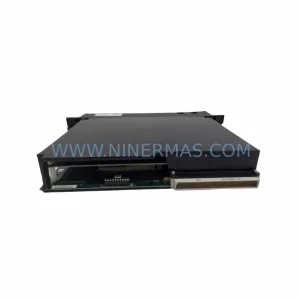
SKU: IC697CPX782-ED
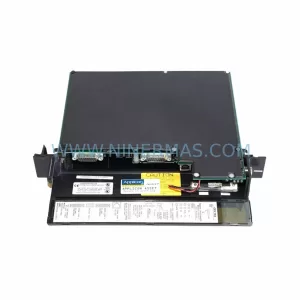
GE IC697CPX782-ED Retrofit CPU for Series 90-70 Systems
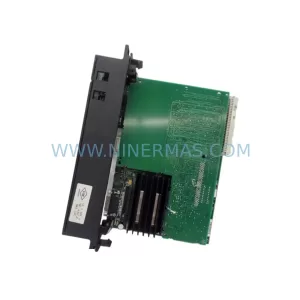
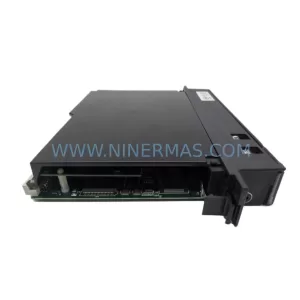
SKU: IC697CPX782-CB
GE IC697CPX782-CB Safety-Reliable CPU for Critical Control
Catalog Continuation
More GE modules in the catalog.
Use the brand lane to compare nearby part numbers, platform-adjacent modules, and other inquiry-ready listings before sending your final RFQ.
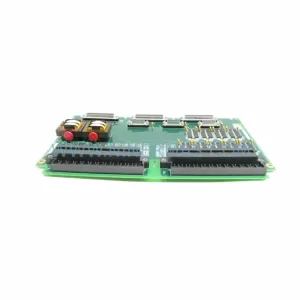
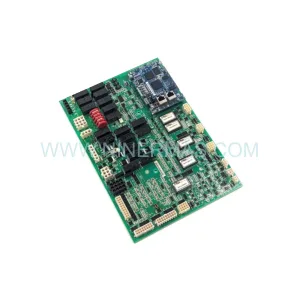
SKU: IS200AEPAH1AHD(IS215AEPAH1CA)
GE IS200AEPAH1AHD Mark VI Control Layer Module (GE) Original Spare Part RFQ
Catalog Continuation
Alternative parts within PLC & Industrial Automation Modules.
Stay inside the same system family when you need substitutes, adjacent modules, or a broader shortlist for procurement review.
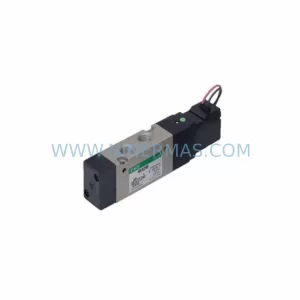
SKU: DX100DX200 jZRCR-YPP01-1 JZRCR-YPP21-1 SRDA-SDB95A01A-E 10Y-06A DC-24V
Yaskawa JZRCR-YPP01-1 Retrofit-Compatible Pendant for Legacy Systems