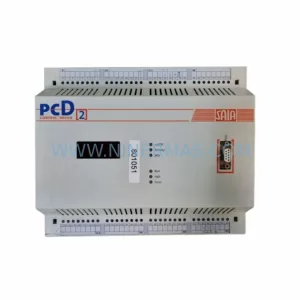
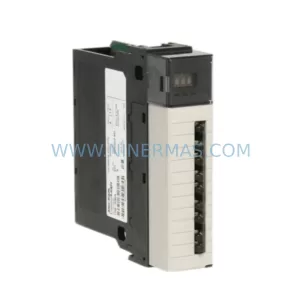
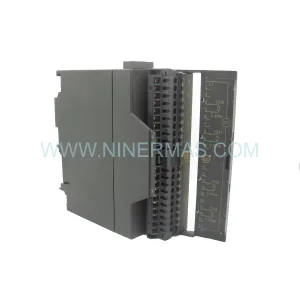
Original Industrial Spare Part
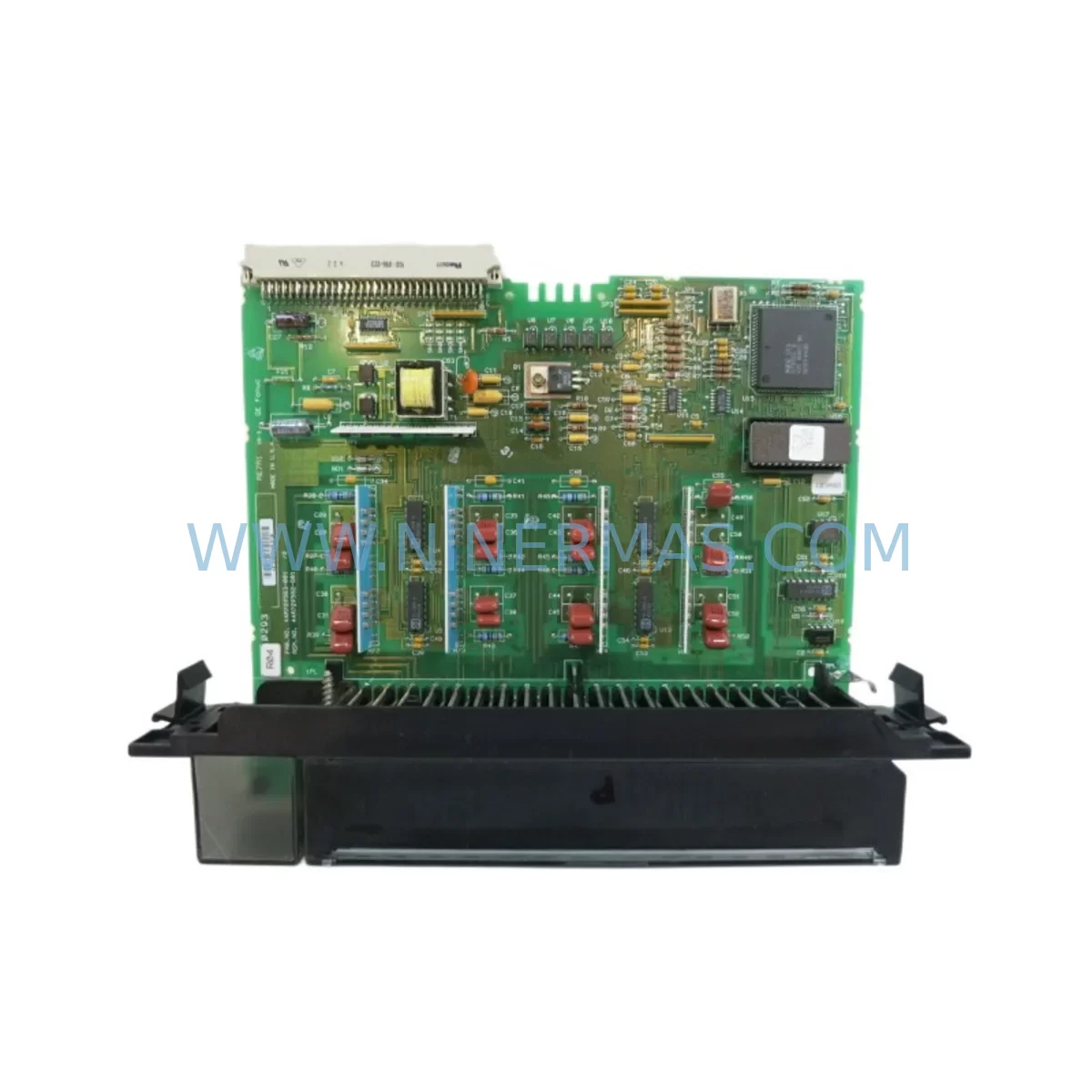
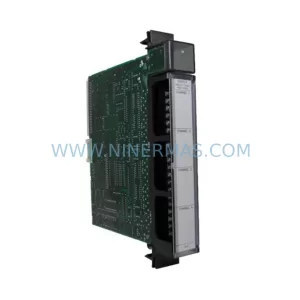
GE IC697ALG440 Service-Ready Spare Part for Industrial
Verify the part, confirm the platform family, and move straight into quotation with the right commercial details.
RFQ Ready
- SKUIC697ALG440
- CategoryPLC & Industrial Automation Modules
- BrandGE
- SupportAvailability, lead time, condition, and shipping coordination
How Buyers Usually Use This Page
- Confirm the exact part number and platform family before sending the quote request.
- Use direct email when quantity, condition, and destination are already defined internally.
- Switch to the broader brand or category archive when you need alternates nearby.
Series Navigation
Move through the most common platform families behind this part.
Product RFQ
Send this part directly for quotation.
Include quantity, required condition, destination country, and target delivery timing. Current reference: GE IC697ALG440 Service-Ready Spare Part for Industrial with SKU IC697ALG440.
GE IC697ALG440 Service-Ready Spare Part for Industrial Maintenance
The GE IC697ALG440 is an original analog output module designed for the GE Series 90-70 PLC platform — one of the most widely deployed programmable logic controller architectures in heavy industry, power generation, oil & gas, and process manufacturing. As production lines age and OEM support windows close, maintaining a reliable inventory of service-ready spare parts like the IC697ALG440 becomes a critical pillar of any maintenance strategy. Unplanned downtime caused by a failed analog output module can cascade across an entire control loop, halting actuator commands, disrupting valve positioning, and triggering emergency shutdowns. Sourcing a verified, tested replacement unit before failure occurs is the most cost-effective approach to protecting operational continuity.
At NINERMAS, every IC697ALG440 unit is inspected, functionally tested, and shipped with a 12-month warranty, giving maintenance engineers and procurement teams the confidence to stock this module as a long-term spare without risk of receiving untested or counterfeit components.
Spare Maintenance Table
| Parameter | Specification |
|---|---|
| Part Number / SKU | IC697ALG440 |
| Brand | GE (General Electric Automation) |
| Series | Series 90-70 |
| Module Type | Analog Output Module |
| Output Channels | 8 Channels (Voltage / Current Selectable) |
| Output Range | 0–10 VDC / 4–20 mA (field configurable) |
| Resolution | 12-bit |
| Backplane Compatibility | GE Series 90-70 VME Backplane |
| Power Consumption | +5 VDC from backplane |
| Operating Temperature | 0°C to 60°C |
| Mounting | Series 90-70 rack slot (single-width) |
| Application Environment | Industrial automation, process control, DCS integration |
| Maintenance Recommendation | Inspect every 12 months; replace on first sign of output drift or channel failure |
| Warranty | 12 Months from date of shipment |
| Condition | Original, tested, service-ready |
| Origin | USA |
Maintenance Planning for Continuous Operation
When a maintenance or procurement engineer identifies the IC697ALG440 as a replacement candidate — whether during a scheduled annual shutdown, a corrective maintenance event, or a routine control cabinet inspection — the replacement scope should never be limited to the module alone. The analog output section of a Series 90-70 system is deeply integrated with surrounding hardware, and a thorough site assessment will significantly reduce the risk of repeat failures and secondary faults.
Begin by verifying the GE IC697PWR710 or IC697PWR711 power supply module that feeds the rack. A degraded power supply delivering marginal voltage to the backplane is a common root cause of intermittent analog output errors that are often misdiagnosed as module failure. Inspect the power supply’s output rails and replace it proactively if it has been in service for more than five years without replacement.
Next, examine the IC697BEM711 or IC697BEM713 bus expansion module if the IC697ALG440 is installed in a remote or expansion rack. Communication errors between the CPU rack and expansion racks can cause the analog output module to receive corrupted setpoint data, resulting in erratic actuator behavior that mimics module failure.
The IC697CPU772 or IC697CPU781 CPU module should be checked for firmware version compatibility with the IC697ALG440’s configuration block. Mismatched firmware can cause the CPU to misinterpret the module’s channel configuration, leading to incorrect output scaling. Confirm that the CPU’s I/O scan rate is appropriate for the process loop update requirements.
Inspect all terminal block assemblies and field wiring connected to the IC697ALG440’s output channels. Corroded terminals, loose ferrules, or damaged shielding on analog signal cables are frequent contributors to output noise and signal drift. Replace any terminal blocks showing signs of oxidation or mechanical wear, and verify that cable shielding is grounded at one end only to prevent ground loops.
If the system includes a GE IC697MDL340 or IC697MDL341 discrete output module in the same rack, verify that its operation is not introducing electrical noise onto the backplane that could affect analog output accuracy. Discrete output switching transients can couple into analog channels if backplane grounding is inadequate.
For systems with IC697CMM711 or IC697CMM742 communications modules handling MODBUS or Ethernet I/P traffic, confirm that the communication load is not causing CPU scan overruns that delay analog output updates. High communication traffic can starve the I/O scan, causing the IC697ALG440 to hold its last output value longer than the process loop requires.
Where signal isolation is required between the PLC output and field devices, inspect any signal isolators or loop-powered transmitter barriers in the analog output circuit. A failed isolator will appear as a dead or saturated output channel even when the IC697ALG440 itself is functioning correctly. Always verify the full signal path from the module terminal to the final control element before condemning the module.
Finally, review the rack backplane (IC697CHS750 or IC697CHS782) for physical damage, bent connector pins, or contamination. A damaged backplane slot will cause persistent module faults regardless of how many replacement IC697ALG440 units are installed. Backplane inspection is a low-cost step that prevents repeated unnecessary module replacements.
Site Replacement Workflow
Step 1 — Pre-Replacement Verification: Before removing the IC697ALG440, document all current output channel configurations using the GE Proficy Machine Edition programming software. Export the hardware configuration file and record the current analog output scaling parameters, engineering unit ranges, and fault state defaults for all 8 channels. This documentation ensures that the replacement module can be configured identically without requiring process engineers to re-derive scaling values from P&ID drawings.
Step 2 — Safe Isolation: Place the CPU in STOP mode and verify that all downstream actuators driven by the IC697ALG440’s output channels are in a safe state. For critical control loops — such as control valve positioners or variable speed drive references — coordinate with the process control team before interrupting the analog output signal. Some processes require manual override of the final control element before the PLC output is removed.
Step 3 — Module Removal and Inspection: Remove the IC697ALG440 from its rack slot and inspect the backplane connector for bent pins or contamination. Inspect the module’s faceplate for burn marks, swollen capacitors, or physical damage that may indicate the root cause of failure. Retain the failed module for failure analysis if the fault was unexpected, as this information supports future maintenance planning and warranty claims.
Step 4 — Replacement Installation: Install the service-ready IC697ALG440 replacement unit into the same rack slot. The Series 90-70 backplane uses a keyed VME connector that prevents incorrect module insertion. Verify that the module is fully seated and that the locking lever is engaged before applying power.
Step 5 — Configuration Restore and Commissioning: Download the previously exported hardware configuration to the CPU using Proficy Machine Edition. Verify that the replacement IC697ALG440 is recognized by the CPU without module fault indicators. Perform a channel-by-channel output verification using a calibrated milliamp meter or voltage meter at the terminal block, confirming that each channel produces the correct output for a known setpoint command from the CPU.
Step 6 — Return to Service: Return the CPU to RUN mode and monitor the process for a minimum of 30 minutes to confirm stable analog output performance across all channels. Document the replacement in the site maintenance management system (CMMS) with the new module’s serial number and the date of installation to support future warranty claims and maintenance scheduling.
Spare Parts Support FAQ
Q1: Is the IC697ALG440 compatible with all GE Series 90-70 rack configurations?
The IC697ALG440 is designed for the GE Series 90-70 VME backplane architecture and is compatible with standard Series 90-70 racks including the IC697CHS750 (5-slot), IC697CHS782 (9-slot), and IC697CHS790 (10-slot) configurations. Compatibility with the CPU firmware version should be verified using the GE Series 90-70 Hardware Reference Manual. NINERMAS can assist with compatibility verification prior to shipment upon request.
Q2: What testing is performed before the IC697ALG440 is shipped?
Every IC697ALG440 unit supplied by NINERMAS undergoes functional testing in a Series 90-70 rack environment prior to shipment. Testing includes power-on self-test verification, channel-by-channel analog output accuracy checks across the full 4–20 mA and 0–10 VDC output ranges, and backplane communication verification. A test report is available upon request. Units are shipped in anti-static packaging with protective covers on all connectors.
Q3: How should the IC697ALG440 be stored as a long-term spare?
For long-term spare storage, the IC697ALG440 should be kept in its original anti-static packaging in a climate-controlled environment with temperature between 0°C and 40°C and relative humidity below 85% non-condensing. Avoid storage near strong magnetic fields or sources of electrostatic discharge. NINERMAS recommends a maximum storage period of 3 years before functional re-testing is performed to confirm the module remains service-ready. For critical applications, maintaining two units in stock — one active spare and one long-term reserve — provides the highest level of protection against extended lead times during supply disruptions.
Q4: What does the 12-month warranty cover and how is a warranty claim initiated?
The 12-month warranty covers functional failure of the IC697ALG440 under normal operating conditions from the date of shipment. It does not cover damage resulting from incorrect installation, overvoltage events, physical impact, or operation outside the module’s specified environmental ratings. To initiate a warranty claim, contact NINERMAS at sale@ninermas.com with the original order number, the module’s serial number, and a description of the fault symptom. NINERMAS will provide a return merchandise authorization (RMA) number and arrange for the unit to be evaluated. Confirmed warranty failures are replaced with a tested unit at no additional charge, with priority shipping to minimize site downtime.
| Product Series | 90-70 |
|---|---|
| Country of Origin | US |
Catalog Continuation
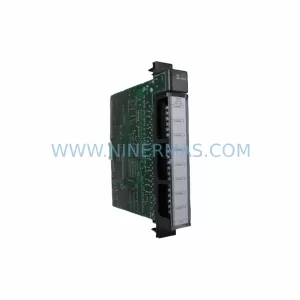
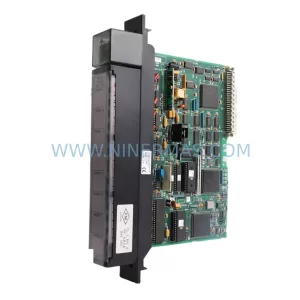
Nearby part numbers around IC697ALG.
Use this lane when the buyer is comparing adjacent model numbers, revision-near items, or closely related spare variants within the same brand family.
Catalog Continuation
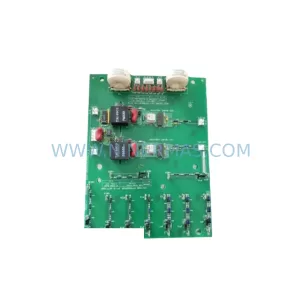
More GE modules in the catalog.
Use the brand lane to compare nearby part numbers, platform-adjacent modules, and other inquiry-ready listings before sending your final RFQ.

Catalog Continuation
Alternative parts within PLC & Industrial Automation Modules.
Stay inside the same system family when you need substitutes, adjacent modules, or a broader shortlist for procurement review.
SKU: SC34.0300.0011.0000.0-JW1 SC34.0300.0011.0000.0
LUST SC34.0300.0011.0000.0-JW1 Service-Ready Spare Part
SKU: LSC-096-2-30-560-P5B0H2MM0
LTi Motion LSC-096-2-30-560-P5B0H2MM0 Retrofit Servo Drive