Original Industrial Spare Part
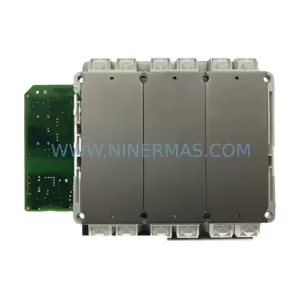
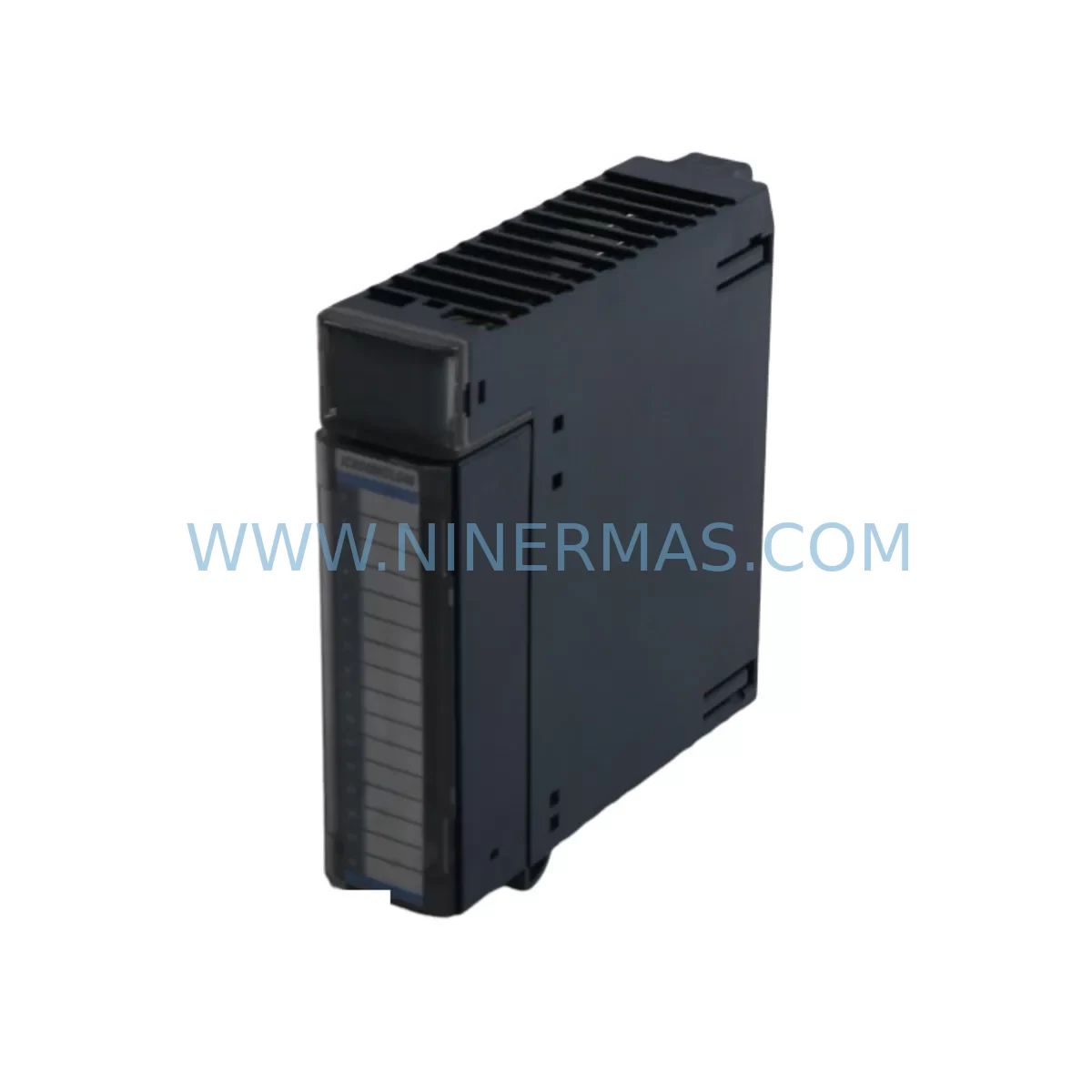
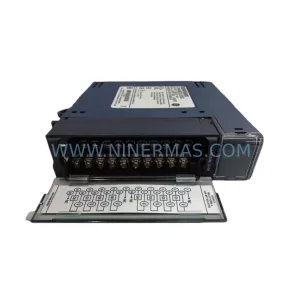
GE IC694MDL646 Retrofit-Compatible DC Input Module
Verify the part, confirm the platform family, and move straight into quotation with the right commercial details.
RFQ Ready
- SKUIC694MDL646
- CategoryPLC & Industrial Automation Modules
- BrandGE
- SupportAvailability, lead time, condition, and shipping coordination
How Buyers Usually Use This Page
- Confirm the exact part number and platform family before sending the quote request.
- Use direct email when quantity, condition, and destination are already defined internally.
- Switch to the broader brand or category archive when you need alternates nearby.
Series Navigation
Move through the most common platform families behind this part.
Product RFQ
Send this part directly for quotation.
Include quantity, required condition, destination country, and target delivery timing. Current reference: GE IC694MDL646 Retrofit-Compatible DC Input Module with SKU IC694MDL646.
GE IC694MDL646 Retrofit-Compatible DC Input Module for Legacy Systems
The GE IC694MDL646 is a ruggedized 16-point DC voltage input module designed for the GE Series 90-30 programmable logic controller platform. As legacy automation systems approach end-of-life and original spare parts become increasingly scarce, the IC694MDL646 remains one of the most sought-after retrofit-compatible components for engineers tasked with sustaining, upgrading, or migrating aging control architectures. Whether you are replacing a failed input module in a running production line or executing a planned control cabinet modernization, this module delivers the electrical compatibility and mechanical fit required for a smooth, low-risk transition.
The IC694MDL646 accepts 24 VDC discrete input signals and mounts directly into the IC694CHS392 or IC694CHS398 baseplate rack, sharing the same backplane interface as other Series 90-30 I/O modules such as the IC694MDL655 DC output module and the IC694MDL660 mixed I/O module. This physical and electrical compatibility is critical when planning a retrofit: engineers can swap a failed module without modifying the existing rack, terminal block wiring, or PLC program logic, provided the replacement module carries the same catalog number and firmware revision.
Upgrade Compatibility Table
| Parameter | IC694MDL646 Specification | Retrofit / Replacement Notes |
|---|---|---|
| Input Voltage Range | 24 VDC (10–30 VDC operating) | Verify field wiring voltage before installation; confirm sensor supply compatibility |
| Number of Input Points | 16 discrete inputs | Direct replacement for IC694MDL640 (8-point) requires I/O address remapping in PLC program |
| Backplane Interface | Series 90-30 parallel backplane | Compatible with IC694CHS392 (5-slot) and IC694CHS398 (10-slot) racks |
| Terminal Block Wiring | Removable 20-pin terminal block | Terminal block is field-removable; existing wiring can be transferred without re-termination |
| Module Address | Set by slot position in rack | Confirm slot address in Proficy Machine Edition or Logicmaster 90 hardware configuration |
| Communication Protocol | Backplane parallel I/O bus | No protocol migration required; CPU module IC694CPU364 or IC694CPU374 reads I/O natively |
| Installation Space | Single-slot Series 90-30 form factor | No panel modification required; direct slot-for-slot replacement |
| Commissioning | Force I/O bits in online monitor mode | Use Proficy Machine Edition online diagnostics to verify input state after installation |
| Warranty | 12-Month Warranty — All units pre-tested before shipment | |
Retrofit Planning for Existing Automation Systems
A successful IC694MDL646 retrofit begins well before the module arrives on site. The first step is a thorough audit of the existing control cabinet: confirm the rack model (IC694CHS392 or IC694CHS398), count available slots, and document the current I/O map as configured in the CPU — typically an IC694CPU364 or IC694CPU374 processor. If the system is running Logicmaster 90 software on an older programming terminal, verify that the hardware configuration file matches the physical rack layout before any module is removed.
Terminal block wiring is one of the most time-sensitive tasks during a live-system swap. The IC694MDL646 uses a removable 20-pin terminal block, which means the entire wiring harness can be disconnected from the old module and reconnected to the replacement unit in under two minutes — a significant advantage when minimizing downtime on a running production line. Before disconnecting, photograph or document the terminal assignments, particularly if field sensors include proximity switches, photoelectric sensors, or encoder feedback signals that share a common DC supply rail.
Power budget verification is essential when adding or replacing modules in an existing rack. The IC694PS501 or IC694PS524 power supply module must have sufficient capacity to support all installed I/O modules, including the IC694MDL646. Calculate the total backplane current draw across all slots and compare against the power supply’s rated output. If the existing power supply is operating near its limit, consider upgrading to the IC694PS530 high-capacity supply as part of the same retrofit project.
For systems that include analog I/O alongside discrete inputs, the IC694ALG220 analog input module and IC694ALG390 analog output module may occupy adjacent slots. Confirm that the backplane address assignments for these analog modules are not affected by the slot position of the replacement IC694MDL646. In Proficy Machine Edition, the hardware configuration tree will display any address conflicts as warnings before the program is downloaded to the CPU.
Communication infrastructure should also be reviewed during the retrofit planning phase. Many Series 90-30 systems use the IC694CMM321 communications module for Ethernet connectivity or the IC694CMM302 for serial communications. If the retrofit is part of a broader migration toward Ethernet/IP or Modbus TCP, confirm that the existing CPU firmware supports the target protocol and that the communications module is seated in a slot that does not conflict with the new I/O module placement.
HMI screen updates are frequently overlooked during module replacements. If the plant floor uses a QuickPanel or third-party HMI connected to the Series 90-30 CPU via serial or Ethernet, verify that the I/O tag addresses referenced in the HMI project match the updated hardware configuration. A mismatch between the HMI tag database and the PLC I/O map can cause false alarms or loss of process visibility immediately after the retrofit is completed.
Downtime Control During System Migration
Minimizing unplanned downtime is the primary concern for any maintenance engineer replacing a failed IC694MDL646 in a live production environment. The recommended approach is to pre-configure the replacement module offline before the maintenance window begins. Using Proficy Machine Edition, load the existing hardware configuration from the CPU, verify that the IC694MDL646 is correctly defined in the target slot, and save the configuration file. This ensures that when the physical swap is performed, no software changes are required — the CPU will recognize the replacement module automatically upon power-up.
If the system cannot be taken offline for an extended period, consider a hot-swap strategy where the terminal block is transferred from the failed module to the replacement unit while the rack remains powered. The Series 90-30 backplane supports module insertion and removal with the rack energized, but this procedure should only be performed by qualified personnel following GE Automation safety guidelines. After insertion, use the online I/O force function in Proficy Machine Edition to verify each input point individually before releasing the system back to automatic control.
Protecting the original program logic is non-negotiable. Before any hardware change, upload the current PLC program from the CPU to a backup file and store it on a secure programming terminal or network drive. If the CPU battery (IC694ACC300) is weak or depleted, the program may be lost during a power cycle — replace the battery as part of the same maintenance event to prevent this risk. Once the IC694MDL646 is installed and verified, perform a final online comparison between the uploaded backup and the program currently running in the CPU to confirm no unintended changes were introduced.
Field control continuity can be maintained during the migration by placing the affected I/O points in a safe state before the module is removed. Use the CPU’s I/O override function to hold critical output signals at their last known state while the input module is being replaced. This is particularly important in process control applications where a loss of input signal could trigger an emergency shutdown or cause a safety interlock to activate unexpectedly.
Retrofit Support FAQ
Q1: Is the IC694MDL646 a direct drop-in replacement for the IC694MDL640?
The IC694MDL646 (16-point) and IC694MDL640 (8-point) share the same Series 90-30 backplane interface and physical form factor, but they differ in the number of input points. A direct slot-for-slot swap is mechanically possible, but the PLC hardware configuration and I/O address map must be updated in Proficy Machine Edition to reflect the 16-point module. Failure to update the configuration will result in the CPU reporting a hardware mismatch fault. All units supplied by NINERMAS are pre-tested before shipment to confirm correct operation.
Q2: What commissioning steps are required after installing the IC694MDL646?
After physical installation, power up the rack and connect a programming terminal running Proficy Machine Edition or Logicmaster 90. Go online with the CPU and navigate to the I/O diagnostics screen. Verify that the IC694MDL646 is recognized in the correct slot and that all 16 input points report the expected state (ON or OFF) based on the current field wiring conditions. Use the I/O force function to individually test each input channel. Confirm that the HMI displays the correct input states before returning the system to automatic operation.
Q3: Can the IC694MDL646 be used in a mixed rack alongside analog modules?
Yes. The IC694MDL646 can be installed in any available slot in an IC694CHS392 or IC694CHS398 rack alongside analog modules such as the IC694ALG220 or IC694ALG390, communications modules such as the IC694CMM321, and other discrete I/O modules. The only constraint is the total backplane current budget, which is determined by the installed power supply (IC694PS501, IC694PS524, or IC694PS530). Verify the power budget before finalizing the slot assignment.
Q4: What warranty and pre-shipment testing does NINERMAS provide for the IC694MDL646?
Every IC694MDL646 unit supplied by NINERMAS COMPANY LIMITED is covered by a 12-month warranty from the date of shipment. Prior to dispatch, each module undergoes functional pre-shipment testing to verify input channel operation, backplane interface integrity, and LED indicator function. Units are shipped in anti-static packaging with inspection documentation. For warranty claims or technical support, contact sale@ninermas.com or call +0086 187 5021 5667.
| Product Series | 90-30 |
|---|---|
| Country of Origin | US |
Catalog Continuation
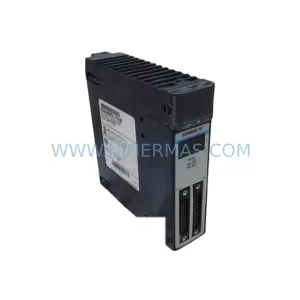
Nearby part numbers around IC694MDL.
Use this lane when the buyer is comparing adjacent model numbers, revision-near items, or closely related spare variants within the same brand family.
Catalog Continuation
More GE modules in the catalog.
Use the brand lane to compare nearby part numbers, platform-adjacent modules, and other inquiry-ready listings before sending your final RFQ.
Catalog Continuation
Alternative parts within PLC & Industrial Automation Modules.
Stay inside the same system family when you need substitutes, adjacent modules, or a broader shortlist for procurement review.
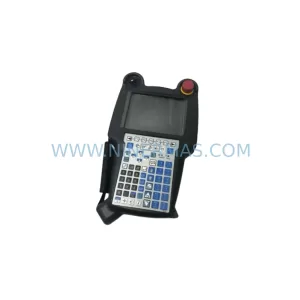
SKU: A05B-2518-C200
FANUC A05B-2518-C200 Retrofit Teach Pendant for Legacy Systems
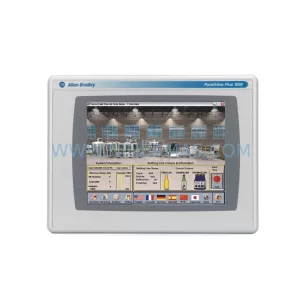
SKU: 2711PC-T10C4D8
Allen-Bradley 2711PC-T10C4D8 Retrofit-Compatible HMI Terminal