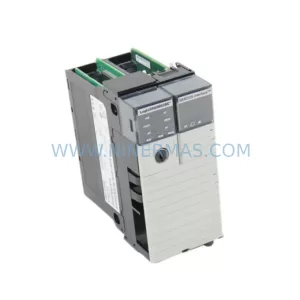
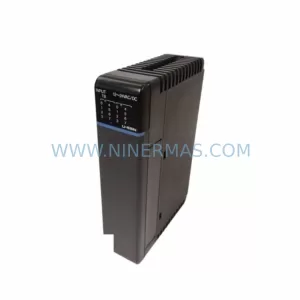
Original Industrial Spare Part
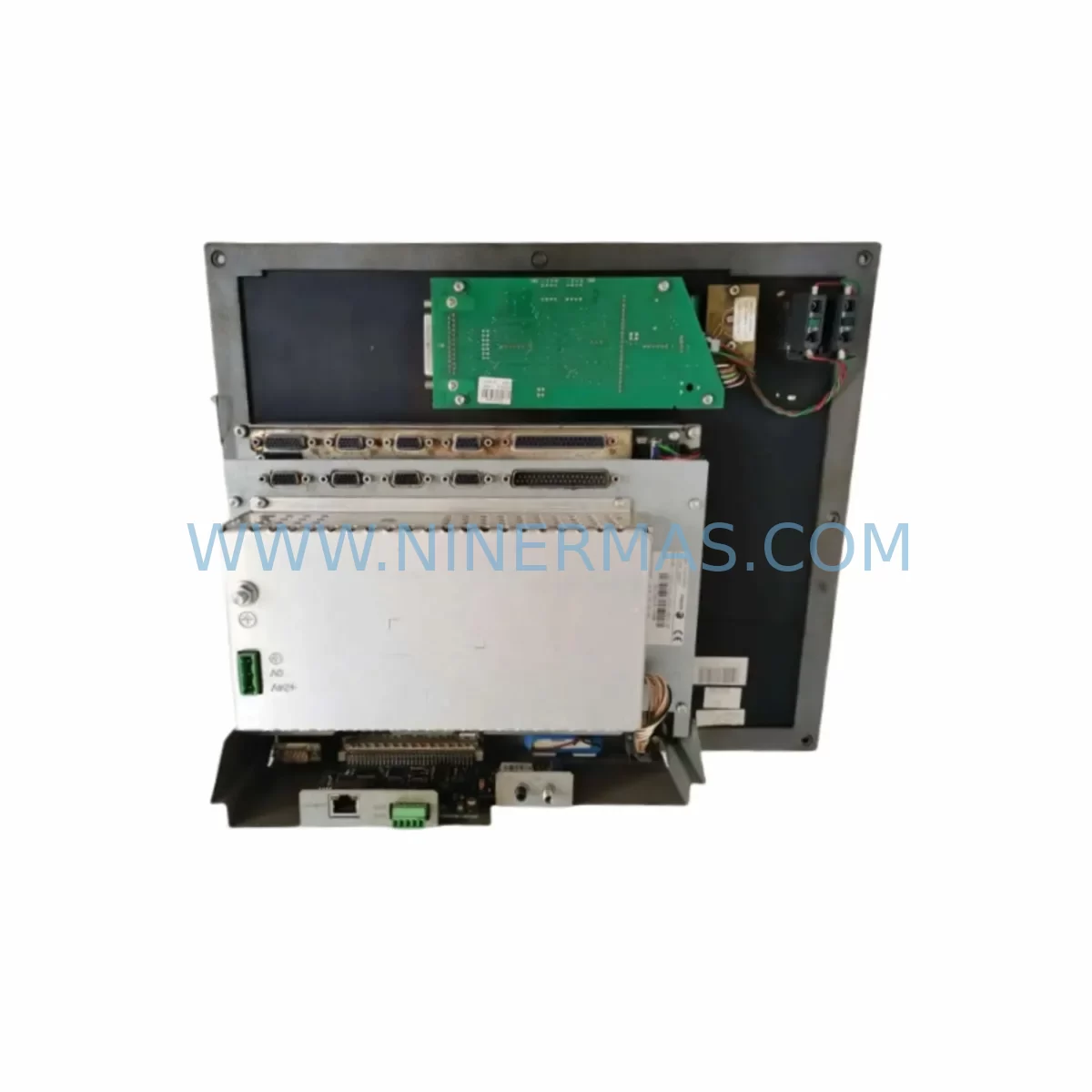
FAGOR CN55IFL0-M-CK-AIS-B-4-ABEHKVWX Retrofit CNC Screen
Verify the part, confirm the platform family, and move straight into quotation with the right commercial details.
RFQ Ready
- SKUCN55IFL0-M-CK-AIS-B-4-ABEHKVWX CN55IFLO-M
- CategoryPLC & Industrial Automation Modules
- BrandFAGOR
- SupportAvailability, lead time, condition, and shipping coordination
How Buyers Usually Use This Page
- Confirm the exact part number and platform family before sending the quote request.
- Use direct email when quantity, condition, and destination are already defined internally.
- Switch to the broader brand or category archive when you need alternates nearby.
Series Navigation
Move through the most common platform families behind this part.
Product RFQ
Send this part directly for quotation.
Include quantity, required condition, destination country, and target delivery timing. Current reference: FAGOR CN55IFL0-M-CK-AIS-B-4-ABEHKVWX Retrofit CNC Screen with SKU CN55IFL0-M-CK-AIS-B-4-ABEHKVWX CN55IFLO-M.
FAGOR CN55IFL0-M-CK-AIS-B-4-ABEHKVWX Retrofit CNC Screen: Legacy-Compatible Upgrade for Aging Control Systems
The FAGOR CN55IFL0-M-CK-AIS-B-4-ABEHKVWX is a retrofit-compatible CNC system screen module engineered for seamless integration into legacy FAGOR CN55 and CN55IFLO-M control platforms. As FAGOR Automation’s CN55 series reaches end-of-life status across global machine tool installations, maintenance engineers and automation integrators face increasing pressure to source verified replacement units that preserve existing program logic, operator interface layouts, and communication architecture without triggering full-system overhauls. This module addresses that challenge directly — providing a validated, inventory-ready solution for plants operating FAGOR-controlled lathes, milling centers, grinding machines, and multi-axis machining cells.
Whether your facility is managing a single-axis retrofit or a multi-machine upgrade campaign, the CN55IFL0-M-CK-AIS-B-4-ABEHKVWX delivers the interface continuity and hardware compatibility required to restore production uptime with minimal disruption to existing toolpaths, PLC ladder logic, and operator workflows.
Upgrade Compatibility Table
| Parameter | CN55IFL0-M-CK-AIS-B-4-ABEHKVWX | Legacy CN55IFLO-M | Retrofit Notes |
|---|---|---|---|
| Module Type | CNC System Screen / HMI Panel | CNC System Screen / HMI Panel | Direct form-factor replacement |
| Series Compatibility | CN55 / CN55IFLO-M Platform | CN55IFLO-M | Verify backplane connector revision |
| Communication Interface | FAGOR proprietary bus / serial link | FAGOR proprietary bus | Confirm baud rate and protocol version |
| Power Supply Requirement | 24 VDC (verify with system PSU) | 24 VDC | Check existing FAGOR PSU capacity before swap |
| Mounting / Installation | Standard CN55 panel cutout | Standard CN55 panel cutout | No mechanical modification required |
| HMI Screen Compatibility | Compatible with existing operator screens | Native | Validate screen page mapping post-installation |
| Program / Parameter Retention | Backup required before swap | Native storage | Use FAGOR WinDNC or RS-232 backup utility |
| Warranty | 12 Months | EOL — No OEM support | Covered from date of shipment |
| Stock Status | Available — Global shipping | Discontinued | Contact for lead time confirmation |
| Replacement Recommendation | Verified drop-in for CN55IFLO-M | — | Pre-shipment function test included |
Retrofit Planning for Existing Automation Systems
Successful integration of the CN55IFL0-M-CK-AIS-B-4-ABEHKVWX into a live production environment requires systematic pre-retrofit planning. Engineers should begin by auditing the existing control cabinet layout to confirm available installation space, backplane slot assignments, and cable routing clearances. The FAGOR CN55 platform typically operates within a modular rack architecture, and the screen module interfaces directly with the central processing unit via the FAGOR internal bus — making connector revision verification a critical first step before ordering.
Power supply capacity is a frequent oversight in CNC screen replacements. The existing FAGOR PSU module — often a dedicated 24 VDC regulated supply within the control cabinet — must be confirmed to provide sufficient current headroom for the replacement screen alongside co-installed modules such as the FAGOR I/O expansion module, axis drive interface cards, and any FAGOR communication modules handling DNC or fieldbus connectivity. Overloaded power rails are a leading cause of post-retrofit instability and should be measured under full load before the swap is executed.
Terminal wiring and I/O mapping deserve equal attention. Maintenance teams should document all existing terminal block assignments — including analog input channels, digital output signals, and emergency stop circuits — before disconnecting the legacy unit. Where the installation includes FAGOR servo amplifier modules or spindle drive interface boards, the signal wiring between the screen module and drive system must be verified against the original machine wiring diagram to prevent axis fault conditions during initial power-up.
For facilities running multi-axis machining centers, the FAGOR CN55 axis module and associated feedback encoder interface cards should be inspected for firmware compatibility with the replacement screen. In cases where the legacy system was running an older firmware revision, a controlled firmware alignment procedure may be required to ensure the new screen module communicates correctly with the axis control chain. This is particularly relevant in installations where FAGOR linear scale interfaces or rotary encoder feedback modules are part of the closed-loop position control architecture.
Communication link integrity is another key planning checkpoint. If the machine tool is connected to a DNC network or shop-floor data collection system via RS-232, RS-422, or Ethernet, the communication parameters — including baud rate, parity, stop bits, and IP addressing — must be documented and re-applied to the replacement module after installation. Facilities using FAGOR remote I/O modules or fieldbus gateway adapters should verify that the new screen module supports the same protocol stack without requiring gateway reconfiguration.
Finally, HMI screen page validation is essential before returning the machine to production. Operators should walk through all active screen pages — including tool offset tables, work coordinate systems, program directory views, and alarm history displays — to confirm that the replacement module renders all pages correctly and that softkey assignments match the operator’s trained workflow. Any discrepancies in screen page mapping should be resolved through the FAGOR parameter backup and restore procedure before the machine is released for production cutting.
Downtime Control During System Migration
Minimizing unplanned downtime during a CNC screen module replacement is a primary concern for any production facility operating on tight cycle schedules. The recommended approach for the CN55IFL0-M-CK-AIS-B-4-ABEHKVWX retrofit is a structured swap procedure executed during a planned maintenance window — ideally during a scheduled shift changeover or weekend shutdown — to avoid interrupting active production programs.
Before powering down the machine, a complete parameter and program backup should be performed using the FAGOR WinDNC software or the machine’s built-in RS-232 data transfer utility. This backup should capture all active part programs, tool offset tables, work coordinate offsets, machine parameters, and PLC ladder logic — ensuring that the full machine configuration can be restored to the replacement module without manual re-entry. Facilities that have not maintained a current backup of their FAGOR CN55 system should treat this step as a prerequisite, not an afterthought.
With the backup secured, the physical swap of the screen module can typically be completed within 30 to 90 minutes by a qualified CNC maintenance technician, depending on cabinet accessibility and cable management complexity. The replacement CN55IFL0-M-CK-AIS-B-4-ABEHKVWX is supplied pre-tested and function-verified prior to shipment, reducing the risk of receiving a non-functional unit and eliminating the need for extended bench testing before installation.
After installation, the parameter restore sequence should be executed in the correct order — machine parameters first, followed by PLC data, tool offsets, and finally part programs — to ensure that the control system initializes correctly and that all axis reference positions are established before any motion commands are issued. A controlled reference return (home) cycle should be performed on all axes before the machine is returned to automatic operation, and the first production run should be conducted at reduced feedrate to verify axis response and program execution integrity.
By following this structured migration approach, most facilities can complete a FAGOR CN55 screen module replacement with less than four hours of total machine downtime — preserving production continuity and protecting the investment in existing toolpaths, fixtures, and operator training.
Retrofit Support FAQ
Q1: Is the CN55IFL0-M-CK-AIS-B-4-ABEHKVWX a direct replacement for the CN55IFLO-M screen module?
Yes. The CN55IFL0-M-CK-AIS-B-4-ABEHKVWX is verified as a retrofit-compatible replacement for the CN55IFLO-M. It shares the same form factor, connector interface, and communication protocol, allowing direct substitution in existing FAGOR CN55 control cabinets without mechanical modification. Engineers should confirm the backplane connector revision and firmware version of the host system before installation to ensure full compatibility.
Q2: What pre-shipment testing is performed on this module?
Each CN55IFL0-M-CK-AIS-B-4-ABEHKVWX unit undergoes a full function test prior to shipment, including power-on verification, display output confirmation, communication interface check, and key input response validation. A test report is available upon request. All units are covered by a 12-month warranty from the date of shipment, providing assurance against manufacturing defects and functional failures under normal operating conditions.
Q3: How do I back up my existing FAGOR CN55 parameters before replacing the screen module?
FAGOR CN55 systems support parameter and program backup via the WinDNC PC software over an RS-232 serial connection, or via the machine’s built-in data transfer menu. The backup should include machine parameters (P-table), PLC program, part programs, tool offset tables, and work coordinate data. It is strongly recommended to perform and verify the backup before any hardware swap to protect against data loss during the replacement procedure.
Q4: What is the typical lead time and stock availability for this module?
The CN55IFL0-M-CK-AIS-B-4-ABEHKVWX is maintained in active inventory for global shipping. Standard lead time for in-stock units is 3–7 business days depending on destination. For urgent requirements, expedited shipping options are available. Contact our team to confirm current stock levels and lead time for your specific delivery location before placing your order.
| Product Series | Other series |
|---|
Catalog Continuation
More FAGOR modules in the catalog.
Use the brand lane to compare nearby part numbers, platform-adjacent modules, and other inquiry-ready listings before sending your final RFQ.
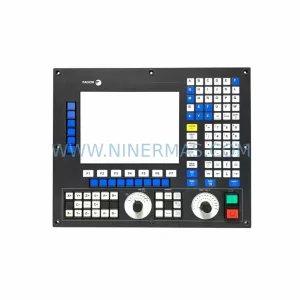
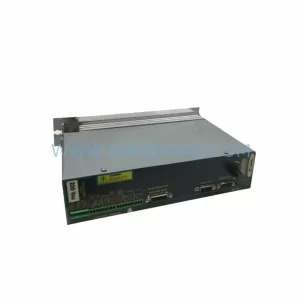
SKU: 8055i/A-M-COL-K
Fagor 8055i/A-M-COL-K Spare Part for Industrial Maintenance
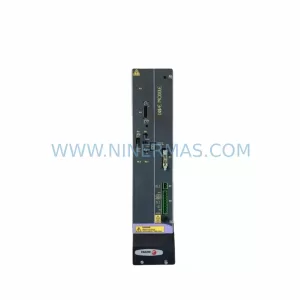
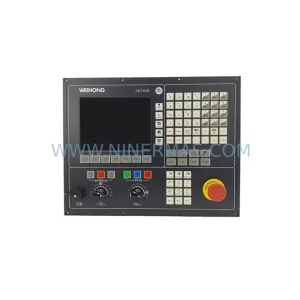
SKU: PMC-3000 8070-OL-ICU-RS CN70-10U-OL-B4S1-RS-4
Fagor PMC-3000 Safety-Reliable Motion Control for Critical Sites
Catalog Continuation
Alternative parts within PLC & Industrial Automation Modules.
Stay inside the same system family when you need substitutes, adjacent modules, or a broader shortlist for procurement review.
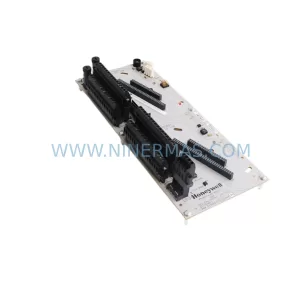
SKU: CC-TDOB11 51308373-175
HOLLEYWELL CC-TDOB11 51308373-175 Retrofit Digital Output
SKU: DIA 27CM 0020-21422 ARIES ACR CP*AR-13CE-15122 LAM 796-901039-002 100018066
AMAT 796-901039-002 Retrofit-Compatible Clamp for Legacy Systems