Original Industrial Spare Part
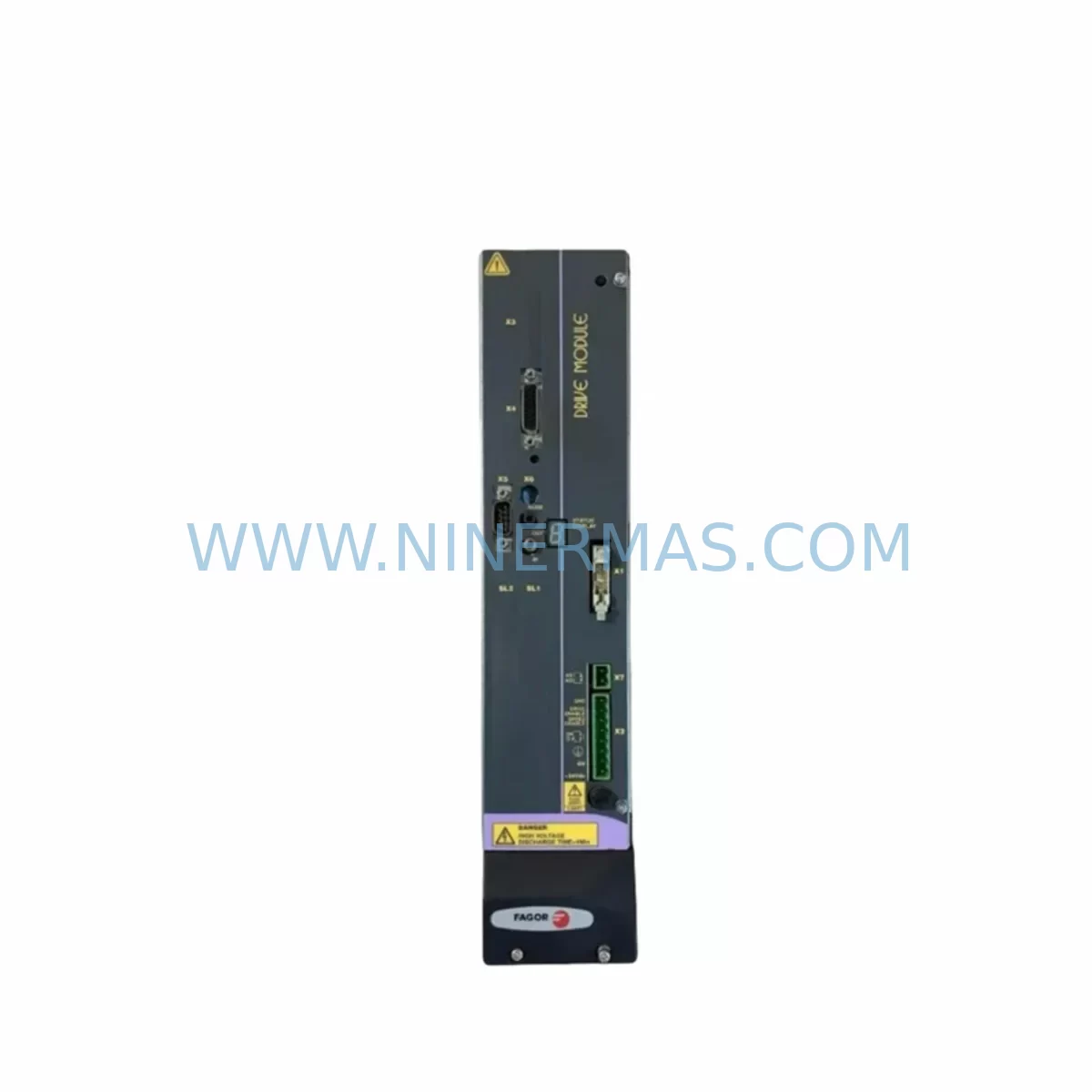
FAGOR AXD1.25-S0-0 Retrofit-Compatible Servo Drive for Legacy Systems
Verify the part, confirm the platform family, and move straight into quotation with the right commercial details.
RFQ Ready
- SKUAXD1.25-S0-0
- CategoryPLC & Industrial Automation Modules
- BrandFAGOR
- SupportAvailability, lead time, condition, and shipping coordination
How Buyers Usually Use This Page
- Confirm the exact part number and platform family before sending the quote request.
- Use direct email when quantity, condition, and destination are already defined internally.
- Switch to the broader brand or category archive when you need alternates nearby.
Series Navigation
Move through the most common platform families behind this part.
Product RFQ
Send this part directly for quotation.
Include quantity, required condition, destination country, and target delivery timing. Current reference: FAGOR AXD1.25-S0-0 Retrofit-Compatible Servo Drive for Legacy Systems with SKU AXD1.25-S0-0.
FAGOR AXD1.25-S0-0 Retrofit-Compatible Servo Drive for Legacy Systems
The FAGOR AXD1.25-S0-0 is a compact, high-performance digital servo drive from FAGOR Automation’s AXD series, designed for precise velocity and torque control in CNC machine tools, automated production lines, and legacy motion control systems. As FAGOR Automation entered insolvency proceedings and many AXD-series drives reached end-of-life status, sourcing a verified, pre-tested replacement unit has become a critical priority for maintenance engineers and system integrators managing aging control cabinets. This listing provides a retrofit-compatible AXD1.25-S0-0 unit — inspected, function-tested before shipment, and backed by a 12-month warranty — to support smooth, low-risk system continuity.
The AXD1.25-S0-0 operates within the FAGOR 8055, 8065, and 8070 CNC platform ecosystems, interfacing with FAGOR’s SERCOS or analog command architecture depending on the host controller configuration. Engineers replacing a failed drive must verify the axis address setting, feedback connector pinout (typically a 15-pin D-sub for encoder or resolver input), and the DC bus voltage rail shared with adjacent drives on the same power supply module — commonly the FAGOR SPD or RPS series power supply. Confirming bus capacitance and peak current headroom before energizing the replacement unit is essential to avoid nuisance trips or damage to neighboring axes.
Upgrade Compatibility Table
| Parameter | Detail |
|---|---|
| SKU / Part Number | AXD1.25-S0-0 |
| Brand / Series | FAGOR / AXD Series |
| Drive Type | Digital AC Servo Drive |
| Continuous Output Current | 1.25 A (nominal axis rating) |
| Command Interface | SERCOS II / Analog ±10 V (configuration-dependent) |
| Feedback Interface | Encoder / Resolver (15-pin D-sub) |
| DC Bus Compatibility | Compatible with FAGOR SPD / RPS power supply modules |
| Mounting / Form Factor | DIN-rail / backplane slot — verify cabinet depth and rail spacing |
| Axis Address Configuration | Rotary switch on front panel — must match original axis assignment |
| CNC Platform Compatibility | FAGOR 8055 / 8065 / 8070 CNC systems |
| Replacement Path | Direct drop-in for failed or end-of-life AXD1.25-S0-0 units |
| Communication Protocol | SERCOS ring — verify node count and ring integrity after swap |
| Pre-Shipment Testing | Function-tested before dispatch |
| Warranty | 12 months from date of shipment |
Retrofit Planning for Existing Automation Systems
A successful AXD1.25-S0-0 retrofit begins well before the replacement unit arrives on site. Start by documenting the existing wiring: photograph all terminal connections on the drive’s power input (L1, L2, L3 and DC bus bars), motor output terminals (U, V, W), and the feedback cable routing. Label each wire before disconnection. If the cabinet houses multiple AXD-series drives — for example, an AXD2.50-S0-0 on the X-axis and an AXD5.00-S0-0 on the Z-axis — confirm that the shared DC bus is de-energized and the bus capacitors have fully discharged before handling any drive module.
The FAGOR SPD power supply module that feeds the DC bus must be sized to support the total continuous and peak current demand of all connected axes. When replacing a single drive, verify that the SPD’s output capacity has not been margined too tightly — a degraded SPD can cause intermittent faults on the replacement AXD1.25-S0-0 that are easily misdiagnosed as a drive fault. Similarly, inspect the FAGOR RPS regenerative power supply if the machine uses dynamic braking; a failing RPS can generate overvoltage trips on the new drive during deceleration.
On the feedback side, the AXD1.25-S0-0 accepts encoder or resolver signals through its 15-pin D-sub feedback connector. If the original motor uses a FAGOR FM or FKM series servomotor with an integrated encoder, the feedback cable pinout is typically preserved across AXD-series generations — but always verify against the original wiring diagram. If the motor has been replaced with a third-party unit, confirm signal voltage levels and differential pair integrity with an oscilloscope before closing the SERCOS ring.
For systems running FAGOR’s 8055 or 8065 CNC, the axis parameters stored in the CNC’s non-volatile memory — including gain settings, following error limits, and software travel limits — remain valid after a drive swap, provided the replacement unit’s axis address switch is set identically to the original. However, it is good practice to export a full parameter backup from the CNC before beginning work, using the FAGOR WinDNC or DNC-NET utility. This backup also captures the PLC ladder program and HMI screen definitions, protecting against accidental data loss during power cycling.
If the machine uses a FAGOR I/O expansion module — such as the FAGOR RIO or a third-party Profibus I/O node connected through the CNC’s fieldbus interface — verify that the I/O addresses and module configuration are unaffected by the drive replacement. In some cabinet layouts, the drive and I/O modules share a common 24 VDC logic supply; a blown fuse on this rail during the swap can cause the I/O module to lose its configuration and require re-initialization. Keep a spare 24 VDC fuse and a copy of the I/O module’s configuration file on hand.
For machines with a FAGOR LCD operator panel or a third-party HMI connected via RS-232 or Ethernet, confirm that the HMI communication link to the CNC remains active throughout the drive replacement. The HMI does not communicate directly with the AXD drive, but a CNC alarm triggered by an open SERCOS ring during the swap can lock the HMI into an alarm state that requires a deliberate reset sequence — typically a power-off/power-on cycle with the SERCOS ring fully closed — before normal operation resumes.
Where the original installation used a FAGOR programming cable or USB-to-RS-232 adapter for drive parameter access, retain this tool for post-installation verification. Some AXD-series drives store axis-specific tuning parameters locally; if the replacement unit was previously configured for a different axis current rating or motor type, a parameter reset and re-tuning session may be required using FAGOR’s WinDDS software.
Downtime Control During System Migration
Minimizing unplanned downtime during an AXD1.25-S0-0 replacement requires a structured pre-work checklist and a clear go/no-go decision point before the machine is taken offline. Schedule the replacement during a planned maintenance window whenever possible. Prepare a rollback plan: if the replacement drive cannot be commissioned within the available window, the original (even if faulty) drive should be re-installed to restore partial machine function while troubleshooting continues off-line.
Before powering down, capture a full CNC parameter backup, a PLC program export, and a photograph of all drive LED status indicators and axis alarm codes. These records establish a baseline that accelerates fault diagnosis if the replacement drive exhibits unexpected behavior. Note the SERCOS ring node order — the AXD drives are addressed sequentially, and inserting a replacement at the wrong node position will cause a ring configuration fault that prevents CNC startup.
During the physical swap, use an ESD wrist strap when handling the drive PCB. Torque all terminal screws to the manufacturer’s specification — loose power terminals are a leading cause of intermittent faults and thermal damage in servo drive installations. After reconnection, perform a continuity check on the motor phases and verify insulation resistance between each phase and ground before applying power.
On first power-up, observe the drive’s front-panel LED sequence. A healthy AXD1.25-S0-0 will complete its self-test and enter the “ready” state within a few seconds of DC bus energization. If the drive displays a fault code, cross-reference the FAGOR AXD series error code table before attempting a reset — some fault codes indicate hardware conditions (overcurrent, feedback loss) that must be resolved before the drive is safe to operate. Once the drive is in the ready state, perform a slow-speed jog on the affected axis to verify encoder feedback direction and motor phasing before returning the machine to production.
This pre-tested, warranted AXD1.25-S0-0 unit is held in stock and can be dispatched promptly to support time-critical maintenance scenarios. The 12-month warranty covers manufacturing defects and functional failures under normal operating conditions, providing assurance for both planned retrofits and emergency breakdown situations.
Retrofit Support FAQ
Q1: Is this AXD1.25-S0-0 a direct drop-in replacement for my original FAGOR unit?
Yes. The AXD1.25-S0-0 is a direct form-fit-function replacement for the original FAGOR part of the same number. The axis address, feedback connector pinout, and DC bus interface are identical. You will need to set the front-panel axis address switch to match your original configuration and verify SERCOS ring integrity after installation. No CNC parameter changes are required in most cases.
Q2: Has this unit been tested before shipment?
Yes. Every unit is function-tested before dispatch to confirm power-on self-test completion, feedback interface integrity, and basic drive enable response. A test report is available on request. The unit is covered by a 12-month warranty from the date of shipment.
Q3: What should I check if the replacement drive shows a fault immediately after power-up?
First, verify that the DC bus voltage is within the specified range and that the SERCOS ring is fully closed with the correct node count. Check that the axis address switch matches the original setting. Inspect the feedback cable for continuity and correct pinout. If the fault persists, use FAGOR’s WinDDS software to read the drive’s internal fault log, which will identify whether the fault is related to feedback, overcurrent, or communication.
Q4: Do you hold stock, and what is the lead time?
Stock availability is maintained for the AXD1.25-S0-0 and other AXD-series variants. In-stock units are dispatched within 1–3 business days. For urgent breakdown situations, please contact us directly to confirm current stock status and expedited shipping options. The 12-month warranty applies to all dispatched units regardless of shipping method.
| Product Series | Legacy |
|---|
Catalog Continuation
More FAGOR modules in the catalog.
Use the brand lane to compare nearby part numbers, platform-adjacent modules, and other inquiry-ready listings before sending your final RFQ.
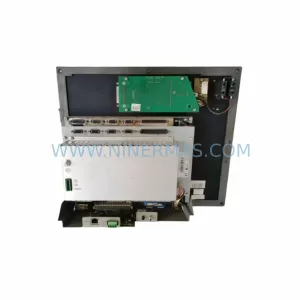
SKU: CN55IFL0-M-CK-AIS-B-4-ABEHKVWX CN55IFLO-M
FAGOR CN55IFL0-M-CK-AIS-B-4-ABEHKVWX Retrofit CNC Screen
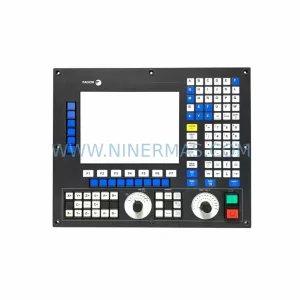
SKU: 8055i/A-M-COL-K
Fagor 8055i/A-M-COL-K Spare Part for Industrial Maintenance
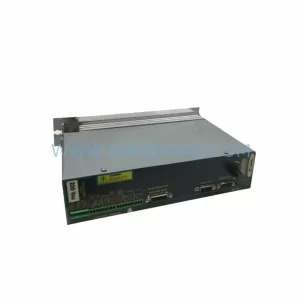
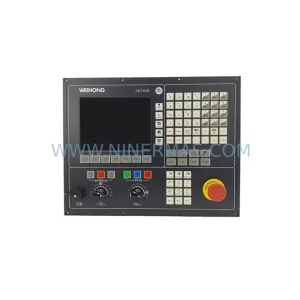
SKU: PMC-3000 8070-OL-ICU-RS CN70-10U-OL-B4S1-RS-4
Fagor PMC-3000 Safety-Reliable Motion Control for Critical Sites
Catalog Continuation
Alternative parts within PLC & Industrial Automation Modules.
Stay inside the same system family when you need substitutes, adjacent modules, or a broader shortlist for procurement review.
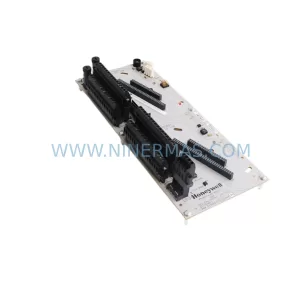
SKU: CC-TDOB11 51308373-175
HOLLEYWELL CC-TDOB11 51308373-175 Retrofit Digital Output
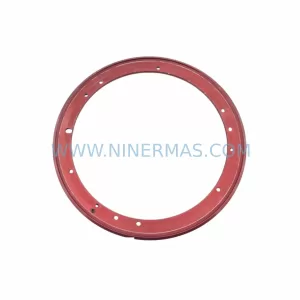
SKU: DIA 27CM 0020-21422 ARIES ACR CP*AR-13CE-15122 LAM 796-901039-002 100018066
AMAT 796-901039-002 Retrofit-Compatible Clamp for Legacy Systems