Original Industrial Spare Part
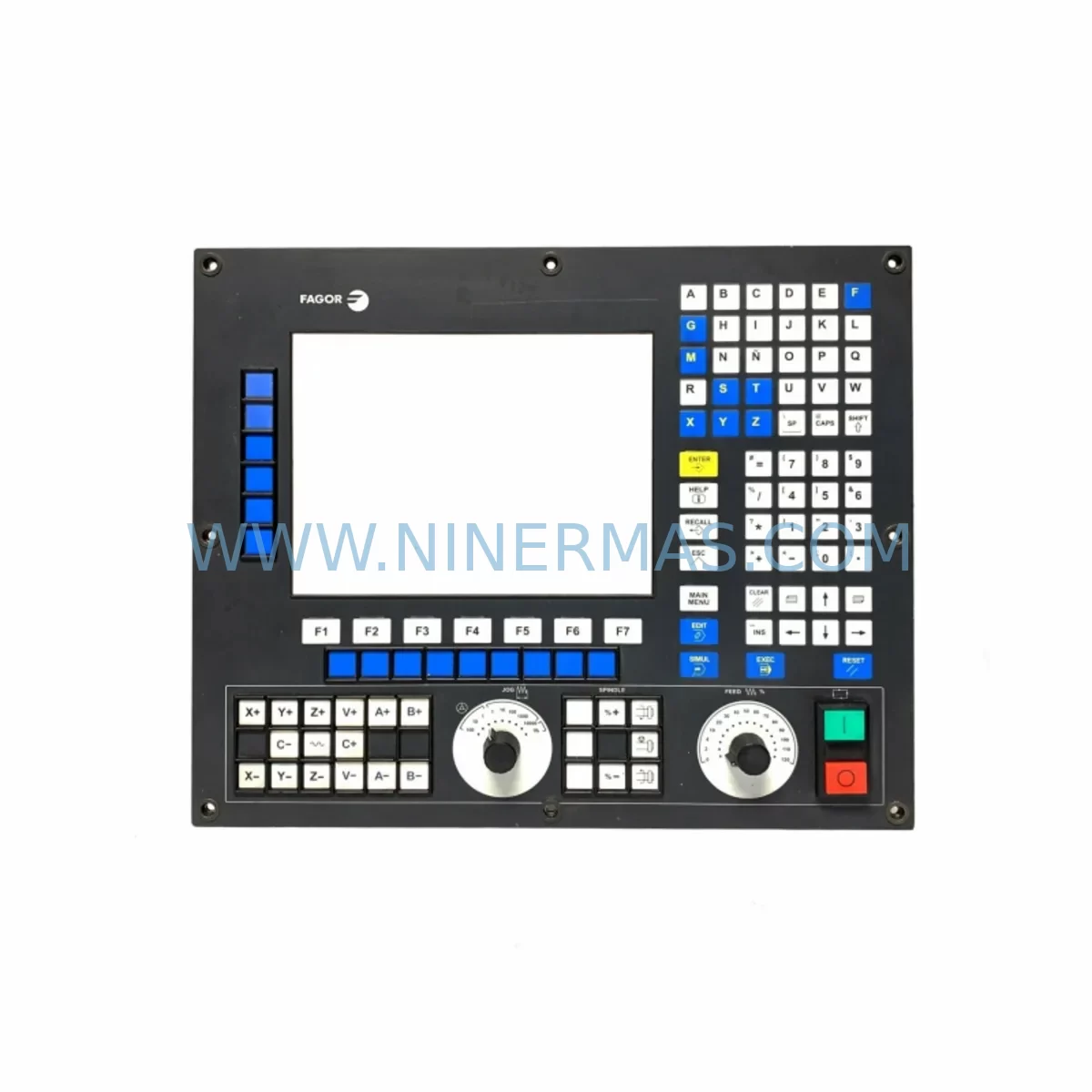
Fagor 8055i/A-M-COL-K Spare Part for Industrial Maintenance
Verify the part, confirm the platform family, and move straight into quotation with the right commercial details.
RFQ Ready
- SKU8055i/A-M-COL-K
- CategoryPLC & Industrial Automation Modules
- BrandFAGOR
- SupportAvailability, lead time, condition, and shipping coordination
How Buyers Usually Use This Page
- Confirm the exact part number and platform family before sending the quote request.
- Use direct email when quantity, condition, and destination are already defined internally.
- Switch to the broader brand or category archive when you need alternates nearby.
Series Navigation
Move through the most common platform families behind this part.
Product RFQ
Send this part directly for quotation.
Include quantity, required condition, destination country, and target delivery timing. Current reference: Fagor 8055i/A-M-COL-K Spare Part for Industrial Maintenance with SKU 8055i/A-M-COL-K.
Fagor 8055i/A-M-COL-K Spare Part for Industrial Maintenance
The Fagor 8055i/A-M-COL-K is an original CNC operator panel designed for the Fagor 8055i series CNC control system, widely deployed across milling, turning, and multi-axis machining centers in industrial manufacturing environments. As a service-ready spare part, the 8055i/A-M-COL-K addresses one of the most critical failure points in legacy CNC control cabinets — the operator interface — where display degradation, keypad failure, or communication loss can bring an entire production line to a halt. Sourced as an original component, this unit ensures full compatibility with the 8055i architecture without the risk of firmware mismatch or connector incompatibility that often accompanies aftermarket alternatives.
For maintenance engineers managing aging CNC assets, the 8055i/A-M-COL-K represents a direct, drop-in replacement that preserves the existing control logic, parameter sets, and machine-specific configurations stored in the CNC system. Procurement engineers sourcing this panel for strategic spare parts inventory will benefit from its long-term availability through specialist industrial suppliers, backed by a 12-month warranty that covers functional defects under normal operating conditions. Each unit undergoes pre-shipment functional testing to verify display integrity, keypad response, and communication interface continuity before dispatch.
Whether responding to an unplanned breakdown or executing a scheduled annual overhaul, having the Fagor 8055i/A-M-COL-K on hand as a stocked spare eliminates the extended lead times associated with sourcing end-of-life CNC components at the point of failure — a scenario that can translate into days or weeks of lost production capacity.
Spare Maintenance Table
| Part Number / SKU | 8055i/A-M-COL-K |
| Brand | Fagor Automation |
| Series | Fagor 8055i CNC System |
| Component Type | CNC Operator Panel (Color, with Keyboard) |
| Display Type | Color LCD Panel |
| Keyboard Configuration | Full CNC Keypad (M-type layout) |
| Compatible CNC Models | Fagor 8055i/A series (Milling, Turning, Multi-axis) |
| Interface / Communication | Proprietary Fagor CNC bus; compatible with 8055i backplane connectors |
| Operating Voltage | Per 8055i system specification (24 VDC logic supply typical) |
| Operating Temperature | 0°C to +55°C (industrial cabinet environment) |
| Installation | Direct panel replacement; retains existing cable harness and mounting frame |
| Origin | Spain (Fagor Automation) |
| Component Condition | Original Spare Part — Pre-shipment Tested |
| Warranty | 12 Months — Functional defects under normal operating conditions |
| Application Environment | CNC machining centers, industrial control cabinets, retrofit projects |
| Maintenance Recommendation | Inspect display backlight, keypad membrane, and communication cable annually; replace at first sign of display degradation or input failure |
Maintenance Planning for Continuous Operation
When replacing the Fagor 8055i/A-M-COL-K operator panel, a thorough inspection of the surrounding control cabinet components is essential to prevent repeat failures and ensure the restored system operates reliably through the next maintenance cycle. Maintenance engineers should treat an operator panel replacement as an opportunity to audit the full CNC control architecture.
Begin with the Fagor 8055i power supply module, which provides the regulated 24 VDC logic supply to the operator panel and CPU board. A degraded power supply is frequently the root cause of premature panel failure, and replacing the panel without verifying supply voltage stability risks damaging the new unit. Check output voltage under load and inspect capacitors for signs of bulging or leakage.
The Fagor 8055i CPU / main board should be inspected for firmware version compatibility with the replacement panel, particularly in systems that have undergone partial upgrades. Mismatched firmware between the CPU and operator panel can result in display initialization errors or keypad mapping failures that are difficult to diagnose without reference to the original system configuration.
Inspect all panel communication cables and ribbon connectors between the operator panel and the backplane. These cables are subject to mechanical fatigue from repeated cabinet door opening and vibration, and a damaged cable can cause intermittent display loss or keypad dropouts that mimic panel failure. Replace any cable showing fraying, cracked insulation, or bent connector pins.
The Fagor 8055i I/O module and associated terminal blocks should be checked for loose connections, oxidized contacts, and correct signal assignment. I/O faults that manifest as axis errors or spindle alarms are often traced back to degraded terminal connections rather than the CNC control itself. Tighten all terminal screws and apply contact cleaner to oxidized surfaces.
For systems with Fagor servo drive units (such as the AXD or SPD series) connected to the 8055i, verify that the drive communication parameters and axis configuration data stored in the CNC are intact after the panel replacement. A panel swap that resets or corrupts axis parameters can result in dangerous machine behavior during the first post-maintenance cycle.
Check the Fagor 8055i remote I/O modules and any installed fieldbus communication cards (Profibus, CANopen, or Ethernet variants) for correct addressing and signal integrity. Communication faults at the fieldbus level can prevent the operator panel from displaying real-time machine status, creating the false impression of a panel defect.
Finally, inspect the 24 VDC industrial power supply feeding the control cabinet, along with fuse blocks, circuit breakers, and surge protection devices on the incoming supply rail. A single blown fuse or tripped breaker on the logic supply circuit can disable the operator panel while leaving the rest of the machine apparently functional, leading to misdiagnosis and unnecessary component replacement.
Stocking the 8055i/A-M-COL-K alongside complementary spares — including the CPU board, power supply module, I/O expansion cards, and communication cables — as part of a structured spare parts inventory strategy significantly reduces mean time to repair (MTTR) for Fagor 8055i-equipped assets and supports a proactive maintenance posture aligned with ISO 55000 asset management principles.
Site Replacement Workflow
Replacing the Fagor 8055i/A-M-COL-K on-site follows a structured sequence designed to minimize downtime and preserve the existing machine configuration. Before beginning, back up all CNC parameters, tool offsets, and part programs using the Fagor WinDNC software or a compatible USB transfer utility. This backup is critical — operator panel replacements on the 8055i series do not typically erase internal CNC memory, but power interruptions during the swap can corrupt stored data.
Power down the machine and isolate the control cabinet using the main disconnect switch. Allow the capacitors in the power supply module to discharge for a minimum of five minutes before opening the cabinet. Remove the existing operator panel by disconnecting the communication cable harness, display ribbon cable, and keypad connector in sequence, noting the orientation and routing of each cable for reinstallation reference.
Install the replacement 8055i/A-M-COL-K by reversing the removal sequence, ensuring all connectors are fully seated and locking tabs are engaged. Restore power and observe the panel initialization sequence — the Fagor logo and system boot screen should appear within 30 seconds. If the panel displays a communication error or fails to initialize, recheck the cable connections before suspecting a hardware fault in the replacement unit.
Restore the backed-up parameters and verify axis positions, spindle configuration, and I/O assignments against the pre-replacement baseline. Run a dry-cycle test of the machine’s standard part program before returning the asset to production. Document the replacement in the machine maintenance log, including the date, replaced part number, and post-replacement test results, to support future maintenance planning and warranty claims.
This workflow applies equally to planned replacement during scheduled downtime and emergency replacement following unplanned failure. For legacy Fagor 8055i systems approaching end-of-support status, maintaining a pre-tested, stocked spare panel is the most effective strategy for controlling downtime risk and extending the productive life of the asset beyond the original manufacturer’s support window.
Spare Parts Support FAQ
Q1: Is the Fagor 8055i/A-M-COL-K compatible with all variants of the 8055i series?
The 8055i/A-M-COL-K is designed for the 8055i/A model with color display and full keyboard (M-type, COL-K configuration). Compatibility with other 8055i variants (such as the 8055i/B or monochrome panel versions) should be verified against the machine’s original panel part number before ordering. Contact our technical team with your machine model and existing panel reference for a compatibility confirmation prior to purchase.
Q2: What pre-shipment testing is performed on the 8055i/A-M-COL-K before dispatch?
Each unit undergoes functional verification covering display initialization, backlight operation, full keypad response, and communication interface continuity. Units that fail any element of the pre-shipment test are quarantined and not dispatched. A test report is available upon request for customers requiring documented quality assurance as part of their incoming inspection process.
Q3: What does the 12-month warranty cover, and how is a warranty claim initiated?
The 12-month warranty covers functional defects arising under normal operating conditions, including display failure, keypad malfunction, and communication interface faults not attributable to physical damage, incorrect installation, or supply voltage anomalies. To initiate a warranty claim, contact sale@ninermas.com with the order reference, fault description, and photographic evidence of the defect. Replacement units are dispatched upon fault confirmation, with the defective unit returned for inspection.
Q4: Can long-term supply of the Fagor 8055i/A-M-COL-K be arranged for multi-site maintenance programs?
Yes. NINERMAS maintains sourcing relationships with multiple supply channels for Fagor 8055i series components, supporting both single-unit emergency orders and bulk procurement for planned spare parts inventory programs. For customers managing fleets of Fagor 8055i-equipped machines across multiple sites, we recommend establishing a standing supply agreement to ensure priority allocation and consistent lead times. Contact our procurement team at sale@ninermas.com or +0086 187 5021 5667 to discuss volume pricing and supply continuity arrangements.
| Product Series | Other series |
|---|
Catalog Continuation
More FAGOR modules in the catalog.
Use the brand lane to compare nearby part numbers, platform-adjacent modules, and other inquiry-ready listings before sending your final RFQ.
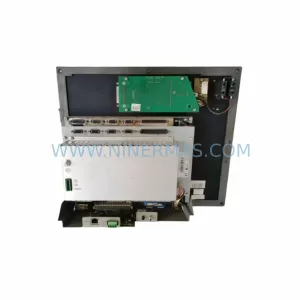
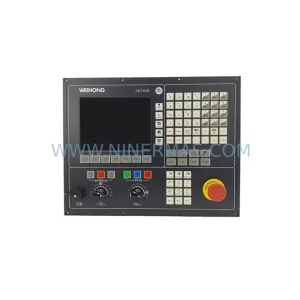
SKU: CN55IFL0-M-CK-AIS-B-4-ABEHKVWX CN55IFLO-M
FAGOR CN55IFL0-M-CK-AIS-B-4-ABEHKVWX Retrofit CNC Screen
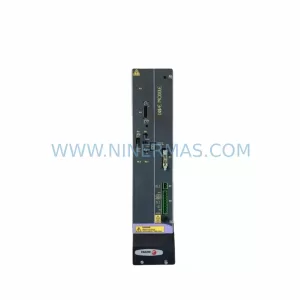
SKU: PMC-3000 8070-OL-ICU-RS CN70-10U-OL-B4S1-RS-4
Fagor PMC-3000 Safety-Reliable Motion Control for Critical Sites
Catalog Continuation
Alternative parts within PLC & Industrial Automation Modules.
Stay inside the same system family when you need substitutes, adjacent modules, or a broader shortlist for procurement review.
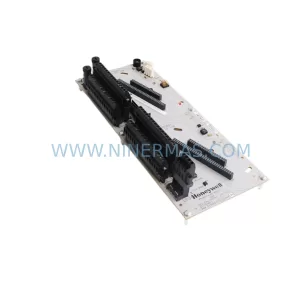
SKU: CC-TDOB11 51308373-175
HOLLEYWELL CC-TDOB11 51308373-175 Retrofit Digital Output
SKU: DIA 27CM 0020-21422 ARIES ACR CP*AR-13CE-15122 LAM 796-901039-002 100018066
AMAT 796-901039-002 Retrofit-Compatible Clamp for Legacy Systems