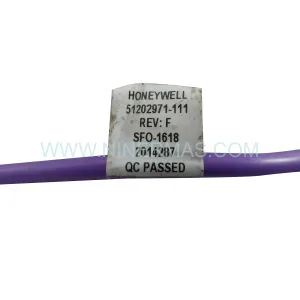
Original Industrial Spare Part
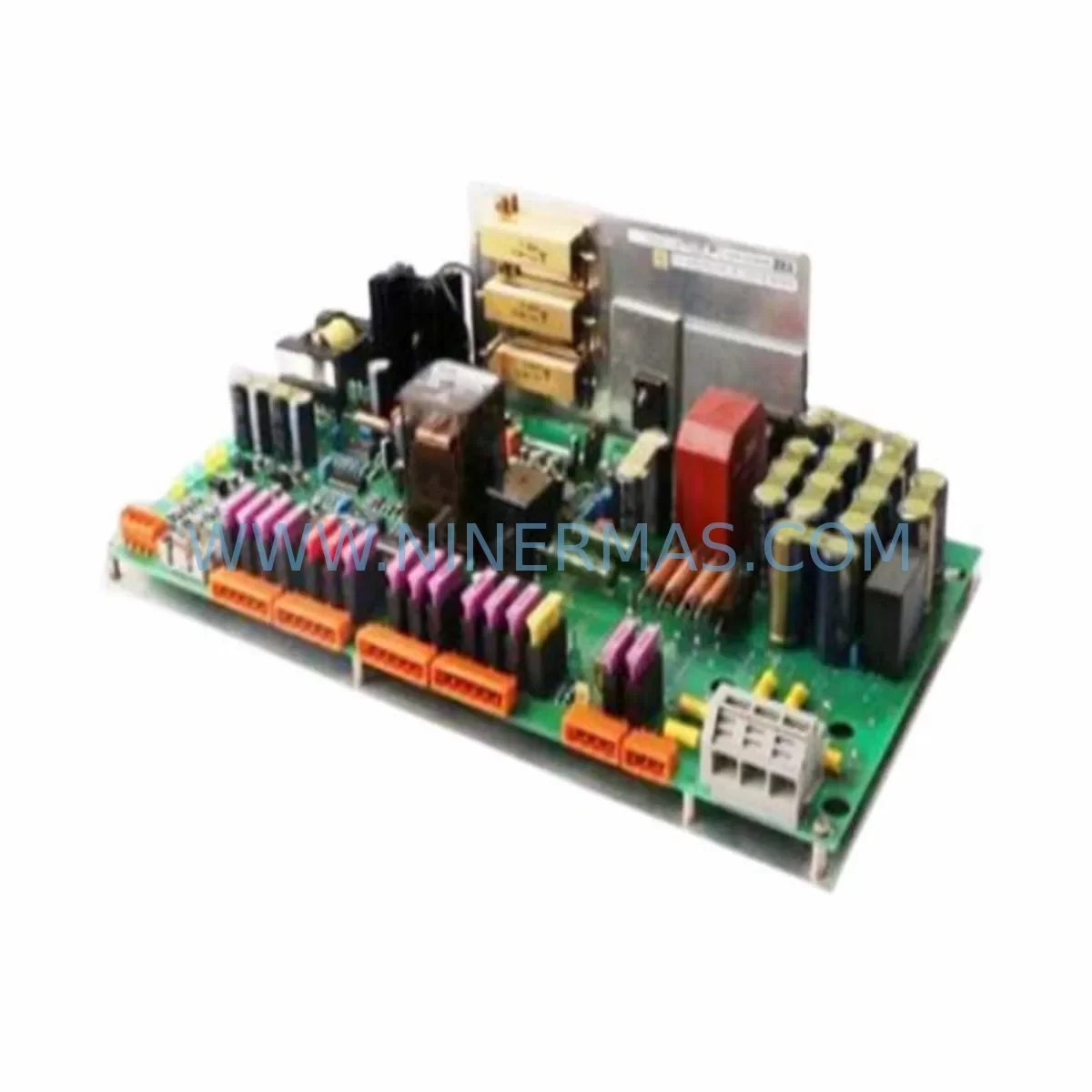
Emerson A6500-UM Service-Ready Spare Part for Industrial Maintenance
Verify the part, confirm the platform family, and move straight into quotation with the right commercial details.
RFQ Ready
- SKUA6500-UM
- CategoryDCS Distributed Control Systems
- BrandEMERSON
- SupportAvailability, lead time, condition, and shipping coordination
How Buyers Usually Use This Page
- Confirm the exact part number and platform family before sending the quote request.
- Use direct email when quantity, condition, and destination are already defined internally.
- Switch to the broader brand or category archive when you need alternates nearby.
Series Navigation
Move through the most common platform families behind this part.
Product RFQ
Send this part directly for quotation.
Include quantity, required condition, destination country, and target delivery timing. Current reference: Emerson A6500-UM Service-Ready Spare Part for Industrial Maintenance with SKU A6500-UM.
Emerson A6500-UM Service-Ready Spare Part for Industrial Maintenance
The Emerson A6500-UM is a critical controller module within the Emerson Ovation DCS (Distributed Control System) platform, widely deployed across power generation, oil & gas, chemical processing, and water treatment facilities. As a service-ready spare part, the A6500-UM is engineered to support rapid field replacement, minimise unplanned downtime, and extend the operational life of legacy Ovation control architectures. Whether you are managing a scheduled annual overhaul, responding to an emergency fault, or building a strategic spare parts inventory, the A6500-UM delivers the compatibility and reliability that maintenance and procurement engineers demand.
The Ovation DCS platform is a mature, mission-critical system found in facilities where continuous operation is non-negotiable. When the A6500-UM fails or degrades, the consequences can cascade across the entire control loop — affecting process stability, safety interlocks, and regulatory compliance. Stocking a verified, tested replacement unit is the most effective risk mitigation strategy available to plant maintenance teams.
Spare Maintenance Table
| Parameter | Specification |
|---|---|
| Part Number | A6500-UM |
| Brand | Emerson |
| Series | Ovation DCS |
| Module Type | DCS Controller / Processor Module |
| Application | Power Generation, Oil & Gas, Chemical, Water Treatment |
| Compatibility | Emerson Ovation Series Control Systems |
| Operating Temperature | 0°C to 60°C (typical industrial cabinet environment) |
| Mounting | Ovation backplane / rack-mount installation |
| Communication | Ovation network protocol; compatible with Ovation OCR400/OCR1100 controllers |
| Power Supply | Supplied via Ovation backplane (5 VDC / 24 VDC rail) |
| Condition | New / Refurbished-Tested |
| Warranty | 12 Months — Covers manufacturing defects and functional failure under normal operating conditions |
| Lead Time | In-stock; ships within 1–3 business days |
| Origin | USA |
Maintenance Planning for Continuous Operation
Replacing the A6500-UM in an Ovation DCS environment is rarely an isolated task. Experienced maintenance engineers understand that a module fault often signals stress across adjacent components in the same control cabinet or process loop. A thorough site inspection during replacement should encompass the following areas:
Backplane and Rack Integrity: The Ovation backplane — such as the A6500-BP or equivalent rack assembly — must be inspected for bent pins, corrosion, and secure seating. A damaged backplane can cause recurring module faults even after a successful A6500-UM swap.
Power Supply Modules: Verify the Ovation cabinet power supply units (e.g., 1X00024H01 or equivalent Emerson PS module) are delivering stable 5 VDC and 24 VDC rails. Voltage ripple or brownout conditions are a leading cause of premature controller module failure.
I/O Modules: Inspect associated Ovation I/O modules — including analogue input cards (e.g., 5X00070G01) and digital output cards — for fault LEDs, loose terminal connections, and signal drift. A faulty I/O card can generate false diagnostics that implicate the controller module.
Communication and Network Modules: The Ovation network interface cards and Ethernet communication modules connecting the A6500-UM to the Ovation Workstation should be checked for firmware version compatibility and physical connector integrity. Mismatched firmware between the replacement module and the network layer is a common commissioning pitfall.
Relay and Interlock Circuits: Safety relay modules and hardwired interlock circuits downstream of the Ovation controller output should be tested for contact wear and coil resistance. These components are often overlooked during a controller swap but can mask the root cause of the original fault.
Signal Isolators and Barriers: Where the Ovation system interfaces with field instruments in hazardous areas, Zener barriers and galvanic isolators (e.g., MTL5041 or equivalent) should be verified for correct isolation resistance and loop continuity.
Terminal Blocks and Wiring: Inspect all terminal block connections on the marshalling cabinet side. Loose or corroded terminals — particularly on Weidmüller or Phoenix Contact terminal strips — can introduce intermittent faults that are difficult to diagnose remotely.
HMI and Operator Workstation: Confirm that the Ovation Operator Workstation (OWS) and Engineering Workstation (EWS) are communicating correctly with the replacement module. A module firmware mismatch may require a workstation software update or configuration reload.
Fuses and Protection Devices: Replace any blown fuses in the 24 VDC field power distribution circuit and inspect miniature circuit breakers (MCBs) for trip history. Fuse failure is often a symptom of a downstream short that contributed to the original module fault.
Building a structured spare parts kit around the A6500-UM — including at least one spare backplane, a power supply module, and a set of critical I/O cards — is strongly recommended for facilities where Ovation DCS controls safety-critical processes. Procurement engineers should establish a long-term supply agreement to ensure consistent availability of these components, particularly as the Ovation platform matures and OEM supply chains tighten.
Site Replacement Workflow
Step 1 — Pre-Replacement Verification: Before removing the A6500-UM, document the current module configuration using the Ovation Developer Studio. Export the controller configuration file and confirm the firmware version of the installed unit. This baseline is essential for validating the replacement module post-installation.
Step 2 — Safe Isolation: Follow your site’s Lockout/Tagout (LOTO) procedure. De-energise the Ovation cabinet power supply and confirm zero-energy state with a calibrated voltage tester. Do not rely solely on the cabinet door interlock.
Step 3 — Module Removal: Release the A6500-UM from the backplane using the module ejector levers. Handle the module by its front panel — avoid touching the backplane connector pins. Place the removed module in an anti-static bag for return or failure analysis.
Step 4 — Replacement Installation: Align the new A6500-UM with the backplane slot guides and seat firmly until the ejector levers click. Verify that the module is fully engaged — a partially seated module is a common cause of post-replacement communication faults.
Step 5 — Power-Up and Diagnostics: Re-energise the cabinet and observe the A6500-UM status LEDs. A solid green RUN LED indicates normal operation. If the module enters fault state, connect the Ovation Developer Studio laptop and review the diagnostic log for firmware or configuration mismatch errors.
Step 6 — Functional Verification: Perform a loop check on all I/O points associated with the replaced controller. Confirm that all process values are reading correctly at the OWS and that no spurious alarms are active. Document the replacement in your site maintenance management system (CMMS).
This structured workflow reduces mean time to repair (MTTR), ensures system compatibility, and provides a clear audit trail for regulatory and insurance purposes. Facilities that follow this procedure consistently report significantly lower rates of repeat failures following controller module replacement.
Spare Parts Support FAQ
Q1: What is the expected service life of the Emerson A6500-UM, and when should I plan for replacement?
The A6500-UM is designed for long-term industrial service, but capacitor degradation, thermal cycling, and firmware obsolescence typically become concerns after 10–15 years of continuous operation. We recommend proactive replacement during scheduled shutdowns rather than waiting for in-service failure. Stocking one spare unit per critical controller loop is standard practice for Ovation DCS facilities.
Q2: How do I verify compatibility between a replacement A6500-UM and my existing Ovation system version?
Compatibility is determined by the Ovation software version running on your Engineering Workstation and the firmware embedded in the module. Before ordering, provide your Ovation system version number and we will confirm compatibility. All units shipped by NINERMAS are pre-tested against documented Ovation firmware baselines to minimise commissioning risk.
Q3: What testing is performed before the A6500-UM is shipped?
Every A6500-UM unit undergoes functional bench testing prior to dispatch, including power-up verification, communication handshake testing, and I/O signal simulation. A test report is available upon request. Units are shipped in anti-static packaging with physical protection to prevent transit damage.
Q4: Can NINERMAS support long-term supply of the A6500-UM as the Ovation platform ages?
Yes. NINERMAS maintains strategic inventory of Ovation DCS spare parts, including the A6500-UM, to support facilities managing legacy system lifecycles. We offer long-term supply agreements with committed stock levels, priority allocation for critical orders, and a 12-month warranty on all units. Contact our team to discuss a tailored spare parts programme for your site.
| Product Series | Ovation |
|---|---|
| Country of Origin | US |
Catalog Continuation
More EMERSON modules in the catalog.
Use the brand lane to compare nearby part numbers, platform-adjacent modules, and other inquiry-ready listings before sending your final RFQ.
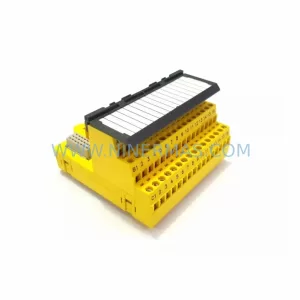
SKU: KJ2201X1-HA1 12P3322X022
Emerson KJ2201X1-HA1 12P3322X022 Service-Ready Spare Part
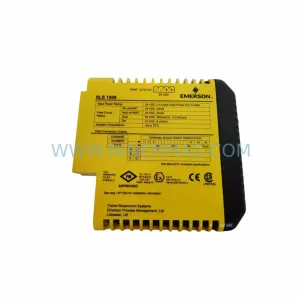
SKU: KJ2201X1-BA1 12P3162X162 SLS1508
Emerson KJ2201X1-BA1 Retrofit-Compatible Logic I/O Module
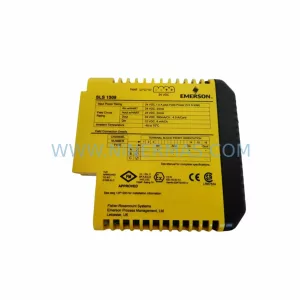
SKU: KJ2201X1-BA1 12P3162X182 SLS1508
Emerson KJ2201X1-BA1 SLS1508 Safety-Reliable Logic Solver
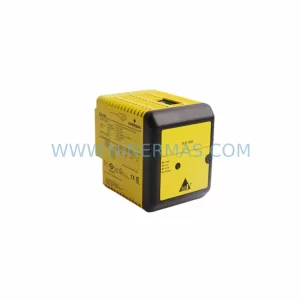
SKU: KJ2201X1-BA1 12P3162X142 SLS1508
Emerson KJ2201X1-BA1 SLS1508 Retrofit Safety Logic Solver
Catalog Continuation
Alternative parts within DCS Distributed Control Systems.
Stay inside the same system family when you need substitutes, adjacent modules, or a broader shortlist for procurement review.
SKU: DSTA001B 3BSE018316R1
ABB DSTA001B 3BSE018316R1 Retrofit-Compatible Interface for Legacy Systems