Original Industrial Spare Part
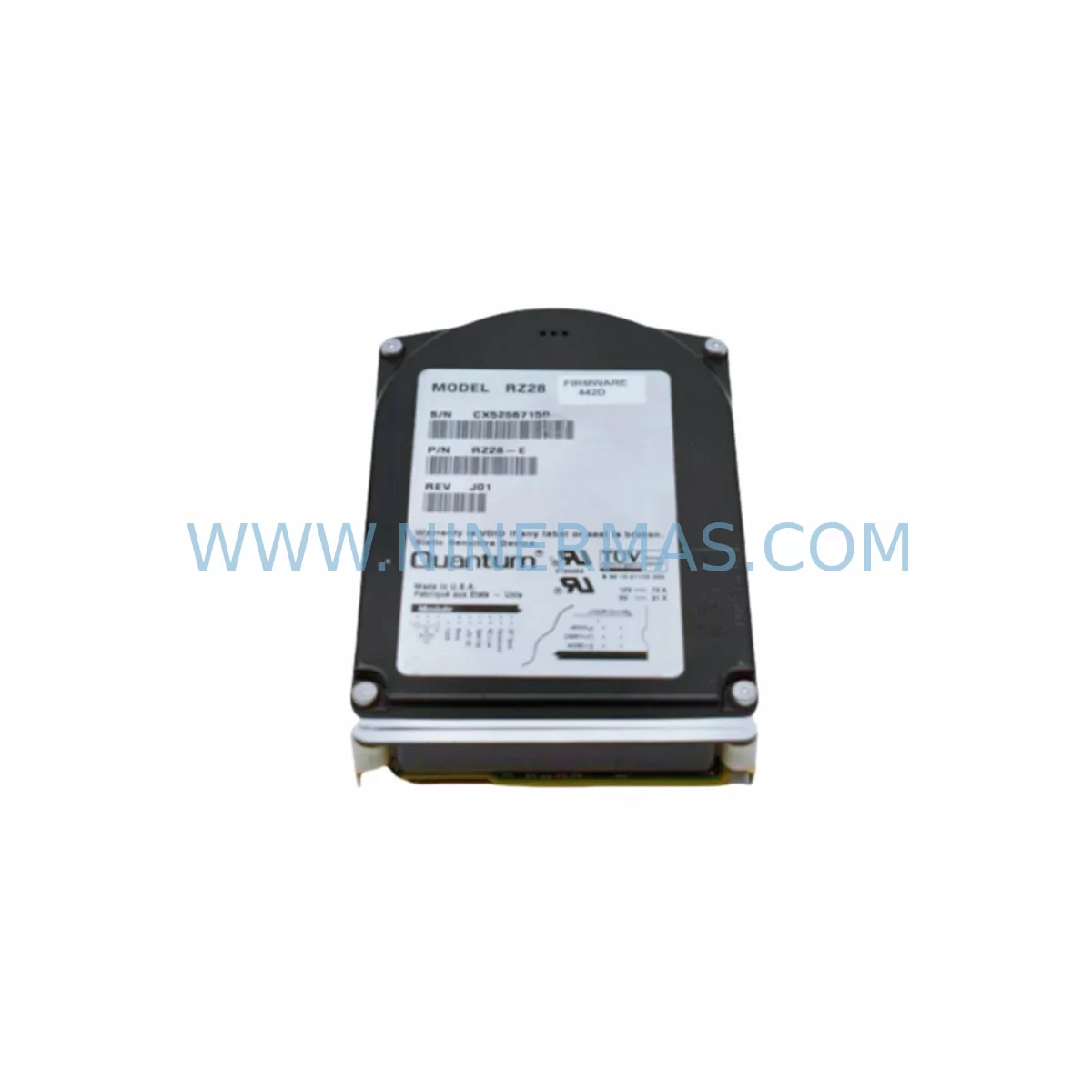
DEC RZ28-E Service-Ready Spare Part for Industrial Maintenance
Verify the part, confirm the platform family, and move straight into quotation with the right commercial details.
RFQ Ready
- SKURZ28-E
- CategoryPLC & Industrial Automation Modules
- BrandDEC
- SupportAvailability, lead time, condition, and shipping coordination
How Buyers Usually Use This Page
- Confirm the exact part number and platform family before sending the quote request.
- Use direct email when quantity, condition, and destination are already defined internally.
- Switch to the broader brand or category archive when you need alternates nearby.
Series Navigation
Move through the most common platform families behind this part.
Product RFQ
Send this part directly for quotation.
Include quantity, required condition, destination country, and target delivery timing. Current reference: DEC RZ28-E Service-Ready Spare Part for Industrial Maintenance with SKU RZ28-E.
DEC RZ28-E Service-Ready Spare Part for Industrial Maintenance
The DEC RZ28-E is a ruggedized SCSI disk drive module engineered by Digital Equipment Corporation (DEC) for deployment in harsh industrial environments where standard commercial drives cannot meet the demands of continuous operation. Designed to serve as a primary or redundant storage component within VAX, Alpha, and PDP-series industrial computing platforms, the RZ28-E delivers reliable read/write performance under elevated temperature, vibration, and EMI conditions typical of factory floors, process control rooms, and utility substations.
For maintenance engineers managing legacy DEC-based control systems, the RZ28-E represents a critical single point of failure. Drive degradation or sudden failure in these systems can halt production lines, interrupt SCSI-based data logging, or disable the host controller’s ability to load operating system images — resulting in unplanned downtime that may extend from hours to days if a qualified replacement is not immediately available. Sourcing a service-ready RZ28-E from a verified spare parts supplier with pre-shipment testing and a 12-month warranty is the most effective strategy for minimizing this risk.
At NINERMAS, every RZ28-E unit undergoes functional verification prior to dispatch. Our inventory supports long-term procurement planning for facilities operating DEC VAXstation, VAX 4000, AlphaServer, and related platforms where OEM supply has been discontinued. Whether you require a single emergency replacement or a standing stock commitment for annual maintenance cycles, our team provides consistent lead times, documented test records, and full warranty coverage.
Spare Maintenance Table
| Parameter | Specification / Detail |
|---|---|
| Part Number | RZ28-E |
| Manufacturer | DEC (Digital Equipment Corporation) |
| Series | RZ Series SCSI Storage |
| Drive Type | Ruggedized SCSI Hard Disk Drive Module |
| Interface | SCSI-2 (Fast SCSI) |
| Form Factor | 3.5-inch, ruggedized enclosure |
| Capacity | 2.1 GB (nominal) |
| Operating Temperature | 0°C to 55°C (industrial-grade) |
| Vibration Resistance | Ruggedized for industrial/harsh environments |
| Compatible Platforms | VAX 4000, VAXstation, AlphaServer, PDP-11 SCSI subsystems |
| Host Bus | SCSI-2 controller (e.g., KZQ, KZPSA, KZPBA) |
| Power Supply Requirement | +5V / +12V DC (standard SCSI drive power) |
| Mounting | StorageWorks shelf or direct chassis mount |
| Application Environment | Process control, utility SCADA, factory automation, legacy DCS |
| Maintenance Recommendation | Replace proactively at first sign of SCSI error logs or seek time degradation |
| Warranty | 12 Months — NINERMAS Company Limited |
| Supply Status | Available — Long-term stock commitment supported |
Maintenance Planning for Continuous Operation
When replacing the RZ28-E in a DEC VAX or Alpha-based control system, a thorough site inspection of the surrounding subsystems is essential to prevent secondary failures and ensure a clean restoration of normal operation. Maintenance engineers should treat the drive replacement as an opportunity to audit the full storage and control architecture.
Begin with the SCSI host adapter — controllers such as the KZPSA or KZPBA should be inspected for firmware revision compatibility with the replacement RZ28-E. Confirm SCSI ID addressing and termination settings before powering the new drive. A misconfigured SCSI bus is one of the most common causes of post-replacement boot failures in legacy DEC systems.
The StorageWorks backplane and drive shelf should be checked for corrosion on the SCSI connector pins and for adequate airflow across the drive bay. In harsh environments, particulate contamination and humidity ingress can accelerate connector oxidation, leading to intermittent SCSI bus errors that are often misdiagnosed as drive failures.
Inspect the +5V and +12V DC power rails supplying the drive shelf. Voltage sag or ripple on these rails — often caused by aging power supply modules or failing bulk capacitors — can cause premature drive wear or data corruption even on a new replacement unit. A calibrated multimeter check at the drive power connector is a recommended step before commissioning the RZ28-E.
For systems using HSC (Hierarchical Storage Controller) or HSJ RAID controllers, verify that the controller’s cache battery backup unit (BBU) is functional. A failed BBU can result in write-back cache being disabled, significantly degrading system performance and increasing drive stress during high I/O operations.
Review the UPS and power conditioning upstream of the control cabinet. Industrial UPS modules protecting DEC-based systems should be load-tested annually; a UPS that fails to hold during a mains interruption can cause abrupt drive power loss, leading to file system corruption on the RZ28-E’s operating system partition.
Where the RZ28-E supports a VMS or Tru64 UNIX operating environment, ensure that the system disk image and backup tapes (or DAT/DLT cartridges) are current before initiating the replacement. Having a verified bootable backup eliminates the risk of extended downtime if the OS partition requires restoration after the drive swap.
Finally, document the replacement in the site’s maintenance log, recording the old drive’s serial number, SCSI ID, error history, and the new unit’s test certification. This record supports warranty claims, future procurement planning, and compliance audits in regulated industrial facilities.
Site Replacement Workflow
Step 1 — Pre-Replacement Verification: Confirm the RZ28-E part number against the system’s hardware configuration guide. Verify SCSI ID, termination requirements, and power connector type. Cross-reference with the StorageWorks shelf documentation to confirm physical compatibility.
Step 2 — System Backup: Perform a full system disk backup to tape or an alternate storage medium before removing the failed drive. For RAID configurations managed by an HSJ or HSC controller, note the RAID set membership and rebuild policy.
Step 3 — Safe Shutdown: Follow the VMS or Tru64 shutdown procedure to halt the OS cleanly. Avoid hard power cuts, which can leave the file system in an inconsistent state. Power down the StorageWorks shelf after confirming the host system is fully halted.
Step 4 — Physical Replacement: Remove the failed RZ28-E from the drive shelf. Install the replacement unit, ensuring the SCSI ID jumper matches the original configuration. Seat the drive firmly in the backplane connector and secure the mounting hardware.
Step 5 — Power-On and SCSI Bus Verification: Restore power to the shelf and observe the SCSI bus initialization sequence. Confirm the replacement drive is recognized by the host controller. Use the system’s diagnostic utilities (e.g., SHOW DEVICE in VMS) to verify the drive is online and error-free.
Step 6 — OS Restoration and Functional Test: Boot the system from the replacement RZ28-E or restore the OS image from backup. Run a full file system check and verify application functionality before returning the system to production service.
Step 7 — Documentation: Update the site maintenance log with replacement details, test results, and the new drive’s warranty start date. Schedule the next preventive inspection interval based on the drive’s rated MTBF and site operating conditions.
Spare Parts Support FAQ
Q1: How long can NINERMAS guarantee supply of the DEC RZ28-E?
NINERMAS maintains a dedicated inventory of legacy DEC storage components, including the RZ28-E, to support facilities operating VAX, Alpha, and PDP-based systems beyond OEM end-of-life. We support long-term procurement agreements and can provide stock commitment letters for annual maintenance programs. Contact our team to discuss your facility’s multi-year spare parts requirements.
Q2: Is the RZ28-E tested before shipment?
Yes. Every RZ28-E unit dispatched by NINERMAS undergoes pre-shipment functional verification, including power-on self-test, SCSI bus enumeration, and read/write surface scan. A test record is available upon request. All units are covered by a 12-month warranty from the date of shipment.
Q3: Can the RZ28-E replace other drives in the RZ series, such as the RZ26 or RZ29?
The RZ28-E uses the same SCSI-2 interface as other RZ-series drives and is physically compatible with DEC StorageWorks shelves. However, capacity differences and firmware-level SCSI ID configurations must be verified against the host controller’s supported drive table before substitution. Our technical team can assist with compatibility confirmation for your specific system configuration.
Q4: What is the recommended inventory strategy for facilities running legacy DEC systems?
For facilities where DEC-based control systems are critical to production continuity, we recommend maintaining a minimum of one cold-standby RZ28-E per active system, with a second unit held at the regional maintenance depot. Given the discontinuation of OEM supply, proactive stock acquisition is strongly advised. NINERMAS offers volume pricing and reserved inventory arrangements to support multi-site spare parts programs.
| Product Series | Other series |
|---|
Catalog Continuation
More DEC modules in the catalog.
Use the brand lane to compare nearby part numbers, platform-adjacent modules, and other inquiry-ready listings before sending your final RFQ.
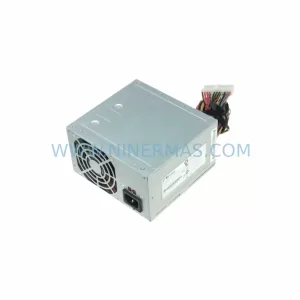
SKU: 30-40382-02 BA353
DEC 30-40382-02 BA353 Retrofit-Compatible I/O Module
Catalog Continuation
Alternative parts within PLC & Industrial Automation Modules.
Stay inside the same system family when you need substitutes, adjacent modules, or a broader shortlist for procurement review.
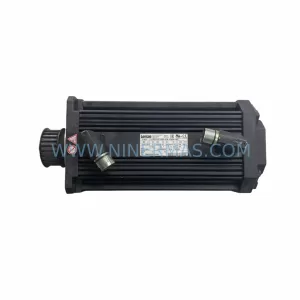
SKU: 14L41-RS0B0-B24R-ST5S00N-R0SU
LENZE 14L41-RS0B0-B24R-ST5S00N-R0SU Retrofit for Legacy Systems
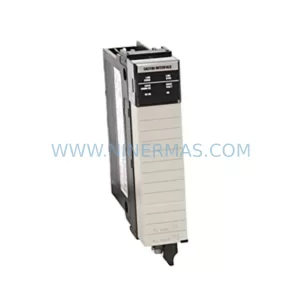
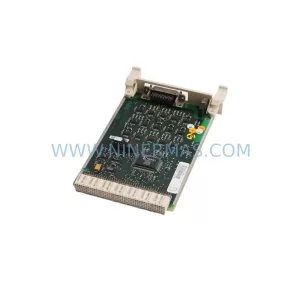
SKU: CI540 3BSE001077R1
ABB CI540 3BSE001077R1 Spare Part for Industrial Maintenance

SKU: ZINT-541 3AUA00000658960
ABB ZINT-541 3AUA00000658960 Retrofit-Compatible Inverter Power Module