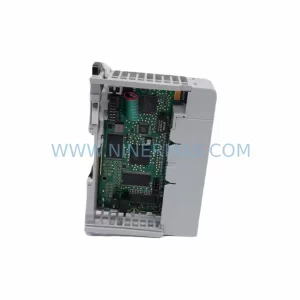
Original Industrial Spare Part
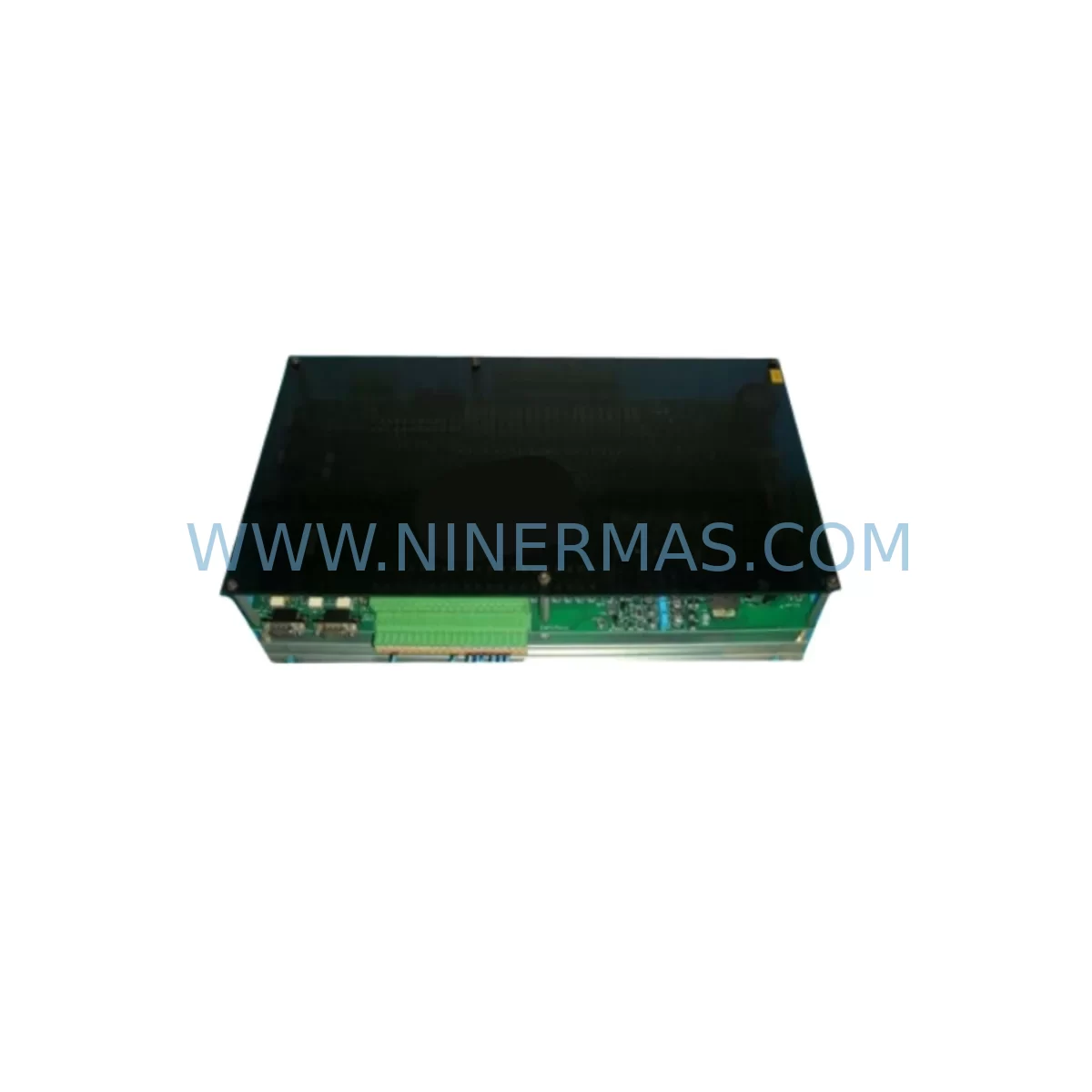
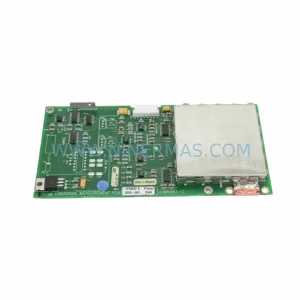
ALUBOARD ALUBOARD/N/CS044-7 Service-Ready Spare Part
Verify the part, confirm the platform family, and move straight into quotation with the right commercial details.
RFQ Ready
- SKUALUBOARD/N/CS044-7
- CategoryPLC & Industrial Automation Modules
- BrandALUBOARD
- SupportAvailability, lead time, condition, and shipping coordination
How Buyers Usually Use This Page
- Confirm the exact part number and platform family before sending the quote request.
- Use direct email when quantity, condition, and destination are already defined internally.
- Switch to the broader brand or category archive when you need alternates nearby.
Series Navigation
Move through the most common platform families behind this part.
Product RFQ
Send this part directly for quotation.
Include quantity, required condition, destination country, and target delivery timing. Current reference: ALUBOARD ALUBOARD/N/CS044-7 Service-Ready Spare Part with SKU ALUBOARD/N/CS044-7.
ALUBOARD/N/CS044-7 Service-Ready Spare Part for Industrial Maintenance
The ALUBOARD/N/CS044-7 is a service-ready spare part designed for CS Series programmable logic controller (PLC) systems. Sourced as an original replacement component, this board addresses the critical need for rapid downtime recovery in industrial automation environments where legacy control infrastructure must remain operational. Whether you are managing a scheduled annual overhaul, responding to an unplanned fault, or building a strategic spare parts inventory, the ALUBOARD/N/CS044-7 delivers the compatibility, reliability, and traceability that maintenance engineers and procurement teams require.
Each unit is pre-shipment tested and dispatched with a 12-month warranty, giving your maintenance team confidence that the replacement component will perform to specification from the moment it is installed. Long-term supply continuity is supported, making this part suitable for multi-year maintenance contracts and lifecycle extension programs on aging CS Series control systems.
Spare Maintenance Table
| Parameter | Specification / Detail |
|---|---|
| Part Number / SKU | ALUBOARD/N/CS044-7 |
| Brand | ALUBOARD |
| Series | CS Series PLC |
| Component Type | PLC Processor / Controller Board |
| Variant Designation | N (Standard) |
| Application | Industrial Automation, Process Control, Machine Control |
| Compatibility | CS Series PLC racks and backplanes; verify slot assignment and firmware revision before installation |
| Installation Environment | Control cabinet, DIN-rail enclosure; IP20 internal panel environment |
| Operating Temperature | 0 °C to +55 °C (typical CS Series range) |
| Supply Voltage | 24 V DC via backplane (confirm with system power module rating) |
| Condition | Original spare — new or fully refurbished to OEM specification |
| Pre-Shipment Testing | Yes — functional verification performed before dispatch |
| Warranty | 12 Months from date of shipment |
| Lead Time | Subject to stock availability; contact for current lead time |
| Origin | Germany |
Maintenance Planning for Continuous Operation
When replacing the ALUBOARD/N/CS044-7 in a CS Series control cabinet, a disciplined maintenance engineer will treat the board swap as an opportunity to inspect the entire electrical environment around it. The CS Series backplane that hosts this processor board should be checked for oxidised connector pins, cracked PCB traces, and secure seating of all adjacent I/O modules. A faulty backplane can cause intermittent communication errors that are misdiagnosed as processor faults, so confirming backplane integrity before commissioning the new board is essential.
The CS Series power supply module — typically a 24 V DC regulated unit — must be verified for output voltage stability and ripple within specification. An ageing power module delivering marginal voltage will shorten the service life of any replacement processor board. Similarly, the CS Series digital input and digital output modules installed in adjacent slots should be inspected for blown protection fuses and worn terminal connections, as field wiring faults frequently damage I/O modules and processor boards simultaneously.
Communication integrity is another critical checkpoint. The CS Series communication module — whether Profibus-DP, DeviceNet, or Ethernet/IP — should be tested for correct node addressing and cable termination resistance. A degraded communication module can generate spurious fault codes that mask the true source of a system trip. Alongside this, the CS Series relay output module should be checked for contact wear, particularly on high-cycle outputs controlling motor starters or solenoid valves.
For sites running operator interfaces, the CS Series HMI panel connection to the processor should be verified — screen communication timeouts are a common symptom of a failing processor board and will resolve once the ALUBOARD/N/CS044-7 is correctly installed and the HMI communication parameters are confirmed. Terminal blocks and signal isolation modules on analogue input channels should also be inspected; corroded terminals introduce resistance that distorts 4–20 mA signals and can trigger false process alarms. Finally, review the 24 V DC fuse protection on the control cabinet bus bar — a blown fuse on the processor supply rail is often the first indicator of an upstream short that caused the original board failure.
Site Replacement Workflow
Step 1 — Fault Isolation: Before removing the ALUBOARD/N/CS044-7, document all active fault codes from the HMI or programming terminal. Export the current PLC program and configuration to a backup medium. Confirm that the fault is isolated to the processor board and not to the backplane, power supply, or field wiring.
Step 2 — Safe Isolation: Follow your site’s lockout/tagout (LOTO) procedure. De-energise the control cabinet and allow capacitors in the power supply module to discharge fully before handling the board.
Step 3 — Board Removal: Release the board retention latch and slide the ALUBOARD/N/CS044-7 out of its backplane slot. Note the slot position — CS Series systems are slot-sensitive and the replacement must be installed in the same position.
Step 4 — Compatibility Verification: Confirm that the replacement ALUBOARD/N/CS044-7 matches the firmware revision and hardware variant required by your CS Series system. Where a firmware update is required, perform this before installation using the manufacturer’s programming tool.
Step 5 — Installation and Commissioning: Seat the replacement board firmly into the backplane slot until the retention latch engages. Re-energise the cabinet and observe the processor status LEDs during boot. Restore the PLC program from backup and perform a full I/O check before returning the system to production.
Step 6 — Documentation: Record the replacement in your maintenance management system (CMMS), noting the date, technician, serial number of the replaced board, and the 12-month warranty expiry date of the new ALUBOARD/N/CS044-7.
Spare Parts Support FAQ
Q1: Is the ALUBOARD/N/CS044-7 a direct drop-in replacement for all CS Series PLC configurations?
The ALUBOARD/N/CS044-7 is designed for CS Series PLC systems, but compatibility depends on the specific rack configuration, firmware revision, and slot assignment in your installation. Always verify the hardware variant and firmware version against your system documentation before ordering. Our technical team can assist with compatibility confirmation if you provide your system’s model number and current firmware version.
Q2: What pre-shipment testing is performed on each unit?
Every ALUBOARD/N/CS044-7 dispatched from our facility undergoes functional verification testing to confirm that the board powers up correctly, communication interfaces are active, and I/O logic responds as expected. A test record is maintained for each unit. This process ensures that the component you receive is ready for immediate installation, reducing the risk of a second downtime event caused by a defective spare.
Q3: How should I manage long-term spare parts inventory for CS Series systems?
For CS Series installations with a planned operational life of five years or more, we recommend holding at least one ALUBOARD/N/CS044-7 on-site as a critical spare. Processor boards are the highest-risk single point of failure in a PLC system — a failed board with no spare on hand can result in days of downtime while a replacement is sourced. Storing the board in its original anti-static packaging in a temperature-controlled environment will preserve its service life. Annual inspection of stored spares is recommended.
Q4: What does the 12-month warranty cover, and what is the claims process?
The 12-month warranty covers manufacturing defects and functional failures under normal operating conditions. It does not cover damage caused by incorrect installation, overvoltage events, or physical mishandling. To initiate a warranty claim, contact our support team with your order reference, the unit serial number, and a description of the fault. We will arrange return shipping and either repair or replace the unit at no additional cost within the warranty period.
| Product Series | Other series |
|---|
Catalog Continuation
Alternative parts within PLC & Industrial Automation Modules.
Stay inside the same system family when you need substitutes, adjacent modules, or a broader shortlist for procurement review.
SKU: 16-167627-00 8122 410 05002, 4022.470.78191 8122 410 55702 16-273491-00
Novellus 16-167627-00 Service-Ready Industrial Spare Part
SKU: 2305451-C DT2000 0626 P2, OLE36-10632-02
Advanced Energy 2305451-C Service-Ready Industrial Spare Part