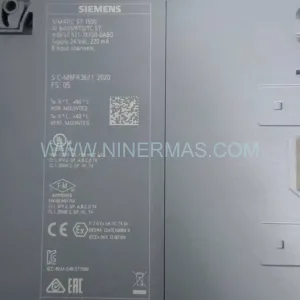
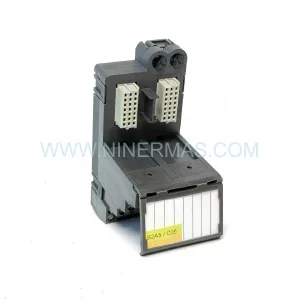
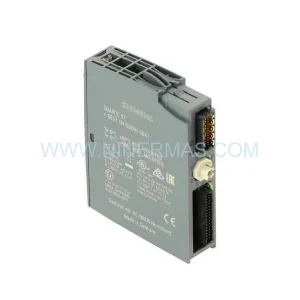
Original Industrial Spare Part
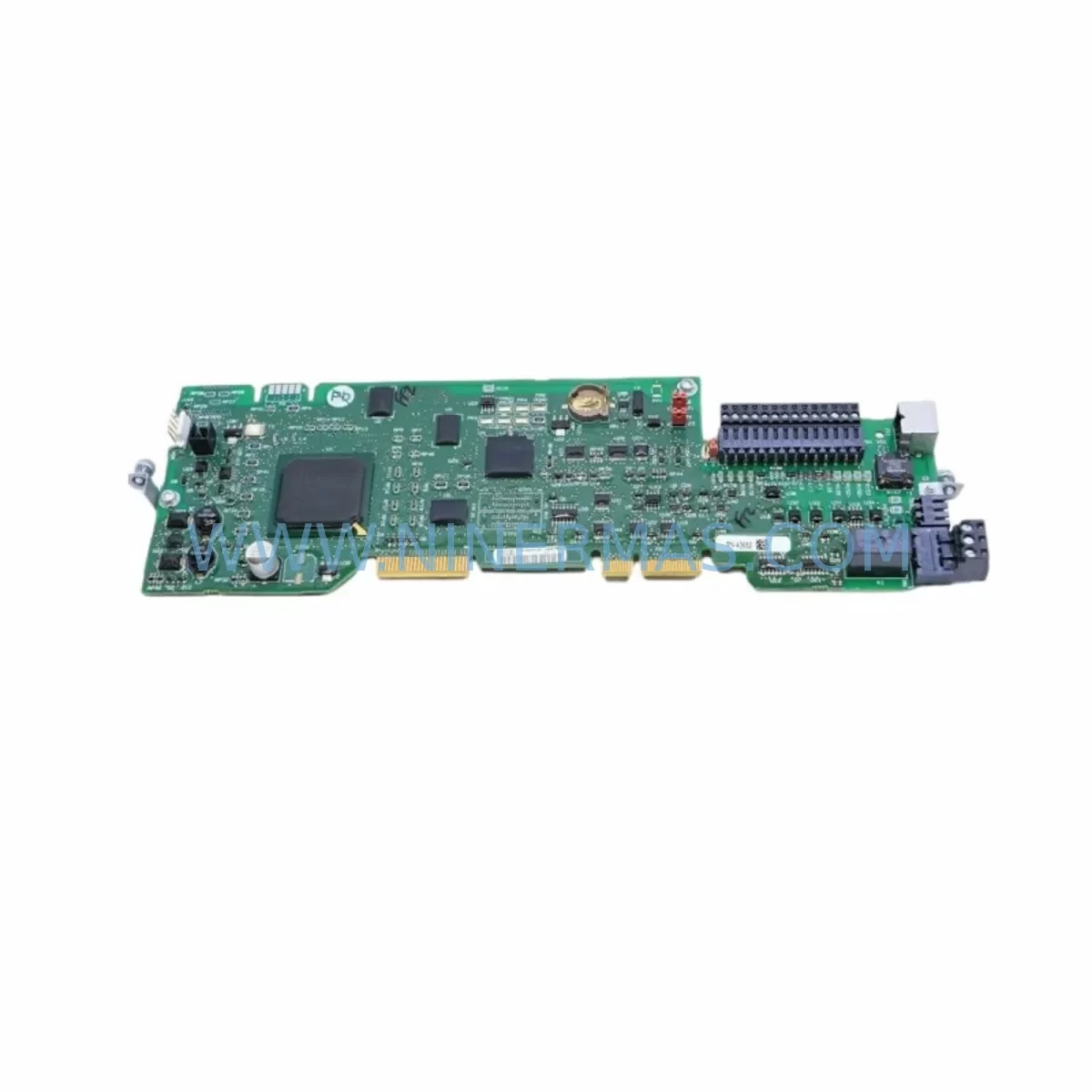
Allen-Bradley PN-43652 Retrofit-Compatible Module for Legacy Systems
Verify the part, confirm the platform family, and move straight into quotation with the right commercial details.
RFQ Ready
- SKUPN-43652
- CategoryPLC & Industrial Automation Modules
- BrandAllen-Bradley
- SupportAvailability, lead time, condition, and shipping coordination
How Buyers Usually Use This Page
- Confirm the exact part number and platform family before sending the quote request.
- Use direct email when quantity, condition, and destination are already defined internally.
- Switch to the broader brand or category archive when you need alternates nearby.
Series Navigation
Move through the most common platform families behind this part.
Product RFQ
Send this part directly for quotation.
Include quantity, required condition, destination country, and target delivery timing. Current reference: Allen-Bradley PN-43652 Retrofit-Compatible Module for Legacy Systems with SKU PN-43652.
Allen-Bradley PN-43652 Retrofit-Compatible Module for Legacy Systems
The Allen-Bradley PN-43652 is a retrofit-compatible control module designed to serve as a reliable replacement and upgrade solution for aging industrial automation platforms. As legacy Rockwell Automation systems — including the SLC 500, PLC-5, and early MicroLogix series — approach or exceed their end-of-life cycles, the PN-43652 provides a proven path for plant engineers and system integrators to extend operational continuity without committing to a full control system overhaul.
NINERMAS maintains verified inventory of the PN-43652 with full functional testing, 12-month warranty coverage, and documented compatibility data to support your retrofit planning from initial assessment through final commissioning.
Upgrade Compatibility Table
| Parameter | Details |
|---|---|
| SKU / Part Number | PN-43652 |
| Brand / Manufacturer | Allen-Bradley (Rockwell Automation) |
| Compatible Platforms | SLC 500, PLC-5, MicroLogix 1500 |
| Backplane Interface | SLC 500-series backplane slot compatible |
| Communication Protocol | DH+, DH-485, RS-232 (platform dependent) |
| Power Requirements | Verify chassis power supply capacity (1746-P series recommended) |
| Installation Footprint | Standard SLC 500 single-slot form factor |
| Replacement Recommendation | Direct replacement for discontinued PN-43652 variants; verify firmware revision |
| Commissioning Notes | Confirm slot addressing in RSLogix 500; verify I/O map before power-up |
| Warranty | 12 Months — NINERMAS functional test certified |
Retrofit Planning for Existing Automation Systems
Successful integration of the PN-43652 into an existing control cabinet begins well before the module arrives on-site. Engineers should start by auditing the host chassis — typically a 1746-A4, 1746-A7, or 1746-A13 SLC 500 rack — to confirm available slot count, backplane bus loading, and the capacity of the installed power supply, such as the 1746-P2 or 1746-P4. Overloaded power supplies are one of the most common causes of instability after a module swap and must be evaluated before installation.
Terminal wiring is the next critical checkpoint. Field wiring connected to the legacy module must be documented, labeled, and verified against the PN-43652 terminal layout. In many retrofit scenarios, the existing wiring harness can be reused directly, but terminal pitch differences or updated I/O channel assignments may require adapter terminal blocks or rewiring of specific circuits. Always cross-reference the original I/O address map in the RSLogix 500 project file before making any changes.
For systems that include communication modules such as the 1747-KE (DH-485 to RS-232 interface) or 1747-SDN (DeviceNet Scanner), verify that the PN-43652 does not conflict with existing network node assignments. In multi-rack configurations using a 1747-SN Remote I/O Scanner, confirm that the module’s rack and group address settings match the processor’s I/O configuration table.
HMI integration is another area requiring attention. If the plant floor uses a PanelView 600 or PanelView Plus 6 terminal communicating via DH+ or DH-485, verify that the tag database and screen logic reference the correct I/O addresses after the module replacement. Mismatched addresses between the HMI and the updated PLC program are a frequent source of post-retrofit alarms.
Where the retrofit involves migrating from an older PLC-5 platform to a modern ControlLogix or CompactLogix architecture, the PN-43652 can serve as an interim I/O module during a phased migration, allowing sections of the legacy system to remain operational while new control hardware is commissioned in parallel. In such scenarios, a 1756-DHRIO (ControlLogix DH+/Remote I/O Bridge) module is often used to maintain communication between the new processor and legacy I/O racks during the transition period.
Signal isolation requirements should also be reviewed. In environments with high electrical noise — common in motor control centers and variable frequency drive (VFD) panels — installing signal isolators or surge suppressors on analog input channels protects the PN-43652 and ensures measurement accuracy. Programming cables such as the 1747-UIC USB-to-DH-485 interface are recommended for on-site program backup and verification before and after module installation.
Downtime Control During System Migration
Minimizing unplanned downtime is the primary concern for any production facility undertaking a control system retrofit. When replacing the PN-43652 in a live production environment, a structured change management approach is essential.
Begin by creating a full backup of the existing RSLogix 500 program, including all force tables, data file values, and communication configuration. Store this backup on at least two separate media before any hardware is disturbed. If the processor supports online editing, prepare the updated I/O configuration in advance and validate it in an offline simulation environment where possible.
Schedule the physical module swap during a planned maintenance window. With the chassis powered down, remove the legacy module, install the PN-43652, and verify seating before restoring power. On first power-up, monitor the processor fault display and I/O status indicators carefully. A solid red I/O fault LED typically indicates an address mismatch or configuration error that must be resolved before returning the system to automatic mode.
For critical processes where even brief interruptions are unacceptable, consider a parallel run strategy: install the PN-43652 in a spare slot, configure it as a shadow I/O module, and verify all signal states match the original module before cutting over. This approach adds commissioning time but virtually eliminates the risk of process disruption.
Once the system is running normally, document the as-built configuration, update the wiring diagrams, and archive the verified program file. NINERMAS provides pre-shipment functional testing documentation for every PN-43652 unit, which can be included in your site acceptance test records to satisfy quality and compliance requirements.
Retrofit Support FAQ
Q1: Is the PN-43652 a direct drop-in replacement for the original discontinued module?
In most SLC 500 applications, yes. The PN-43652 is designed to occupy the same backplane slot and use the same I/O addressing as the original module. However, customers should verify the firmware revision of their SLC 5/03, 5/04, or 5/05 processor to confirm full compatibility, particularly if the original module was manufactured before 2005.
Q2: What commissioning steps are required after installation?
After physical installation, go online with RSLogix 500 and perform a full I/O configuration compare. Verify that all input and output addresses resolve correctly, clear any existing faults, and run the system in manual mode before returning to automatic. If the system includes a PanelView HMI, confirm that all screen elements display correct real-time values before sign-off.
Q3: Can the PN-43652 be used in a mixed SLC 500 / ControlLogix migration environment?
Yes. During phased migrations, the PN-43652 can remain in service in the legacy SLC 500 rack while new ControlLogix hardware is commissioned. A 1756-DHRIO bridge module allows the new processor to read and write to the legacy I/O rack, enabling a controlled cutover without requiring simultaneous replacement of all hardware.
Q4: What does the 12-month warranty cover, and what testing is performed before shipment?
Every PN-43652 unit shipped by NINERMAS undergoes functional bench testing that verifies backplane communication, I/O channel operation, and power consumption within specification. The 12-month warranty covers defects in materials and workmanship under normal operating conditions. Units that fail within the warranty period are replaced or repaired at no charge, with priority processing to minimize your downtime.
| Product Series | SLC 500 |
|---|---|
| Country of Origin | US |
Catalog Continuation
More Allen-Bradley modules in the catalog.
Use the brand lane to compare nearby part numbers, platform-adjacent modules, and other inquiry-ready listings before sending your final RFQ.




Catalog Continuation
Alternative parts within PLC & Industrial Automation Modules.
Stay inside the same system family when you need substitutes, adjacent modules, or a broader shortlist for procurement review.



SKU: HDD02.2-W040N-HS12-01-FW FWA-DIAX04-ELS-05VRS-MS
Rexroth HDD02.2-W040N-HS12-01-FW Service-Ready Spare Part

SKU: I5DAE375F10010000S
Lenze I5DAE375F10010000S Service-Ready Spare Part for Industrial Maintenance