Original Industrial Spare Part
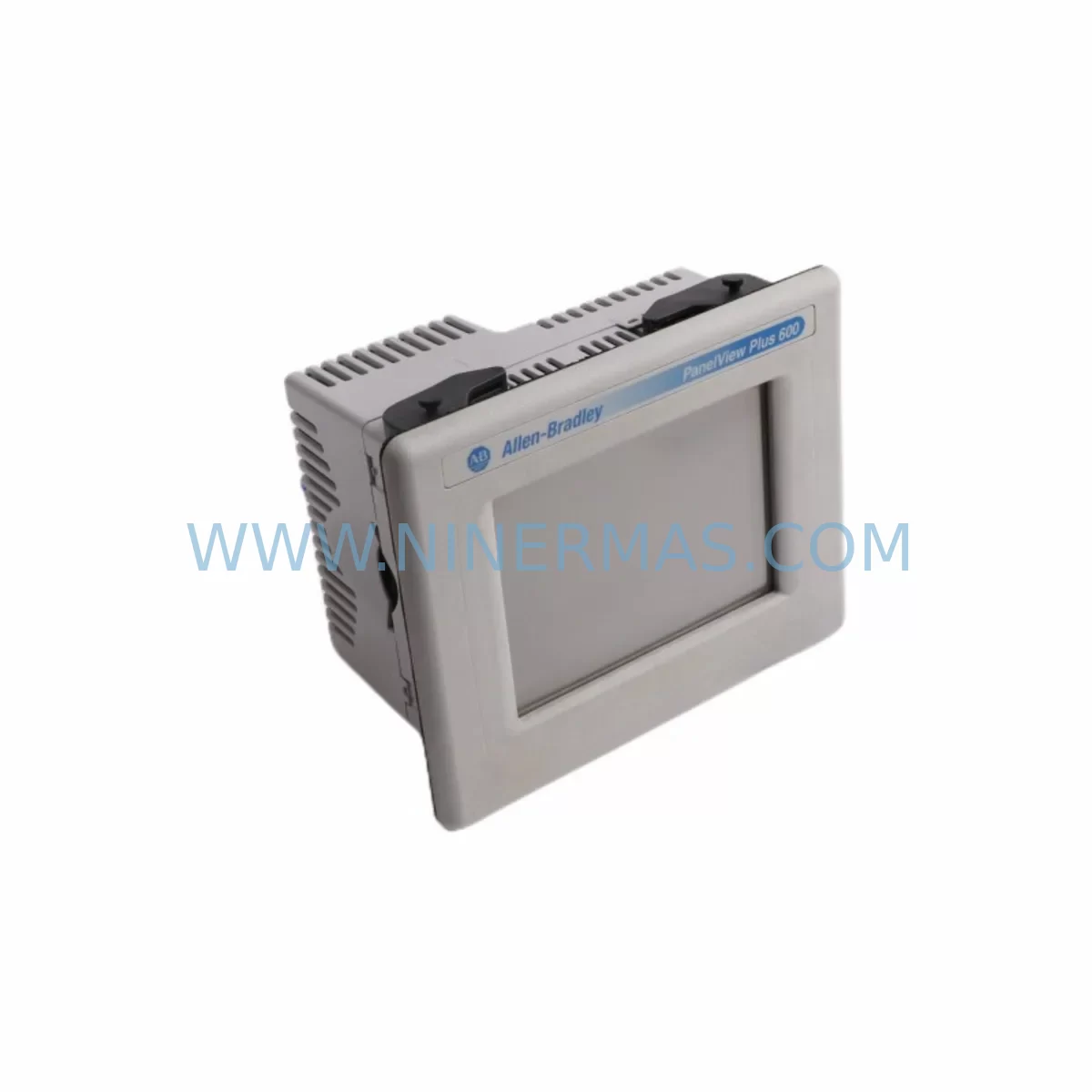
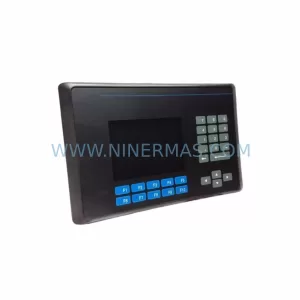
Allen-Bradley 2711R-T10T Retrofit-Compatible HMI for Legacy Systems
Verify the part, confirm the platform family, and move straight into quotation with the right commercial details.
RFQ Ready
- SKU2711R-T10T
- CategoryPLC & Industrial Automation Modules
- BrandAllen-Bradley
- SupportAvailability, lead time, condition, and shipping coordination
How Buyers Usually Use This Page
- Confirm the exact part number and platform family before sending the quote request.
- Use direct email when quantity, condition, and destination are already defined internally.
- Switch to the broader brand or category archive when you need alternates nearby.
Series Navigation
Move through the most common platform families behind this part.
Product RFQ
Send this part directly for quotation.
Include quantity, required condition, destination country, and target delivery timing. Current reference: Allen-Bradley 2711R-T10T Retrofit-Compatible HMI for Legacy Systems with SKU 2711R-T10T.
Allen-Bradley 2711R-T10T Retrofit-Compatible HMI for Legacy Systems
The Allen-Bradley 2711R-T10T is a 10-inch color touch panel from the PanelView 800 series, designed for compact machine-level HMI applications running on Micro800 and MicroLogix controller platforms. As legacy PanelView 300, PanelView 550, and PanelView Component C600 units reach end-of-life, the 2711R-T10T has become the preferred retrofit-compatible replacement for engineers managing aging control cabinets across discrete manufacturing, packaging, and material handling lines.
NINERMAS maintains verified in-stock inventory of the 2711R-T10T to support planned and emergency retrofit projects. Each unit ships with a 12-month warranty and undergoes pre-shipment functional testing to confirm display integrity, communication link establishment, and touchscreen calibration before dispatch.
Upgrade Compatibility Table
| Parameter | Legacy Unit (e.g. PanelView 550 / C600) | 2711R-T10T (PanelView 800) |
|---|---|---|
| Display Size | 5.5″ / 6″ STN | 10″ WVGA Color TFT |
| Communication Protocol | DH-485 / RS-232 / DF1 | Ethernet/IP, USB (programming) |
| Controller Compatibility | SLC 500, MicroLogix 1000/1100 | Micro820, Micro830, Micro850, MicroLogix 1100/1400 |
| Power Supply | 24 VDC (legacy PSU) | 24 VDC (confirm PSU capacity ≥ 1.5A) |
| Panel Cutout | Varies by model | 240 mm × 182 mm (verify cabinet space) |
| Programming Software | PanelBuilder 32 / PanelBuilder 1000 | Connected Components Workbench (CCW) v13+ |
| Mounting | Panel-mount, front bezel | Panel-mount, IP65 front face |
| Retrofit Complexity | — | Medium — screen rebuild required in CCW; I/O tag remapping needed |
| Warranty (NINERMAS) | — | 12 Months |
Retrofit Planning for Existing Automation Systems
A successful 2711R-T10T retrofit begins well before the unit arrives on site. Engineers should start by auditing the existing control cabinet layout to confirm that the panel cutout can accommodate the 240 mm × 182 mm bezel of the PanelView 800 series. In many legacy installations, the original PanelView 550 or PanelView Component C600 occupied a smaller cutout, requiring mechanical modification of the enclosure door or a custom adapter plate.
Power supply capacity is a critical checkpoint. The 2711R-T10T draws up to 1.5 A at 24 VDC. If the existing 1606-XLP power supply or 1606-XLS series unit was sized for a lower-draw legacy panel, a capacity upgrade may be required before commissioning. Verify the available headroom on the 24 VDC rail, accounting for all connected I/O modules, relay outputs, and signal isolators already on the same bus.
Communication migration is typically the most time-intensive element of the retrofit. Legacy panels communicating over DH-485 or RS-232 DF1 must be re-routed through an Ethernet/IP path. This often involves adding a 1761-NET-ENI serial-to-Ethernet adapter or upgrading the controller itself — for example, replacing a MicroLogix 1000 with a Micro830 or Micro850 that natively supports Ethernet/IP. The 2711R-T10T connects to the controller via a standard RJ-45 port, and the IP address, slot number, and controller path must be configured in Connected Components Workbench before the first power-on.
Screen application migration cannot be automated. PanelBuilder 32 project files (.pb32) are not directly importable into CCW. Engineers must rebuild the HMI application screen by screen, remapping all tag references to the new controller’s data table structure. For complex applications with 50+ screens, plan for 2–5 days of engineering time. Prioritize critical alarm screens, production counters, and recipe management pages first to allow partial commissioning while remaining screens are completed.
Terminal wiring on the 2711R-T10T is limited to the 24 VDC power connector and the USB Type-B programming port. Unlike older panels with dedicated serial terminal blocks, all control communication runs over Ethernet. Confirm that the cabinet has an available Ethernet switch port — a 1783-US5T unmanaged switch or equivalent is commonly added during retrofit to support both the HMI and any 1734-AENT Point I/O adapter modules sharing the same network segment.
Where the legacy system included discrete I/O wired directly to the old panel, those signals must be re-terminated to a dedicated I/O subsystem. The 1734 POINT I/O platform — including 1734-IB8 digital input modules, 1734-OB8 digital output modules, and 1734-IE4C analog input modules — integrates cleanly with the Micro800 controller platform and allows the 2711R-T10T to visualize real-time field data without any direct wiring to the HMI itself.
For installations involving signal conditioning between field sensors and the controller, 855E signal tower indicators and 1492-CABLE wiring systems are commonly retained from the original installation and remain compatible with the upgraded platform. Where signal isolation is required between legacy 4–20 mA transmitters and the new I/O modules, inline signal isolators should be verified for loop impedance compatibility before the retrofit is finalized.
Downtime Control During System Migration
Minimizing production downtime during a PanelView retrofit requires a structured parallel preparation strategy. The 2711R-T10T application should be fully built, simulated, and validated in CCW on a bench setup before the legacy panel is removed from service. Use the CCW offline simulation mode to verify all tag bindings, alarm triggers, and navigation logic against a controller emulator or a spare Micro830 unit configured to mirror the live machine’s program.
Before cutover, export and archive the original controller program from the MicroLogix or SLC 500 using RSLogix 500 or RSLogix Micro. Store a verified backup on at least two separate media. If the controller is also being replaced as part of the upgrade path, convert the ladder logic to Studio 5000 Logix Designer or CCW format and perform a full I/O force test on the bench before installation.
Schedule the physical cutover during a planned maintenance window. The mechanical swap — removing the legacy panel, modifying the cutout if required, installing the 2711R-T10T, and connecting power and Ethernet — typically takes 2–4 hours for a prepared team. Communication link establishment and tag verification add another 1–2 hours. A pre-prepared commissioning checklist covering IP address confirmation, controller path validation, alarm acknowledgment testing, and operator sign-off reduces the risk of extended downtime caused by overlooked configuration steps.
Retain the legacy PanelView unit in storage for at least 90 days post-cutover. In the event of an unexpected control logic issue, the ability to temporarily reinstall the original panel preserves production continuity while the root cause is investigated. NINERMAS recommends maintaining a documented retrofit record — including before/after wiring photos, CCW project version, controller firmware revision, and IP addressing scheme — as part of the machine’s permanent maintenance file.
Retrofit Support FAQ
Q1: Is the 2711R-T10T a direct drop-in replacement for the PanelView Component C600 (2711C-T6T)?
Not mechanically. The panel cutout dimensions differ, and the C600 uses a smaller bezel. A cutout adapter plate or enclosure modification is required. Electrically, both units operate on 24 VDC, but the communication path changes from RS-232/USB to Ethernet/IP. The HMI application must be rebuilt in CCW — PanelBuilder Express files are not compatible.
Q2: What controller firmware is required for Ethernet/IP communication with the 2711R-T10T?
For Micro830 and Micro850 controllers, firmware revision 10 or later is recommended for stable Ethernet/IP messaging with the PanelView 800 series. For MicroLogix 1100 and 1400, confirm that the MSG instruction is configured for Ethernet/IP (CIP) rather than DF1. NINERMAS can provide pre-shipment firmware verification on request.
Q3: Does NINERMAS provide pre-shipment testing for the 2711R-T10T?
Yes. Every 2711R-T10T unit shipped by NINERMAS undergoes a pre-dispatch functional test covering power-on self-test, display uniformity, touchscreen calibration, and Ethernet port link establishment. A test report is available upon request. All units are covered by a 12-month warranty from the date of shipment.
Q4: What is the typical lead time and stock availability?
NINERMAS maintains buffer stock of the 2711R-T10T to support both planned retrofit projects and emergency replacement orders. Standard orders ship within 1–3 business days. For large-quantity procurement or long-term spare parts programs with committed delivery schedules, contact our sales team to discuss stock reservation and pricing.
| Product Series | 2711 |
|---|---|
| Country of Origin | US |
Catalog Continuation
More Allen-Bradley modules in the catalog.
Use the brand lane to compare nearby part numbers, platform-adjacent modules, and other inquiry-ready listings before sending your final RFQ.
Catalog Continuation
Alternative parts within PLC & Industrial Automation Modules.
Stay inside the same system family when you need substitutes, adjacent modules, or a broader shortlist for procurement review.
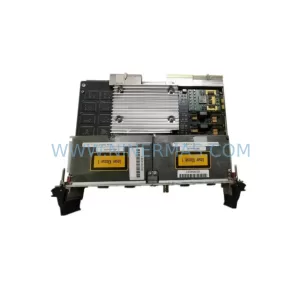
SKU: PCE-2 LIF-1 K15MB000 671-5532-02
Tektronix PCE-2 LIF-1 K15MB000 671-5532-02 Service-Ready Spare Part