Original Industrial Spare Part
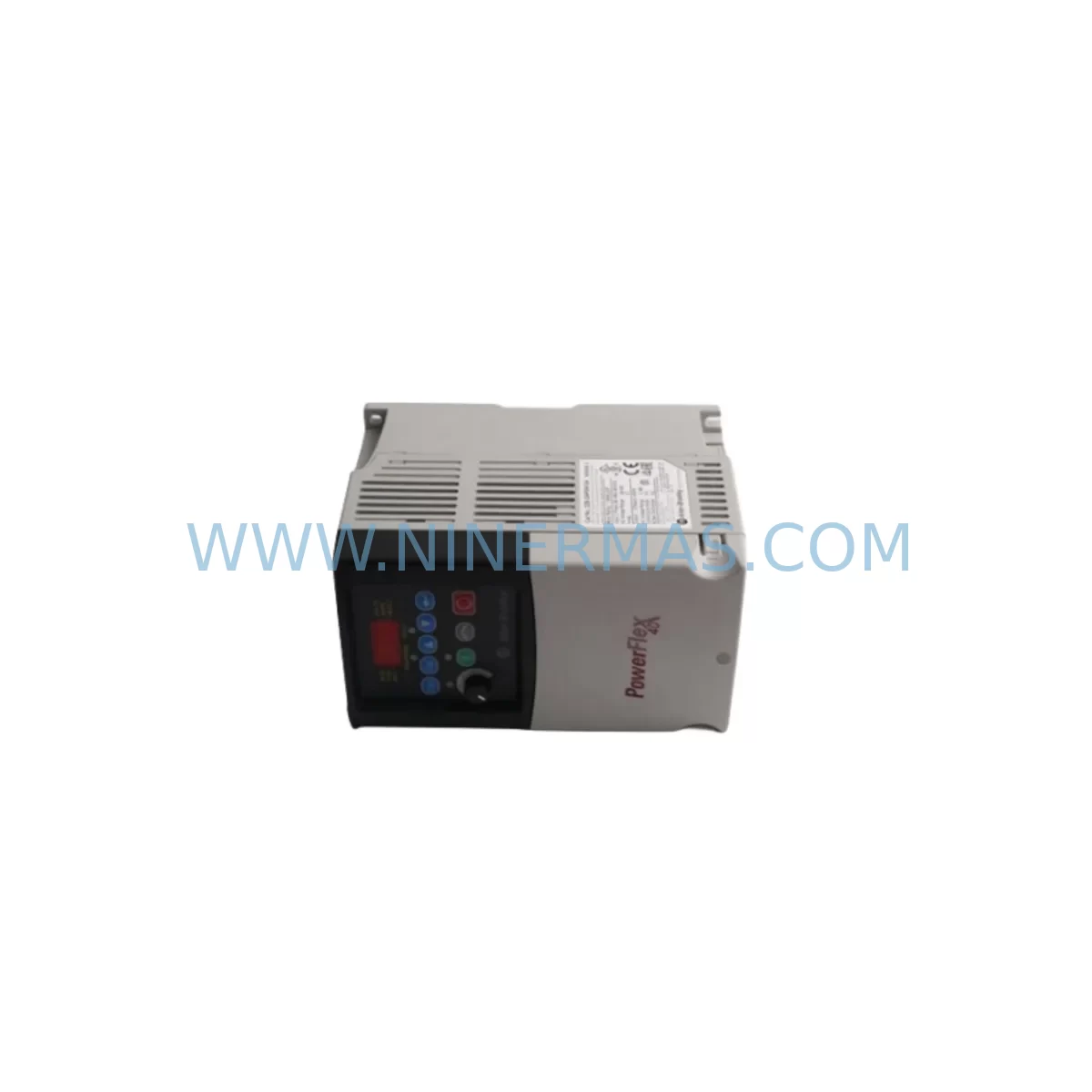
Allen-Bradley 22C-D060A103 Spare Part for Industrial Maintenance
Verify the part, confirm the platform family, and move straight into quotation with the right commercial details.
RFQ Ready
- SKU22C-D060A103
- CategoryPLC & Industrial Automation Modules
- BrandAllen-Bradley
- SupportAvailability, lead time, condition, and shipping coordination
How Buyers Usually Use This Page
- Confirm the exact part number and platform family before sending the quote request.
- Use direct email when quantity, condition, and destination are already defined internally.
- Switch to the broader brand or category archive when you need alternates nearby.
Series Navigation
Move through the most common platform families behind this part.
Product RFQ
Send this part directly for quotation.
Include quantity, required condition, destination country, and target delivery timing. Current reference: Allen-Bradley 22C-D060A103 Spare Part for Industrial Maintenance with SKU 22C-D060A103.
Allen-Bradley 22C-D060A103 Spare Part for Industrial Maintenance
The Allen-Bradley 22C-D060A103 is a service-ready spare part from the PowerFlex 400 series of AC variable frequency drives, engineered for demanding industrial environments where unplanned downtime carries significant operational and financial consequences. Sourced as an original Allen-Bradley component, this unit is fully compatible with existing PowerFlex 400 installations and is pre-shipment tested to confirm functional integrity before dispatch. Whether you are managing a scheduled annual overhaul, responding to an emergency drive failure, or building a proactive spare parts inventory for a critical production line, the 22C-D060A103 provides a reliable, drop-in replacement that minimises reconfiguration time and restores system operation with confidence.
Maintenance engineers working with PowerFlex 400 drives understand that a failed VFD can cascade into broader control system disruptions — affecting motor control centres, PLC I/O loops, and upstream SCADA visibility. Stocking the 22C-D060A103 as a pre-qualified spare eliminates the lead-time risk associated with emergency procurement and ensures your team can execute a controlled replacement rather than an improvised repair. Each unit shipped by NINERMAS undergoes pre-shipment functional verification and is backed by a 12-month warranty, giving procurement engineers the documentation trail required for asset management and compliance records.
Spare Maintenance Table
| Part Number | 22C-D060A103 |
| Brand | Allen-Bradley (Rockwell Automation) |
| Series | PowerFlex 400 |
| Product Type | AC Variable Frequency Drive (VFD) |
| Output Current Rating | 60 A (Heavy Duty) |
| Input Voltage | 380–480 V AC, 3-Phase |
| Output Frequency Range | 0–500 Hz |
| Enclosure Rating | IP20 / NEMA Type 1 (panel mount) |
| Control Interface | DSI (Drive Serial Interface) / Remote I/O compatible |
| Communication Options | DeviceNet, EtherNet/IP (via adapter), RS-485 DSI |
| Compatible Series | PowerFlex 400 (22C frame) |
| Typical Application | Fan, pump, conveyor, compressor motor control |
| Installation Environment | Industrial control cabinet, MCC panel, standalone enclosure |
| Operating Temperature | 0°C to +50°C (derating above 40°C) |
| Origin | United States (Allen-Bradley / Rockwell Automation) |
| Condition | Original, service-ready spare |
| Pre-Shipment Testing | Functional verification completed before dispatch |
| Warranty | 12 Months |
Maintenance Planning for Continuous Operation
When replacing the 22C-D060A103 in a live production environment, a disciplined maintenance engineer will treat the drive swap as an opportunity to audit the surrounding electrical infrastructure. The PowerFlex 400 drive does not operate in isolation — it sits within a broader control cabinet ecosystem where the condition of adjacent components directly affects drive longevity and system reliability.
Begin with the input power section: inspect the line reactor or EMC filter upstream of the drive, as a degraded reactor can expose the drive’s rectifier bridge to voltage spikes that accelerate component wear. Check the input fuses or circuit breaker (typically a motor circuit protector rated for the drive’s input current) for signs of thermal stress or nuisance tripping history. If the cabinet uses a 24 VDC control power supply — such as a Rockwell 1606-XLP or equivalent — verify output voltage stability, as control logic faults are frequently misdiagnosed as drive failures when the root cause is an unstable auxiliary supply.
On the output side, inspect the motor cable and terminal connections at both the drive output terminals and the motor junction box. Loose or corroded terminals are a leading cause of output phase imbalance, which can trigger overcurrent faults and shorten drive life. If the installation uses an output dV/dt filter or sine filter, confirm the filter’s capacitor bank is within specification — a degraded filter can cause reflected wave damage to motor windings on long cable runs.
For control wiring, audit the digital I/O wiring connected to the drive’s control terminal strip. Verify that start/stop, speed reference, and fault reset signals are correctly landed and that cable shielding is grounded at one end only to prevent ground loops. If the drive communicates via a DeviceNet or EtherNet/IP communication adapter (such as the 22-COMM-D or 22-COMM-E), inspect the adapter seating and network termination resistors. A loose adapter or missing terminator is a common source of intermittent communication faults that can be mistaken for drive hardware failure.
Also review the HMI or operator interface panel connected to the drive — typically a 22-HIM-A3 or 22-HIM-C2S remote keypad. Confirm the keypad cable is undamaged and that parameter sets are backed up before the drive is removed, as parameter data stored in the drive’s EEPROM will be lost if the replacement unit ships with factory defaults. Use a 1203-USB or 1203-SSS serial converter with Connected Components Workbench or DriveExplorer software to upload the parameter file from the old drive before removal, then download it to the replacement unit after installation.
Finally, check the terminal block assemblies and DIN rail mounting hardware within the control cabinet. Vibration over time can loosen terminal screws on relay output modules, analogue signal isolators, and surge protection devices. A complete cabinet inspection during a planned drive replacement is the most cost-effective way to prevent secondary failures in the weeks following the maintenance event.
Site Replacement Workflow
Step 1 — Isolation and lockout: Isolate the drive from the mains supply using the upstream isolator or MCC breaker. Apply LOTO (Lockout/Tagout) procedure and wait a minimum of 5 minutes for the DC bus capacitors to discharge before opening the drive enclosure. Verify DC bus voltage with a calibrated multimeter before touching internal components.
Step 2 — Parameter backup: If the existing drive is still partially functional, connect via DSI port and export the full parameter set using DriveExplorer or Connected Components Workbench. Save the file with the asset tag and date for traceability.
Step 3 — Physical removal: Disconnect input power cables (R/L1, S/L2, T/L3), output motor cables (U/T1, V/T2, W/T3), control terminal wiring, and any communication adapter. Label all wires before removal. Remove the drive from its mounting rail or panel cutout.
Step 4 — Replacement installation: Mount the 22C-D060A103 replacement unit. Reconnect all cables in reverse order — control wiring first, then power cables. Torque all power terminals to the manufacturer’s specification (refer to the PowerFlex 400 installation manual, publication 22C-IN001).
Step 5 — Parameter restore and commissioning: Power up the drive in local control mode. Download the saved parameter file. Verify motor nameplate data (voltage, current, frequency, poles) is correctly entered. Run a motor autotune if the motor has changed. Test all I/O signals before returning to automatic operation.
Step 6 — Return to service: Monitor the drive for the first 30 minutes of operation. Check output current balance across all three phases. Confirm no fault codes are active. Update the maintenance log with the replacement date, new unit serial number, and warranty expiry.
Spare Parts Support FAQ
Q1: Is the 22C-D060A103 a direct drop-in replacement for an existing PowerFlex 400 installation?
Yes. The 22C-D060A103 is a frame-compatible replacement for PowerFlex 400 drives with the same current rating and voltage class. Physical dimensions, terminal layout, and control interface are consistent across the 22C series, allowing direct substitution without panel modification. Always verify the full part number suffix to confirm the exact hardware revision matches your installation requirements.
Q2: What pre-shipment checks are performed before the unit is dispatched?
Each 22C-D060A103 unit undergoes functional verification prior to shipment, including power-on self-test, DC bus charge confirmation, and output stage integrity check. Units that do not pass verification are not dispatched. A 12-month warranty is provided from the date of shipment, covering manufacturing defects and functional failures under normal operating conditions.
Q3: Can NINERMAS support long-term or repeat supply of this part number?
Yes. NINERMAS maintains stock of PowerFlex 400 series components to support ongoing maintenance programmes, annual shutdown schedules, and strategic spare parts inventory builds. For customers managing multiple sites or large drive populations, volume pricing and reserved stock arrangements are available. Contact our team to discuss a supply agreement tailored to your maintenance cycle.
Q4: How should I verify compatibility before ordering if my existing drive has a different suffix?
The 22C-D060A103 part number encodes the series (22C = PowerFlex 400), output current (D060 = 60A heavy duty), and hardware revision (A103). If your existing drive carries a different revision suffix, contact NINERMAS with your full nameplate part number and we will confirm cross-compatibility or identify the correct replacement. Do not substitute based on current rating alone — always verify the complete part number for critical drive applications.
| Product Series | PowerFlex |
|---|---|
| Country of Origin | US |
Catalog Continuation
More Allen-Bradley modules in the catalog.
Use the brand lane to compare nearby part numbers, platform-adjacent modules, and other inquiry-ready listings before sending your final RFQ.


Catalog Continuation
Alternative parts within PLC & Industrial Automation Modules.
Stay inside the same system family when you need substitutes, adjacent modules, or a broader shortlist for procurement review.
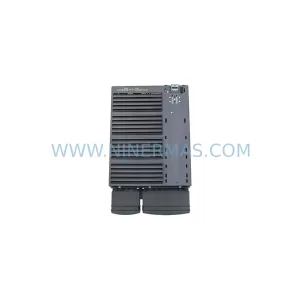
SKU: 6SL3224-0BE33-7UA0
Siemens 6SL3224-0BE33-7UA0 Service-Ready Spare Part
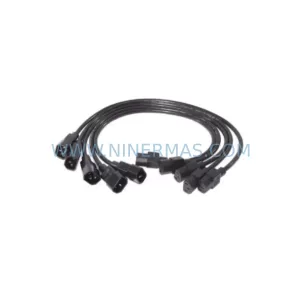
SKU: HENF331395R0001 P4LDA
ABB HENF331395R0001 Service-Ready Industrial Spare Part