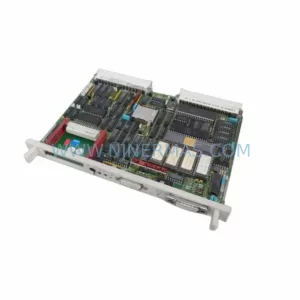
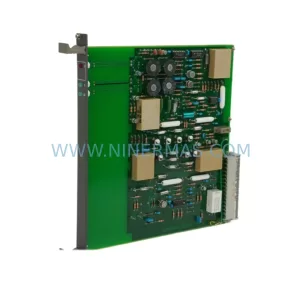
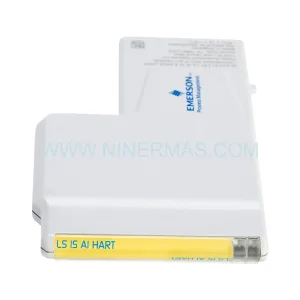
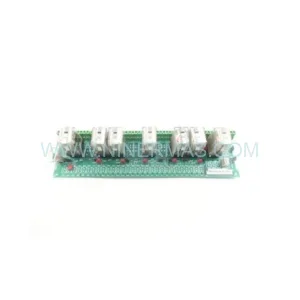
Original Industrial Spare Part
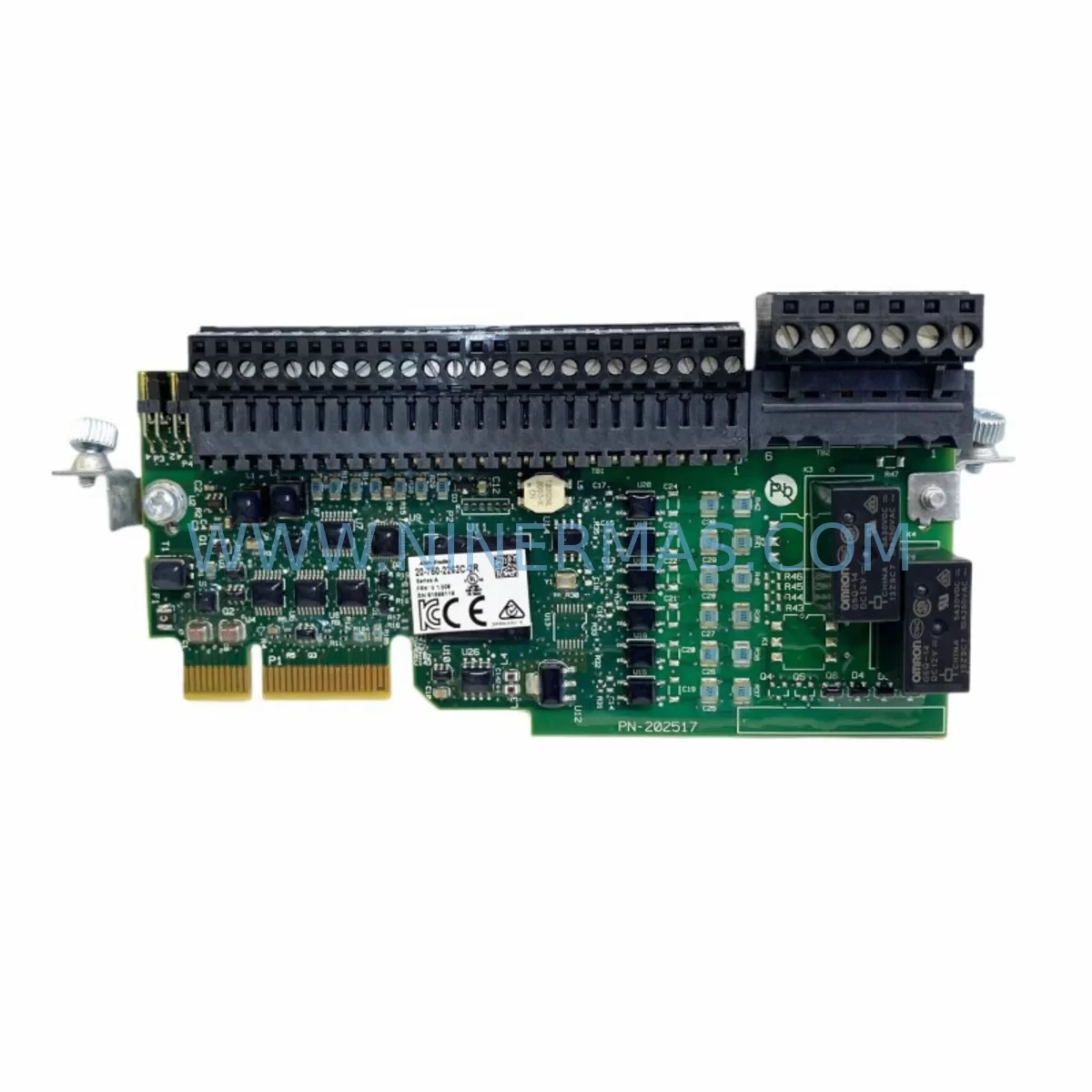
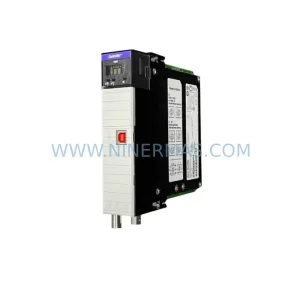
Allen-Bradley 20-750-2262C-2R Service-Ready Spare Part
Verify the part, confirm the platform family, and move straight into quotation with the right commercial details.
RFQ Ready
- SKU20-750-2262C-2R
- CategorySIS Safety & Redundancy Systems
- BrandAllen-Bradley
- SupportAvailability, lead time, condition, and shipping coordination
How Buyers Usually Use This Page
- Confirm the exact part number and platform family before sending the quote request.
- Use direct email when quantity, condition, and destination are already defined internally.
- Switch to the broader brand or category archive when you need alternates nearby.
Series Navigation
Move through the most common platform families behind this part.
Product RFQ
Send this part directly for quotation.
Include quantity, required condition, destination country, and target delivery timing. Current reference: Allen-Bradley 20-750-2262C-2R Service-Ready Spare Part with SKU 20-750-2262C-2R.
Allen-Bradley 20-750-2262C-2R Service-Ready Spare Part: Minimizing Downtime with Proven Safety I/O Replacement
When a safety I/O module fails on a PowerFlex 750 series drive, every minute of unplanned downtime translates directly into lost production and escalating recovery costs. The Allen-Bradley 20-750-2262C-2R is a ruggedized 24V DC dual-port safety I/O option module engineered for demanding industrial environments — from automotive assembly lines to heavy process industries where SIL 2 / PLd safety integrity is non-negotiable. Sourced as an original spare, this module is tested, verified, and ready for immediate field installation, giving maintenance engineers and procurement teams the confidence to act fast when a fault occurs.
At NINERMAS, we stock the 20-750-2262C-2R as a long-term supply item. Whether you are building a preventive spare parts inventory, responding to an emergency shutdown, or planning an annual overhaul, our team provides pre-shipment functional testing, compatibility verification, and a 12-month warranty on every unit dispatched.
Spare Maintenance Table
| Parameter | Specification |
|---|---|
| Part Number | 20-750-2262C-2R |
| Brand | Allen-Bradley (Rockwell Automation) |
| Series | PowerFlex 750 |
| Module Type | Dual-Port Safety I/O Option Module |
| Input Voltage | 24V DC |
| Safety Rating | SIL 2 / PLd (IEC 62061 / ISO 13849-1) |
| I/O Configuration | Safe inputs and safe outputs, dual-channel |
| Communication | Integrated safety network via PowerFlex 750 option port |
| Environmental Rating | Ruggedized — suitable for harsh industrial environments |
| Operating Temperature | 0°C to 55°C (32°F to 131°F) |
| Mounting | PowerFlex 750 option module slot (Port 1 or Port 2) |
| Compatibility | PowerFlex 753, PowerFlex 755, PowerFlex 755T series drives |
| Replaces / Supersedes | 20-750-2262C-2R legacy variants; compatible with existing wiring harness |
| Origin | United States |
| Condition | Original, new or service-ready tested unit |
| Pre-Shipment Test | Yes — functional and safety channel verification |
| Warranty | 12 Months |
Maintenance Planning for Continuous Operation
Replacing the 20-750-2262C-2R is rarely an isolated task. Safety I/O module failures on PowerFlex 750 drives are often symptomatic of broader electrical stress in the control cabinet, and a thorough maintenance engineer will use the replacement event as an opportunity to inspect and validate the surrounding system. Before returning the drive to service, it is best practice to verify the integrity of the 20-750-2240 Safe Speed Monitor option module if installed in an adjacent port, as both modules share the drive’s internal safety bus and a fault in one can mask latent issues in the other.
The 20-750-PBUS1 power bus connector and the option module backplane interface should be inspected for oxidation or mechanical damage — loose seating in the option port is a common root cause of intermittent safety faults that are misdiagnosed as module failures. Similarly, the 20-750-UFB-1 universal feedback option module, if present, should be checked for encoder signal integrity, since encoder noise can trigger spurious safe-state events that accelerate wear on the safety I/O module.
On the power supply side, confirm that the 24V DC control power rail feeding the safety I/O circuits is within tolerance. A failing 1606-XLP power supply or an undersized 1492-SP series circuit breaker protecting the 24V bus can cause voltage dips that trip safety channels unnecessarily. Terminal blocks — particularly 1492-W series feed-through terminals — should be re-torqued and inspected for discoloration indicating thermal stress.
For sites running EtherNet/IP safety networks, verify that the 1783-US series unmanaged switch or managed Stratix 5700 switch ports connected to the safety controller are operating correctly, as network jitter can cause CIP Safety connection timeouts that appear as module faults. The 1756-L8xS GuardLogix safety controller firmware version should also be confirmed compatible with the 2262C-2R module revision to avoid configuration mismatch faults after replacement.
Finally, if the site uses a PanelView Plus 7 HMI for drive status visualization, update the safety status faceplates after module replacement to ensure the new module’s diagnostic tags are correctly mapped. Procurement teams building annual spare parts kits for PowerFlex 750 installations should consider stocking the 20-750-2262C-2R alongside a 20-750-2240 Safe Speed Monitor and a set of 20-750-PBUS1 backplane connectors to cover the most common safety option module failure modes in a single kit.
Site Replacement Workflow
Step 1 — Isolation and Lockout/Tagout: De-energize the PowerFlex 750 drive following site LOTO procedures. Confirm zero energy state on both the main power input and the 24V DC control power supply before opening the drive enclosure.
Step 2 — Module Removal: Identify the option port (Port 1 or Port 2) housing the 20-750-2262C-2R. Disconnect the safety wiring harness from the module’s I/O terminals, labeling each conductor for accurate re-termination. Release the module retention latch and slide the module out of the option slot.
Step 3 — Inspection: Inspect the option port connector on the drive for bent pins, debris, or corrosion. Clean with dry compressed air if necessary. Check the replacement module’s firmware revision label against the drive’s existing configuration file to confirm compatibility before installation.
Step 4 — Installation: Slide the new 20-750-2262C-2R into the option slot until the retention latch clicks. Re-terminate the safety wiring harness per the original wiring diagram, verifying dual-channel input pairs are correctly assigned. Torque terminal screws to specification.
Step 5 — Configuration Restore: Using Studio 5000 Logix Designer or DriveExplorer, restore the safety module configuration from the saved backup. Perform a safety signature verification to confirm the configuration matches the validated safety function.
Step 6 — Functional Test: Re-energize the drive and execute a full safety function proof test — including E-stop, safety gate, and speed monitoring functions as applicable — before releasing the machine to production. Document the replacement in the site maintenance log.
This structured workflow reduces mean time to repair (MTTR), ensures safety integrity is maintained after replacement, and provides a clear audit trail for functional safety compliance.
Spare Parts Support FAQ
Q1: Is the 20-750-2262C-2R you supply an original Allen-Bradley part?
Yes. NINERMAS supplies original Allen-Bradley 20-750-2262C-2R modules sourced through authorized industrial distribution channels. Each unit undergoes pre-shipment inspection and functional verification. A 12-month warranty is provided on every unit, covering manufacturing defects and functional failures under normal operating conditions.
Q2: How do I confirm compatibility with my existing PowerFlex 750 drive?
The 20-750-2262C-2R is compatible with PowerFlex 753, PowerFlex 755, and PowerFlex 755T series drives. Compatibility depends on the drive’s firmware revision and the safety controller’s configuration. We recommend providing your drive catalog number and firmware version when ordering so our technical team can confirm compatibility and advise on any firmware update requirements before installation.
Q3: What is your lead time and can you support emergency orders?
For in-stock units, standard lead time is 3–7 business days for international shipment. Emergency orders with expedited freight can typically be dispatched within 24–48 hours of order confirmation. Contact our team at sale@ninermas.com or +0086 187 5021 5667 to confirm current stock availability and arrange urgent dispatch.
Q4: Do you offer long-term supply agreements for MRO spare parts programs?
Yes. NINERMAS supports long-term MRO supply agreements for maintenance teams managing multiple PowerFlex 750 installations. We can reserve stock, provide scheduled delivery, and issue certificates of conformance for each shipment. Our supply program is designed to reduce procurement risk for obsolete or long-lead Allen-Bradley option modules, ensuring your maintenance team always has critical spares available when needed.
| Product Series | PowerFlex |
|---|---|
| Country of Origin | US |
Catalog Continuation
More Allen-Bradley modules in the catalog.
Use the brand lane to compare nearby part numbers, platform-adjacent modules, and other inquiry-ready listings before sending your final RFQ.
SKU: 2711PC-T10C4D8
Allen-Bradley 2711PC-T10C4D8 Retrofit-Compatible HMI Terminal
SKU: 2711P-T12W22D9P
Allen-Bradley 2711P-T12W22D9P Retrofit HMI for Legacy Systems
Catalog Continuation
Alternative parts within SIS Safety & Redundancy Systems.
Stay inside the same system family when you need substitutes, adjacent modules, or a broader shortlist for procurement review.