Original Industrial Spare Part
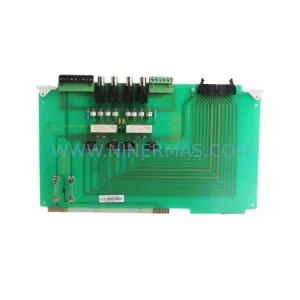
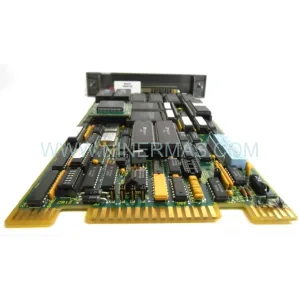
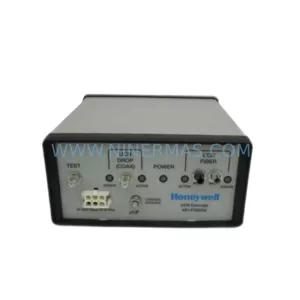
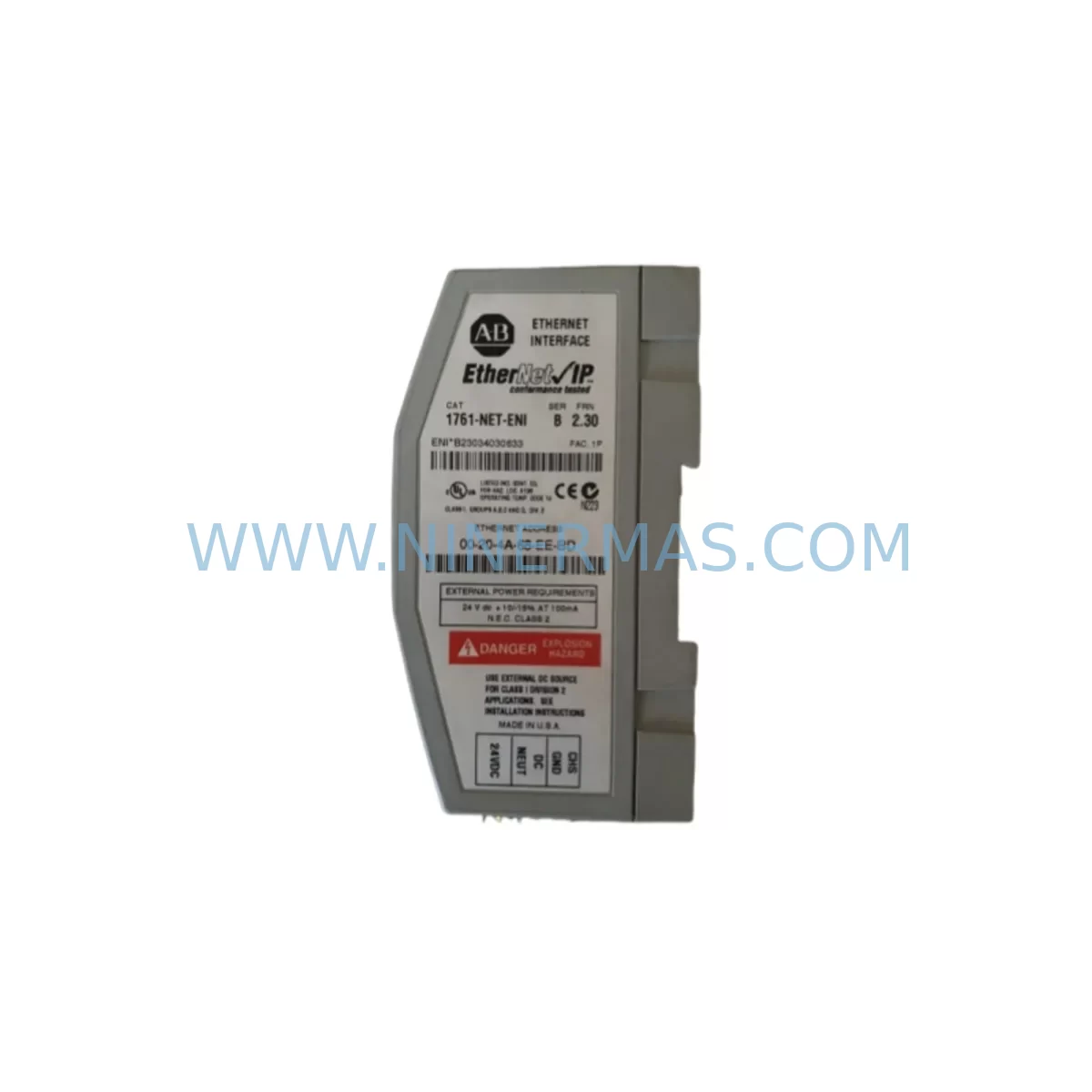
Allen-Bradley 1761-ENT-ENI Retrofit Ethernet Interface Module
Verify the part, confirm the platform family, and move straight into quotation with the right commercial details.
RFQ Ready
- SKU1761-ENT-ENI
- CategoryPLC & Industrial Automation Modules
- BrandAllen-Bradley
- SupportAvailability, lead time, condition, and shipping coordination
How Buyers Usually Use This Page
- Confirm the exact part number and platform family before sending the quote request.
- Use direct email when quantity, condition, and destination are already defined internally.
- Switch to the broader brand or category archive when you need alternates nearby.
Series Navigation
Move through the most common platform families behind this part.
Product RFQ
Send this part directly for quotation.
Include quantity, required condition, destination country, and target delivery timing. Current reference: Allen-Bradley 1761-ENT-ENI Retrofit Ethernet Interface Module with SKU 1761-ENT-ENI.
Allen-Bradley 1761-ENT-ENI Retrofit Ethernet Interface Module: Legacy System Compatibility & Smooth Upgrade
The Allen-Bradley 1761-ENT-ENI (Ethernet Network Interface) module is a purpose-built communication adapter designed to bring Ethernet/IP connectivity to MicroLogix 1000 series controllers that were originally deployed without native Ethernet capability. As Rockwell Automation has discontinued this module, sourcing a verified retrofit-compatible replacement has become a critical priority for maintenance engineers managing aging automation infrastructure in food processing, water treatment, automotive assembly, and discrete manufacturing environments.
At NINERMAS, we supply the 1761-ENT-ENI from certified stock with full pre-shipment functional testing, original or equivalent packaging, and a 12-month warranty covering hardware defects under normal operating conditions. Each unit is verified against its published specifications before dispatch, ensuring your replacement arrives ready for installation without the uncertainty that often accompanies surplus or grey-market sourcing.
The 1761-ENT-ENI connects directly to the DH-485 communication port on MicroLogix 1000 controllers — including the 1761-L10BWA, 1761-L16BWA, 1761-L20BWA, and 1761-L32BWA variants — using the standard 1761-CBL-AM00 or 1761-CBL-AP00 serial cable. It translates DH-485 traffic into Ethernet/IP packets, enabling the legacy controller to participate in modern plant-floor networks, communicate with SCADA systems, and be programmed remotely via RSLogix 500 or Studio 5000 Logix Designer over a standard RJ-45 connection. This eliminates the need to replace the entire controller platform simply to achieve network visibility.
Upgrade Compatibility Table
| Parameter | Specification / Retrofit Guidance |
|---|---|
| SKU / Part Number | 1761-ENT-ENI |
| Compatible Controllers | MicroLogix 1000 series (1761-L10BWA, L16BWA, L20BWA, L32BWA) |
| Host Interface | DH-485 serial port (RJ-45 to DH-485 via 1761-CBL-AM00 / AP00) |
| Network Interface | 10BASE-T Ethernet (RJ-45), Ethernet/IP protocol |
| Power Supply | External 24 VDC, 150 mA — verify existing 24 VDC rail capacity before installation |
| IP Address Configuration | BOOTP, DHCP, or static — configure via ENI Configuration Tool or RSLinx Classic |
| Communication Protocol | Ethernet/IP (CIP), DF1 encapsulation over Ethernet |
| Mounting | DIN rail or panel mount; external to controller chassis — no backplane slot required |
| Installation Space | Compact form factor; confirm available DIN rail space adjacent to MicroLogix controller |
| Replacement Path | Direct replacement for existing 1761-ENT-ENI units; no firmware or program changes required on controller |
| Commissioning | Assign IP via BOOTP/DHCP server or ENI tool; verify RSLinx driver path; test MSG instruction connectivity |
| Warranty | 12 months from shipment date — hardware defects under normal operating conditions |
Retrofit Planning for Existing Automation Systems
When integrating the 1761-ENT-ENI into an existing control cabinet, the retrofit process typically begins with a power budget review. The module requires a stable 24 VDC supply at 150 mA. If the existing 1761-L20BWA or 1761-L32BWA installation is already drawing near the capacity of the panel’s 24 VDC power supply — such as a 1606-XLP or equivalent — engineers should verify available headroom before adding the ENI module to the same rail. In tighter cabinets, a dedicated 1606-XLP30E or similar compact DIN-rail power supply can be added without significant space impact.
The serial cable connection between the MicroLogix 1000 controller and the 1761-ENT-ENI is straightforward, but cable selection matters. The 1761-CBL-AM00 (AIC+ to ENI) and 1761-CBL-AP00 (DH-485 to ENI) are the two standard options depending on whether an AIC+ module (1761-NET-AIC) is already present in the panel. In multi-drop DH-485 networks where the MicroLogix shares a segment with other devices — such as a PanelView 300 Micro or a 1747-AIC link coupler — the ENI module must be assigned a unique DH-485 node address to avoid conflicts.
For facilities migrating from a purely serial SCADA architecture to Ethernet-based supervisory systems, the 1761-ENT-ENI serves as a bridge that avoids the cost and risk of replacing the MicroLogix 1000 with a MicroLogix 1100 or MicroLogix 1400 — both of which carry native Ethernet ports but require program conversion and I/O rewiring. Where the existing 1761-series I/O expansion modules (such as 1762-IQ8 digital input or 1762-OW8 relay output modules) are functioning correctly, retaining the controller and adding the ENI module is the lower-risk path. It preserves the existing ladder logic in RSLogix 500, maintains all rung addresses and data file structures, and avoids HMI screen remapping on connected PanelView terminals.
In control cabinets where communication protocol migration is underway — for example, moving from DF1 point-to-point serial to Ethernet/IP — the 1761-ENT-ENI enables the MicroLogix 1000 to send and receive MSG instructions over the plant Ethernet backbone. This is particularly valuable when the upstream system is a ControlLogix 1756-L71 or 1756-L75 acting as a gateway, and the MicroLogix nodes need to report status data or receive setpoint updates without manual intervention. The ENI module supports both unconnected and connected messaging, making it compatible with most SCADA and MES integration architectures in use today.
Signal isolation requirements should also be reviewed during retrofit planning. If the MicroLogix 1000 is monitoring analog signals from legacy transmitters through 1762-IF4 analog input modules, and those signals share a common ground with the Ethernet network infrastructure, a signal isolator may be required to prevent ground loop interference. This is a common oversight in older panel designs that were never intended to carry Ethernet traffic.
Downtime Control During System Migration
One of the primary concerns when replacing a 1761-ENT-ENI in a live production environment is minimizing unplanned downtime. Because the module is external to the MicroLogix 1000 controller and connects only via the DH-485 serial port, the controller itself continues to execute its scan cycle and control outputs even when the ENI module is disconnected. This means the physical swap can be performed without halting the controlled process, provided the SCADA or HMI system can tolerate a brief communication loss.
Before beginning the swap, engineers should document the existing IP address, subnet mask, gateway, and DH-485 node address of the outgoing module. This information can be retrieved from RSLinx Classic or the ENI Configuration Tool while the system is still online. Pre-configuring the replacement unit off-line — using a laptop with the ENI Configuration Tool and a direct Ethernet connection — eliminates the need for on-site IP assignment during the maintenance window, reducing the swap to a cable transfer and power cycle.
The RSLogix 500 program stored in the MicroLogix 1000 controller is unaffected by the ENI replacement. No program upload, download, or modification is required. HMI screens on connected PanelView terminals that communicate via Ethernet/IP will resume normal operation as soon as the replacement ENI module comes online with the correct IP address. For facilities with strict change management requirements, the ENI swap can typically be documented as a like-for-like hardware replacement rather than a system modification, simplifying the approval process.
Where a hot-standby or redundant communication path is required, some installations use a 1761-NET-AIC alongside the ENI module to maintain a parallel DH-485 path to a local programming terminal during the Ethernet migration. This provides a fallback for on-site diagnostics if the Ethernet path is interrupted during commissioning.
Retrofit Support FAQ
Q1: Is the 1761-ENT-ENI a direct drop-in replacement for a failed unit on an existing MicroLogix 1000 installation?
Yes. The 1761-ENT-ENI is a direct hardware replacement. The MicroLogix 1000 controller program, I/O configuration, and HMI screens do not require modification. You will need to assign the same IP address, subnet mask, and DH-485 node address as the outgoing unit to restore full communication without changes to the upstream SCADA or RSLinx driver configuration.
Q2: What commissioning steps are required after installing a replacement 1761-ENT-ENI?
Connect the module to a 24 VDC supply and attach it to the MicroLogix 1000 DH-485 port using the appropriate 1761-CBL cable. Use the ENI Configuration Tool or a BOOTP/DHCP server to assign the IP address. Verify the RSLinx Classic Ethernet/IP driver can browse to the module, then confirm that MSG instructions in the controller program are executing without errors. A full I/O status check and SCADA point verification should complete the commissioning process.
Q3: Has NINERMAS pre-tested this unit before shipment, and what does the 12-month warranty cover?
Yes. Every 1761-ENT-ENI unit shipped by NINERMAS undergoes functional verification prior to dispatch, including power-on testing and communication port validation. The 12-month warranty covers hardware defects arising under normal operating conditions from the date of shipment. It does not cover damage resulting from incorrect wiring, overvoltage, or installation in environments outside the module’s published operating specifications.
Q4: Can NINERMAS supply the 1761-ENT-ENI from stock for urgent maintenance requirements?
Yes. We maintain inventory of the 1761-ENT-ENI to support urgent spare parts and emergency replacement requirements. Contact our team at sale@ninermas.com or +0086 187 5021 5667 to confirm current stock availability, lead time, and shipping options to your location. We support international shipment with appropriate export documentation.
| Product Series | MicroLogix |
|---|---|
| Country of Origin | US |
Catalog Continuation
More Allen-Bradley modules in the catalog.
Use the brand lane to compare nearby part numbers, platform-adjacent modules, and other inquiry-ready listings before sending your final RFQ.




Catalog Continuation
Alternative parts within PLC & Industrial Automation Modules.
Stay inside the same system family when you need substitutes, adjacent modules, or a broader shortlist for procurement review.



SKU: HDD02.2-W040N-HS12-01-FW FWA-DIAX04-ELS-05VRS-MS
Rexroth HDD02.2-W040N-HS12-01-FW Service-Ready Spare Part

SKU: I5DAE375F10010000S
Lenze I5DAE375F10010000S Service-Ready Spare Part for Industrial Maintenance