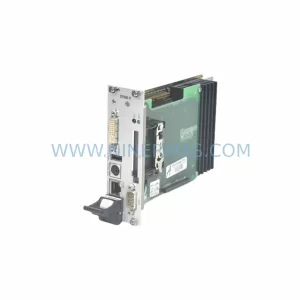
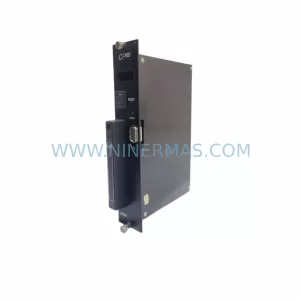
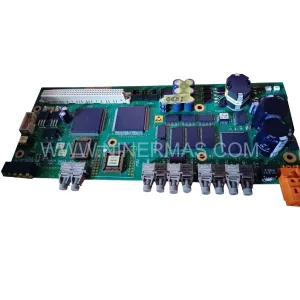
Original Industrial Spare Part
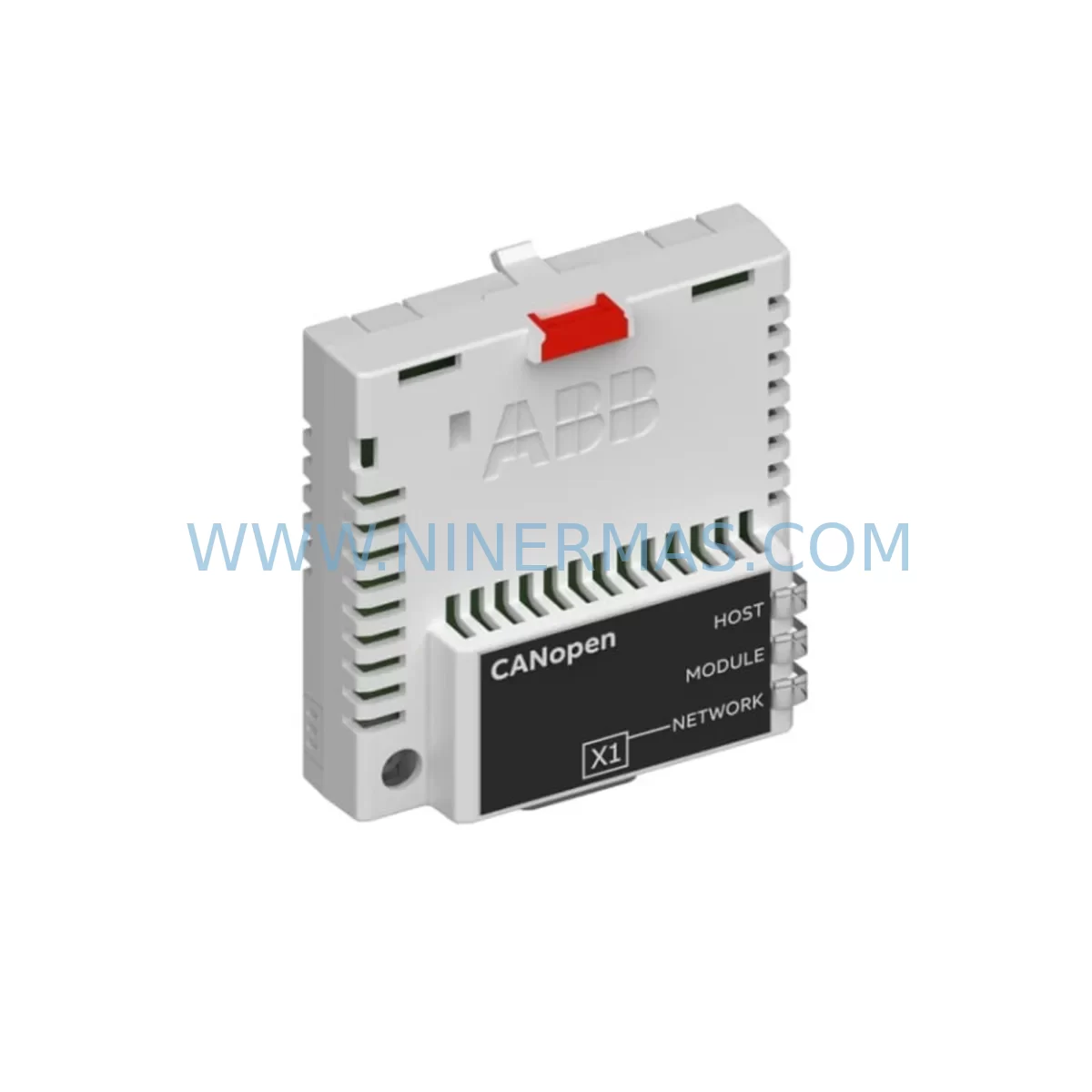
ABB FCAN-01 CANopen Adapter for Legacy Drive Systems
Verify the part, confirm the platform family, and move straight into quotation with the right commercial details.
RFQ Ready
- SKUFCAN-01
- CategoryPLC & Industrial Automation Modules
- BrandABB
- SupportAvailability, lead time, condition, and shipping coordination
How Buyers Usually Use This Page
- Confirm the exact part number and platform family before sending the quote request.
- Use direct email when quantity, condition, and destination are already defined internally.
- Switch to the broader brand or category archive when you need alternates nearby.
Series Navigation
Move through the most common platform families behind this part.
Product RFQ
Send this part directly for quotation.
Include quantity, required condition, destination country, and target delivery timing. Current reference: ABB FCAN-01 CANopen Adapter for Legacy Drive Systems with SKU FCAN-01.
ABB FCAN-01 CANopen Adapter for Legacy Drive Systems: Retrofit-Compatible Fieldbus Upgrade
The ABB FCAN-01 is a CANopen fieldbus adapter module designed for integration with ABB ACx-series variable frequency drives, including the ACS355, ACS550, ACS800, and ACS600 platforms. As legacy automation systems approach end-of-life and original ABB spare parts become increasingly difficult to source, the FCAN-01 remains a critical component for plants that rely on CANopen-based control networks. NINERMAS maintains verified stock of the FCAN-01 to support retrofit projects, emergency replacements, and planned system upgrades across global industrial sites.
The FCAN-01 mounts directly into the option slot of compatible ABB drives, enabling the drive to communicate over a CANopen network using the CiA DS-301 and DSP-402 device profiles. This allows the drive to receive speed references, torque commands, and control words from a CANopen master — such as a Beckhoff CX series controller, a Siemens S7-300 with CP5611 CANopen master, or a B&R Automation Studio PLC — without requiring any additional signal converters or protocol gateways. For plants migrating from older relay-based or hardwired control panels to fieldbus-driven architectures, the FCAN-01 provides a direct, low-risk upgrade path.
Upgrade Compatibility Table
| Parameter | Details |
|---|---|
| Compatible Drive Series | ACS355, ACS550, ACS800, ACS600, ACH550 |
| Fieldbus Protocol | CANopen (CiA DS-301, DSP-402) |
| Installation Interface | Drive option slot (slot 1 or slot 2 depending on drive model) |
| Node Address Setting | Rotary switch on module face (0–127) |
| Baud Rate Support | 10 kbps – 1 Mbps (selectable via drive parameters) |
| Power Supply | Supplied by drive option slot (no external power required) |
| Connector Type | 9-pin D-Sub (DB9) male, CAN_H / CAN_L / GND |
| Replaces / Supersedes | Earlier FCAN-01 revisions; compatible with same slot as FPBA-01, FDNA-01, FENA-11 |
| Commissioning Tool | ABB DriveStudio / Drive Composer via RUSB-02 or OPBA-02 panel bus cable |
| Key Retrofit Parameters | Group 51 (Ext Comm Module), Group 52 (EFB Protocol), Group 53 (EFB Settings) |
| Warranty | 12 Months – NINERMAS verified replacement warranty |
Retrofit Planning for Existing Automation Systems
When planning a retrofit involving the FCAN-01, the first step is to confirm the drive’s option slot availability and firmware revision. On an ACS800, the FCAN-01 occupies the fieldbus adapter slot (typically slot 1), which may already be populated by an older FPBA-01 PROFIBUS adapter or an FDNA-01 DeviceNet module. If the existing network is being migrated from PROFIBUS DP to CANopen — a common scenario when upgrading from a Siemens S7-300 PROFIBUS master to a newer EtherCAT or CANopen-based controller — the FPBA-01 must be removed and the FCAN-01 installed in its place. The drive parameters in Group 51 must then be updated to recognize the new adapter type, and the node address and baud rate must be set to match the new network configuration.
For ACS550 installations, the FCAN-01 slots into the option board connector on the control unit. Engineers should verify that the drive’s control program version supports the FCAN-01 parameter set, as some early ACS550 firmware revisions require a flash update via the OPBA-02 assistant control panel or the RUSB-02 USB-to-panel adapter before the module is recognized. The RUSB-02 is a commonly required accessory during commissioning and should be included in the retrofit kit alongside the FCAN-01.
In control cabinet upgrades where the ACS800 is being retained but the PLC is being replaced — for example, replacing a GE Fanuc Series 90-30 with a Mitsubishi MELSEC Q series or a Rockwell ControlLogix — the FCAN-01 enables the new PLC’s CANopen scanner module to take over drive control without rewiring the existing terminal block connections. The drive’s I/O terminals (DI1–DI6, AI1–AI2, AO1) can remain wired as local backup control, while the CANopen network handles primary speed and torque references. This dual-control architecture is particularly valuable for plants that need to maintain manual override capability during the transition period.
For systems that include an ACS800 multidrives cabinet with a RDCU-02C drive control unit, the FCAN-01 installs on the RDCU-02C option slot. In these configurations, the AINT-02C inverter interface board and APBU-44C branching unit must be confirmed as compatible with the existing firmware stack before the CANopen adapter is activated. Plants running multiple drives on a single CANopen network should also verify that the FCAN-01 node addresses are unique across all drives and that the network termination resistors (120 Ω) are correctly placed at both ends of the CAN bus trunk.
Where the retrofit involves an ACH550 HVAC drive in a building automation context, the FCAN-01 can replace an aging FLON-01 LonWorks adapter when the BMS is being upgraded to a CANopen-compatible platform. The ACH550’s parameter group structure mirrors the ACS550, so the commissioning procedure is nearly identical. Engineers should document the existing FLON-01 node configuration and variable bindings before removal to ensure the CANopen PDO mapping on the FCAN-01 replicates the same control and feedback signals.
Downtime Control During System Migration
Minimizing unplanned downtime is the primary concern in any live production environment. When replacing the fieldbus adapter on an ACS800 or ACS550 that is actively controlling a critical process — such as a conveyor, pump, compressor, or extruder — the recommended approach is to pre-configure the FCAN-01 on a bench drive of the same model before the scheduled maintenance window. Using ABB Drive Composer or DriveStudio connected via the RUSB-02, the full parameter set (including Group 51, 52, 53, and all application-specific groups) can be uploaded from the live drive, modified to include the FCAN-01 settings, and then downloaded to the replacement module configuration file. This allows the actual on-site swap to be completed in under 30 minutes.
During the cutover, the drive should be placed in local control mode using the OPBA-02 assistant panel or the drive’s local control terminals, so that the process can continue running on hardwired I/O while the FCAN-01 is installed and the CANopen network connection is verified. Once the FCAN-01 is seated and the node address switches are set, the drive can be powered up and the CANopen master can be used to verify that the drive’s status word and actual speed value are being received correctly before switching back to network control mode.
For multi-drive systems where several ACS800 or ACS550 units share a common CANopen network, it is advisable to migrate one drive at a time, verifying each FCAN-01 installation before proceeding to the next. This staged approach protects the original program logic in the PLC — no changes to the CANopen master’s PDO configuration are required between drives, as long as the node addresses are assigned sequentially and the baud rate is consistent across all nodes. HMI screens that display drive status via the CANopen network should be tested after each drive migration to confirm that the process visualization remains accurate throughout the upgrade.
Retrofit Support FAQ
Q1: Is the FCAN-01 a direct drop-in replacement for the FPBA-01 PROFIBUS adapter in an ACS800?
The FCAN-01 uses the same physical option slot as the FPBA-01 and is mechanically interchangeable. However, it is a protocol replacement, not a transparent substitute — the PLC master must be reconfigured from PROFIBUS DP to CANopen, and the drive’s Group 51 parameters must be updated to select the FCAN-01 adapter type. If the existing control system supports both protocols, a parallel commissioning test is recommended before full cutover.
Q2: What commissioning steps are required after installing the FCAN-01 in an ACS550?
After physical installation, connect to the drive via the RUSB-02 USB adapter and ABB Drive Composer. Navigate to Group 51 and set parameter 51.01 to the FCAN-01 module type. Set the node address (parameter 51.02) and baud rate (parameter 51.03) to match the CANopen network. Perform a drive parameter save and power cycle. Verify that the CANopen master detects the drive node and that the status word (parameter 2.01) updates correctly. Full commissioning typically takes 1–2 hours for a single drive.
Q3: Does NINERMAS test the FCAN-01 before shipment, and what warranty is provided?
Yes. Every FCAN-01 unit shipped by NINERMAS undergoes functional verification prior to dispatch, including option slot interface continuity checks and firmware revision confirmation. All units are supplied with a 12-month replacement warranty covering manufacturing defects and functional failures under normal operating conditions. Expedited shipping is available for emergency breakdown situations.
Q4: Can the FCAN-01 be used in an ACS800 multidrives cabinet alongside other option modules?
The FCAN-01 occupies one option slot on the RDCU-02C drive control unit. If the second option slot is available, it can be used simultaneously with other modules such as the RAIO-01 analog I/O extension or the RDIO-01 digital I/O extension, provided the drive firmware supports multi-option operation. Consult the ACS800 firmware manual for your specific firmware version to confirm slot compatibility before ordering additional modules.
| Product Series | S800 |
|---|---|
| Country of Origin | SE |
Catalog Continuation
More ABB modules in the catalog.
Use the brand lane to compare nearby part numbers, platform-adjacent modules, and other inquiry-ready listings before sending your final RFQ.
SKU: CI532V02 3BSE003827R1
ABB CI532V02 3BSE003827R1 Safety-Reliable MODBUS Module
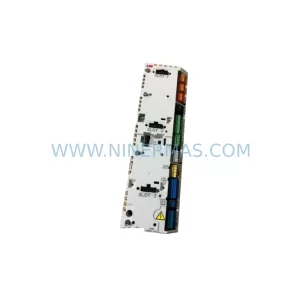
SKU: ZCU-14 3AXD50000005164
ABB ZCU-14 3AXD50000005164 Safety-Reliable Drive Control Unit
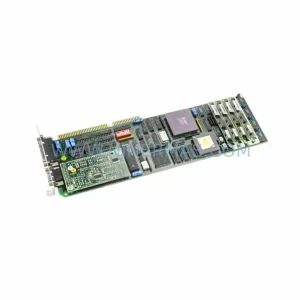
SKU: DSPU131 3BSE000355R1
ABB DSPU131 3BSE000355R1 Safety-Reliable DSP Unit for Critical Control
Catalog Continuation
Alternative parts within PLC & Industrial Automation Modules.
Stay inside the same system family when you need substitutes, adjacent modules, or a broader shortlist for procurement review.