Original Industrial Spare Part
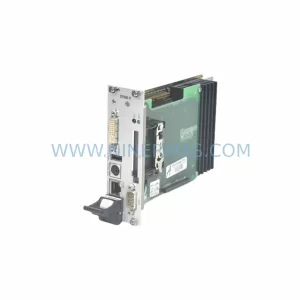
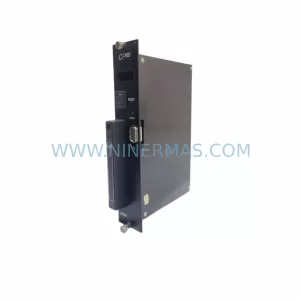
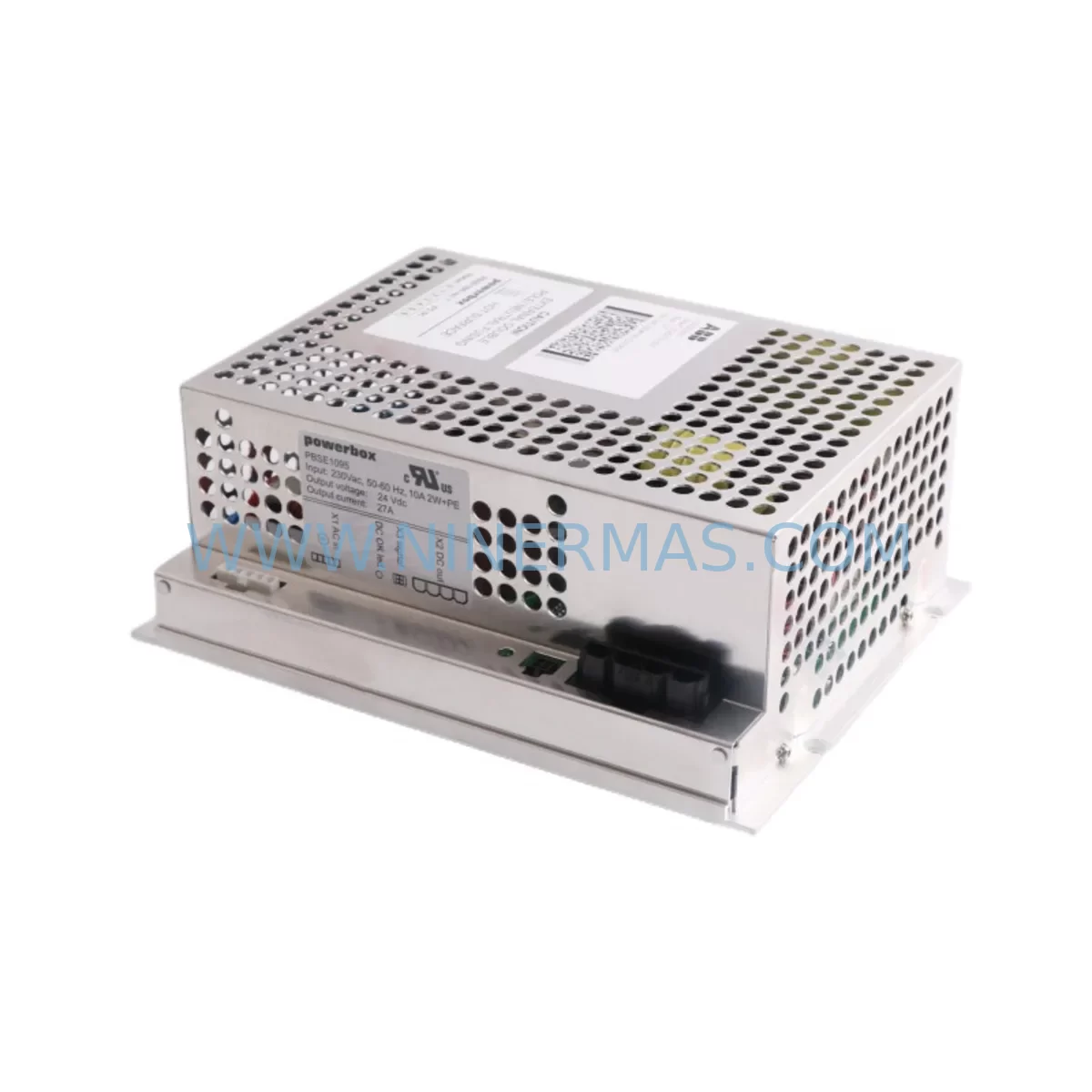
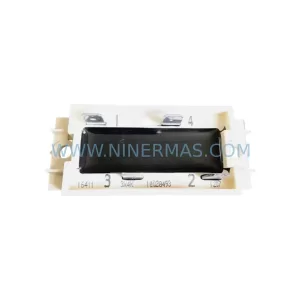
ABB DSQC661 3HAC026253-001 Retrofit Ethernet Board IRC5
Verify the part, confirm the platform family, and move straight into quotation with the right commercial details.
RFQ Ready
- SKUDSQC661 3HAC026253-001
- CategoryPLC & Industrial Automation Modules
- BrandABB
- SupportAvailability, lead time, condition, and shipping coordination
How Buyers Usually Use This Page
- Confirm the exact part number and platform family before sending the quote request.
- Use direct email when quantity, condition, and destination are already defined internally.
- Switch to the broader brand or category archive when you need alternates nearby.
Series Navigation
Move through the most common platform families behind this part.
Product RFQ
Send this part directly for quotation.
Include quantity, required condition, destination country, and target delivery timing. Current reference: ABB DSQC661 3HAC026253-001 Retrofit Ethernet Board IRC5 with SKU DSQC661 3HAC026253-001.
ABB DSQC661 3HAC026253-001 Retrofit Ethernet Board IRC5: Legacy System Compatibility & Smooth Upgrade
The ABB DSQC661 (part number 3HAC026253-001) is the primary Ethernet communication board used in ABB IRC5 robot controller cabinets. As production lines age and original ABB spare parts reach end-of-life, facilities managers and automation engineers face increasing pressure to source verified retrofit-compatible replacements that maintain full system continuity without requiring a complete controller overhaul. NINERMAS supplies the DSQC661 3HAC026253-001 as a tested, retrofit-ready module backed by a 12-month warranty, with stock available for immediate dispatch.
The DSQC661 serves as the network gateway between the IRC5 main computer (DSQC1000 or legacy DSQC600-series main computers) and the plant Ethernet backbone. It handles real-time communication with the FlexPendant teach pendant, RobotStudio offline programming sessions, and upper-level SCADA or MES systems. When this board fails or becomes obsolete, the entire robot cell loses network visibility — halting remote monitoring, program uploads, and production reporting. A verified replacement DSQC661 restores all these functions without requiring firmware re-flashing of the main computer or reconfiguration of the DSQC378 I/O bus coupler modules already installed in the cabinet.
Before proceeding with a DSQC661 swap, engineers should confirm several key parameters. First, verify the IRC5 cabinet variant — single cabinet (M2004 or M2006 generation) versus dual cabinet configurations use different backplane slot assignments, and the DSQC661 must be seated in the correct axis computer slot to be recognized by the RobotWare operating system. Second, check the existing RobotWare version: RobotWare 5.x and RobotWare 6.x both support the DSQC661, but IP address assignments and network service configurations differ between versions and must be re-entered via the FlexPendant service panel after board replacement. Third, inspect the 24 VDC internal power rail supplied by the DSQC609 power distribution board — insufficient rail voltage is a common root cause of Ethernet board failures and must be corrected before installing the replacement unit to avoid repeat failures.
Upgrade Compatibility Table
| Parameter | Detail |
|---|---|
| Part Number | 3HAC026253-001 |
| Module Designation | DSQC661 |
| Compatible Controller | ABB IRC5 (M2004, M2006 generations) |
| Compatible Main Computers | DSQC1000, DSQC600 series |
| Interface | RJ-45 Ethernet (10/100 Mbps), internal backplane connector |
| Communication Protocol | TCP/IP, UDP; RobotWare service protocol |
| RobotWare Compatibility | RobotWare 5.x, RobotWare 6.x |
| Power Supply Requirement | 24 VDC via DSQC609 internal power rail |
| Installation Space | Standard IRC5 axis computer backplane slot |
| Replacement Recommendation | Direct drop-in; re-enter IP settings via FlexPendant after swap |
| Commissioning Note | Confirm DSQC609 rail voltage before installation; reload network config |
| Warranty | 12 Months — NINERMAS Company Limited |
Retrofit Planning for Existing Automation Systems
A DSQC661 replacement is rarely an isolated event — it typically occurs within a broader IRC5 cabinet health review or a planned production line modernization. During retrofit planning, the following components and modules are commonly evaluated alongside the DSQC661:
The DSQC609 power distribution board is the first module to inspect. It supplies regulated 24 VDC to all logic boards in the cabinet, including the DSQC661 itself. Degraded capacitors on an aging DSQC609 cause intermittent voltage drops that destroy Ethernet boards prematurely. Replacing both the DSQC609 and DSQC661 together during a planned maintenance window eliminates the most common cause of repeat communication failures.
The DSQC378 I/O bus coupler connects the IRC5 main computer to the distributed I/O network. During a retrofit, engineers must verify that the DSQC378 firmware version is compatible with the RobotWare release running on the replacement DSQC1000 main computer, particularly when the retrofit involves a simultaneous RobotWare version upgrade. Mismatched firmware between the bus coupler and the main computer can cause I/O timeout faults that appear unrelated to the Ethernet board swap but are triggered by the system restart sequence.
The DSQC652 digital I/O board and DSQC651 analog I/O board are frequently audited during the same cabinet opening. Terminal block wiring on these boards should be photographed and documented before any module is removed, as terminal assignments are not always reflected accurately in aging paper-based wiring diagrams. This documentation step is critical for reducing commissioning time after the retrofit is complete.
For facilities running DeviceNet or PROFIBUS fieldbus networks alongside the IRC5 Ethernet backbone, the DSQC667 DeviceNet board or DSQC688 PROFIBUS adapter may also require attention. Protocol migration projects — for example, transitioning from DeviceNet to EtherNet/IP — often coincide with DSQC661 replacements because the cabinet is already open and the network topology is being re-evaluated. Confirming node addresses, baud rates, and termination resistor settings on these fieldbus modules before closing the cabinet prevents communication faults during the first production run after restart.
The FlexPendant (teach pendant) connection should also be verified during any IRC5 Ethernet board replacement. The FlexPendant communicates with the main computer through the DSQC661 network stack, and a new board will initially present with a default hostname. The FlexPendant service routine must be used to assign the correct IP address and confirm that the pendant can reach the controller before the cabinet door is closed. If the facility uses RobotStudio for offline programming, the PC running RobotStudio must also be updated with the controller’s new network identity to restore backup and restore functionality.
Finally, for multi-robot cells using an IRC5P paint controller variant or a MultiMove configuration with multiple DSQC1000 main computers sharing a single cabinet, the network switch inside the cabinet — often a small unmanaged industrial Ethernet switch — should be tested for port integrity. A failing internal switch can cause the replacement DSQC661 to appear faulty when the actual fault lies upstream in the cabinet network topology.
Downtime Control During System Migration
Minimizing unplanned downtime is the primary concern when replacing a DSQC661 in a live production environment. The recommended approach is to perform the swap during a scheduled maintenance window rather than as an emergency repair, because the post-installation network reconfiguration requires the robot to be in manual mode with the FlexPendant connected — a condition that takes the robot cell offline for 20 to 45 minutes depending on the complexity of the network configuration.
Before the maintenance window begins, the existing robot program, system parameters, and I/O configuration should be backed up to a USB drive using the RobotWare backup function. This backup captures the RAPID program modules, system configuration files, and safety controller parameters. If the DSQC661 failure has already caused the controller to lose network connectivity, the backup can still be performed locally via the FlexPendant without a network connection, ensuring that the program logic is preserved regardless of the board condition.
During the swap, the replacement DSQC661 should be handled with standard ESD precautions. The board is seated into the axis computer backplane slot and secured with the standard M4 captive screws. No soldering or cable modification is required — the board uses the same backplane connector and the same external RJ-45 port position as the original, making it a true drop-in replacement that does not require modification of the cabinet wiring harness.
After installation, the controller is powered on in manual mode. The FlexPendant will display a network configuration prompt if the IP address stored in the system parameters does not match the new board’s default state. The correct IP address, subnet mask, and gateway are entered through the FlexPendant Control Panel network settings menu. Once the network is confirmed active, the previously saved backup is restored, and the robot is cycled through a manual test run to verify that all I/O signals, program logic, and safety functions are operating correctly before returning the cell to automatic production mode.
NINERMAS pre-tests every DSQC661 unit before shipment to confirm board-level functionality, reducing the risk of receiving a non-functional replacement and extending the downtime window. Units are shipped with a test report and are packaged in anti-static foam to prevent transit damage.
Retrofit Support FAQ
Q: Is the DSQC661 3HAC026253-001 a direct replacement for the original ABB part?
A: Yes. The NINERMAS DSQC661 3HAC026253-001 is a retrofit-compatible replacement that installs into the same backplane slot, uses the same connectors, and is recognized by RobotWare 5.x and 6.x without firmware modification. After installation, only the network IP configuration needs to be re-entered via the FlexPendant.
Q: What commissioning steps are required after replacing the DSQC661?
A: Power on the IRC5 in manual mode, access the FlexPendant Control Panel, navigate to network settings, and enter the correct IP address, subnet mask, and default gateway. Confirm connectivity with RobotStudio or a ping test from the plant network. Restore the system backup from USB if required, then perform a manual test cycle before returning to automatic mode.
Q: How do I verify wiring compatibility before installation?
A: The DSQC661 uses the IRC5 internal backplane for power and data — no external wiring changes are required. The only external connection is the RJ-45 Ethernet cable from the cabinet’s network port, which remains unchanged. Verify that the DSQC609 power rail is supplying stable 24 VDC before seating the new board.
Q: What warranty and stock availability does NINERMAS offer?
A: All DSQC661 3HAC026253-001 units supplied by NINERMAS carry a 12-month warranty covering manufacturing defects and board-level failures. Units are pre-tested before shipment and are available from stock for immediate dispatch. Contact our team for lead time confirmation and volume pricing.
| Product Series | IRC5 |
|---|---|
| Country of Origin | SE |
Catalog Continuation
More ABB modules in the catalog.
Use the brand lane to compare nearby part numbers, platform-adjacent modules, and other inquiry-ready listings before sending your final RFQ.
SKU: CI532V02 3BSE003827R1
ABB CI532V02 3BSE003827R1 Safety-Reliable MODBUS Module
SKU: ZCU-14 3AXD50000005164
ABB ZCU-14 3AXD50000005164 Safety-Reliable Drive Control Unit
SKU: DSPU131 3BSE000355R1
ABB DSPU131 3BSE000355R1 Safety-Reliable DSP Unit for Critical Control
Catalog Continuation
Alternative parts within PLC & Industrial Automation Modules.
Stay inside the same system family when you need substitutes, adjacent modules, or a broader shortlist for procurement review.