Original Industrial Spare Part
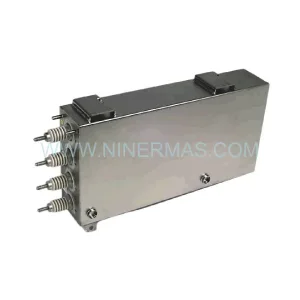
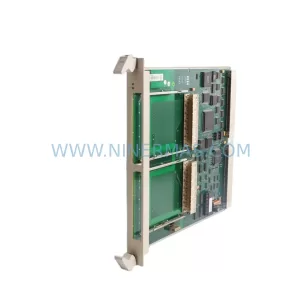
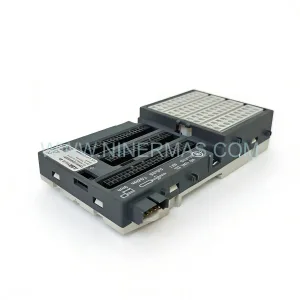
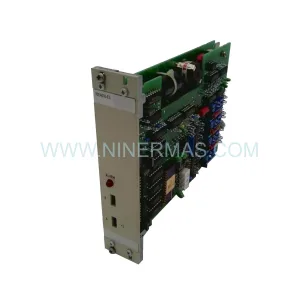
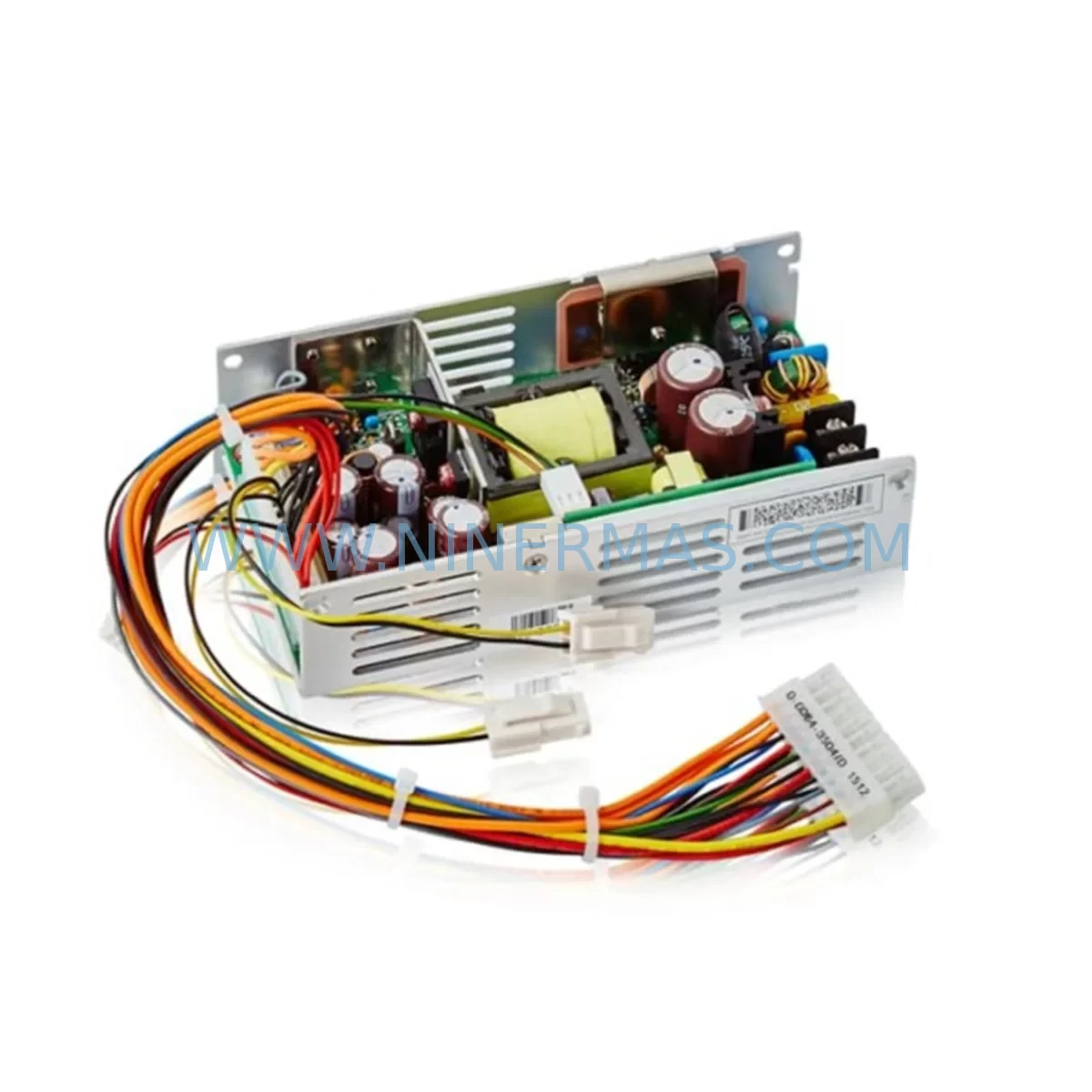
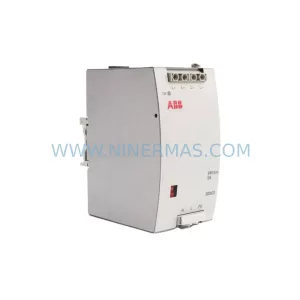
ABB DSQC625 3HAC020464-001 Retrofit Drive for Legacy Systems
Verify the part, confirm the platform family, and move straight into quotation with the right commercial details.
RFQ Ready
- SKUDSQC625 3HAC020464-001
- CategoryPLC & Industrial Automation Modules
- BrandABB
- SupportAvailability, lead time, condition, and shipping coordination
How Buyers Usually Use This Page
- Confirm the exact part number and platform family before sending the quote request.
- Use direct email when quantity, condition, and destination are already defined internally.
- Switch to the broader brand or category archive when you need alternates nearby.
Series Navigation
Move through the most common platform families behind this part.
Product RFQ
Send this part directly for quotation.
Include quantity, required condition, destination country, and target delivery timing. Current reference: ABB DSQC625 3HAC020464-001 Retrofit Drive for Legacy Systems with SKU DSQC625 3HAC020464-001.
ABB DSQC625 3HAC020464-001 Retrofit Drive for Legacy Robot Systems
The ABB DSQC625 (part number 3HAC020464-001) is a drive unit designed for ABB IRC5 and S4C+ series industrial robot controllers. As ABB progressively phases out legacy controller platforms, the DSQC625 has become one of the most sought-after retrofit and replacement components for automation engineers tasked with keeping older production lines operational without committing to a full system overhaul. Whether you are managing a brownfield automotive assembly cell, a legacy palletizing station, or a multi-axis welding robot installation, the DSQC625 provides a reliable, cost-effective path to extend the service life of your existing ABB robot infrastructure.
NINERMAS maintains verified stock of the DSQC625 3HAC020464-001, fully tested prior to shipment and backed by a 12-month warranty. Each unit undergoes functional verification covering power-on self-test, axis drive output integrity, and communication bus handshake confirmation before leaving our facility. This ensures that when your engineering team installs the replacement unit, the risk of a secondary failure during commissioning is minimized — a critical factor when downtime costs are measured in thousands of dollars per hour.
Upgrade Compatibility Table
| Parameter | Details |
|---|---|
| Part Number | 3HAC020464-001 |
| Model | DSQC625 |
| Compatible Controllers | ABB IRC5 Single Cabinet, IRC5 Compact, IRC5 Panel Mounted; S4C+ (with adapter verification) |
| Replaces / Supersedes | DSQC612, DSQC617 (axis computer variants — verify backplane slot assignment) |
| Mounting Interface | IRC5 standard backplane rail; DIN-compatible bracket for panel-mount variants |
| Communication Bus | Internal IRC5 drive bus; DeviceNet optional via DSQC652 adapter board |
| Power Input | Verify cabinet PSU capacity — minimum 24 VDC logic supply; axis drive supply per robot model |
| Terminal Wiring | Connector pinout compatible with standard IRC5 harness; S4C+ installations require harness adapter |
| Installation Space | Standard IRC5 drive bay slot; confirm physical clearance in compact cabinets |
| Firmware / Software | RobotWare 5.x and 6.x compatible; parameter backup recommended before swap |
| Commissioning Note | SMB (Serial Measurement Board) calibration data must be preserved; revolution counter update required post-installation |
| Warranty | 12 Months — covers manufacturing defects and functional failure under normal operating conditions |
Retrofit Planning for Existing Automation Systems
A successful DSQC625 retrofit begins well before the replacement unit arrives on-site. Engineers should start by auditing the existing IRC5 cabinet configuration: document the current DSQC625 slot position on the drive backplane, record the axis assignments (typically axes 1–3 or 4–6 depending on robot model), and photograph all terminal connections before disconnecting any wiring. If the cabinet also houses a DSQC663 axis computer or a DSQC611 I/O board, note their slot addresses — these will not be affected by the drive swap, but their configuration data should be backed up as a precaution.
Power supply capacity is a frequent oversight in drive retrofits. The DSQC625 draws from the IRC5’s internal 24 VDC logic rail and the dedicated axis drive power supply. Before installation, verify that the DSQC508 power supply unit (or equivalent) in your cabinet can sustain the combined load of all installed drive modules. Undersized PSUs are a common root cause of intermittent drive faults after replacement, particularly in cabinets that have been expanded with additional DSQC651 DeviceNet slave boards or DSQC378B fieldbus adapter modules over the years.
For installations where the robot communicates over PROFIBUS-DP or DeviceNet, the DSQC625 replacement must be followed by a communication link verification. If the system uses a DSQC679 teach pendant (FlexPendant) connected via the IRC5 service port, confirm that the pendant firmware version is compatible with the RobotWare release running on the main computer. Mismatched firmware versions can cause HMI screen errors that are often misdiagnosed as drive faults. Similarly, if the cell uses a DSQC688 Ethernet/IP adapter for PLC integration, re-validate the I/O mapping table after the drive swap to ensure no address offsets have shifted.
In multi-robot cells where several IRC5 controllers share a common safety circuit, the DSQC625 replacement on one controller should be coordinated with the safety PLC operator. The emergency stop chain and the AS (Automatic Stop) and GS (General Stop) circuits must be verified intact after any drive module change. This is especially important in cells where the safety signals are routed through a DSQC643 safety board — a loose connector during the drive swap can trigger a safety fault that affects the entire cell, not just the robot being serviced.
Finally, before powering up after installation, perform a revolution counter update using the FlexPendant and confirm that the SMB data stored in the DSQC368 serial measurement board matches the robot’s calibration records. This step is non-negotiable: skipping it can result in incorrect axis positioning that damages tooling or fixtures on the first move.
Downtime Control During System Migration
Minimizing downtime during a DSQC625 replacement requires a structured pre-swap preparation protocol. The single most effective measure is a full RobotWare system backup — including all RAPID program modules, system parameters, I/O configuration, and safety settings — performed while the robot is still operational. This backup, stored on a USB drive or network share, is your recovery baseline if anything goes wrong during the swap.
Schedule the physical replacement during a planned maintenance window rather than responding reactively to a drive failure. If the DSQC625 is showing intermittent fault codes (e.g., drive communication errors or axis overcurrent warnings) but the robot is still running, use that window to pre-stage the replacement unit, prepare the wiring documentation, and brief the commissioning technician. A well-prepared swap on an IRC5 cabinet typically takes 45–90 minutes for an experienced technician; an unprepared emergency replacement under production pressure can take four to six hours and carries a higher risk of wiring errors.
To protect original program logic, never modify RAPID code or system parameters during the hardware swap. Restore from the pre-swap backup after installation and verify program execution in manual mode at reduced speed before returning the robot to automatic operation. If the cell uses external PLC interlocks, coordinate with the PLC programmer to hold the robot’s run-enable signal during commissioning so that the robot cannot enter automatic mode until the technician explicitly releases it.
For production environments where even a planned shutdown is costly, consider maintaining a pre-tested DSQC625 spare unit on the shelf. NINERMAS can supply tested units with short lead times, and our team can advise on recommended stock levels based on your fleet size and robot utilization rate. Holding one spare per four to six IRC5 controllers is a common benchmark in high-utilization automotive and electronics manufacturing environments.
Retrofit Support FAQ
Q1: Is the DSQC625 3HAC020464-001 a direct drop-in replacement for the DSQC612?
The DSQC625 and DSQC612 share the same IRC5 backplane form factor, but they serve different axis groupings in some robot configurations. Before ordering, confirm the axis assignment (axes 1–3 vs. 4–6) and the specific IRC5 cabinet variant (single, dual, or compact). In most standard IRC5 single-cabinet installations, the DSQC625 is a direct replacement; in dual-cabinet configurations, slot assignment must be verified against the original wiring diagram.
Q2: What commissioning steps are required after installing the DSQC625?
After physical installation and power-up, the technician must: (1) confirm no drive fault codes on the FlexPendant, (2) perform a revolution counter update for all axes, (3) verify SMB calibration data integrity, (4) run a slow-speed manual jog test on all axes, and (5) restore and verify the RAPID program backup. Communication links (DeviceNet, PROFIBUS, Ethernet/IP) should be re-validated before returning to automatic mode.
Q3: Does NINERMAS test the DSQC625 before shipment?
Yes. Every DSQC625 unit shipped by NINERMAS undergoes a pre-shipment functional test covering power-on self-test, drive output verification, and communication bus handshake. Units are shipped with a test report and are covered by a 12-month warranty against manufacturing defects and functional failure under normal operating conditions.
Q4: What is the typical lead time and do you maintain stock?
NINERMAS maintains ready stock of the DSQC625 3HAC020464-001 for immediate dispatch. Standard lead time for in-stock units is 3–5 business days for international shipments. For urgent requirements, expedited shipping options are available. Contact our team at sale@ninermas.com or +0086 187 5021 5667 to confirm current stock levels and delivery timelines.
| Product Series | IRC5 |
|---|---|
| Country of Origin | SE |
Catalog Continuation
More ABB modules in the catalog.
Use the brand lane to compare nearby part numbers, platform-adjacent modules, and other inquiry-ready listings before sending your final RFQ.
SKU: 3HAC033388-001
ABB 3HAC033388-001 Safety-Reliable Robot Harness Module
SKU: DSTA001B 3BSE018316R1
ABB DSTA001B 3BSE018316R1 Retrofit-Compatible Interface for Legacy Systems
SKU: 3BHE028915R0101 PCD237 A101
ABB 3BHE028915R0101 PCD237 A101 Retrofit Safety Controller
Catalog Continuation
Alternative parts within PLC & Industrial Automation Modules.
Stay inside the same system family when you need substitutes, adjacent modules, or a broader shortlist for procurement review.



SKU: HDD02.2-W040N-HS12-01-FW FWA-DIAX04-ELS-05VRS-MS
Rexroth HDD02.2-W040N-HS12-01-FW Service-Ready Spare Part

SKU: I5DAE375F10010000S
Lenze I5DAE375F10010000S Service-Ready Spare Part for Industrial Maintenance