Original Industrial Spare Part
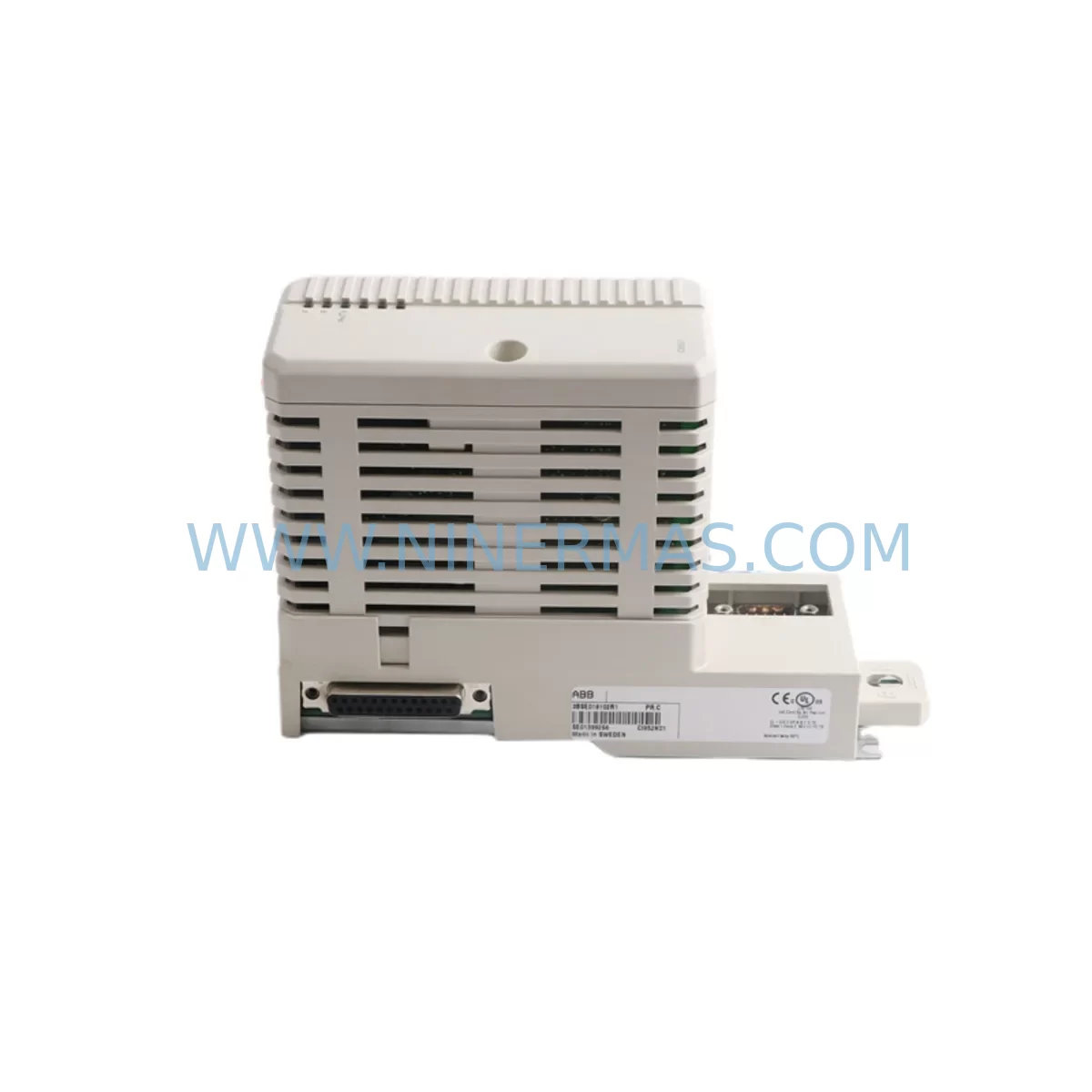
ABB CI852K01 3BSE018102R1 Retrofit-Compatible Fieldbus Module
Verify the part, confirm the platform family, and move straight into quotation with the right commercial details.
RFQ Ready
- SKUCI852K01 3BSE018102R1
- CategoryDCS Distributed Control Systems
- BrandABB
- SupportAvailability, lead time, condition, and shipping coordination
How Buyers Usually Use This Page
- Confirm the exact part number and platform family before sending the quote request.
- Use direct email when quantity, condition, and destination are already defined internally.
- Switch to the broader brand or category archive when you need alternates nearby.
Series Navigation
Move through the most common platform families behind this part.
Product RFQ
Send this part directly for quotation.
Include quantity, required condition, destination country, and target delivery timing. Current reference: ABB CI852K01 3BSE018102R1 Retrofit-Compatible Fieldbus Module with SKU CI852K01 3BSE018102R1.
ABB CI852K01 3BSE018102R1 Retrofit-Compatible Fieldbus Module: Legacy System Compatibility and Smooth Upgrade
The ABB CI852K01 (part number 3BSE018102R1) is a PROFIBUS DP fieldbus communication module designed for the AC800M controller platform. As industrial facilities face the challenge of maintaining aging distributed control systems, the CI852K01 has become a critical component in retrofit projects — bridging legacy PROFIBUS networks with modern control architectures while preserving existing field wiring, I/O configurations, and program logic.
Whether you are replacing a failed unit on a running production line, upgrading a discontinued module in a control cabinet, or migrating an entire automation system to a newer platform, the CI852K01 3BSE018102R1 provides the communication backbone that keeps your AC800M-based system operational. NINERMAS maintains ready stock of this module with full functional testing and a 12-month warranty, enabling rapid deployment with minimal downtime.
Upgrade Compatibility Table
| Parameter | Details |
|---|---|
| Module SKU | CI852K01 / 3BSE018102R1 |
| Compatible Platform | ABB AC800M Controller Series |
| Communication Protocol | PROFIBUS DP (IEC 61158) |
| Backplane Interface | AC800M module bus (S800 I/O compatible) |
| Installation Requirement | Fits standard AC800M rack; no mechanical modification required |
| Replacement Compatibility | Direct replacement for CI852K01 in existing AC800M installations |
| Commissioning Focus | Node address verification, GSD file confirmation, DP master configuration |
| Warranty | 12 Months — covers functional failure under normal operating conditions |
Retrofit Planning for Existing Automation Systems
Replacing the CI852K01 3BSE018102R1 in an active AC800M system requires careful pre-planning to avoid disrupting field devices and process control loops. Before removing the existing module, engineers should document the current PROFIBUS DP node addresses, verify the GSD (General Station Description) files loaded in the controller project, and confirm the physical wiring at the DB9 PROFIBUS connector. The module slots into the AC800M rack alongside other communication and I/O modules — it is common to find the CI852K01 installed adjacent to the PM864AK01 or PM866K01 process controller modules, which manage the overall program execution and memory.
In systems where the AC800M communicates upward to a supervisory layer via MMS or OPC, the CI852K01 handles the downward PROFIBUS DP segment, connecting to field devices such as ABB S800 I/O clusters, variable frequency drives, valve positioners, and remote I/O stations. During a retrofit, it is essential to confirm that the replacement CI852K01 carries the same firmware revision as the outgoing unit, or that the Control Builder M engineering tool has been used to re-download the application program after module swap. Failure to verify firmware compatibility can result in communication faults on the PROFIBUS segment, causing the connected S800 I/O modules — including AI810, AO810, DI810, and DO810 — to enter fault state.
Power supply capacity is another critical checkpoint. The AC800M rack draws power from dedicated power supply modules such as the SD821 or SD822. Before adding or replacing a CI852K01, confirm that the existing power supply has sufficient headroom for the module’s current draw. In older installations where the power supply module itself may be approaching end-of-life, it is advisable to inspect the SD821 or SD822 simultaneously and replace if output voltage ripple is outside specification.
For systems undergoing a broader migration — for example, moving from a legacy AC800M installation to a newer AC800M R2 or integrating with a System 800xA environment — the CI852K01 remains compatible with the updated engineering tools, provided the hardware revision is supported. In such migration projects, the CI852K01 often works alongside the CI854AK01 (PROFIBUS DP redundant interface) or the CI857K01 (Industrial Ethernet fieldbus interface) to support parallel communication paths during the transition period, allowing engineers to validate the new network segment before cutting over from the legacy PROFIBUS topology.
Installers should also verify the PROFIBUS cable termination at both ends of the segment. Incorrect termination resistance is a common cause of intermittent communication errors after module replacement, particularly in long cable runs or installations with multiple drops. A PROFIBUS diagnostic tool or the built-in diagnostics in Control Builder M can be used to confirm segment integrity before returning the system to automatic mode.
Downtime Control During System Migration
Minimizing downtime during a CI852K01 replacement is achievable with proper preparation. The recommended approach is to perform a controlled shutdown of the PROFIBUS DP segment rather than a full controller shutdown, where process conditions allow. This preserves the program execution in the PM864AK01 or PM866K01 controller and keeps the HMI operator stations — typically running ABB 800xA or a third-party SCADA connected via OPC — displaying current process values from other I/O paths.
Before the physical swap, export the current controller project from Control Builder M and save a backup of the hardware configuration, including module addresses and PROFIBUS node assignments. This backup ensures that if the replacement module requires a fresh configuration download, the engineering team can restore the exact pre-retrofit state without relying on memory or incomplete documentation.
After installing the replacement CI852K01 3BSE018102R1, perform a cold restart of the PROFIBUS segment and monitor the diagnostic LEDs on the module — the RUN, ERR, and BUS indicators provide immediate feedback on segment health. Once all slave devices report online status in the Control Builder M hardware view, the segment can be returned to automatic control. Total replacement time for a prepared team is typically 30 to 90 minutes, depending on cabinet access and the number of PROFIBUS slaves on the segment.
For sites with strict change management requirements, NINERMAS can provide pre-shipment functional test reports for the CI852K01 3BSE018102R1, confirming that the module has been powered, configured, and verified against standard PROFIBUS DP communication parameters before dispatch. This reduces on-site commissioning risk and supports documentation requirements for regulated industries.
Retrofit Support FAQ
Q1: Is the CI852K01 3BSE018102R1 a direct drop-in replacement for an existing CI852K01 in my AC800M rack?
Yes. The CI852K01 3BSE018102R1 is the standard part number for this module and fits directly into the AC800M rack without mechanical modification. After installation, verify the PROFIBUS node address configuration and confirm the GSD file in your Control Builder M project matches the connected field devices before restarting the segment.
Q2: What commissioning steps are required after replacing the CI852K01?
After physical installation, perform a hardware scan in Control Builder M to confirm the module is recognized. Download the application program if the firmware revision differs from the previous unit. Restart the PROFIBUS DP segment, verify all slave devices — including S800 I/O modules and any connected drives or positioners — report healthy status, and confirm process values are updating correctly on the operator HMI before releasing the system to production.
Q3: Can NINERMAS supply the CI852K01 3BSE018102R1 with a test report, and what does the 12-month warranty cover?
Yes. All CI852K01 3BSE018102R1 units supplied by NINERMAS are functionally tested prior to shipment. A test report is available on request. The 12-month warranty covers functional failure under normal operating conditions and excludes damage caused by incorrect installation, overvoltage, or physical impact. Warranty claims are supported directly by NINERMAS.
Q4: What should I check if the CI852K01 shows a BUS ERR LED after replacement?
A BUS ERR indication typically points to a PROFIBUS segment issue rather than a module fault. Check cable termination at both ends of the PROFIBUS segment, verify that all slave node addresses are unique and within the configured range, and confirm that the GSD files for all connected devices are correctly loaded in the Control Builder M hardware configuration. If the error persists, use a PROFIBUS analyzer to inspect signal quality on the segment.
| Product Series | AC800M |
|---|---|
| Country of Origin | SE |
Catalog Continuation
More ABB modules in the catalog.
Use the brand lane to compare nearby part numbers, platform-adjacent modules, and other inquiry-ready listings before sending your final RFQ.
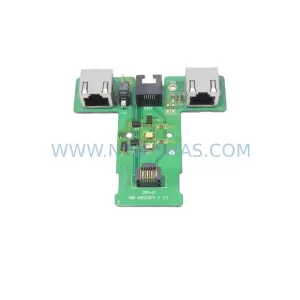
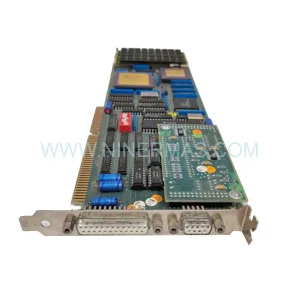
SKU: 3AUA0000058712/ZDPI-01
ABB 3AUA0000058712/ZDPI-01 Retrofit-Compatible Adapter Board
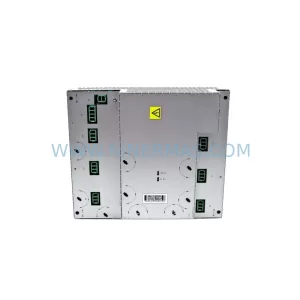
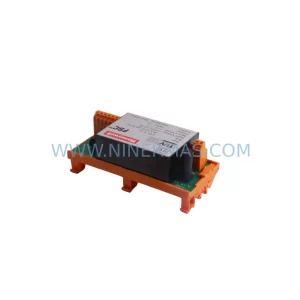
SKU: DSQC431 3HAC036260-001
ABB DSQC431 3HAC036260-001 Retrofit LVMC MDU Legacy Systems
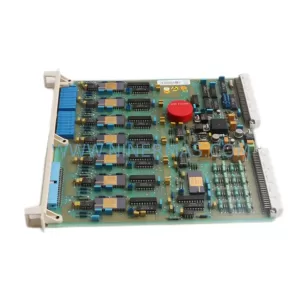
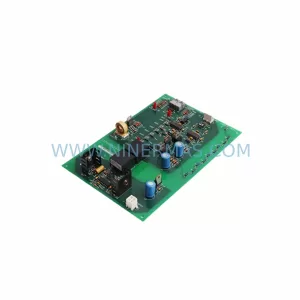
SKU: DSAO120 57120001-EY
ABB DSAO120 57120001-EY Retrofit-Compatible Analog Output Module
Catalog Continuation
Alternative parts within DCS Distributed Control Systems.
Stay inside the same system family when you need substitutes, adjacent modules, or a broader shortlist for procurement review.