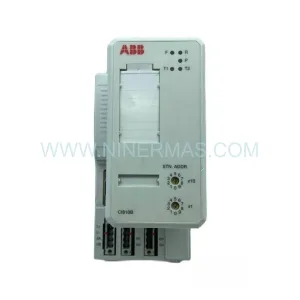
Original Industrial Spare Part
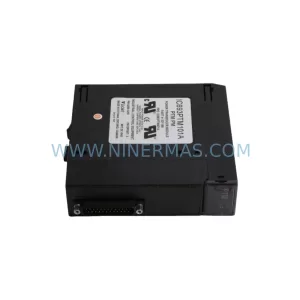
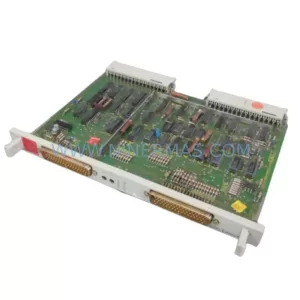
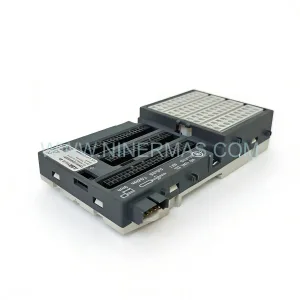
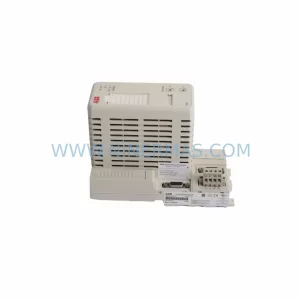
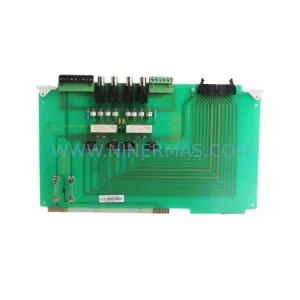
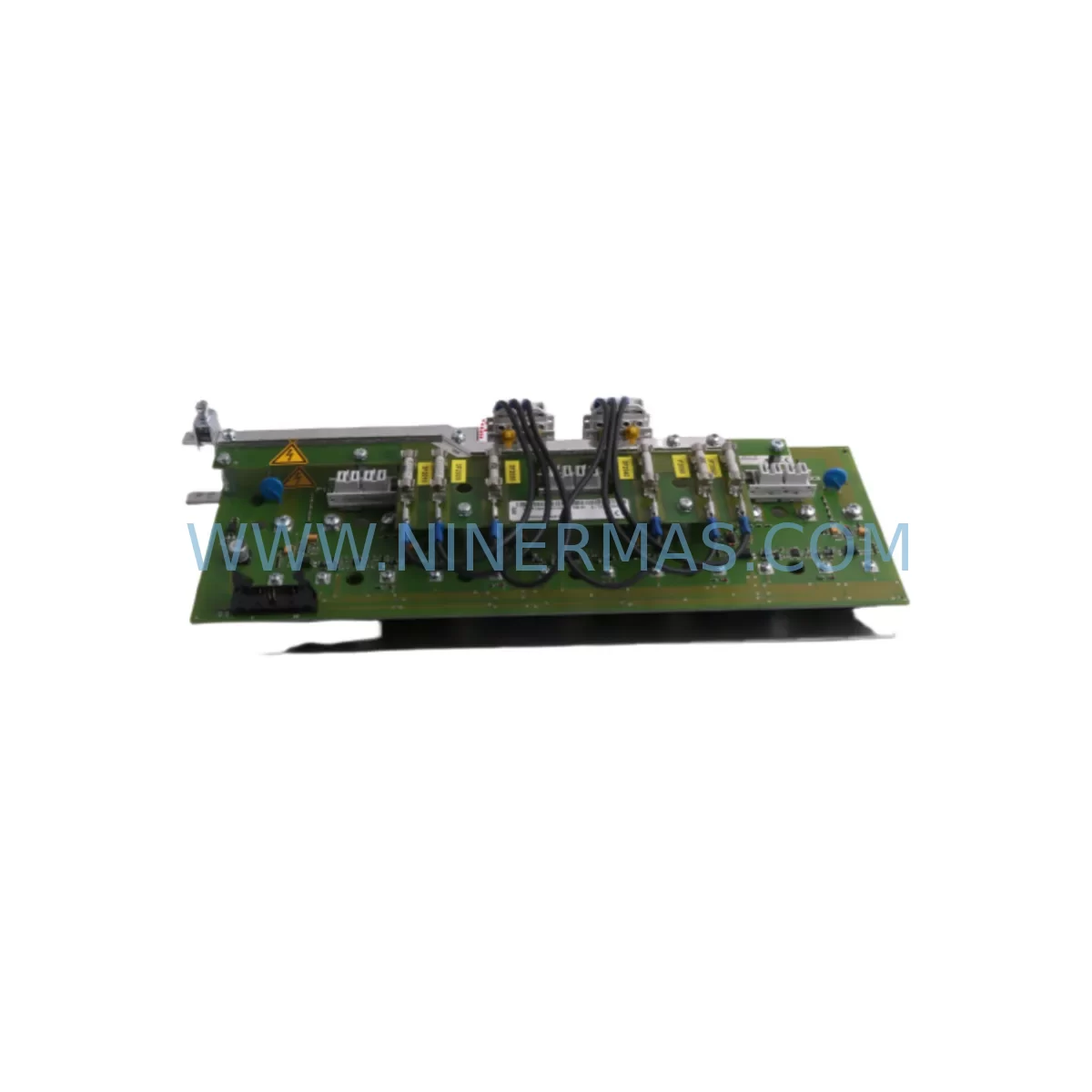
ABB 1SAY130130R0100 07SS91 Service-Ready Spare Part for Industrial Maintenance
Verify the part, confirm the platform family, and move straight into quotation with the right commercial details.
RFQ Ready
- SKU1SAY130130R0100 07SS91
- CategoryPLC & Industrial Automation Modules
- BrandABB
- SupportAvailability, lead time, condition, and shipping coordination
How Buyers Usually Use This Page
- Confirm the exact part number and platform family before sending the quote request.
- Use direct email when quantity, condition, and destination are already defined internally.
- Switch to the broader brand or category archive when you need alternates nearby.
Series Navigation
Move through the most common platform families behind this part.
Product RFQ
Send this part directly for quotation.
Include quantity, required condition, destination country, and target delivery timing. Current reference: ABB 1SAY130130R0100 07SS91 Service-Ready Spare Part for Industrial Maintenance with SKU 1SAY130130R0100 07SS91.
ABB 1SAY130130R0100 07SS91 Service-Ready Spare Part for Industrial Maintenance
The ABB 1SAY130130R0100 (also referenced as 07SS91) is an original output control board engineered for ABB’s industrial automation and control systems. As a service-critical spare part, this module plays a central role in maintaining uninterrupted production across process industries, discrete manufacturing, power distribution, and infrastructure automation. For maintenance engineers managing aging control cabinets or procurement teams building strategic spare parts inventories, securing a verified original 1SAY130130R0100 is a direct investment in system uptime and operational continuity.
ABB’s output control boards are designed for long service life, but in high-cycle or harsh-environment installations, wear, thermal stress, and voltage transients can degrade performance over time. When the 1SAY130130R0100 shows signs of failure — including erratic output signals, loss of channel response, or communication faults — immediate replacement with a tested original spare is the fastest path to restoring normal operation. Delays in sourcing this board can translate directly into extended downtime, production loss, and costly emergency procurement at premium prices.
This spare is fully compatible with ABB AC500 and S500 series PLC platforms, making it suitable for a wide range of installed base applications across global industrial sites. Whether you are performing a scheduled annual overhaul, responding to an unplanned fault, or building a proactive spare parts buffer for a critical production line, the 1SAY130130R0100 is a high-priority item for any ABB-based control system.
Spare Maintenance Table
| Parameter | Specification |
|---|---|
| Part Number | 1SAY130130R0100 |
| Alias / Cross-Reference | 07SS91 |
| Manufacturer | ABB |
| Module Type | Output Control Board |
| Compatible Platform | ABB AC500 / S500 PLC Series |
| Output Type | Digital Output (DO) |
| Operating Voltage | 24 VDC (nominal, per system bus) |
| Installation Method | DIN Rail / Backplane Slot Mount |
| Operating Temperature | 0°C to +55°C |
| Storage Temperature | -25°C to +70°C |
| Protection Class | IP20 (panel-mounted) |
| Compliance | CE, UL, IEC 61131-2 |
| Condition | Original New / Service-Ready |
| Pre-shipment Testing | Full functional test performed |
| Warranty | 12 Months from date of shipment |
Maintenance Planning for Continuous Operation
When replacing the ABB 1SAY130130R0100 output control board, a thorough inspection of the surrounding control cabinet components is essential to prevent repeat failures and ensure full system recovery. Maintenance engineers should treat this replacement as an opportunity for a broader cabinet health check.
Begin by verifying the integrity of the 24 VDC power supply module feeding the PLC rack — a degraded power supply is a common root cause of output board failures. Inspect the ABB AC500 CPU module (PM573 or PM583 series) for firmware currency and communication health, as output board faults are sometimes triggered by CPU-side configuration errors. Check all I/O expansion modules connected to the same backplane, particularly any digital input modules (DI522 or DI524) sharing the same signal bus, for signs of insulation breakdown or connector corrosion.
Review the terminal blocks and field wiring connected to the output channels — loose terminations or corroded contacts are a frequent cause of intermittent output faults that are misdiagnosed as board failures. Inspect output relay modules or solid-state relay (SSR) banks downstream of the control board, as a shorted load can damage the output board and will cause repeat failures if not addressed before reinstallation.
For systems using PROFIBUS DP or Modbus RTU communication, verify that the communication module (CM572-DP or CM577-ETH) is operating correctly and that bus termination resistors are properly installed. A communication fault can mask or mimic output board failures during diagnostics. If the cabinet includes an ABB CP600 or CP620 HMI panel, confirm that the HMI program reflects the correct I/O mapping after the board replacement to avoid operator interface errors during restart.
Also inspect the signal isolators or barriers protecting analog output channels, the 24 VDC fuse blocks protecting individual output circuits, and the backplane connector on the PLC rack for bent pins or oxidation. A complete cabinet inspection at the time of board replacement significantly reduces the risk of secondary failures and unplanned downtime in the weeks following the repair.
Site Replacement Workflow
Step 1 — Pre-replacement verification: Confirm the exact part number (1SAY130130R0100 / 07SS91) against the installed module label and the system’s bill of materials. Cross-check with the ABB AC500 hardware configuration in the engineering software (Automation Builder or PS501) to ensure the replacement board matches the configured I/O type and channel count.
Step 2 — Safe isolation: Follow your site’s lockout/tagout (LOTO) procedure. De-energize the PLC rack and disconnect field wiring from the output terminal block. Label all wiring before removal to ensure accurate reconnection.
Step 3 — Module removal: Release the backplane locking mechanism and carefully extract the 1SAY130130R0100 from its slot. Inspect the backplane connector for damage before inserting the replacement board.
Step 4 — Installation and wiring: Seat the new 1SAY130130R0100 firmly into the backplane slot. Reconnect field wiring to the terminal block in accordance with the original wiring diagram. Verify torque on all terminal screws.
Step 5 — Power-up and functional test: Re-energize the rack and monitor the CPU for fault codes. Use the Automation Builder diagnostic tools to verify that all output channels are recognized and responding correctly. Perform a channel-by-channel output test before returning the system to production.
Step 6 — Documentation: Record the replacement in the site maintenance log, including the date, replaced part number, and post-replacement test results. Update the spare parts inventory to trigger reorder of a replacement buffer stock unit.
Spare Parts Support FAQ
Q1: Is the 1SAY130130R0100 still available as a new original spare, or is it end-of-life?
A: We maintain stock of original ABB 1SAY130130R0100 (07SS91) boards sourced directly from authorized supply channels. Even for modules that ABB has discontinued from active production, we provide long-term supply support to help customers extend the service life of installed systems. Contact us to confirm current stock availability and lead time.
Q2: How is the board tested before shipment?
A: Every 1SAY130130R0100 unit undergoes a full functional test prior to shipment, including output channel verification, power-on self-test confirmation, and visual inspection for physical damage. A test report is available upon request. All units are shipped with ESD-protective packaging to prevent transit damage.
Q3: What is the warranty coverage for this spare part?
A: All ABB 1SAY130130R0100 spare parts supplied by NINERMAS are covered by a 12-month warranty from the date of shipment. The warranty covers manufacturing defects and functional failures under normal operating conditions. We provide rapid replacement support to minimize any impact on your production schedule.
Q4: Can this board replace older ABB output modules with a different part number?
A: The 1SAY130130R0100 is designed for specific slot positions within the ABB AC500/S500 PLC architecture. Compatibility with adjacent or predecessor part numbers depends on the hardware revision and system configuration. We recommend verifying the hardware configuration file in Automation Builder before ordering. Our technical team can assist with compatibility confirmation based on your system’s CPU type, firmware version, and I/O configuration.
| Product Series | AC500 |
|---|---|
| Country of Origin | SE |
Catalog Continuation
More ABB modules in the catalog.
Use the brand lane to compare nearby part numbers, platform-adjacent modules, and other inquiry-ready listings before sending your final RFQ.
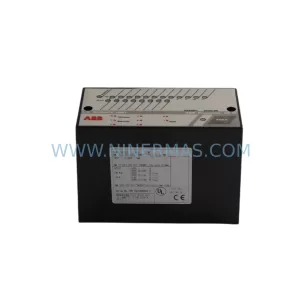
SKU: SPBRC400 SPBRC4000000
ABB SPBRC400 SPBRC4000000 Safety-Reliable DCS Controller
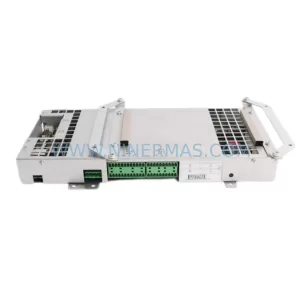
SKU: ICSK20F1 FPR3327101R1202
ABB ICSK20F1 FPR3327101R1202 Safety-Reliable I/O for Critical Control
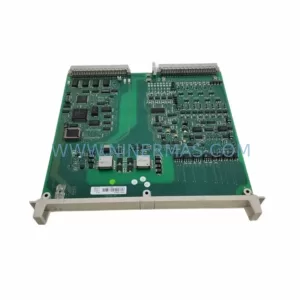
SKU: DSQC647 3HAC026272-001
ABB DSQC647 3HAC026272-001 Service-Ready Spare Part
SKU: DSAX110A 3BSE018291R1
ABB DSAX110A 3BSE018291R1 Safety-Reliable Comm Module
Catalog Continuation
Alternative parts within PLC & Industrial Automation Modules.
Stay inside the same system family when you need substitutes, adjacent modules, or a broader shortlist for procurement review.
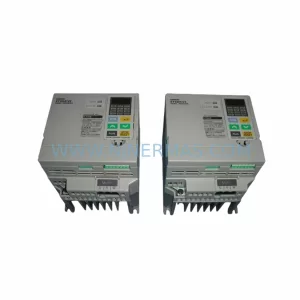
SKU: 3G3EV-AB007M-E
OMRON 3G3EV-AB007M-E Retrofit-Compatible VFD for Legacy Systems
SKU: 2711P-RDT15C SER B
Allen-Bradley 2711P-RDT15C SER B Industrial Spare Part