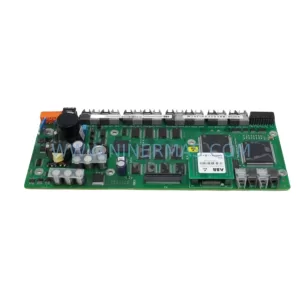
Original Industrial Spare Part
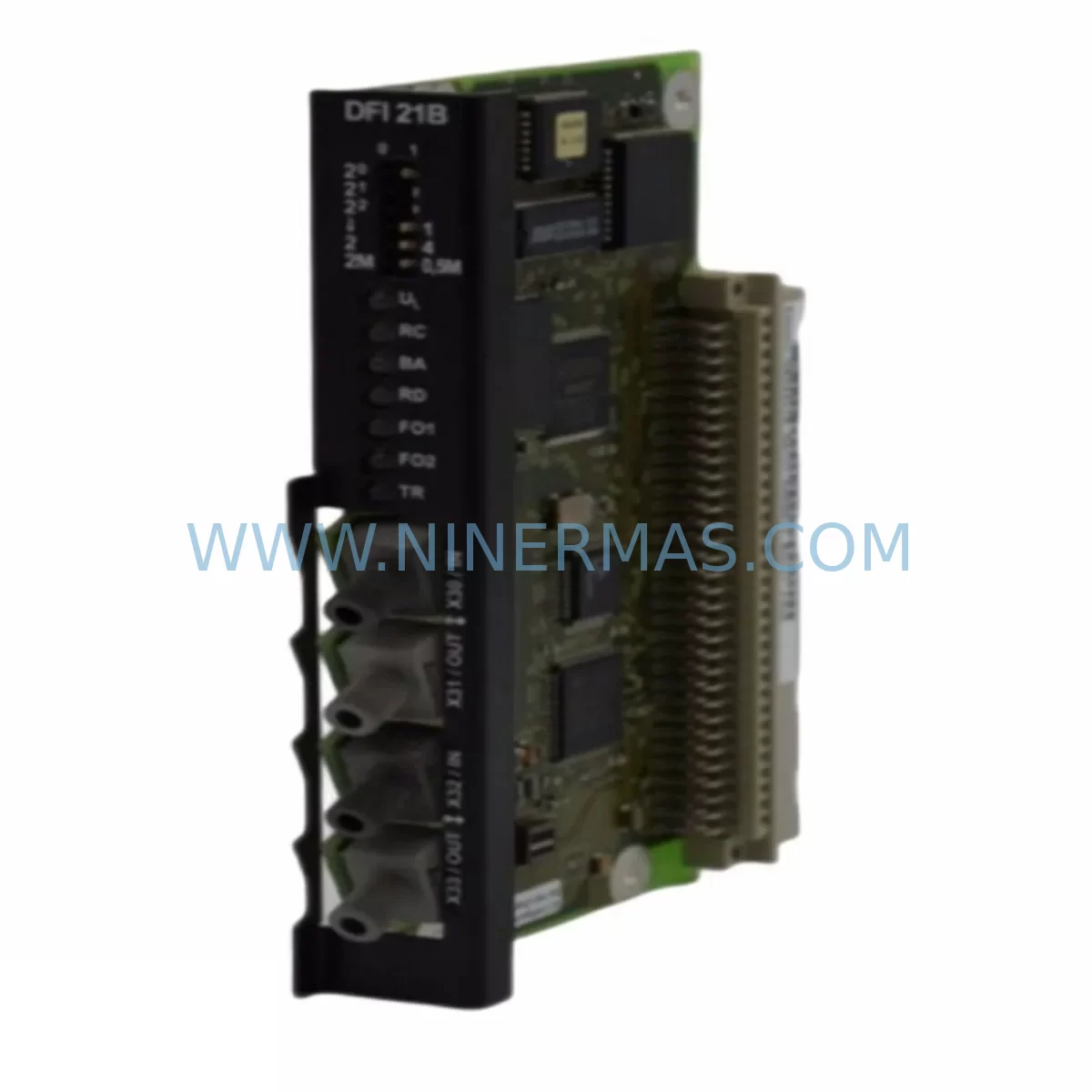
SEW DFI21B Service-Ready Spare Part for Industrial Maintenance
Verify the part, confirm the platform family, and move straight into quotation with the right commercial details.
RFQ Ready
- SKUDFI21B
- CategoryPLC & Industrial Automation Modules
- BrandSEW-EURODRIVE
- SupportAvailability, lead time, condition, and shipping coordination
How Buyers Usually Use This Page
- Confirm the exact part number and platform family before sending the quote request.
- Use direct email when quantity, condition, and destination are already defined internally.
- Switch to the broader brand or category archive when you need alternates nearby.
Series Navigation
Move through the most common platform families behind this part.
Product RFQ
Send this part directly for quotation.
Include quantity, required condition, destination country, and target delivery timing. Current reference: SEW DFI21B Service-Ready Spare Part for Industrial Maintenance with SKU DFI21B.
SEW DFI21B Service-Ready Spare Part for Industrial Maintenance
The SEW DFI21B is a fieldbus interface option card designed for the SEW-EURODRIVE MOVIDRIVE series of variable speed drives. In industrial automation environments where PROFIBUS-DP communication is the backbone of PLC-to-drive coordination, the DFI21B serves as a critical link between the drive controller and the plant-level control network. When this module fails or degrades, the result is immediate: loss of speed reference, torque command interruption, and unplanned production downtime.
At NINERMAS, we maintain ready stock of the SEW DFI21B to support maintenance engineers and procurement teams who cannot afford extended lead times on critical drive components. Every unit is pre-tested before dispatch, supplied with a 12-month warranty, and shipped with full traceability documentation to support your maintenance records and audit requirements.
Whether you are managing a scheduled annual overhaul, responding to an emergency drive fault, or building a strategic spare parts inventory for aging MOVIDRIVE installations, the DFI21B is a high-priority item that should be stocked at site or sourced from a reliable supplier with confirmed availability.
Spare Maintenance Table
| Parameter | Specification / Detail |
|---|---|
| Part Number / SKU | DFI21B |
| Manufacturer | SEW-EURODRIVE |
| Compatible Series | MOVIDRIVE MDX60B / MDX61B |
| Module Type | Fieldbus Interface Option Card |
| Communication Protocol | PROFIBUS-DP (DP-V1 capable) |
| Baud Rate Support | Up to 12 Mbit/s |
| Installation Interface | Option slot (drive-internal card) |
| Application Environment | Industrial automation, process control, material handling, conveyor systems |
| Compatibility | SEW MOVIDRIVE B series; replaces DFI21A in most configurations |
| Maintenance Recommendation | Inspect during annual drive overhaul; replace proactively if communication faults are logged |
| Origin | Germany |
| Warranty | 12 Months from dispatch date |
| Pre-Shipment Testing | Yes — functional verification before dispatch |
| Lead Time | Contact NINERMAS for current stock status |
Maintenance Planning for Continuous Operation
When a DFI21B fieldbus interface card is identified as the root cause of a MOVIDRIVE communication fault, experienced maintenance engineers know that the drive itself must be thoroughly inspected before the replacement card is installed. A failed fieldbus interface is rarely an isolated event — it is often a symptom of broader electrical stress in the control cabinet.
Begin by verifying the 24VDC control supply feeding the MOVIDRIVE unit. Voltage instability or ripple on the control rail can cause option card failures over time. Check the MOVIDRIVE MDX61B power section for any fault history stored in the drive’s diagnostic log — particularly overcurrent, overvoltage, or thermal events that may have stressed the option card slot. Inspect the PROFIBUS cable shielding and termination resistors at both ends of the fieldbus segment; poor shielding is a leading cause of communication card degradation in noisy industrial environments.
Review the SEW MOVI-PLC or external Siemens S7 / Siemens S5 PLC configuration to confirm that the GSD file and DP address settings match the replacement DFI21B card parameters. If the site uses a MOVITRAC B or MOVIAXIS multi-axis system alongside the MOVIDRIVE installation, verify that the fieldbus segment load is within specification after the card replacement.
During the replacement procedure, also inspect the MOVIDRIVE option slot connector for bent pins or oxidation — a common issue in high-humidity or coastal industrial environments. Check the DBG60B diagnostic keypad or MOVITOOLS MotionStudio connection for firmware version compatibility with the new DFI21B card. If the site runs SEW DFP21B (PROFINET) or DFE24B (EtherCAT) cards on adjacent drives, confirm that the network topology is correctly segmented to avoid address conflicts after the PROFIBUS card is restored.
For sites with aging MOVIDRIVE installations, we recommend maintaining a minimum spare parts kit that includes: the DFI21B fieldbus card, a UFP11A universal fieldbus gateway for emergency bypass scenarios, MOVIDRIVE brake rectifier modules, 24VDC SITOP power supply modules for control rail backup, and a set of PROFIBUS DP connectors with integrated termination. This kit covers the most common failure modes in a MOVIDRIVE control cabinet and enables rapid recovery without waiting for extended procurement cycles.
Site Replacement Workflow
Step 1 — Isolate and de-energize: Follow your site LOTO (Lockout/Tagout) procedure. Confirm that the MOVIDRIVE DC bus has fully discharged before opening the drive enclosure. This typically requires a minimum 5-minute wait after mains isolation.
Step 2 — Document existing configuration: Before removing the DFI21B, use the DBG60B keypad or MOVITOOLS MotionStudio to export the drive parameter set. Record the PROFIBUS node address configured on the existing card. This address must be replicated on the replacement unit.
Step 3 — Remove the faulty card: Carefully release the option card retaining clip and extract the DFI21B from the option slot. Inspect the slot connector for damage. Clean with dry compressed air if contamination is present.
Step 4 — Install the replacement DFI21B: Seat the new card firmly into the option slot until the retaining clip engages. Do not force the card — misalignment will damage the connector pins.
Step 5 — Restore configuration and test: Re-energize the drive and restore the saved parameter set. Confirm PROFIBUS communication is established by checking the BUS LED status on the DFI21B card. Perform a no-load test run before reconnecting the mechanical load.
Step 6 — Update maintenance records: Log the replacement date, new card serial number, and post-replacement test results in your CMMS. Schedule the next inspection interval according to your site’s preventive maintenance plan.
Spare Parts Support FAQ
Q1: Is the DFI21B compatible with all MOVIDRIVE B variants?
The DFI21B is designed for the MOVIDRIVE MDX60B and MDX61B series. It is not compatible with the older MOVIDRIVE A series. If you are operating legacy MOVIDRIVE A units, contact NINERMAS to confirm the correct fieldbus interface part number for your specific drive generation.
Q2: How is the DFI21B tested before shipment?
Every DFI21B unit supplied by NINERMAS undergoes functional verification prior to dispatch. This includes communication protocol handshake testing and option slot interface checks. A test report is available upon request for quality-critical procurement processes.
Q3: What is the recommended inventory strategy for the DFI21B?
For sites operating three or more MOVIDRIVE B drives on a PROFIBUS network, we recommend holding a minimum of one DFI21B as a site spare. For larger installations or critical production lines where downtime cost is high, a two-unit buffer is advisable. NINERMAS can support long-term supply agreements to maintain your site inventory without repeated spot procurement.
Q4: What does the 12-month warranty cover?
The 12-month warranty covers manufacturing defects and functional failures under normal operating conditions. It does not cover damage caused by incorrect installation, overvoltage events, or physical mishandling. NINERMAS provides full after-sales support including technical guidance for installation and fault diagnosis during the warranty period.
| Product Series | Other series |
|---|
Catalog Continuation
More SEW-EURODRIVE modules in the catalog.
Use the brand lane to compare nearby part numbers, platform-adjacent modules, and other inquiry-ready listings before sending your final RFQ.
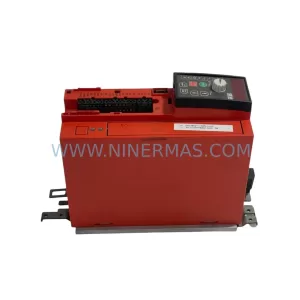
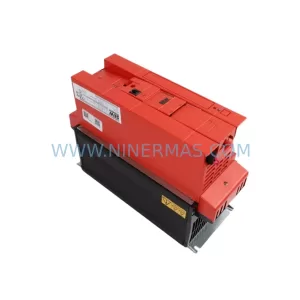
SKU: 4035 273 43772 0010-75224 DHL-0710 23 QS IHS 10-D6-A4.5/45-0.37-E319.1
SEW DHL 0710-23-QS-IHS-10-D6-A4-5/45-0.37-E319-1 Safe Gear Motor
Catalog Continuation
Alternative parts within PLC & Industrial Automation Modules.
Stay inside the same system family when you need substitutes, adjacent modules, or a broader shortlist for procurement review.
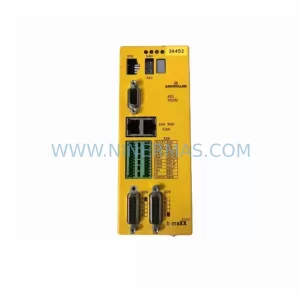
SKU: BM3401-L1OOO-AEO00CB-O-00-O-0172-000
Baumuller BM3401-L1OOO-AEO00CB-O-00-O-0172-000 Spare Part
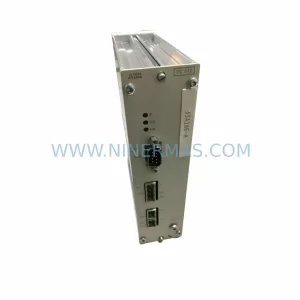
SKU: AL203 0200-09429 V10PFT03DX2 853-200977-002
AMAT 0200-09429 Retrofit-Compatible Module for Legacy Systems