
Original Industrial Spare Part
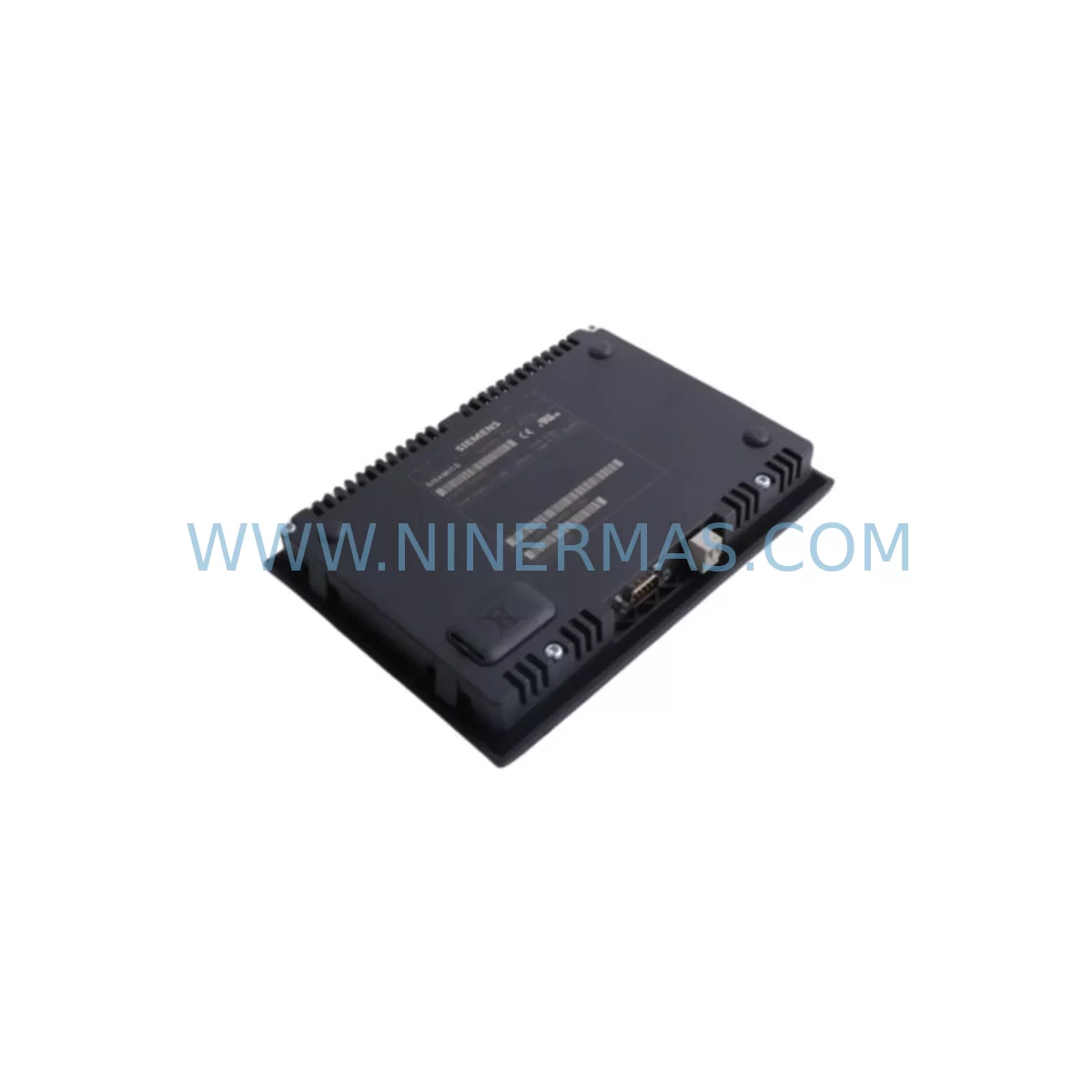
Siemens 6SL3055-0AA00-4CA4 Retrofit AOP30 for Legacy Systems
Verify the part, confirm the platform family, and move straight into quotation with the right commercial details.
RFQ Ready
- SKU6SL3055-0AA00-4CA4
- CategoryPLC & Industrial Automation Modules
- BrandSiemens
- SupportAvailability, lead time, condition, and shipping coordination
How Buyers Usually Use This Page
- Confirm the exact part number and platform family before sending the quote request.
- Use direct email when quantity, condition, and destination are already defined internally.
- Switch to the broader brand or category archive when you need alternates nearby.
Series Navigation
Move through the most common platform families behind this part.
Product RFQ
Send this part directly for quotation.
Include quantity, required condition, destination country, and target delivery timing. Current reference: Siemens 6SL3055-0AA00-4CA4 Retrofit AOP30 for Legacy Systems with SKU 6SL3055-0AA00-4CA4.
Siemens 6SL3055-0AA00-4CA4 Retrofit AOP30 for Legacy Systems
The Siemens 6SL3055-0AA00-4CA4 is the Advanced Operator Panel 30 (AOP30) designed for the SINAMICS S120 drive platform. As legacy SINAMICS S120 installations age and original operator panels reach end-of-life, the 6SL3055-0AA00-4CA4 serves as the primary retrofit-compatible replacement for facilities seeking to extend the operational life of their existing drive cabinets without undertaking a full system overhaul. This panel provides full parameter access, fault diagnostics, and drive commissioning capability through its backlit LCD display and intuitive keypad interface, making it an essential component for maintenance engineers managing aging automation infrastructure.
In retrofit scenarios, the 6SL3055-0AA00-4CA4 connects directly to the SINAMICS S120 Control Unit via the AOP30 interface port, supporting both the CU320-2 PN and CU320-2 DP control units. Engineers replacing a failed or discontinued operator panel must verify that the firmware version on the target control unit is compatible with the AOP30 revision being installed. Firmware mismatches between the panel and the CU320-2 can result in communication errors or restricted parameter visibility, so pre-installation firmware alignment is a critical step in the retrofit planning process.
Upgrade Compatibility Table
| Parameter | Legacy / Outgoing | 6SL3055-0AA00-4CA4 (AOP30) | Notes |
|---|---|---|---|
| Interface Connection | AOP30 port (RJ45-style) | AOP30 port (RJ45-style) | Direct plug-in replacement; no adapter required |
| Compatible Control Units | CU320-2 PN / CU320-2 DP | CU320-2 PN / CU320-2 DP | Verify firmware version alignment before installation |
| Display | Backlit LCD, multi-line | Backlit LCD, multi-line | Full parameter tree access retained |
| Communication Protocol | Proprietary AOP bus | Proprietary AOP bus | No protocol migration required |
| Mounting | Panel door cutout mount | Panel door cutout mount | Standard cutout dimensions; confirm door thickness |
| Installation Space | Standard S120 cabinet door | Standard S120 cabinet door | No additional space required |
| Commissioning Tool | STARTER / SCOUT | STARTER / SCOUT compatible | Existing project files remain valid |
| Warranty | — | 12 Months | Covered from date of shipment; includes functional testing |
Retrofit Planning for Existing Automation Systems
When planning a retrofit around the 6SL3055-0AA00-4CA4, the scope of work typically extends beyond the operator panel itself. A thorough site survey should document the full drive cabinet configuration, including the Active Line Module (such as the 6SL3130-6AE21-0AB1), Single Motor Modules (for example the 6SL3120-1TE21-8AA4), and any Braking Modules (such as the 6SL3162-2MA00-0AA0) installed in the same rack. These components share the DC link bus and their operational status directly affects the commissioning outcome of the replacement panel.
The DRIVE-CLiQ topology within the cabinet must also be reviewed. DRIVE-CLiQ cables connecting the CU320-2 control unit to motor modules, encoder interface boards, and the Sensor Module Cabinet-Mounted (SMC) units should be inspected for wear and connector integrity. Damaged or aged DRIVE-CLiQ cables (such as the 6SL3060-4AA30-0AA0 series) are a common source of intermittent faults that can be misattributed to the operator panel during post-retrofit commissioning. Replacing suspect cables during the same maintenance window reduces the risk of repeat downtime.
For sites running PROFIBUS DP communication, the CU320-2 DP variant must be confirmed as the installed control unit before ordering. Sites that have already migrated to PROFINET should verify they are working with the CU320-2 PN. In either case, the 6SL3055-0AA00-4CA4 AOP30 panel is protocol-agnostic at the panel-to-control-unit interface level, as it communicates over the dedicated AOP port rather than the fieldbus network. This means the panel replacement does not require any changes to the PROFIBUS or PROFINET network configuration, preserving existing PLC program logic and HMI screen mappings without modification.
CompactFlash cards (such as the 6SL3054-0EJ01-1BA0) storing drive parameter sets should be backed up before the panel is removed. While the AOP30 replacement does not erase stored parameters on the control unit, best practice dictates that a full parameter backup is performed using STARTER or SCOUT software prior to any hardware change. This backup also serves as the baseline for post-installation verification, allowing engineers to confirm that all drive parameters are intact and that the new panel is reading values correctly.
Sites with a Basic Operator Panel (BOP20) installed as a secondary interface should note that the BOP20 and AOP30 occupy different interface slots on the CU320-2. If the existing installation uses a BOP20 and the upgrade path calls for an AOP30, the physical slot assignment must be confirmed in the control unit documentation. In some cabinet configurations, a CU310-2 PN control unit (6SL3040-0MA00-0AA1) may be present for single-axis applications, and the AOP30 compatibility with this unit should be verified against the specific firmware release installed on site.
Downtime Control During System Migration
Minimizing production downtime during an operator panel replacement on a live SINAMICS S120 system requires careful pre-staging and a structured changeover sequence. The recommended approach is to complete all preparatory steps — firmware verification, parameter backup, cable inspection, and spare parts staging — during scheduled maintenance windows or low-production periods, so that the physical swap can be executed within a single planned shutdown.
Before powering down the drive cabinet, confirm that the production line is in a safe state and that all upstream and downstream equipment has been notified of the planned outage. The SINAMICS S120 system should be brought to a controlled stop using the normal shutdown sequence rather than an emergency stop, as this preserves the integrity of the parameter set stored on the CompactFlash card and reduces the risk of fault states that require additional clearance time during restart.
Once the 6SL3055-0AA00-4CA4 is installed, the initial power-on sequence should be monitored closely. The AOP30 will display the drive status and any active faults immediately upon connection. Engineers should cross-reference the fault codes against the SINAMICS S120 fault list and compare the displayed parameter values against the pre-shutdown backup to confirm that the control unit has retained its configuration. A test run at reduced speed under no-load conditions is recommended before returning the drive to full production duty, ensuring that speed references, torque limits, and I/O assignments are all functioning as expected.
For facilities with strict uptime requirements, maintaining a pre-tested spare 6SL3055-0AA00-4CA4 in local inventory is the most effective strategy for downtime control. A panel that has been powered on, connected to a test rig, and verified against a known-good parameter set can be swapped into a production cabinet in under 30 minutes by a trained technician, compared to the hours or days that may be required to source and expedite a replacement from the open market during an unplanned failure event.
Retrofit Support FAQ
Q1: Is the 6SL3055-0AA00-4CA4 a direct replacement for older AOP30 variants?
Yes. The 6SL3055-0AA00-4CA4 is designed as a direct plug-in replacement for earlier AOP30 revisions used in SINAMICS S120 drive cabinets. The physical connector, mounting cutout dimensions, and communication interface are consistent across AOP30 generations. Firmware compatibility between the panel and the installed CU320-2 control unit should be confirmed prior to installation to ensure full parameter access and fault display functionality.
Q2: What pre-shipment testing is performed on the 6SL3055-0AA00-4CA4?
Each unit undergoes functional testing prior to shipment, including power-on verification, display and keypad operation checks, and communication interface validation. Units are supplied with a test report confirming operational status. All units are covered by a 12-month warranty from the date of shipment, covering manufacturing defects and functional failures under normal operating conditions.
Q3: Can the AOP30 be used during PROFIBUS-to-PROFINET migration on an existing S120 system?
Yes. The AOP30 communicates with the SINAMICS S120 control unit via the dedicated AOP interface port, which is independent of the fieldbus network. This means the panel can remain in service and continue to provide full parameter access and diagnostics throughout a PROFIBUS-to-PROFINET migration, without requiring any reconfiguration of the panel itself. The migration work is confined to the control unit and network infrastructure.
Q4: What is the stock availability and lead time for the 6SL3055-0AA00-4CA4?
Stock is maintained to support urgent retrofit and breakdown replacement requirements. Standard orders are processed and dispatched within 1–3 business days. For large-quantity or project-based procurement, please contact our sales team directly to confirm availability and arrange consolidated shipment. All units are supplied with a 12-month warranty and full documentation.
| Product Series | SINAMICS |
|---|---|
| Country of Origin | DE |
Catalog Continuation
More Siemens modules in the catalog.
Use the brand lane to compare nearby part numbers, platform-adjacent modules, and other inquiry-ready listings before sending your final RFQ.
SKU: 6ES7521-1BH10-0AA0
Siemens 6ES7521-1BH10-0AA0 Retrofit-Compatible DI Module
SKU: 6DD1842-0AA0 465842.9000.00
SIEMENS 6DD1842-0AA0 Retrofit-Compatible I/O Module for Legacy Systems
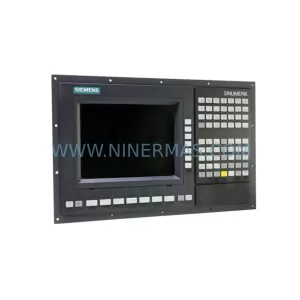
SKU: 6FC5370-2AT02-0CA0
Siemens 6FC5370-2AT02-0CA0 Safety-Reliable CNC Control Module
Catalog Continuation
Alternative parts within PLC & Industrial Automation Modules.
Stay inside the same system family when you need substitutes, adjacent modules, or a broader shortlist for procurement review.
SKU: 3HAC058121-006 3HAC058121-005 IRB67003HAC058121-005
ABB 3HAC058121-006 Retrofit-Compatible Servo Unit for Legacy Systems
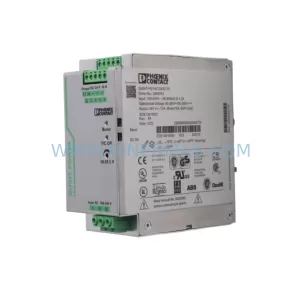
SKU: QUINT-PS/1AC/24VDC/10 2866763
Phoenix Contact QUINT-PS/1AC/24VDC/10 2866763 Retrofit Power Supply
SKU: CCU-24-H 3AXD50000018771
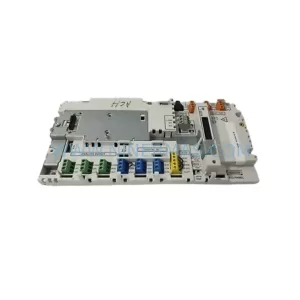
ABB 3AXD50000018771 Retrofit Control Unit for Legacy Systems



