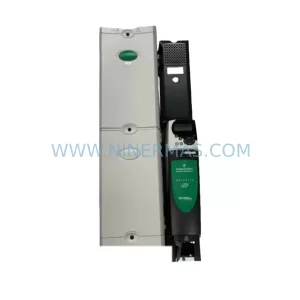
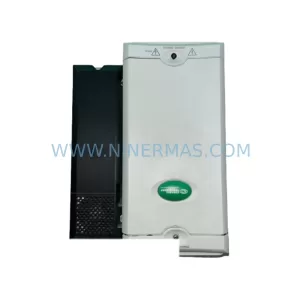
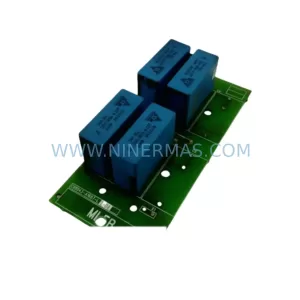
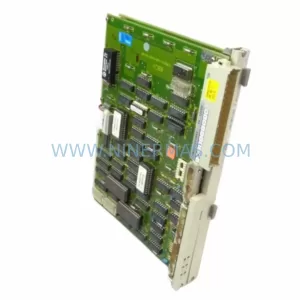
Original Industrial Spare Part
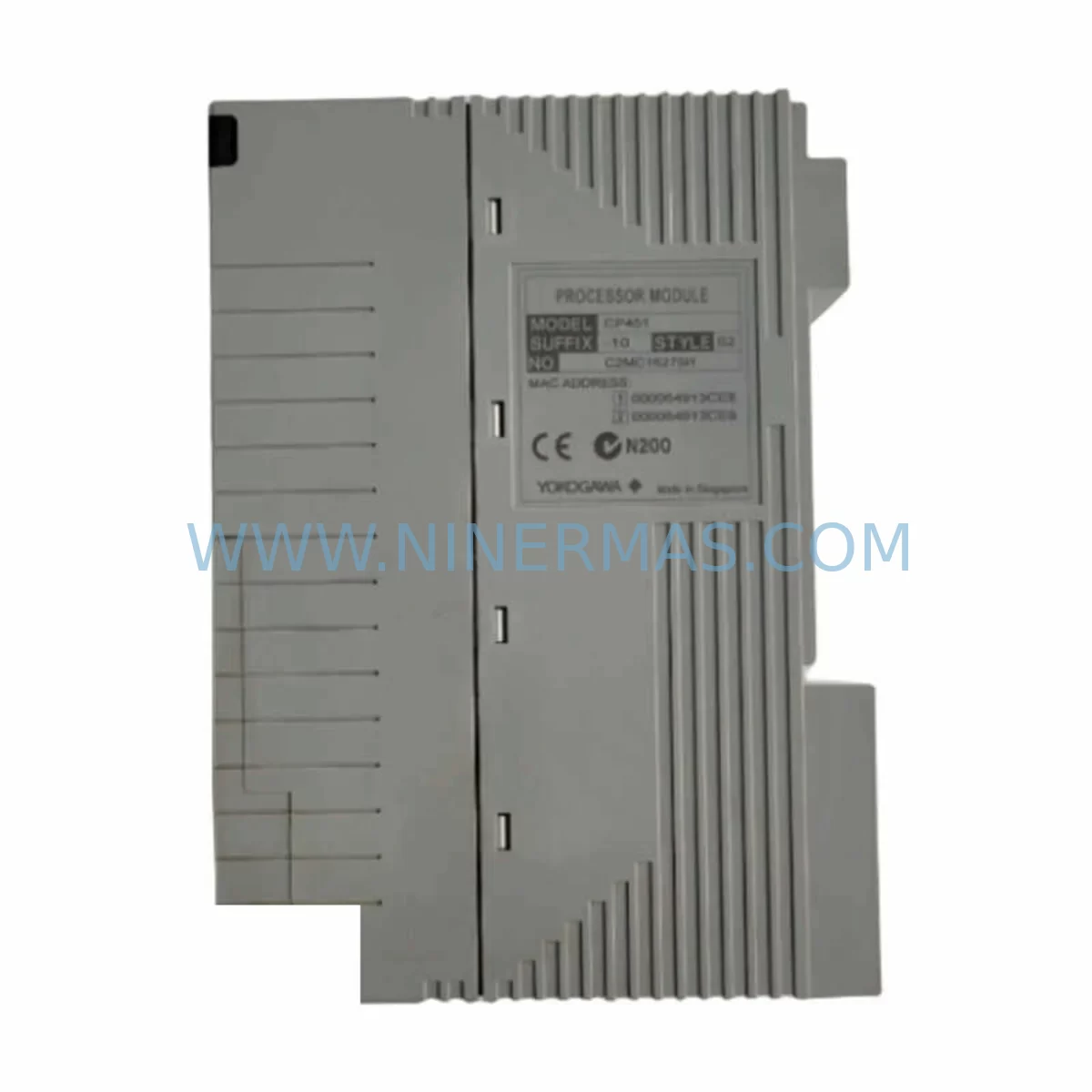
YOKOGAWA CP451-10 S2 Service-Ready Spare Part for Industrial Maintenance
Verify the part, confirm the platform family, and move straight into quotation with the right commercial details.
RFQ Ready
- SKUCP451-10 S2
- CategoryDCS Distributed Control Systems
- BrandYokogawa
- SupportAvailability, lead time, condition, and shipping coordination
How Buyers Usually Use This Page
- Confirm the exact part number and platform family before sending the quote request.
- Use direct email when quantity, condition, and destination are already defined internally.
- Switch to the broader brand or category archive when you need alternates nearby.
Series Navigation
Move through the most common platform families behind this part.
Product RFQ
Send this part directly for quotation.
Include quantity, required condition, destination country, and target delivery timing. Current reference: YOKOGAWA CP451-10 S2 Service-Ready Spare Part for Industrial Maintenance with SKU CP451-10 S2.
YOKOGAWA CP451-10 S2 Service-Ready Spare Part for Industrial Maintenance
The YOKOGAWA CP451-10 S2 is a field-proven CPU module designed for the CENTUM VP and CS 3000 Distributed Control System (DCS) platforms — two of the most widely deployed process automation architectures in refining, petrochemical, power generation, and pharmaceutical manufacturing. When a CP451-10 S2 fails or reaches end-of-service life, every minute of unplanned downtime translates directly into production loss and safety risk. Sourcing a verified, service-ready replacement from a reliable spare parts supplier is the fastest path to restoring full system operation.
At NINERMAS, we stock the CP451-10 S2 as a tested, inspection-passed spare part backed by a 12-month warranty. Each unit undergoes pre-shipment functional verification to confirm firmware compatibility, communication integrity, and module health before it leaves our facility. Whether you are responding to an emergency shutdown, executing a planned annual overhaul, or building a strategic spare parts buffer for your control room, the CP451-10 S2 we supply is ready for immediate installation.
Spare Maintenance Table
| Parameter | Specification / Detail |
|---|---|
| Part Number / SKU | CP451-10 S2 |
| Brand | YOKOGAWA |
| Series / Platform | CENTUM VP / CS 3000 |
| Module Type | CPU / Field Control Station Processor |
| Application | DCS Process Control — Refining, Petrochemical, Power, Pharma |
| Communication Interface | Vnet/IP (CENTUM VP) / V-net (CS 3000) compatible |
| Installation | Hot-swap capable in redundant FCS configurations (verify with site engineer) |
| Power Supply Compatibility | 24 VDC backplane power via AFV10D / AFV20D power supply modules |
| Operating Temperature | 0 °C to 55 °C (standard industrial cabinet environment) |
| Origin | Japan |
| Condition | Original spare — tested and inspection-passed |
| Pre-Shipment Testing | Functional verification, firmware check, communication integrity test |
| Warranty | 12 Months from date of shipment |
| Lead Time | Contact sale@ninermas.com for real-time stock confirmation |
| Maintenance Recommendation | Replace on failure or at 10-year planned overhaul interval; keep one cold-standby unit on site |
Maintenance Planning for Continuous Operation
Replacing the CP451-10 S2 in a live CENTUM VP or CS 3000 system is rarely an isolated task. Experienced maintenance engineers know that a CPU module fault is often a symptom of broader stress in the control cabinet, and a thorough replacement procedure should include inspection of all interdependent components to prevent repeat failures and ensure long-term system stability.
Begin with the backplane and bus connectors. The CP451-10 S2 seats into the FCS (Field Control Station) node unit, and worn or oxidized backplane contacts can cause intermittent communication errors that mimic CPU faults. While the module is removed, inspect the node unit chassis and clean connector pins. At the same time, verify the AFV10D or AFV20D power supply module output voltage — an out-of-tolerance 24 VDC rail is a leading cause of premature CPU module failure and should be measured before the new CP451-10 S2 is installed.
Next, audit the Vnet/IP communication cables and fiber patch cords connecting the FCS node to the HIS (Human Interface Station) and to other FCS nodes on the control network. Degraded fiber connectors or damaged Ethernet cables can prevent the replacement CPU from establishing a clean network handshake after restart. If your site runs a redundant FCS pair, confirm that the partner CPU module — often a CP451-10 or CP461-50 — is healthy and that redundancy switchover has been tested within the last maintenance cycle.
I/O module integrity is equally important. The CP451-10 S2 manages all I/O communication within its FCS node, so a post-replacement loop check should cover connected AAI141 analog input modules, AAI543 analog output modules, ADV151 digital input modules, and ADV551 digital output modules. Any I/O module showing communication errors or out-of-range readings after the CPU swap should be flagged for replacement during the same maintenance window rather than deferred to a future outage.
For sites running legacy CS 3000 architectures, this is also an appropriate time to evaluate ALF111 communication interface modules and any signal isolators or barriers in the field junction boxes. Aging signal conditioning components introduce noise and offset errors that become more pronounced after a CPU replacement changes the scan cycle timing. Proactive replacement of suspect isolators during the same planned outage eliminates a common source of post-maintenance process variability.
Finally, document the replacement in your CMMS and update the spare parts register. A single CP451-10 S2 cold-standby unit on the shelf, combined with a tested set of critical I/O modules and a spare power supply, gives your maintenance team the inventory depth to handle the next unplanned event without waiting on international freight.
Site Replacement Workflow
Step 1 — Pre-work verification. Confirm the failed module SKU (CP451-10 S2) against the node unit label and the CENTUM VP / CS 3000 system configuration report. Verify that the replacement unit firmware revision is compatible with your system software version. If your site runs an older CS 3000 R3 environment, confirm compatibility with your YOKOGAWA service documentation before installation.
Step 2 — Safe isolation. In a redundant FCS configuration, initiate a controlled switchover to the partner CPU before removing the failed module. In a simplex configuration, coordinate with the control room operator to place affected loops in manual mode and confirm that safety instrumented systems (SIS) are not dependent on the FCS node being serviced.
Step 3 — Module removal and inspection. Remove the CP451-10 S2 using the module extraction handle. Inspect the backplane connector for bent pins or contamination. Photograph the module label and any visible damage for warranty and failure analysis records.
Step 4 — Installation and power-up. Seat the replacement CP451-10 S2 firmly into the node unit slot. Apply power and observe the module status LEDs. A healthy startup sequence will show the RUN indicator steady green within 60–90 seconds. If the module enters a fault state, check the power supply voltage and backplane seating before escalating.
Step 5 — Communication and loop verification. From the HIS engineering station, confirm that the FCS node is online and all I/O tags are scanning normally. Perform a loop check on critical analog and digital channels. Return all loops to automatic mode and document the completed replacement in the maintenance log.
This structured workflow minimizes total downtime to under two hours for a prepared maintenance team, compared to multi-day delays when spare parts must be sourced reactively after a failure event.
Spare Parts Support FAQ
Q1: Is the CP451-10 S2 you supply an original YOKOGAWA module or a third-party compatible unit?
Every CP451-10 S2 we supply is an original YOKOGAWA spare part — not a clone, not a compatible substitute. We source from authorized distribution channels and verified industrial surplus inventories. Each unit is individually tested before shipment and covered by our 12-month warranty.
Q2: How do I confirm compatibility with my specific CENTUM VP or CS 3000 system version?
Share your FCS node unit model number and your system software version (e.g., CENTUM VP R6.xx or CS 3000 R3.xx) with our technical team at sale@ninermas.com. We will cross-reference the compatibility matrix and confirm whether the CP451-10 S2 in stock matches your site requirements before you place an order.
Q3: What is your lead time and can you support emergency orders?
For in-stock units, we typically ship within 1–3 business days via DHL Express or FedEx International Priority. For emergency plant-down situations, contact us directly at +0086 187 5021 5667 — we prioritize emergency shipments and can provide same-day dispatch for confirmed stock items.
Q4: What does the 12-month warranty cover, and what is the process if a unit fails after installation?
Our 12-month warranty covers manufacturing defects and functional failures under normal operating conditions. If a unit fails within the warranty period, contact sale@ninermas.com with your order reference and a description of the fault. We will arrange a replacement shipment or issue a credit, depending on your preference and the failure analysis outcome. We do not charge restocking fees for warranty returns.
| Product Series | CENTUM VP |
|---|---|
| Country of Origin | JP |
Catalog Continuation
More Yokogawa modules in the catalog.
Use the brand lane to compare nearby part numbers, platform-adjacent modules, and other inquiry-ready listings before sending your final RFQ.

Catalog Continuation
Alternative parts within DCS Distributed Control Systems.
Stay inside the same system family when you need substitutes, adjacent modules, or a broader shortlist for procurement review.