Original Industrial Spare Part
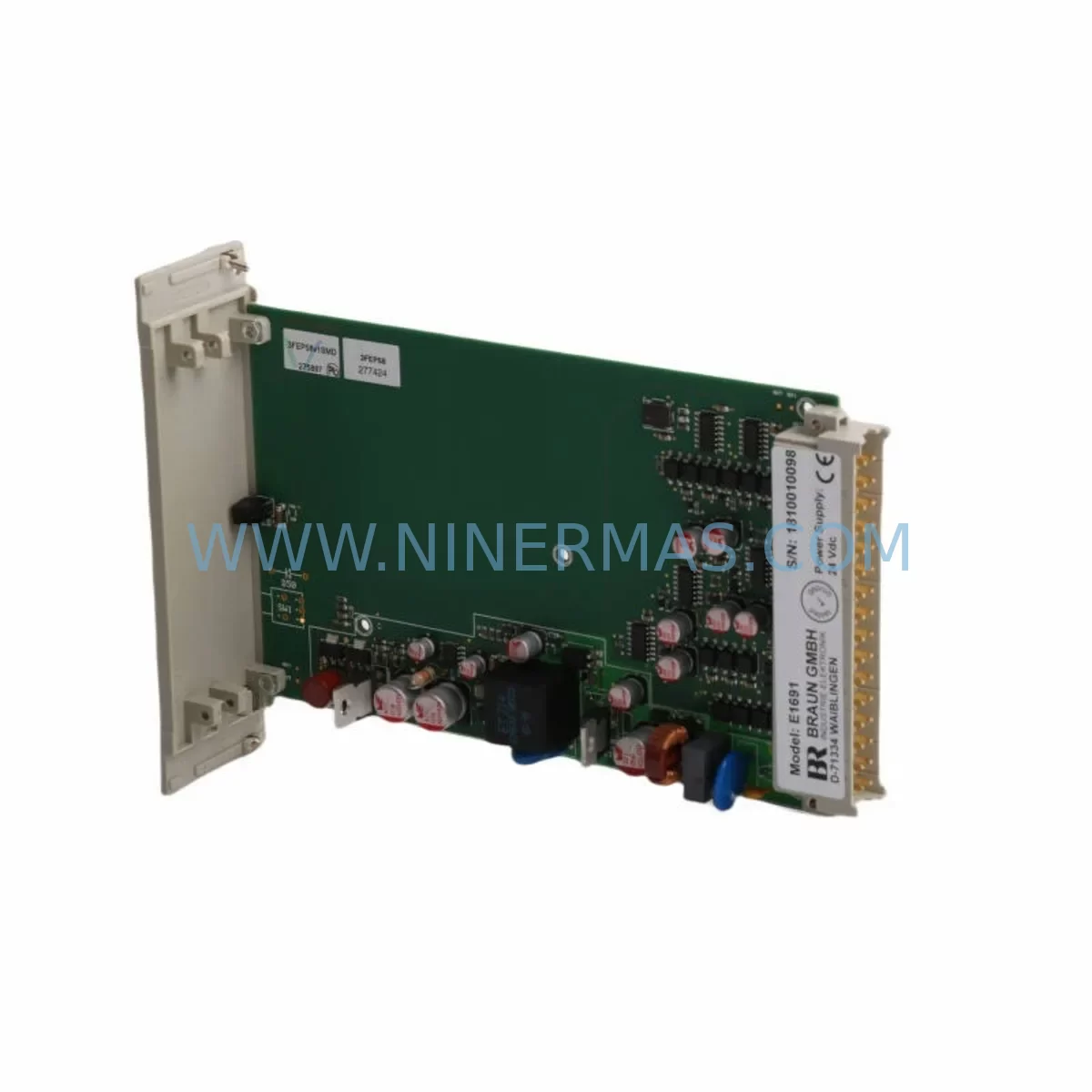
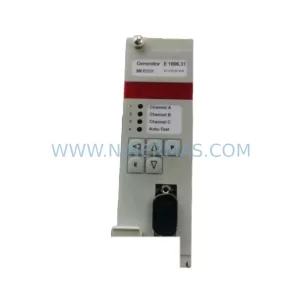
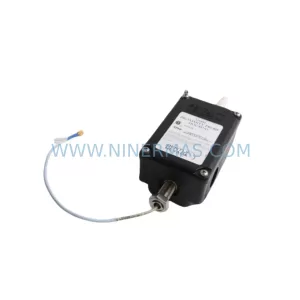
Braun E1667.211 Service-Ready Spare Part for Industrial Maintenance
Verify the part, confirm the platform family, and move straight into quotation with the right commercial details.
RFQ Ready
- SKUE1667.211
- CategoryTSI & Rotating Machinery Monitoring
- BrandBraun
- SupportAvailability, lead time, condition, and shipping coordination
How Buyers Usually Use This Page
- Confirm the exact part number and platform family before sending the quote request.
- Use direct email when quantity, condition, and destination are already defined internally.
- Switch to the broader brand or category archive when you need alternates nearby.
Series Navigation
Move through the most common platform families behind this part.
Product RFQ
Send this part directly for quotation.
Include quantity, required condition, destination country, and target delivery timing. Current reference: Braun E1667.211 Service-Ready Spare Part for Industrial Maintenance with SKU E1667.211.
Braun E1667.211 Service-Ready Spare Part for Industrial Maintenance
The Braun E1667.211 is a critical safety monitoring module within the Braun E1667 Series, engineered to meet SIL3 (Safety Integrity Level 3) requirements in demanding industrial automation environments. Whether you are managing a scheduled annual overhaul, responding to an unplanned shutdown, or building a proactive spare parts inventory for your control cabinet, the E1667.211 represents a high-priority line item for any maintenance or procurement engineer responsible for process safety and system uptime.
At NINERMAS, we supply the Braun E1667.211 as a service-ready, tested spare part — sourced to support fast replacement cycles, minimize production downtime, and maintain full SIL3 compliance across your safety instrumented system (SIS). Each unit is inspected prior to dispatch and backed by a 12-month warranty, giving your team the confidence to stock, deploy, and rely on this component in mission-critical applications.
Spare Maintenance Table
| Parameter | Specification / Details |
|---|---|
| Part Number / SKU | E1667.211 |
| Brand | Braun |
| Series | E1667 Series |
| Product Type | Safety Monitoring Module |
| Safety Integrity Level | SIL3 Compliant |
| Application | Industrial Safety Instrumented Systems (SIS), Process Automation, Control Cabinet Integration |
| Origin | Germany |
| Compatibility | Braun E1667 Series safety monitoring systems; compatible with standard DIN-rail control cabinet configurations |
| Installation | DIN-rail mountable; refer to E1667 Series installation manual for wiring and commissioning procedures |
| Operating Environment | Industrial automation, process plants, oil & gas, chemical, power generation, manufacturing |
| Maintenance Recommendation | Inspect during annual shutdown; replace immediately upon fault indication or SIL proof-test failure |
| Condition | New / Service-Ready Original Spare |
| Warranty | 12 Months from date of shipment |
| Lead Time | Contact NINERMAS for current stock availability and lead time |
| Support | sale@ninermas.com | +0086 187 5021 5667 |
Maintenance Planning for Continuous Operation
When a Braun E1667.211 safety monitoring module is flagged for replacement — whether during a routine proof test, a fault diagnostic, or an emergency shutdown event — experienced maintenance engineers know that the module itself is rarely the only component requiring attention. A thorough site inspection and replacement workflow should encompass the entire safety loop and associated control cabinet infrastructure.
Begin by verifying the 24VDC or 120VAC power supply module feeding the E1667 safety rack. Power quality issues — voltage sags, ripple, or intermittent supply — are a leading cause of premature module failure and can compromise SIL3 loop integrity. If the power supply is original to the installation and has not been replaced within the last five to seven years, it should be treated as a co-replacement candidate alongside the E1667.211.
Next, inspect the input/output (I/O) wiring terminals and terminal blocks connected to the E1667.211. Loose connections, corroded terminals, or undersized conductors can introduce signal errors that mimic module faults. Tighten all field wiring connections and verify continuity before commissioning the replacement module. If your installation uses Braun E1667 series I/O expansion modules in the same rack, confirm their firmware versions are compatible with the replacement E1667.211 to avoid communication mismatches.
For installations where the E1667.211 interfaces with a safety relay output stage — such as a Braun or third-party safety relay module — verify the relay coil voltage, contact ratings, and response time specifications. Safety relays in SIL3 loops are subject to the same proof-test intervals as the monitoring module itself, and a worn or degraded relay can invalidate the SIL rating of the entire loop even after a successful module replacement.
If your system architecture includes a fieldbus or serial communication module (PROFIBUS, Modbus, or HART) for transmitting safety status data to the DCS or SCADA layer, inspect the communication cable shielding and connector integrity. Damaged shielding on communication cables is a common source of intermittent faults in safety monitoring systems, particularly in environments with high electromagnetic interference (EMI).
Maintenance planners should also review the condition of the backplane or rack bus connector on which the E1667.211 is seated. Oxidized or mechanically stressed backplane contacts can cause intermittent module recognition errors and should be cleaned or replaced as part of the corrective maintenance event. In older E1667 series installations, the backplane itself may be approaching end-of-life and should be evaluated for proactive replacement during the same maintenance window.
Finally, if your control cabinet includes signal isolators or signal conditioners between field sensors and the E1667.211 input channels, verify their calibration and output signal levels. A drifted signal isolator can cause the safety monitoring module to register false trips or fail to detect genuine process deviations — both of which are unacceptable in SIL3 applications. Fuse holders and miniature circuit breakers (MCBs) protecting the E1667 rack supply should also be inspected and replaced if showing signs of thermal stress or contact wear.
Stocking the Braun E1667.211 alongside complementary spares — including power supply modules, safety relay modules, I/O terminal assemblies, communication modules, and backplane connectors — is the most effective strategy for minimizing mean time to repair (MTTR) and protecting production continuity in safety-critical facilities.
Site Replacement Workflow
Step 1 — Permit and Isolation: Obtain a valid permit to work (PTW) and isolate the affected safety loop in accordance with your site’s safety management system. Confirm that the process is in a safe state before opening the control cabinet.
Step 2 — Document Current Configuration: Before removing the E1667.211, photograph or record all wiring connections, DIP switch settings, and any configuration parameters stored in the module. For E1667 series modules with onboard parameter storage, confirm whether configuration data needs to be re-entered or can be transferred from a backup.
Step 3 — Remove the Faulty Module: Disconnect field wiring from the module terminals in the sequence specified in the Braun E1667 Series maintenance manual. Remove the module from the DIN rail or backplane slot, taking care not to damage adjacent modules or wiring harnesses.
Step 4 — Inspect and Prepare the Replacement: Verify that the replacement Braun E1667.211 matches the exact part number, hardware revision, and firmware version required by your system. Confirm that all DIP switches or configuration jumpers are set to match the removed module before installation.
Step 5 — Install and Commission: Seat the replacement module securely on the DIN rail or backplane. Reconnect all field wiring in the documented sequence. Apply power and verify that the module initializes correctly, with no fault or error indicators active.
Step 6 — Functional Test and SIL Proof Test: Perform a functional test of the safety loop in accordance with your site’s proof-test procedure. Document the test results and update the maintenance record for the E1667.211 and associated safety loop. Confirm that the SIL3 rating of the loop is maintained before returning the system to service.
Step 7 — Update Spare Parts Inventory: Record the replacement event in your CMMS and reorder a replacement E1667.211 to restore your on-site spare parts buffer. Contact NINERMAS to confirm current stock availability and lead time for your next unit.
Spare Parts Support FAQ
Q1: Is the Braun E1667.211 supplied by NINERMAS a new, original spare part?
Yes. NINERMAS supplies the E1667.211 as a new, original Braun spare part. Each unit is inspected and tested prior to shipment to ensure it meets the electrical and functional specifications required for SIL3 safety monitoring applications. A 12-month warranty is provided from the date of shipment.
Q2: How do I confirm compatibility between the replacement E1667.211 and my existing E1667 Series installation?
Compatibility should be verified by comparing the part number, hardware revision, and firmware version of the replacement module against the installed unit and the system’s bill of materials (BOM). If you are unsure, provide NINERMAS with your system documentation or the nameplate details of the installed module, and our technical team will assist with compatibility confirmation before shipment.
Q3: What is the recommended spare parts stocking strategy for the Braun E1667.211 in a SIL3 application?
For SIL3 safety instrumented systems, industry best practice recommends maintaining a minimum of one replacement unit on-site for each installed E1667.211, with additional units held in a regional warehouse for multi-site operations. Given the potential for extended lead times on safety-rated components, procurement engineers should review and replenish spare parts inventory immediately after each replacement event rather than waiting for the next scheduled procurement cycle.
Q4: Can NINERMAS support long-term supply of the Braun E1667.211 for ongoing maintenance programs?
Yes. NINERMAS specializes in long-term spare parts supply for industrial automation and safety systems, including legacy and current-production Braun E1667 Series components. We support annual maintenance contracts, blanket purchase orders, and emergency procurement requirements. Contact our team at sale@ninermas.com or +0086 187 5021 5667 to discuss your long-term supply requirements.
| Product Series | Other series |
|---|
Catalog Continuation
More Braun modules in the catalog.
Use the brand lane to compare nearby part numbers, platform-adjacent modules, and other inquiry-ready listings before sending your final RFQ.
Catalog Continuation
Alternative parts within TSI & Rotating Machinery Monitoring.
Stay inside the same system family when you need substitutes, adjacent modules, or a broader shortlist for procurement review.
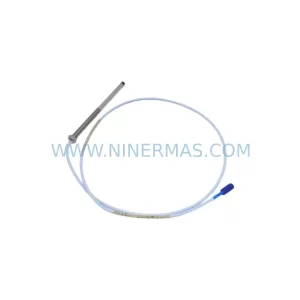
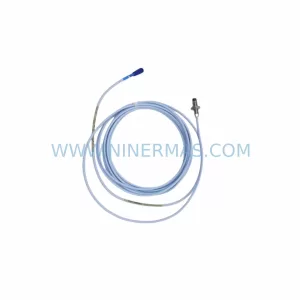
SKU: 330103-00-14-10-02-CN
Bently Nevada 330103-00-14-10-02-CN Retrofit Proximity Probe
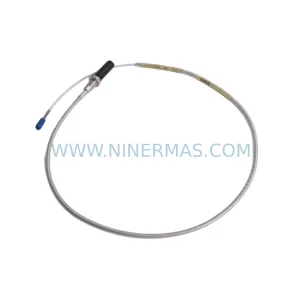
SKU: 330704-000-060-10-02-CN
Bently Nevada 330704-000-060-10-02-CN 3300 XL Probe
SKU: 31000-00-00-00-070-03-02
Bently Nevada 31000-00-00-00-070-03-02 Service-Ready Spare Part for Industrial Maintenance