Original Industrial Spare Part
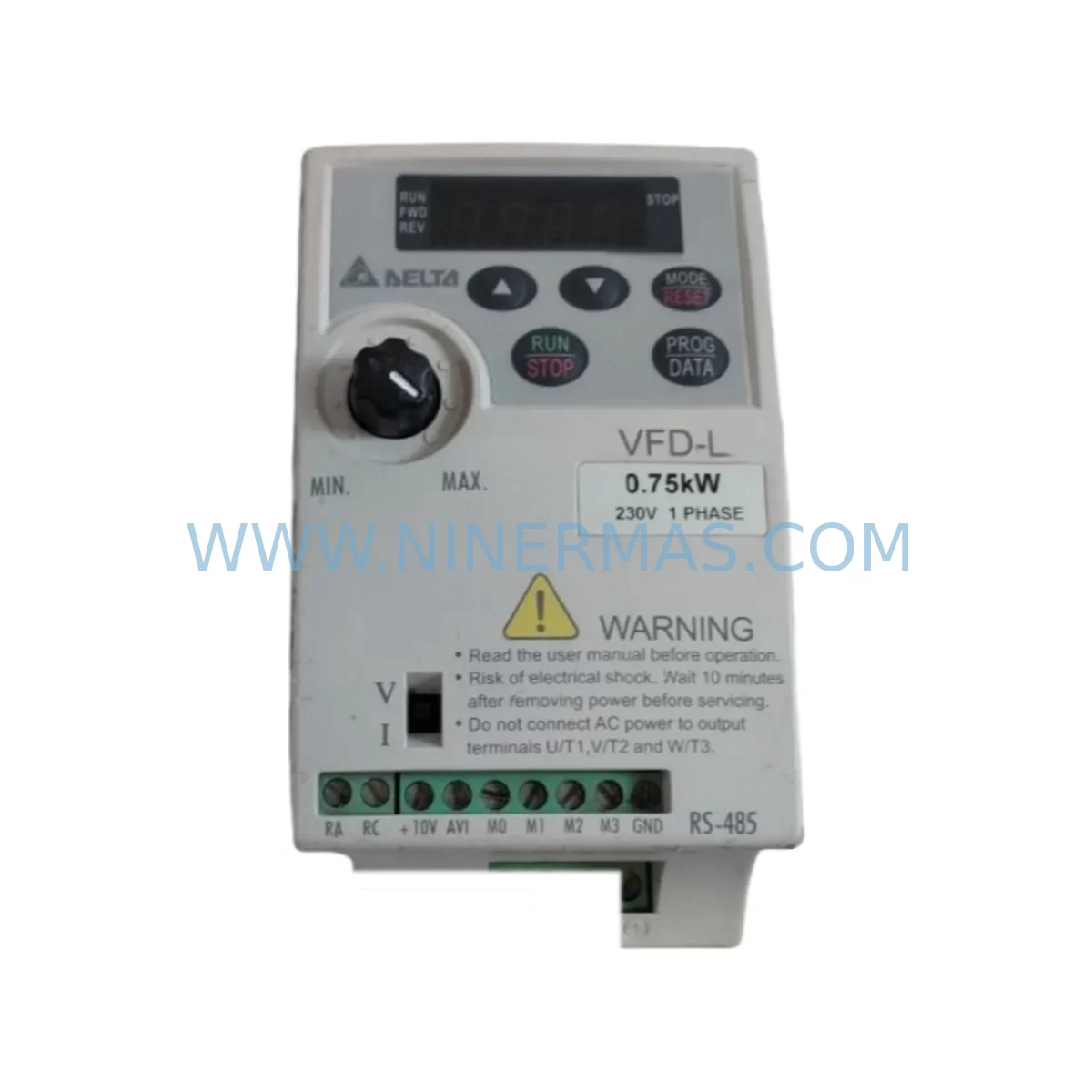
Delta VFD007L21A Spare Part for Industrial Maintenance
Verify the part, confirm the platform family, and move straight into quotation with the right commercial details.
RFQ Ready
- SKUVFD007L21A
- CategoryDCS Distributed Control Systems
- BrandDelta
- SupportAvailability, lead time, condition, and shipping coordination
How Buyers Usually Use This Page
- Confirm the exact part number and platform family before sending the quote request.
- Use direct email when quantity, condition, and destination are already defined internally.
- Switch to the broader brand or category archive when you need alternates nearby.
Series Navigation
Move through the most common platform families behind this part.
Product RFQ
Send this part directly for quotation.
Include quantity, required condition, destination country, and target delivery timing. Current reference: Delta VFD007L21A Spare Part for Industrial Maintenance with SKU VFD007L21A.
Delta VFD007L21A Spare Part for Industrial Maintenance
The Delta VFD007L21A is a compact 0.75 kW (1 HP) single-phase input / three-phase output variable frequency drive from Delta’s VFD-L series, widely deployed in light industrial machinery, HVAC auxiliary drives, conveyor systems, pump control panels, and general-purpose motor speed regulation applications. As aging control systems approach end-of-life, sourcing a service-ready, pre-tested replacement unit becomes critical to avoiding unplanned downtime and production loss.
NINERMAS supplies the VFD007L21A as a verified spare part with full functional testing prior to shipment, a 12-month warranty, and long-term stock availability — giving maintenance engineers and procurement teams the confidence to plan ahead rather than react to failures.
Spare Maintenance Table
| Parameter | Specification |
|---|---|
| Model / SKU | VFD007L21A |
| Brand / Series | Delta Electronics / VFD-L Series |
| Rated Output Power | 0.75 kW (1 HP) |
| Input Voltage | Single-Phase 200–240 VAC, 50/60 Hz |
| Output Voltage | Three-Phase 0–240 VAC |
| Output Current | 5.0 A (rated) |
| Control Method | V/F (Volts-per-Hertz) Control |
| Frequency Range | 0.1 – 400 Hz |
| Protection Class | IP20 (panel-mount) |
| Ambient Temperature | -10°C to +40°C (operating) |
| Humidity | ≤90% RH, non-condensing |
| Mounting | DIN rail or panel screw mount |
| Communication | RS-485 (Modbus RTU optional via keypad port) |
| Compatibility | Direct replacement for VFD007L21A; compatible with VFD-L series wiring and parameter sets |
| Application Environment | Light industrial, HVAC, conveyor, pump, fan speed control |
| Maintenance Recommendation | Inspect cooling fan, DC bus capacitors, and terminal connections every 12 months |
| Warranty | 12 Months — Covered by NINERMAS from date of shipment |
| Pre-Shipment Testing | Full functional test performed before dispatch |
| Origin | Taiwan (Delta Electronics) |
Maintenance Planning for Continuous Operation
When replacing the VFD007L21A in a control panel or machine cabinet, a thorough site inspection of the surrounding electrical circuit is essential to prevent repeat failures and ensure long-term system stability. Maintenance engineers should treat the VFD replacement as an opportunity to audit the entire motor drive circuit.
Begin with the input power supply: verify that the single-phase 220 VAC supply voltage is within tolerance and that the upstream circuit breaker or MCCB is correctly rated for the drive’s input current. A worn or undersized breaker can cause nuisance tripping or fail to protect the new drive during fault conditions. Check the input EMC filter (such as Delta’s DRF series or equivalent) for signs of overheating or capacitor degradation — a compromised filter allows line noise to propagate into the drive’s rectifier stage.
Inspect all power terminal connections (R/L1, S/L2, T/L3 input; U/T1, V/T2, W/T3 output) for oxidation, loose crimps, or undersized cable cross-sections. Poor terminal contact is a leading cause of premature VFD failure in humid or vibration-prone environments. Replace any corroded terminal blocks or DIN rail terminal strips at this stage.
On the motor side, test the three-phase motor winding insulation resistance with a megohmmeter before reconnecting. A degraded motor with low insulation resistance will stress the new drive’s IGBT output stage. If the motor has been in service for more than five years, consider scheduling a motor rewind or replacement alongside the VFD spare.
Review the control wiring connected to the VFD’s multi-function input terminals (FWD, REV, MI1–MI3) and analog input (AVI/ACI). Verify that the PLC or DCS output module driving these signals is functioning correctly — a faulty digital output card can send erratic run/stop commands that damage the new drive. If the system uses a Delta DVP series PLC or a third-party controller, confirm that the communication parameters (baud rate, station address) match the VFD007L21A’s RS-485 Modbus settings.
Check the braking resistor (if installed) for correct resistance value and power rating. An open-circuit or incorrectly rated braking resistor will trigger overvoltage faults during deceleration. Similarly, inspect the DC bus choke or AC line reactor for signs of insulation breakdown or overheating.
For panel-level inspection, audit the 24 VDC control power supply feeding the PLC I/O rack, relay coils, and HMI. A sagging control supply voltage causes intermittent faults that are difficult to diagnose. Replace any 24 VDC SMPS modules showing output ripple beyond specification. Also inspect intermediate relay modules (such as Phoenix Contact or Omron MY series) used to interface PLC outputs with the VFD control terminals — contact wear on these relays is a common source of unreliable start/stop behavior.
If the system includes a Delta DOP series HMI or operator panel connected via RS-485, verify that the communication cable shielding is intact and that the termination resistor is correctly installed at the cable end. A broken shield or missing termination causes Modbus communication errors that may be misdiagnosed as VFD faults.
Finally, confirm that the panel’s cooling ventilation is adequate. The VFD007L21A is rated IP20 and relies on convection or forced-air cooling within the enclosure. Clean or replace the panel’s filter mats and cooling fans, and verify that the ambient temperature inside the cabinet does not exceed 40°C under full load conditions.
Site Replacement Workflow
Step 1 — Isolation & Lockout: De-energize the main power supply and apply LOTO (Lockout/Tagout) procedure. Wait a minimum of 5 minutes after power-off before opening the drive cover, allowing the DC bus capacitors to discharge safely.
Step 2 — Parameter Backup: If the existing VFD007L21A is still partially functional, use the Delta keypad (KPE-LE01 or equivalent) or RS-485 communication to upload and save all parameter settings before removal. Record motor nameplate data, acceleration/deceleration ramp times, frequency limits, and any PID or multi-speed settings.
Step 3 — Mechanical Removal: Disconnect all power terminals (R/S/T input, U/V/W output, braking resistor terminals) and control wiring. Label each wire before removal. Unmount the drive from the DIN rail or panel backplate.
Step 4 — Inspection & Cleaning: Clean the mounting area. Inspect the panel interior for signs of overheating, arc marks, or moisture ingress. Address any root-cause issues before installing the replacement unit.
Step 5 — Installation: Mount the new VFD007L21A. Reconnect power and control terminals per the original wiring diagram. Torque all terminal screws to specification to prevent loose connections.
Step 6 — Parameter Restore & Commissioning: Restore saved parameters to the new drive. Perform a no-load test run, then a loaded test run at low speed before returning to full production speed. Verify motor current, output frequency, and fault log are clear.
Step 7 — Documentation: Update the maintenance log with the replacement date, new unit serial number, and any parameter changes. Schedule the next inspection interval (recommended: 12 months).
This structured workflow minimizes downtime, reduces the risk of repeat failures, and ensures the replacement VFD007L21A is commissioned correctly for long-term reliable operation.
Spare Parts Support FAQ
Q1: Is the VFD007L21A you supply an original Delta unit or a compatible replacement?
We supply original-compatible VFD007L21A units sourced from authorized distribution channels and verified stock. Each unit undergoes full functional testing before shipment. Where original Delta stock is available, we prioritize it; in all cases, the unit is confirmed to meet OEM electrical specifications and is covered by our 12-month warranty.
Q2: How do you verify compatibility with my existing system before I order?
Provide your existing drive’s nameplate data (model, input voltage, output power, motor rating) and your control wiring configuration. Our technical team will confirm compatibility with the VFD007L21A’s I/O, communication, and power specifications before order confirmation. We also support parameter file review for Delta VFD-L series applications.
Q3: What does the 12-month warranty cover, and what is the replacement process?
The 12-month warranty covers manufacturing defects and functional failures under normal operating conditions from the date of shipment. It does not cover damage caused by incorrect installation, overvoltage events, or environmental conditions outside the drive’s rated specifications. In the event of a warranty claim, contact us at sale@ninermas.com with the order reference and fault description. We will arrange a replacement or repair with priority handling to minimize your downtime.
Q4: Can you support long-term or blanket purchase orders for ongoing maintenance programs?
Yes. NINERMAS supports long-term spare parts supply agreements for the VFD007L21A and related VFD-L series components. We can reserve stock, agree on fixed pricing for a defined period, and coordinate scheduled deliveries aligned with your annual maintenance calendar. Contact our sales team to discuss a tailored spare parts program for your facility.
| Product Series | Other series |
|---|
Catalog Continuation
More Delta modules in the catalog.
Use the brand lane to compare nearby part numbers, platform-adjacent modules, and other inquiry-ready listings before sending your final RFQ.
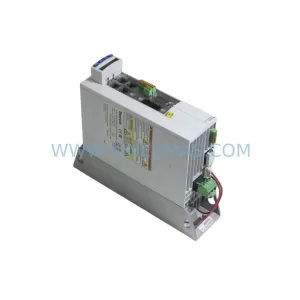
SKU: IE-2000U-16TC-GP V02
DELTA IE-2000U-16TC-GP V02 Safety-Reliable Switch for Control
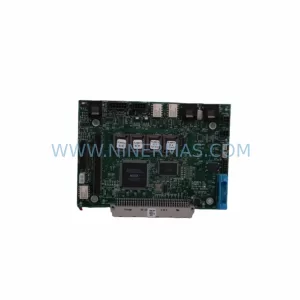
SKU: ACC-24E2S 603581-101 2-AXIS
Delta ACC-24E2S 603581-101 Spare Part for Industrial Maintenance
Catalog Continuation
Alternative parts within DCS Distributed Control Systems.
Stay inside the same system family when you need substitutes, adjacent modules, or a broader shortlist for procurement review.
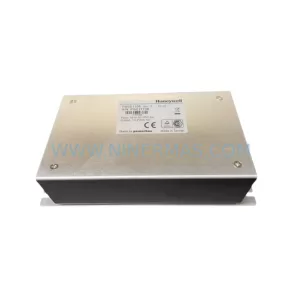
SKU: PBSE1196 PBSE1120
Honeywell PBSE1196 Service-Ready Spare Part for Industrial Maintenance
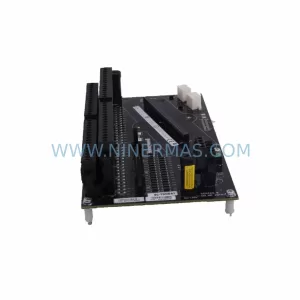
SKU: 8C-TAIDB1/51307133-175
Honeywell 8C-TAIDB1 51307133-175 Retrofit-Compatible Terminal Assembly
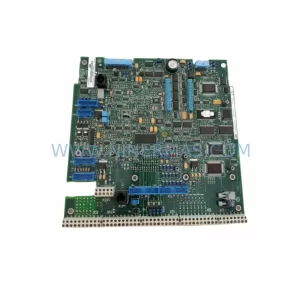
SKU: DSAO110 57120001-AT/2
ABB DSAO110 57120001-AT/2 Retrofit-Compatible Analog Output for Legacy Systems