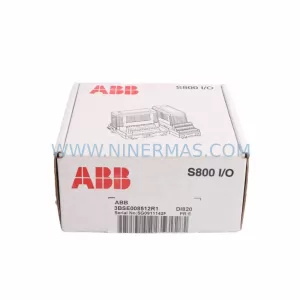
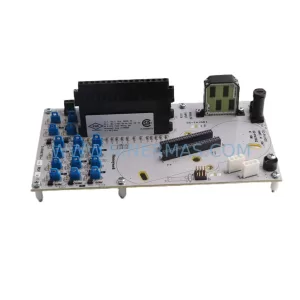
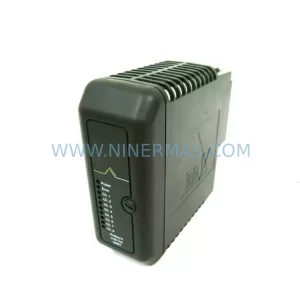
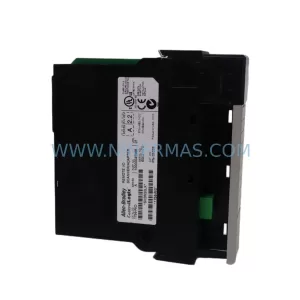
Original Industrial Spare Part
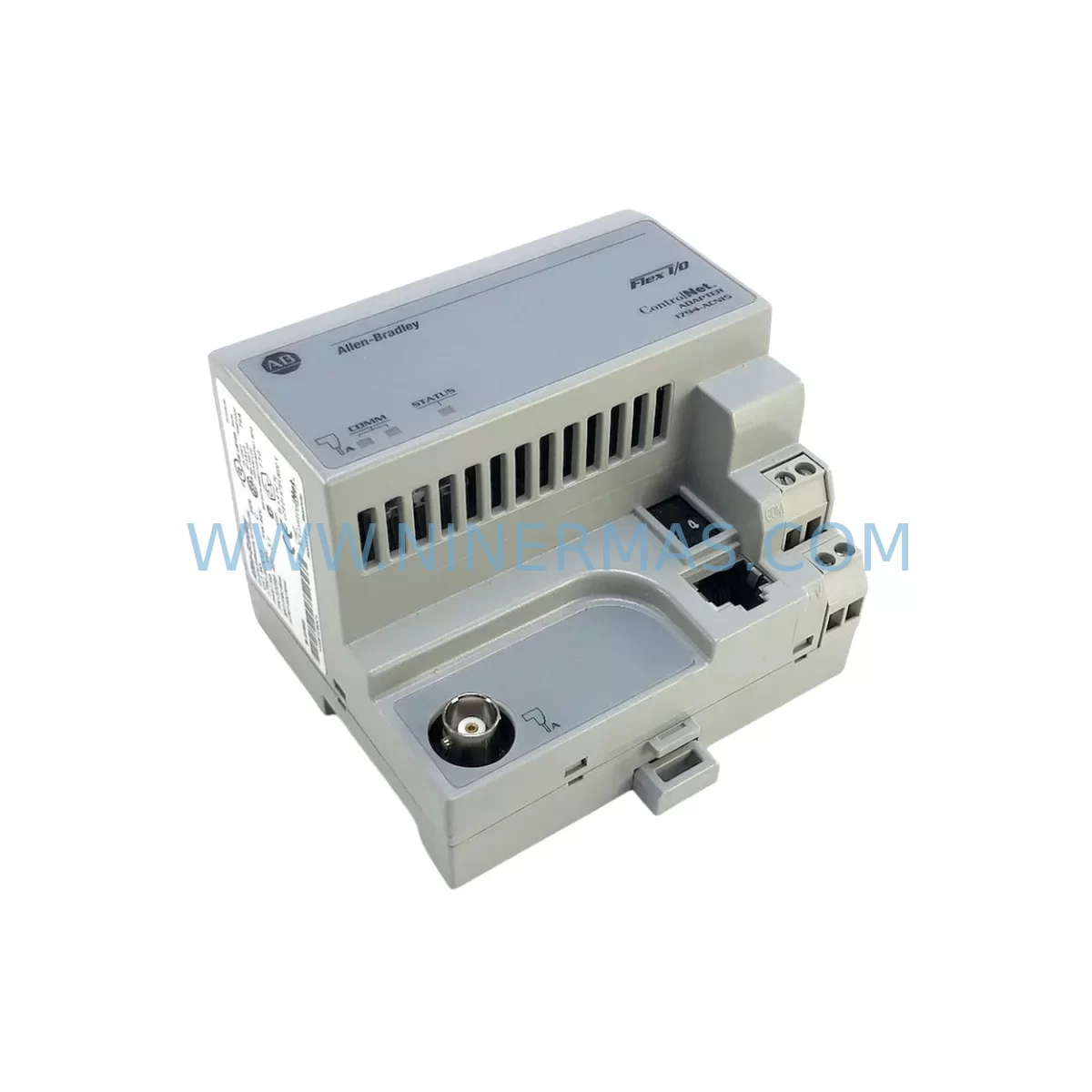
Allen-Bradley 1794-ACN15/C Spare Part for Industrial Maintenance
Verify the part, confirm the platform family, and move straight into quotation with the right commercial details.
RFQ Ready
- SKU1794-ACN15/C
- CategoryPLC & Industrial Automation Modules
- BrandAllen-Bradley
- SupportAvailability, lead time, condition, and shipping coordination
How Buyers Usually Use This Page
- Confirm the exact part number and platform family before sending the quote request.
- Use direct email when quantity, condition, and destination are already defined internally.
- Switch to the broader brand or category archive when you need alternates nearby.
Series Navigation
Move through the most common platform families behind this part.
Product RFQ
Send this part directly for quotation.
Include quantity, required condition, destination country, and target delivery timing. Current reference: Allen-Bradley 1794-ACN15/C Spare Part for Industrial Maintenance with SKU 1794-ACN15/C.
Allen-Bradley 1794-ACN15/C Spare Part for Industrial Maintenance
The Allen-Bradley 1794-ACN15/C is a FLEX I/O ControlNet Adapter Module manufactured by Rockwell Automation, designed to serve as the communication interface between FLEX I/O terminal bases and a ControlNet network. In industrial maintenance environments where production continuity is paramount, having a verified, service-ready 1794-ACN15/C in your spare parts inventory is a critical risk mitigation strategy. Whether you are managing a scheduled annual overhaul, responding to an unplanned fault, or conducting a routine control cabinet inspection, this adapter module is a high-priority component that directly governs the data exchange between field-level I/O and the plant-wide control network.
The 1794-ACN15/C supports ControlNet revision 1.5 and is compatible with the full range of FLEX I/O terminal bases and I/O modules within the 1794 series. It provides deterministic, high-speed communication at up to 5 Mbps, making it suitable for time-critical control loops in continuous manufacturing, automotive assembly, food and beverage processing, and material handling systems. Its compact DIN-rail-mountable form factor integrates directly into existing FLEX I/O backplane assemblies without requiring additional hardware modifications, enabling rapid field replacement with minimal downtime.
Spare Maintenance Table
| Parameter | Specification |
|---|---|
| SKU / Part Number | 1794-ACN15/C |
| Brand / Manufacturer | Allen-Bradley (Rockwell Automation) |
| Series | FLEX I/O (1794 Series) |
| Module Type | ControlNet Adapter Module |
| Network Protocol | ControlNet (Revision 1.5) |
| Communication Speed | Up to 5 Mbps |
| Power Supply Voltage | 24V DC (from FLEX I/O power supply) |
| Backplane Current Draw | 900 mA @ 5V DC (typical) |
| Operating Temperature | 0°C to 55°C (32°F to 131°F) |
| Storage Temperature | -40°C to 85°C (-40°F to 185°F) |
| Relative Humidity | 5% to 95% non-condensing |
| Enclosure Rating | IP20 (panel-mount installation) |
| Mounting | DIN Rail / FLEX I/O Terminal Base |
| Compatibility | 1794 Series FLEX I/O Terminal Bases and I/O Modules |
| Country of Origin | United States |
| Warranty | 12 Months from date of shipment |
| Pre-Shipment Testing | Full functional test performed before dispatch |
Maintenance Planning for Continuous Operation
When a 1794-ACN15/C adapter fails or shows signs of degraded communication — such as intermittent I/O faults, ControlNet node dropouts, or unexpected PLC program faults — the replacement process must be executed with a clear understanding of the surrounding system architecture. Maintenance engineers should treat this event as an opportunity to inspect the entire FLEX I/O assembly and associated control cabinet components.
Begin by verifying the integrity of the 1794-PS13 or 1794-PS3 FLEX I/O power supply module, which provides the 24V DC rail that powers the adapter and all downstream I/O modules. A degraded power supply is a common root cause of adapter communication faults and should be tested under load before the new 1794-ACN15/C is commissioned. Alongside the power supply, inspect the 1794-TB3 or 1794-TB3S terminal base on which the adapter is mounted — damaged or corroded terminal base contacts can cause intermittent backplane communication errors that mimic adapter failures.
Next, audit the ControlNet coaxial cable and RG-6 trunk connectors at both ports of the adapter. ControlNet is a physical-layer-sensitive network; damaged BNC connectors, excessive cable lengths, or missing termination resistors will cause node communication errors even with a new adapter installed. Check the 1786-RPA/B ControlNet repeater if the segment spans long distances or passes through electrically noisy environments such as motor control centers or VFD enclosures.
For the I/O modules downstream of the adapter, inspect the 1794-IB16 digital input module and 1794-OB16 digital output module for blown fuses, damaged field wiring terminals, or LED fault indicators. If the system includes analog signals, the 1794-IE8 analog input module should be checked for signal drift or calibration errors that may have been masked by the communication fault. In mixed-signal control cabinets, a signal isolator or surge protection barrier installed between field instruments and the I/O module can prevent future transient damage to the adapter and its associated modules.
Procurement engineers sourcing the 1794-ACN15/C as a long-term spare should also consider stocking the 1794-ACN15 (revision A or B) as a cross-reference, confirming firmware compatibility with the installed RSLogix 5000 or Studio 5000 project before deployment. Maintaining a minimum of one adapter module per ControlNet segment in the plant spare parts inventory is a recognized best practice for facilities operating 24/7 continuous production lines.
Site Replacement Workflow
Replacing the 1794-ACN15/C on-site is a structured process that, when executed correctly, can restore full ControlNet communication within 30 to 60 minutes of fault identification. The following workflow is recommended for maintenance engineers performing the replacement in a live industrial environment:
Step 1 — Fault Confirmation: Use RSLinx Classic or Studio 5000 to confirm the 1794-ACN15/C node is offline or reporting a communication fault. Document the node address and scheduled connection parameters before proceeding.
Step 2 — Safe Isolation: Follow site LOTO (Lockout/Tagout) procedures to de-energize the FLEX I/O power supply feeding the affected adapter. Verify zero voltage at the 1794-PS13 output terminals before touching the adapter.
Step 3 — Module Removal: Disengage the ControlNet BNC connectors from both network ports. Slide the 1794-ACN15/C off the terminal base by releasing the locking tab. Note the node address switch settings on the outgoing module.
Step 4 — New Module Configuration: Set the node address rotary switches on the replacement 1794-ACN15/C to match the documented node address. Verify the revision level is compatible with the installed ControlNet network schedule.
Step 5 — Installation and Commissioning: Seat the new adapter onto the terminal base until the locking tab engages. Reconnect the ControlNet BNC cables. Re-energize the power supply and observe the adapter status LEDs — a solid green Network Status LED confirms successful network connection.
Step 6 — System Verification: In RSLinx or Studio 5000, confirm the node is online and all scheduled connections are established. Run a short production cycle to verify I/O data integrity before returning the line to full production.
This structured approach minimizes the risk of secondary faults caused by incorrect node addressing or improper cable reconnection, which are the two most common errors during field adapter replacement.
Spare Parts Support FAQ
Q1: Is the 1794-ACN15/C covered by a warranty?
Yes. All 1794-ACN15/C units supplied by NINERMAS are covered by a 12-month warranty from the date of shipment. Each unit undergoes a full functional test prior to dispatch to verify communication performance and backplane integrity. If a unit fails within the warranty period under normal operating conditions, NINERMAS will provide a replacement or full technical support to resolve the issue.
Q2: How do I confirm compatibility between the 1794-ACN15/C and my existing FLEX I/O system?
The 1794-ACN15/C is compatible with all 1794 Series FLEX I/O terminal bases and I/O modules. Compatibility with your ControlNet network depends on the network revision and the scheduled connection parameters configured in your RSLogix 5000 or Studio 5000 project. NINERMAS recommends providing your existing project file revision and ControlNet network revision when placing an order so our technical team can confirm full compatibility before shipment.
Q3: Can NINERMAS supply the 1794-ACN15/C for long-term or repeat procurement programs?
Yes. NINERMAS maintains stock of the 1794-ACN15/C and related FLEX I/O components to support long-term spare parts programs for facilities operating legacy ControlNet-based systems. We offer fixed lead-time commitments and volume pricing for annual procurement agreements, ensuring your maintenance team has access to verified spare parts without the risk of sourcing delays from the open market.
Q4: What should I do if the replacement 1794-ACN15/C does not come online after installation?
If the replacement adapter does not establish a ControlNet connection after installation, the most common causes are: incorrect node address switch settings, damaged BNC connectors or coaxial cable, missing or incorrect termination resistors on the ControlNet segment, or a mismatch between the adapter firmware revision and the network schedule. NINERMAS provides post-sale technical support to assist maintenance engineers in diagnosing and resolving commissioning issues for all supplied units.
| Product Series | Flex I/O |
|---|---|
| Country of Origin | US |
Catalog Continuation
More Allen-Bradley modules in the catalog.
Use the brand lane to compare nearby part numbers, platform-adjacent modules, and other inquiry-ready listings before sending your final RFQ.




Catalog Continuation
Alternative parts within PLC & Industrial Automation Modules.
Stay inside the same system family when you need substitutes, adjacent modules, or a broader shortlist for procurement review.


SKU: 00-176-037 00-176-037 00-262-652 00-262-652 00-178-888 00-178-888
KUKA 00-176-037 Retrofit Reducer Module for Legacy Systems

SKU: 6SE7027-2TD84-6HF3
SIEMENS 6SE7027-2TD84-6HF3 Service-Ready Spare Part