Original Industrial Spare Part
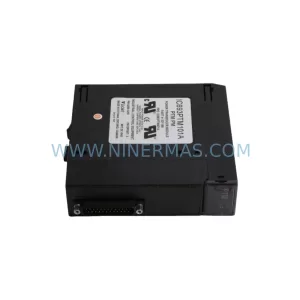
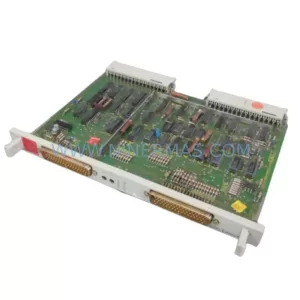
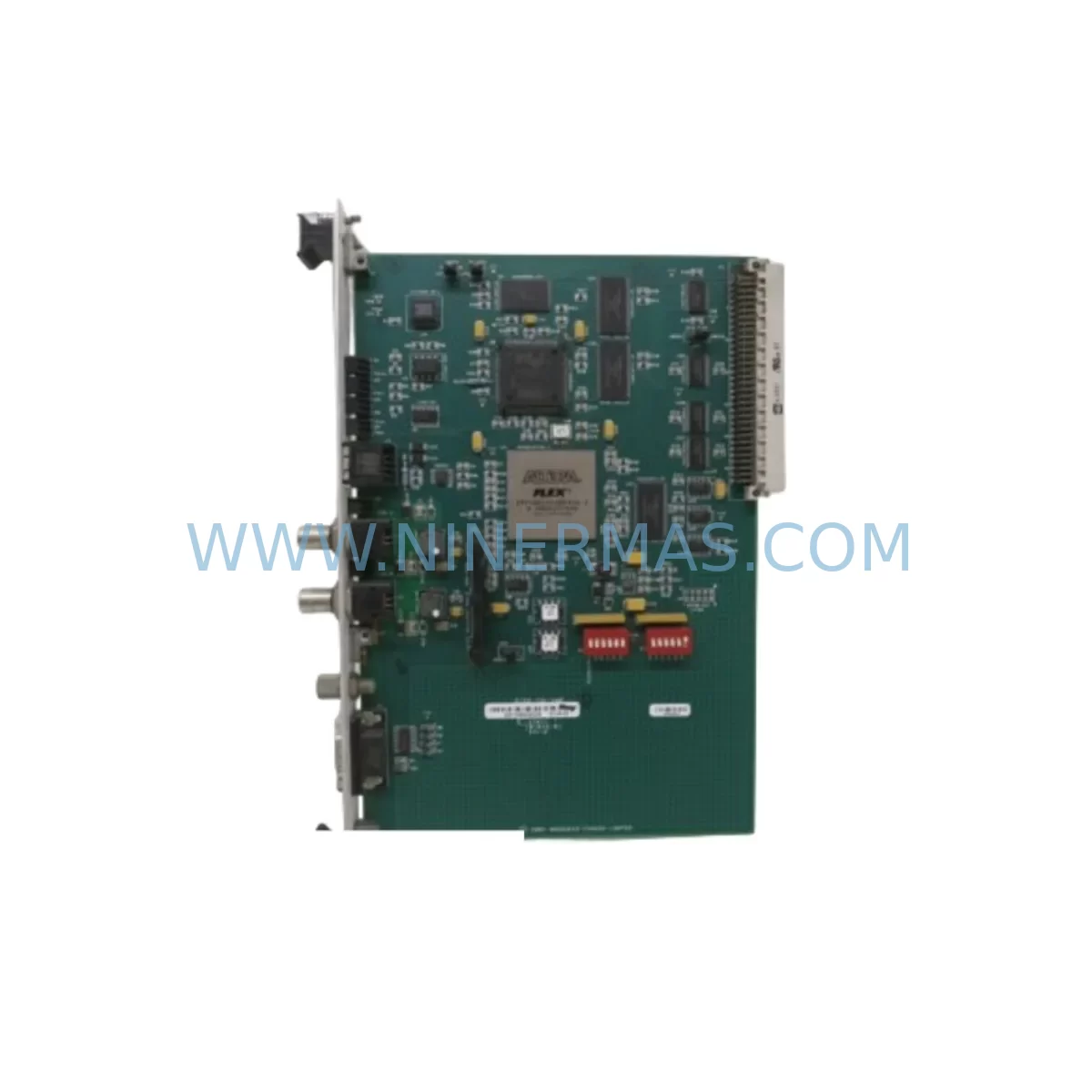
Brad Communications 5136 CN VME Service-Ready Spare Part
Verify the part, confirm the platform family, and move straight into quotation with the right commercial details.
RFQ Ready
- SKU5136 CN VME
- CategoryPLC & Industrial Automation Modules
- BrandBrad Communications
- SupportAvailability, lead time, condition, and shipping coordination
How Buyers Usually Use This Page
- Confirm the exact part number and platform family before sending the quote request.
- Use direct email when quantity, condition, and destination are already defined internally.
- Switch to the broader brand or category archive when you need alternates nearby.
Series Navigation
Move through the most common platform families behind this part.
Product RFQ
Send this part directly for quotation.
Include quantity, required condition, destination country, and target delivery timing. Current reference: Brad Communications 5136 CN VME Service-Ready Spare Part with SKU 5136 CN VME.
Brad Communications 5136 CN VME Service-Ready Spare Part: Minimizing Downtime in ControlNet VME Systems
The Brad Communications 5136 CN VME is a ControlNet-to-VME interface card engineered for high-reliability industrial automation environments. As a direct-replacement spare part, it enables maintenance engineers to restore ControlNet communication capability within VME backplane systems quickly and confidently — without requiring system redesign or firmware migration. Whether you are managing a scheduled annual overhaul, responding to an unplanned communication fault, or building a proactive spare parts inventory for aging control infrastructure, the 5136 CN VME delivers the compatibility and performance your operation demands.
Industrial facilities running legacy VME-based control architectures — including distributed control systems (DCS), programmable logic controllers (PLC), and SCADA platforms — depend on reliable ControlNet communication for real-time I/O coordination, peer-to-peer data exchange, and deterministic network timing. A failed or degraded ControlNet VME interface card can cascade into production stoppages, safety interlock failures, and costly emergency maintenance calls. Stocking a verified replacement unit of the 5136 CN VME is a recognized best practice in industrial maintenance planning.
Each unit supplied by NINERMAS undergoes pre-shipment functional testing and is backed by a 12-month warranty, giving procurement engineers and plant managers confidence in both quality and long-term supply continuity.
Spare Maintenance Table
| Parameter | Specification / Detail |
|---|---|
| Part Number / SKU | 5136 CN VME |
| Brand | Brad Communications |
| Series | ControlNet VME Interface |
| Product Type | VME Interface Card |
| Network Protocol | ControlNet (IEEE 802.4 / ODVA) |
| Bus Interface | VME (Versa Module Europa) Backplane |
| Application | Industrial PLC / DCS / SCADA ControlNet Communication |
| Compatibility | VME 6U backplane systems; ControlNet network topologies |
| Origin | United States |
| Condition | Original / Service-Ready |
| Pre-Shipment Testing | Yes — functional verification before dispatch |
| Warranty | 12 Months |
| Supply Lead Time | Contact for availability confirmation |
| Maintenance Scenario | Emergency replacement, annual overhaul, spare inventory |
Maintenance Planning for Continuous Operation
When replacing the 5136 CN VME ControlNet VME interface card, a thorough site inspection of the surrounding control cabinet and network infrastructure is essential to prevent repeat failures and ensure full system restoration. Maintenance engineers should treat this replacement as an opportunity to audit the broader electrical environment.
Begin by inspecting the VME backplane power supply — typically a dedicated +5 VDC / ±12 VDC industrial power module — for output voltage stability, ripple, and thermal performance. A degraded backplane power supply is a common root cause of interface card failures and should be tested or replaced concurrently. Similarly, review the VME backplane itself for connector wear, slot integrity, and bus termination resistors, as intermittent backplane contact can cause ControlNet communication errors that mimic card failure.
On the ControlNet network side, verify the condition of ControlNet coaxial trunk cables and tap assemblies. Damaged coax, corroded BNC connectors, or improperly terminated network segments will prevent the replacement 5136 CN VME from establishing stable communication even after installation. Check network repeaters and media converters if the installation spans multiple segments or long cable runs.
For I/O integrity, inspect the remote I/O adapter modules and ControlNet scanner cards in associated racks. If the 5136 CN VME interfaces with a Rockwell Automation or Allen-Bradley ControlNet scanner (such as the 1756-CNB or 1771-ACN series), confirm that scanner firmware and node addressing are compatible with the replacement card configuration. Review terminal block wiring and field device signal cables for insulation degradation, loose terminations, or ground faults that may have contributed to the original fault.
Where the VME system integrates with HMI panels or operator workstations via ControlNet, verify that the HMI communication driver configuration and node address assignments remain intact after card replacement. Check signal isolators on analog I/O channels connected to the ControlNet network for drift or calibration errors. Inspect relay output modules and fuse protection assemblies within the control cabinet for signs of overload or thermal stress. Finally, confirm that UPS (uninterruptible power supply) units serving the VME rack are within service life and capable of sustaining a controlled shutdown in the event of a future power disturbance.
A structured spare parts kit for a ControlNet VME system should include: the 5136 CN VME interface card, a compatible VME backplane power supply module, ControlNet coaxial tap assemblies, BNC termination plugs, spare VME backplane fuses, and at least one spare ControlNet scanner or adapter module for the associated I/O racks. Maintaining this kit on-site reduces mean time to repair (MTTR) and supports rapid production line recovery.
Site Replacement Workflow
Step 1 — Pre-Replacement Verification: Before removing the failed card, document the current ControlNet node address, network configuration parameters, and any DIP switch or jumper settings on the existing 5136 CN VME. Photograph the card orientation and cable connections for reference during reinstallation.
Step 2 — Safe Isolation: Follow your site’s lockout/tagout (LOTO) procedure. De-energize the VME rack via the main cabinet isolator. Confirm zero-energy state with a calibrated voltage tester before opening the backplane enclosure.
Step 3 — Card Removal and Inspection: Extract the faulty 5136 CN VME using proper ESD precautions. Inspect the vacated VME slot for debris, bent connector pins, or signs of arcing. Clean the slot with compressed air if required.
Step 4 — Replacement Card Configuration: Configure the replacement 5136 CN VME to match the documented node address and network settings. Verify DIP switch positions and any firmware version requirements against the system’s original commissioning documentation.
Step 5 — Installation and Re-Energisation: Seat the replacement card firmly into the VME backplane slot. Reconnect ControlNet coaxial cables and verify tap assembly integrity. Re-energize the rack and monitor the card’s status LEDs for normal ControlNet network acquisition.
Step 6 — System Validation: From the HMI or engineering workstation, confirm that all ControlNet nodes are online and communicating correctly. Run a diagnostic scan of the ControlNet network to verify node health, packet error rates, and I/O data integrity before returning the system to production.
This structured workflow minimizes system downtime, reduces the risk of secondary faults, and ensures full compatibility between the replacement 5136 CN VME and the existing ControlNet VME infrastructure.
Spare Parts Support FAQ
Q1: Is the 5136 CN VME a direct drop-in replacement for the original Brad Communications card?
Yes. The 5136 CN VME supplied by NINERMAS is an original Brad Communications part, not a third-party substitute. It is designed for direct installation into compatible VME 6U backplane systems without hardware modification. Confirm your system’s ControlNet node address and DIP switch configuration before installation to ensure seamless network integration.
Q2: How does NINERMAS verify the condition of spare parts before shipment?
Every 5136 CN VME unit undergoes pre-shipment functional testing to verify electrical integrity and communication capability. Units that do not meet performance standards are not dispatched. Each shipment is accompanied by documentation confirming the test status, and all units are covered by a 12-month warranty from the date of delivery.
Q3: Can NINERMAS support long-term or repeat procurement of the 5136 CN VME for ongoing maintenance programs?
Yes. NINERMAS specializes in long-term spare parts supply for industrial automation systems, including legacy and end-of-life components. We support annual maintenance contracts, blanket purchase orders, and emergency procurement requests. Contact our team at sale@ninermas.com or +0086 187 5021 5667 to discuss inventory reservation and supply continuity arrangements.
Q4: What should I do if my replacement 5136 CN VME does not establish ControlNet communication after installation?
First, verify that the node address and network configuration match the original card settings. Check ControlNet coaxial cable continuity, tap assembly condition, and network termination at both ends of the trunk. Confirm that the VME backplane power supply is within specification. If the issue persists, contact NINERMAS technical support — our team can assist with compatibility verification and, if required, arrange a warranty replacement unit.
| Product Series | Other series |
|---|
Catalog Continuation
Alternative parts within PLC & Industrial Automation Modules.
Stay inside the same system family when you need substitutes, adjacent modules, or a broader shortlist for procurement review.
SKU: 3G3EV-AB007M-E
OMRON 3G3EV-AB007M-E Retrofit-Compatible VFD for Legacy Systems
SKU: 2711P-RDT15C SER B
Allen-Bradley 2711P-RDT15C SER B Industrial Spare Part