Original Industrial Spare Part
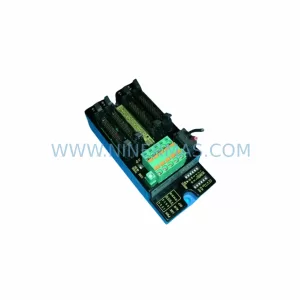
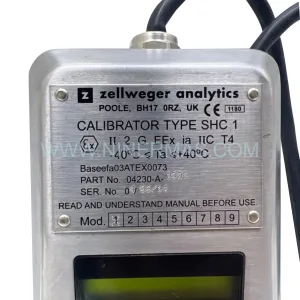
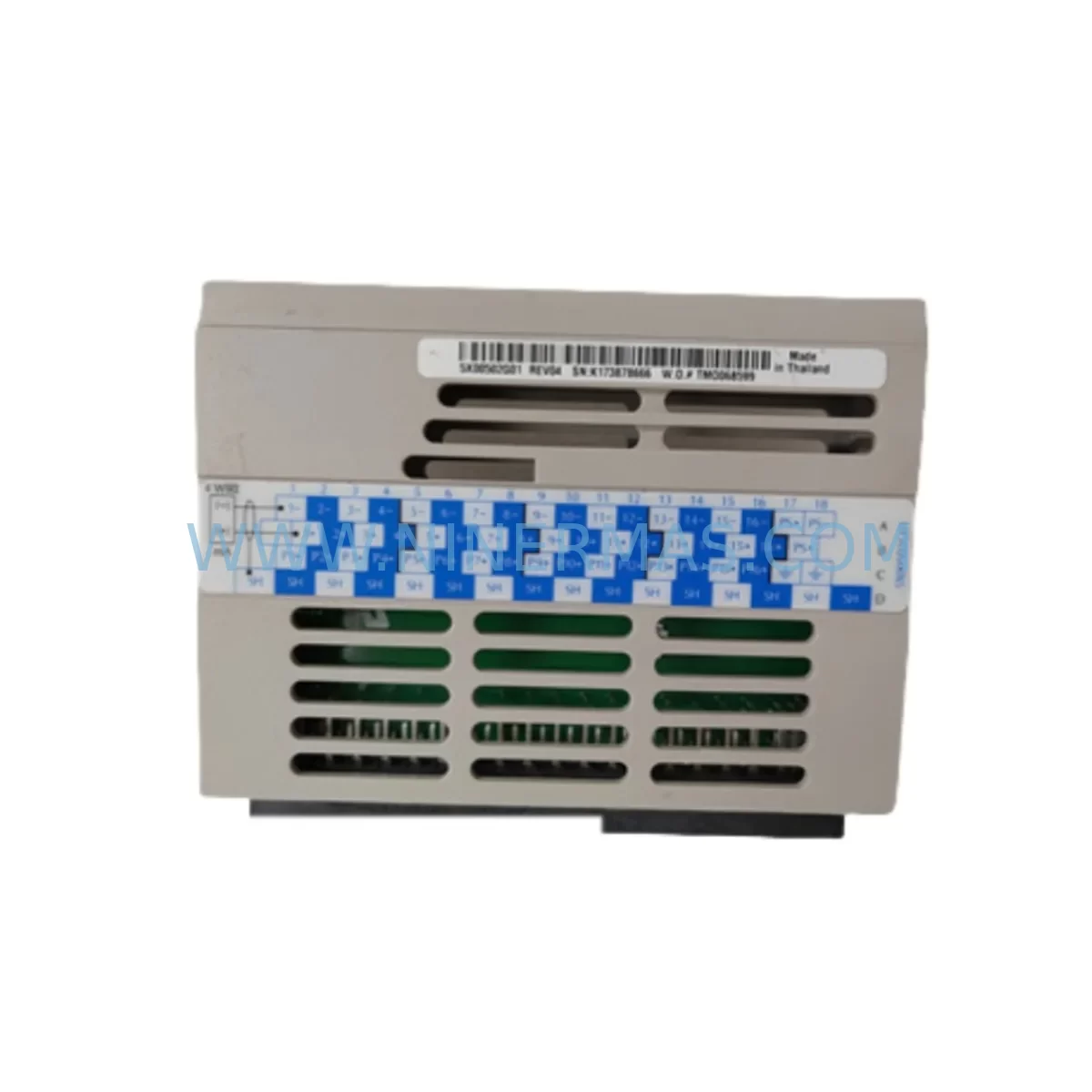
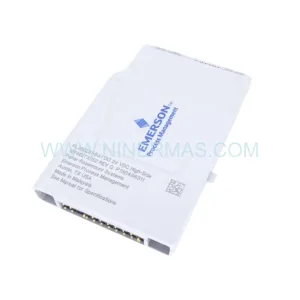
Emerson 5X00502G01 Retrofit-Compatible I/O Module for Legacy Systems
Verify the part, confirm the platform family, and move straight into quotation with the right commercial details.
RFQ Ready
- SKU5X00502G01
- CategoryDCS Distributed Control Systems
- BrandEMERSON
- SupportAvailability, lead time, condition, and shipping coordination
How Buyers Usually Use This Page
- Confirm the exact part number and platform family before sending the quote request.
- Use direct email when quantity, condition, and destination are already defined internally.
- Switch to the broader brand or category archive when you need alternates nearby.
Series Navigation
Move through the most common platform families behind this part.
Product RFQ
Send this part directly for quotation.
Include quantity, required condition, destination country, and target delivery timing. Current reference: Emerson 5X00502G01 Retrofit-Compatible I/O Module for Legacy Systems with SKU 5X00502G01.
Emerson 5X00502G01 Retrofit-Compatible I/O Module for Legacy Ovation DCS Systems
The Emerson 5X00502G01 is a field-proven I/O module designed for the Ovation Distributed Control System (DCS) platform — one of the most widely deployed process control architectures in power generation, water treatment, and continuous manufacturing facilities worldwide. As original equipment manufacturers phase out legacy hardware and discontinue support for older Ovation controller generations, the 5X00502G01 remains a critical spare part for facilities committed to extending the operational life of their existing control infrastructure without undertaking a full system replacement.
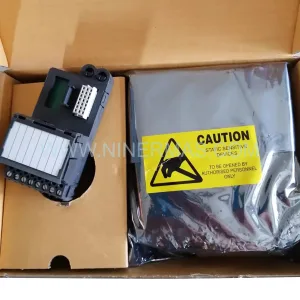
NINERMAS maintains verified in-stock inventory of the 5X00502G01, sourced from authorized channels and subject to pre-shipment functional testing. Each unit ships with a 12-month warranty, providing procurement teams and maintenance engineers with the confidence needed for long-term spare parts planning and unplanned outage recovery.
Upgrade Compatibility Table
| Parameter | Details |
|---|---|
| Part Number | 5X00502G01 |
| Brand / Platform | Emerson / Ovation DCS |
| Module Type | I/O Module (Process I/O) |
| Backplane Interface | Ovation I/O Bus — compatible with standard Ovation I/O racks and drop assemblies |
| Communication Compatibility | Ovation proprietary network; compatible with Ovation OCR400, OCR1100, and OCR400/C controller generations |
| Installation Requirement | Fits standard Ovation I/O rack; verify slot assignment and module address configuration prior to installation |
| Replacement Guidance | Direct replacement for same-series I/O modules; confirm terminal wiring map and I/O channel assignments before swap |
| Commissioning Notes | Module address must match original configuration; verify in Ovation Developer Studio before powering up |
| Pre-Shipment Testing | Functional test performed on every unit prior to dispatch |
| Warranty | 12 months from date of shipment |
Retrofit Planning for Existing Automation Systems
Replacing the 5X00502G01 within an active Ovation DCS environment requires a structured approach that accounts for the interdependencies between hardware, software configuration, and field wiring. Before initiating a module swap, maintenance teams should retrieve the existing I/O configuration from Ovation Developer Studio and document the current channel assignments, signal types (analog input, analog output, digital input, or digital output), and engineering unit scaling. This baseline is essential for verifying that the replacement module will resume normal operation without requiring a full re-commissioning cycle.
On the hardware side, engineers should confirm that the target rack slot is correctly addressed and that the backplane connector on the Ovation I/O drop assembly is free of corrosion or mechanical damage. The 5X00502G01 interfaces with the Ovation I/O bus through the standard backplane, so no additional adapter hardware is required for same-generation rack installations. However, if the retrofit involves migrating from an older Ovation drop assembly to a newer I/O rack format, teams should also evaluate whether the Ovation I/O Drop Cable and associated Ovation Marshalling Panel terminations remain compatible with the updated rack geometry.
Power supply capacity is another critical checkpoint. The Ovation I/O rack relies on dedicated Ovation Power Supply modules — typically the 5X00070G01 or equivalent — to deliver regulated DC power to each I/O slot. Before adding or replacing modules, verify that the installed power supply has sufficient headroom to support the full rack load, particularly in high-density I/O configurations where multiple analog input modules share a single power rail. Overloading the power supply is a common cause of intermittent faults during retrofit projects and can be avoided with a simple load calculation prior to installation.
For facilities running mixed-generation Ovation hardware, the retrofit may also involve reviewing the communication link between the I/O drop and the Ovation controller node. The Ovation OCR400 and OCR1100 controllers communicate with I/O drops over the Ovation I/O bus, and any change in module type or slot assignment must be reflected in the controller’s I/O database. Failure to update the database before restarting the controller can result in I/O scan errors or loss of process variable visibility on the Ovation Operator Station HMI. Teams using third-party HMI platforms connected via OPC DA or OPC UA should also verify that tag mappings remain consistent after the module swap.
In multi-drop Ovation architectures, the retrofit plan should include a review of the Ovation Network Interface Card (NIC) configuration to ensure that the I/O drop address has not been inadvertently duplicated during hardware changes. Address conflicts on the Ovation I/O bus can cause unpredictable scan behavior and are difficult to diagnose without access to the Ovation system diagnostics tools. Where the original module was part of a redundant I/O pair, the replacement 5X00502G01 should be installed in the same redundancy role and the redundancy switchover tested under controlled conditions before returning the loop to automatic control.
Signal isolation requirements should also be assessed during retrofit planning. In applications where the 5X00502G01 interfaces with field devices operating at elevated common-mode voltages or in electrically noisy environments, the addition of signal isolators or signal conditioners between the field terminal block and the module input may be necessary to protect the module and maintain measurement accuracy. This is particularly relevant in retrofit scenarios where the original installation predates current EMC best practices.
Downtime Control During System Migration
Minimizing unplanned downtime is the primary operational constraint in any DCS retrofit project. For the 5X00502G01, the most effective strategy is to pre-stage the replacement module with the correct configuration loaded and verified offline before the maintenance window begins. Using Ovation Developer Studio, engineers can export the existing I/O configuration, validate it against the replacement module’s hardware revision, and import it into the new unit where the platform supports offline configuration loading. This approach eliminates the need for live configuration editing during the maintenance window and significantly reduces the risk of configuration errors under time pressure.
Where the process cannot tolerate a full I/O drop shutdown, consider implementing a phased migration strategy: isolate individual I/O channels one at a time, transfer field wiring to temporary terminal blocks, replace the module, and reconnect channels sequentially while monitoring process variables at the Ovation Operator Station. This method is more labor-intensive but allows the process to remain in a controlled state throughout the migration, with operators able to intervene immediately if any channel fails to return to normal operation.
Before closing out the maintenance window, perform a full I/O scan verification in Ovation Developer Studio and confirm that all process variables are reading correctly at the operator station. Document the as-found and as-left conditions for each channel, including any changes to terminal wiring, module addressing, or engineering unit configuration. This documentation forms the basis for the post-retrofit audit trail and supports future maintenance planning.
NINERMAS maintains ready-to-ship inventory of the 5X00502G01 to support emergency breakdown scenarios where lead time is critical. Standard international shipping is available to all major industrial regions, and expedited dispatch can be arranged for urgent requirements. All units are dispatched with a certificate of conformance and are covered by a 12-month warranty from the date of shipment.
Retrofit Support FAQ
Q1: Is the 5X00502G01 a direct drop-in replacement for the same Ovation I/O module series?
In most cases, yes. The 5X00502G01 is designed for the Ovation I/O platform and will install directly into the same rack slot as the original module. However, customers should verify the hardware revision level and confirm that the replacement module is compatible with the specific Ovation controller generation and software version in use at their site. NINERMAS can provide hardware revision details upon request to support pre-purchase compatibility verification.
Q2: What commissioning steps are required after installing the replacement module?
After physical installation, the module address must be confirmed in Ovation Developer Studio and the I/O database updated if any configuration changes were made. A full I/O scan should be performed and all process variables verified at the operator station before returning the loop to automatic control. Where redundant I/O is configured, the redundancy switchover should be tested to confirm that the standby module assumes control correctly.
Q3: Can the 5X00502G01 be used in a retrofit that involves migrating to a newer Ovation controller generation?
The 5X00502G01 is compatible with the Ovation I/O bus architecture used across multiple Ovation controller generations. However, compatibility with the specific target controller generation should be confirmed against the Ovation hardware compatibility matrix. NINERMAS recommends consulting the Ovation system documentation or contacting our technical team at sale@ninermas.com before proceeding with cross-generation migrations.
Q4: What does the 12-month warranty cover, and what is the process for warranty claims?
The 12-month warranty covers manufacturing defects and functional failures under normal operating conditions. It does not cover damage resulting from incorrect installation, overvoltage, or physical mishandling. In the event of a warranty claim, customers should contact NINERMAS at sale@ninermas.com with the original order reference and a description of the fault. NINERMAS will arrange for inspection and, where the claim is validated, replacement or repair of the affected unit at no additional cost.
| Product Series | Ovation |
|---|---|
| Country of Origin | US |
Catalog Continuation
More EMERSON modules in the catalog.
Use the brand lane to compare nearby part numbers, platform-adjacent modules, and other inquiry-ready listings before sending your final RFQ.
Catalog Continuation
Alternative parts within DCS Distributed Control Systems.
Stay inside the same system family when you need substitutes, adjacent modules, or a broader shortlist for procurement review.