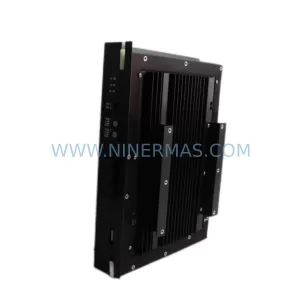
Original Industrial Spare Part
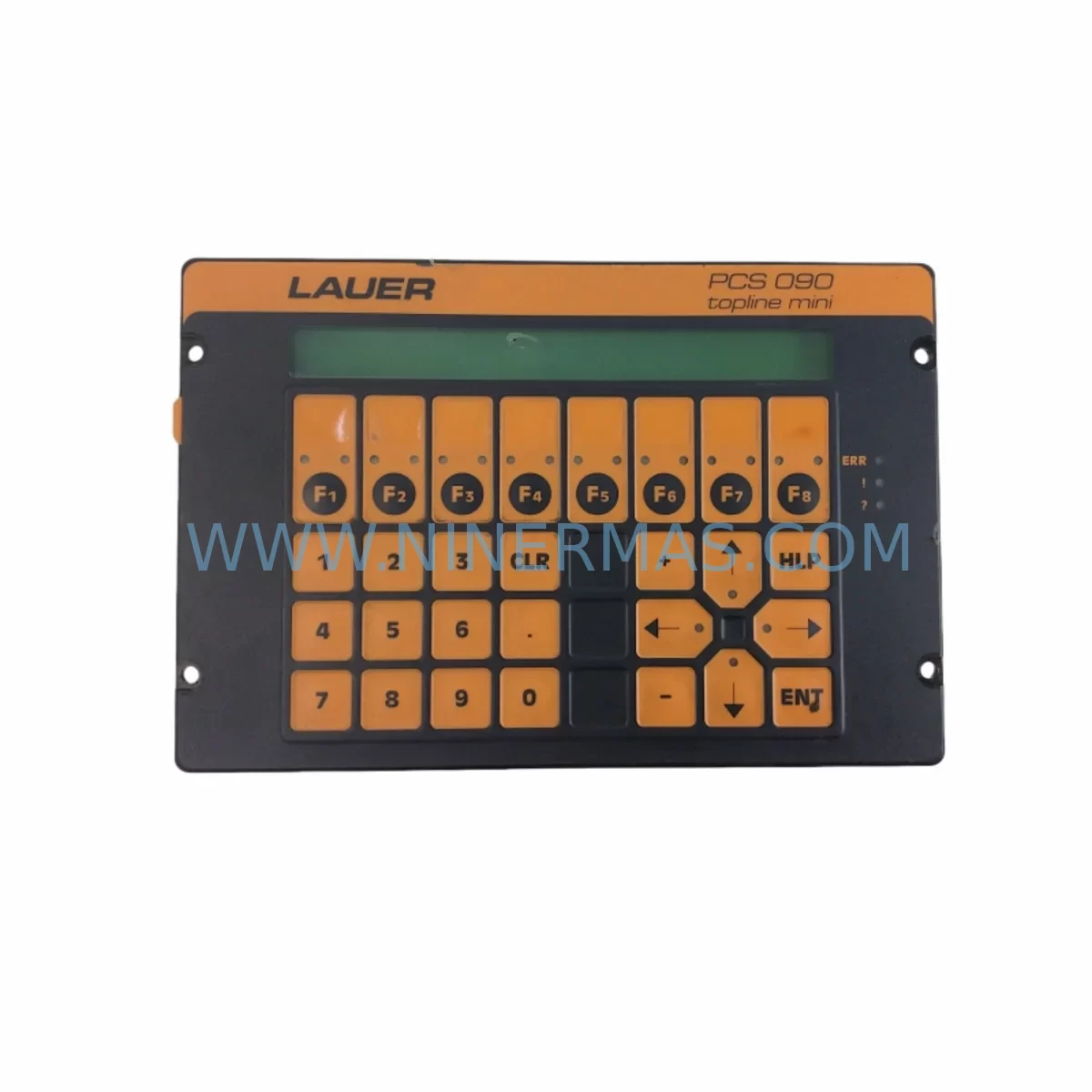
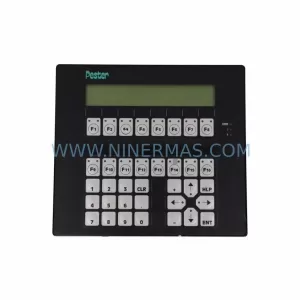
LAUER PCS 695 Service-Ready Spare Part for Industrial Maintenance
Verify the part, confirm the platform family, and move straight into quotation with the right commercial details.
RFQ Ready
- SKUPCS 695
- CategoryPLC & Industrial Automation Modules
- BrandLAUER
- SupportAvailability, lead time, condition, and shipping coordination
How Buyers Usually Use This Page
- Confirm the exact part number and platform family before sending the quote request.
- Use direct email when quantity, condition, and destination are already defined internally.
- Switch to the broader brand or category archive when you need alternates nearby.
Series Navigation
Move through the most common platform families behind this part.
Product RFQ
Send this part directly for quotation.
Include quantity, required condition, destination country, and target delivery timing. Current reference: LAUER PCS 695 Service-Ready Spare Part for Industrial Maintenance with SKU PCS 695.
LAUER PCS 695 Service-Ready Spare Part for Industrial Maintenance
The LAUER PCS 695 is a field-proven operator panel designed for demanding industrial environments across discrete manufacturing, process automation, and machine tool applications. As a service-ready spare part, the PCS 695 supports rapid replacement workflows that minimize unplanned downtime and restore production continuity with minimal engineering intervention. Whether you are managing a scheduled annual overhaul, responding to an emergency panel failure, or building a strategic spare parts inventory for aging control systems, the LAUER PCS 695 delivers the compatibility, reliability, and long-term supply assurance that maintenance engineers and procurement teams require.
The PCS 695 belongs to LAUER’s PCS series of programmable operator terminals, widely deployed in machine-level HMI applications throughout European and Asian manufacturing facilities. Its robust construction, standardized communication interfaces, and compatibility with legacy PLC architectures make it a preferred choice for lifecycle extension programs where replacing the entire control cabinet is not economically justified. Sourced from verified supply channels and pre-shipment tested prior to dispatch, each unit is backed by a 12-month warranty covering manufacturing defects and functional performance.
Spare Maintenance Table
| Parameter | Specification / Detail |
|---|---|
| Part Number / SKU | PCS 695 |
| Brand | LAUER |
| Series | PCS Series |
| Product Type | Programmable Operator Panel / HMI Terminal |
| Display Type | Integrated operator display with function keys |
| Communication Interface | Serial (RS-232 / RS-485); PLC-compatible protocol support |
| Supply Voltage | 24 VDC (nominal); refer to original documentation for tolerance range |
| Operating Temperature | 0°C to +55°C (typical industrial panel rating) |
| Protection Rating | IP65 front panel (typical for PCS series) |
| Mounting | Panel cut-out mounting; standard DIN-compatible installation |
| Application Environment | Machine tools, packaging lines, discrete manufacturing, process control cabinets |
| Compatibility | Compatible with LAUER PCS series programming tools and legacy PLC systems |
| Condition | New / Tested surplus; pre-shipment functional verification |
| Origin | Germany (DE) |
| Warranty | 12 Months — covers manufacturing defects and functional performance |
| Lead Time | Typically 3–7 business days; long-term supply program available |
| Maintenance Recommendation | Inspect display, keypad response, and communication port integrity at each scheduled PM cycle |
Maintenance Planning for Continuous Operation
When replacing the LAUER PCS 695 operator panel in a production environment, a thorough inspection of the surrounding electrical and control infrastructure is essential to prevent repeat failures and ensure system stability. Maintenance engineers should treat the PCS 695 replacement as an opportunity to audit the full control cabinet and associated field devices.
Begin by verifying the 24 VDC power supply module feeding the operator panel. A degraded or undersized power supply is a common root cause of HMI panel failures, particularly in older cabinets where power rails serve multiple loads. Check output voltage stability under load and inspect for ripple or thermal stress indicators. If the cabinet uses a LAUER PCS 700 or PCS 900 series panel elsewhere in the system, confirm that the shared power bus is adequately rated.
Next, inspect the serial communication cable connecting the PCS 695 to the host PLC or controller. RS-232 and RS-485 cables in industrial environments are subject to mechanical wear, connector corrosion, and EMI-induced signal degradation. Replace any cable showing insulation damage or intermittent continuity. Verify that the communication protocol settings — baud rate, parity, and station address — are correctly configured in the replacement unit before commissioning.
For systems where the PCS 695 interfaces with a Siemens S5 or S7 series PLC, or a third-party controller using Modbus RTU or proprietary LAUER protocol, confirm that the PLC’s CPU module and communications processor (CP module) are functioning correctly. A faulty CP module can cause repeated HMI communication faults that are misdiagnosed as panel failures. Similarly, inspect any signal isolators or RS-232/RS-485 converters in the communication chain, as these components are frequently overlooked during fault isolation.
The I/O modules connected to the same control cabinet should also be checked during the replacement window. Inspect digital input and output modules for blown fuses, welded relay contacts, or degraded optocoupler performance. If the cabinet includes relay output modules driving motor starters or solenoid valves, verify contact resistance and replace any modules showing signs of arcing or overheating. Spare terminal block assemblies and DIN rail fuse holders should be available on-site to support rapid wiring restoration.
Where the PCS 695 is part of a larger SCADA or DCS architecture, coordinate with the control system engineer to confirm that the panel’s tag database and screen program are backed up before removal. Restore the program to the replacement unit using the LAUER programming software and verify all screen navigation, alarm displays, and setpoint entry functions before returning the machine to production. Maintaining a USB or serial backup of the PCS 695 program as part of your site documentation package is strongly recommended for all future maintenance cycles.
Procurement teams should consider stocking a minimum of one PCS 695 unit as a cold spare, particularly for production lines where this panel is the sole operator interface. For facilities operating multiple machines with LAUER PCS series panels — including the PCS 600, PCS 700, or PCS 800 variants — a consolidated spare parts program with fixed lead times and long-term supply commitment provides the most cost-effective protection against extended downtime.
Site Replacement Workflow
Replacing the LAUER PCS 695 on-site follows a structured sequence designed to minimize machine downtime and eliminate configuration errors during the changeover process.
Step 1 — Isolation and Backup: De-energize the control cabinet following your site’s lockout/tagout (LOTO) procedure. Before removing the existing panel, connect a laptop with LAUER programming software via the serial port and perform a full program backup. Confirm the backup file is readable and complete.
Step 2 — Physical Removal: Disconnect the communication cable and 24 VDC power connector from the rear of the PCS 695. Release the panel mounting clamps from the front of the cabinet cutout and carefully extract the unit. Inspect the cutout gasket for damage and replace if necessary to maintain the IP65 front panel seal on the new unit.
Step 3 — Replacement Unit Preparation: Before installation, verify that the replacement PCS 695 has been pre-tested and that the firmware version is compatible with your existing program file. Load the backed-up program via the serial interface and confirm successful transfer. Set the communication parameters (baud rate, parity, station address) to match the original configuration.
Step 4 — Installation and Commissioning: Insert the replacement unit into the cabinet cutout, secure the mounting clamps, and reconnect the power and communication cables. Re-energize the cabinet and verify that the panel powers up correctly, establishes communication with the PLC, and displays the correct startup screen. Navigate through all operator screens and test alarm acknowledgment and setpoint entry functions.
Step 5 — Documentation Update: Record the replacement in your site maintenance log, including the date, unit serial number, and technician name. Update the spare parts inventory to reflect the consumed unit and initiate a replenishment order to restore your cold spare stock level.
This workflow is applicable to all LAUER PCS series operator panels and can be adapted for similar HMI replacement tasks involving panels from other manufacturers integrated into the same control system.
Spare Parts Support FAQ
Q1: Is the LAUER PCS 695 still available as a new spare part, and what is the expected lead time?
The PCS 695 is available as a service-ready spare part through specialized industrial automation distributors. Lead times typically range from 3 to 7 business days for in-stock units. For facilities requiring guaranteed availability, a long-term supply program with committed stock allocation is recommended. Contact our sales team to discuss volume reservation and fixed lead time agreements.
Q2: How is the PCS 695 tested before shipment, and what does the 12-month warranty cover?
Each LAUER PCS 695 unit undergoes pre-shipment functional testing to verify power-up behavior, display operation, keypad response, and communication port integrity. The 12-month warranty covers manufacturing defects and functional performance failures under normal operating conditions. It does not cover damage resulting from incorrect installation, overvoltage, or physical impact. Warranty claims are supported with replacement or repair at no additional cost.
Q3: Can the PCS 695 replacement unit run the existing program without reprogramming?
Yes, provided the replacement unit uses the same firmware version as the original. The program is stored in non-volatile memory and can be transferred via the serial interface using LAUER’s programming software. It is strongly recommended to perform a full program backup from the original unit before removal, even if the unit appears non-functional, as partial data recovery may be possible. Always verify all screen functions and communication parameters after program restoration.
Q4: What is the recommended spare parts stocking strategy for facilities using multiple LAUER PCS series panels?
For facilities operating three or more machines with LAUER PCS series operator panels, maintaining a minimum of one cold spare per panel model is the baseline recommendation. For critical production lines with no redundancy, consider a two-unit buffer. Consolidating spare parts procurement under a long-term supply agreement reduces per-unit cost, ensures consistent firmware versions across the spare pool, and provides priority access to stock during industry-wide component shortages. Annual inventory audits should verify that spare units remain functional and that program backups are current.
| Product Series | Other series |
|---|
Catalog Continuation
More LAUER modules in the catalog.
Use the brand lane to compare nearby part numbers, platform-adjacent modules, and other inquiry-ready listings before sending your final RFQ.
Catalog Continuation
Alternative parts within PLC & Industrial Automation Modules.
Stay inside the same system family when you need substitutes, adjacent modules, or a broader shortlist for procurement review.
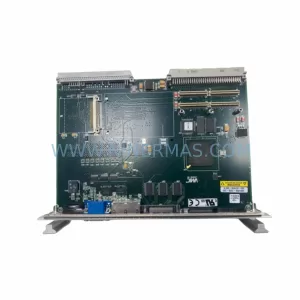
SKU: VMIVME7658 VMIVME-7658-330
VMIC VMIVME-7658-330 Service-Ready Spare Part for Industrial
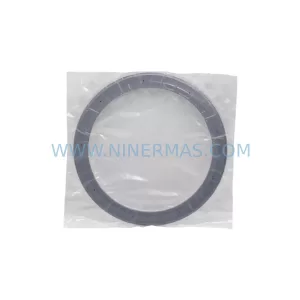
SKU: 716-230577-371 0190-40177 0240-23355
Lam 716-230577-371 Retrofit-Compatible Process Ring for Legacy Systems
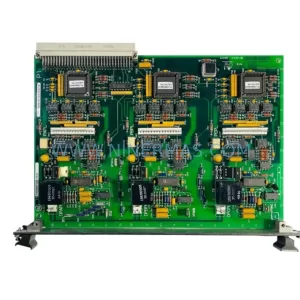
SKU: IS200BPIBG1A IS200BPIBG1AEB
GE IS200BPIBG1A Service-Ready Spare Part for Industrial Maintenance