Original Industrial Spare Part
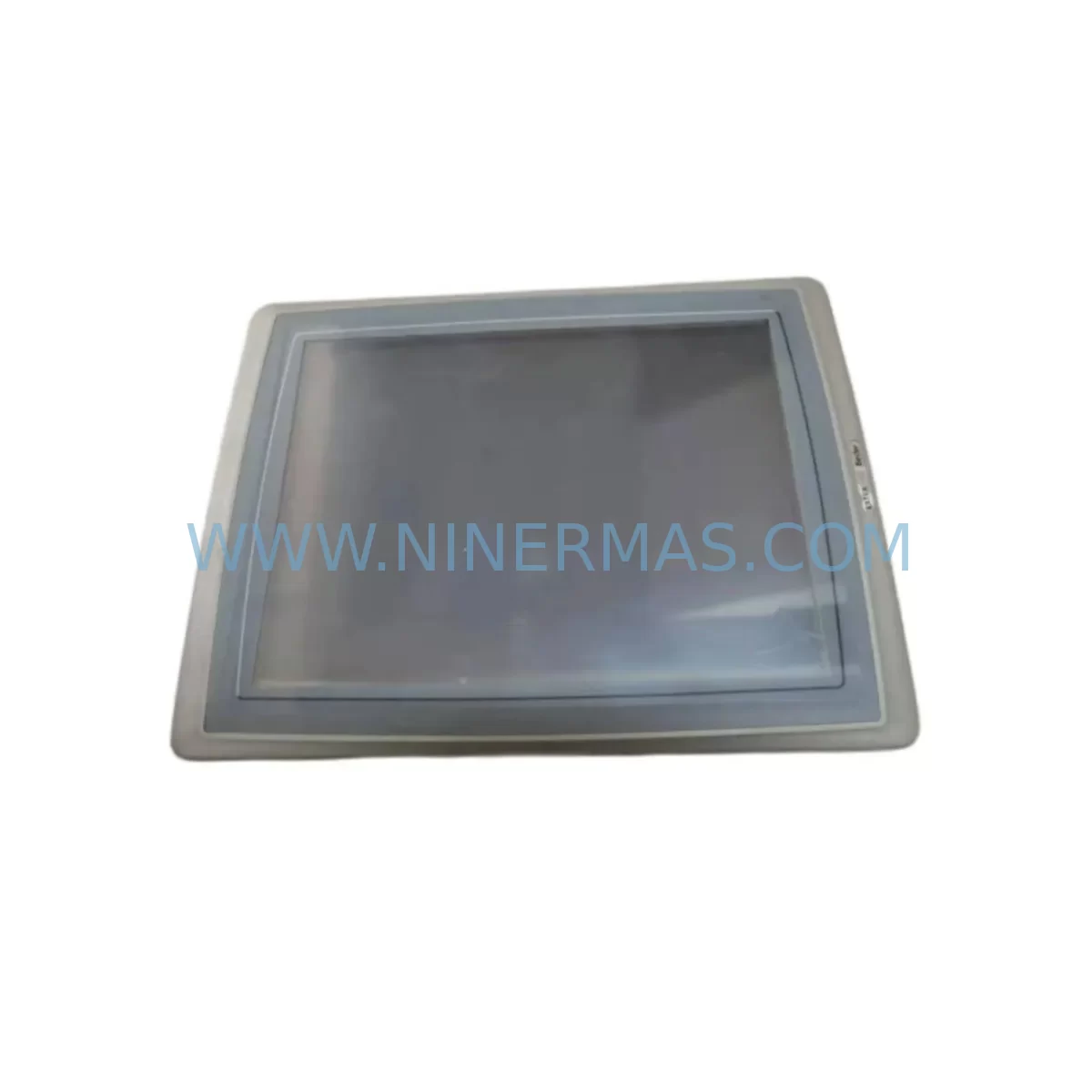
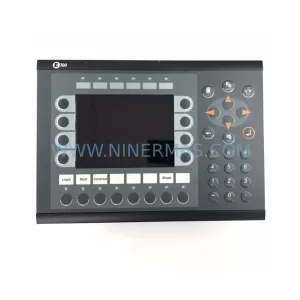
Beijer T150-AL Retrofit-Compatible HMI Panel for Legacy Systems
Verify the part, confirm the platform family, and move straight into quotation with the right commercial details.
RFQ Ready
- SKUT150/AL
- CategoryPLC & Industrial Automation Modules
- BrandBeijer Electronics
- SupportAvailability, lead time, condition, and shipping coordination
How Buyers Usually Use This Page
- Confirm the exact part number and platform family before sending the quote request.
- Use direct email when quantity, condition, and destination are already defined internally.
- Switch to the broader brand or category archive when you need alternates nearby.
Series Navigation
Move through the most common platform families behind this part.
Product RFQ
Send this part directly for quotation.
Include quantity, required condition, destination country, and target delivery timing. Current reference: Beijer T150-AL Retrofit-Compatible HMI Panel for Legacy Systems with SKU T150/AL.
Beijer T150/AL Retrofit-Compatible HMI Panel for Legacy Systems: Seamless Upgrade for Aging Control Infrastructure
The Beijer T150/AL is a compact, monochrome HMI operator panel originally designed for integration into legacy automation control cabinets across manufacturing, process control, and machine tool environments. As production lines age and original equipment manufacturers discontinue support for the T150 series, maintenance engineers and system integrators face increasing pressure to source verified replacement units that can be installed without rewriting control logic, rewiring terminal blocks, or retraining operators. The T150/AL addresses this challenge directly: it is a retrofit-compatible replacement for end-of-life T150 series operator panels, backed by pre-shipment functional testing and a 12-month warranty covering hardware defects under normal industrial operating conditions.
For facilities running legacy Beijer T150 series installations, the T150/AL provides a direct form-factor match. The panel retains the same mounting cutout dimensions, allowing installation into existing control cabinet doors without modification to sheet metal or DIN rail arrangements. Terminal connections follow the original T150 pinout, reducing rewiring time during changeover. Before installation, engineers should verify the supply voltage specification against the cabinet’s 24 VDC power rail and confirm that the existing Beijer programming cable — typically a serial RS-232 or RS-485 interface cable — is compatible with the replacement unit’s communication port.
Upgrade Compatibility Table
| Parameter | T150/AL Specification | Retrofit Notes |
|---|---|---|
| Display Type | Monochrome LCD, backlit | Direct visual match to original T150 series panels |
| Supply Voltage | 24 VDC nominal | Verify cabinet power rail before installation |
| Communication Interface | RS-232 / RS-485 serial | Confirm existing cable pinout; Modbus RTU protocol supported |
| Mounting | Panel cutout mount | Same cutout dimensions as T150 series; no sheet metal modification required |
| Programming Environment | Beijer MAC/MTA or compatible | Existing project files transferable; verify software version compatibility |
| Terminal Wiring | Standard screw terminal block | Original wiring harness reusable in most installations |
| Installation Space | Compact panel-mount form factor | Confirm depth clearance behind cabinet door for connector routing |
| Replacement Scope | Direct drop-in for T150 series | Also compatible with T100 series migration paths with minor configuration |
| Warranty | 12 Months | Covers hardware defects; pre-shipment functional test included |
Retrofit Planning for Existing Automation Systems
Successful retrofit of the T150/AL into an existing control system requires a structured pre-installation audit. Begin by documenting the current HMI screen layout and operator interaction sequences. If the facility uses Beijer MAC/MTA software for panel programming, export the existing project file before removing the original unit. This project file contains all screen pages, tag mappings, and communication driver settings that define how the HMI communicates with the connected PLC or controller.
In many T150 series installations, the HMI communicates with a Mitsubishi FX-series PLC or a Siemens S5/S7 controller via a dedicated serial link. The communication driver configured in the original project must match the protocol supported by the replacement T150/AL. Where the original installation used a Beijer Modbus RTU driver, the same driver configuration can typically be reloaded without modification. For sites migrating from proprietary protocols to open standards, a Beijer communication module or protocol converter may be required to bridge the HMI to the updated controller platform.
Control cabinet layout should be reviewed before ordering. In compact cabinets, the T150/AL’s connector depth behind the panel door must be confirmed against available clearance. If the cabinet also houses a Beijer power supply unit, verify that the combined load of the HMI and any co-located I/O modules — such as Beijer BCS I/O expansion modules or third-party signal isolators — does not exceed the power supply’s rated output current. In multi-rack installations, confirm that the HMI’s module address or node ID does not conflict with other devices on the communication bus.
For facilities upgrading from the older Beijer T100 series to the T150/AL, the migration path is well-established. The T100 and T150 series share a common programming environment, meaning that existing screen projects can be imported and adapted with minimal rework. Engineers should review any hardcoded PLC register addresses in the original project, as address offsets may differ between controller generations. Where the original system included a Beijer EXTER T100 or EXTER T150 panel, the T150/AL provides a compatible upgrade path with equivalent display resolution and keypad layout.
Signal integrity is a common concern during HMI replacement in older installations. If the existing RS-485 network runs at distances exceeding 100 metres, or if the cable passes through electrically noisy environments near variable frequency drives or servo amplifiers, consider installing a signal isolator at the HMI end of the communication link. This protects the T150/AL’s communication port from ground loop currents and transient voltages that are common in retrofit scenarios where new equipment is introduced into aging cable infrastructure.
Downtime Control During System Migration
Minimising production downtime during HMI replacement is a primary concern for maintenance teams operating continuous or semi-continuous processes. The T150/AL retrofit is designed to support a rapid changeover sequence that can typically be completed within a planned maintenance window of two to four hours, depending on site conditions.
Before the maintenance window begins, prepare the replacement T150/AL with the existing project file pre-loaded and communication parameters pre-configured. This allows the unit to be powered up and verified on a bench test rig — connected to a spare PLC or simulator — before it enters the production environment. Pre-shipment functional testing performed by NINERMAS confirms that the unit powers up correctly, displays screens as expected, and communicates via its serial interface. This eliminates the risk of receiving a defective unit and discovering the fault only after the original panel has been removed.
During the changeover, follow a structured sequence: isolate the cabinet power, remove the original T150 panel, install the T150/AL into the same cutout, reconnect the terminal wiring using the documented wiring schedule, restore power, and verify HMI-to-PLC communication before releasing the line. If the original PLC program contains HMI-triggered outputs or interlocks, confirm that these functions operate correctly before resuming production. Keep the original T150 panel on-site as a fallback unit until the replacement has completed at least one full production cycle without fault.
For sites where the HMI is part of a larger control architecture — for example, where the T150/AL communicates upstream to a SCADA system or historian via an OPC server — verify that the data tags and communication addresses visible to the SCADA layer remain unchanged after the replacement. Changes to PLC register mappings or HMI node addresses can cause data gaps in historian records and trigger false alarms in supervisory systems.
Retrofit Support FAQ
Q: Is the Beijer T150/AL a direct replacement for the original T150 series panel?
A: Yes. The T150/AL is designed as a form-fit-function replacement for the Beijer T150 series operator panel. It shares the same panel cutout dimensions, terminal wiring layout, and communication interface as the original unit. Existing project files created in Beijer MAC/MTA software are compatible and can be transferred to the replacement unit using the original programming cable.
Q: What pre-shipment testing is performed on the T150/AL before dispatch?
A: Each T150/AL unit supplied by NINERMAS undergoes functional testing prior to shipment. This includes power-on verification, display backlight and keypad function checks, and serial communication port testing. Units that fail any test criterion are quarantined and not dispatched. A 12-month warranty covering hardware defects under normal operating conditions is included with every unit.
Q: Can the T150/AL communicate with PLCs from other manufacturers, such as Mitsubishi or Siemens?
A: The T150/AL supports multiple communication drivers through the Beijer programming environment, including drivers for Mitsubishi FX and Q series PLCs, Siemens S5 and S7 series controllers, and Modbus RTU-compatible devices. The specific driver must be configured in the project file before installation. Contact our technical team to confirm driver availability for your specific PLC model before ordering.
Q: What is the lead time and stock availability for the T150/AL?
A: NINERMAS maintains service-ready inventory of the Beijer T150/AL to support urgent maintenance and retrofit requirements. Standard lead time for in-stock units is 3–7 business days for international shipments. For large-quantity orders or reserved inventory agreements for ongoing maintenance programmes, contact sale@ninermas.com to discuss long-term supply arrangements.
| Product Series | Legacy |
|---|---|
| Country of Origin | SE |
Catalog Continuation
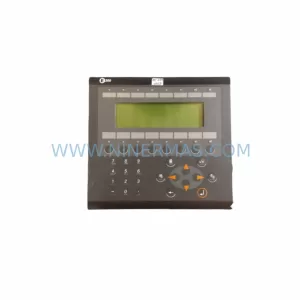
More Beijer Electronics modules in the catalog.
Use the brand lane to compare nearby part numbers, platform-adjacent modules, and other inquiry-ready listings before sending your final RFQ.
Catalog Continuation
Alternative parts within PLC & Industrial Automation Modules.
Stay inside the same system family when you need substitutes, adjacent modules, or a broader shortlist for procurement review.

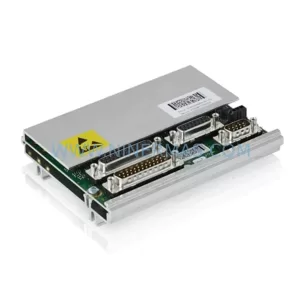
SKU: ZINT-541 3AUA00000658960
ABB ZINT-541 3AUA00000658960 Retrofit-Compatible Inverter Power Module
SKU: DSQC633 3HAC022286-001
ABB DSQC633 3HAC022286-001 Service-Ready Spare Part

SKU: 6SL3224-0BE33-7UA0
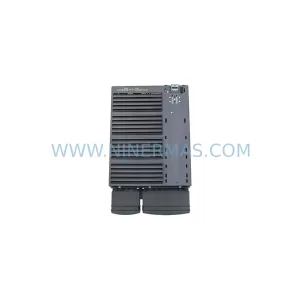
Siemens 6SL3224-0BE33-7UA0 Service-Ready Spare Part