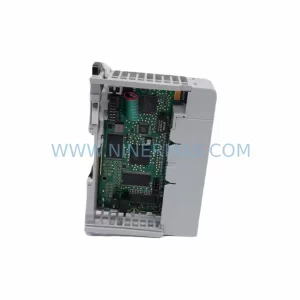
Original Industrial Spare Part
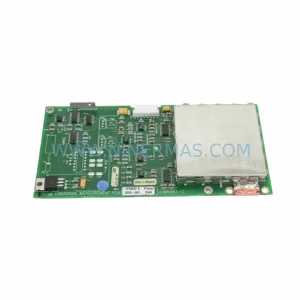
Beijer 06050B Retrofit-Compatible HMI for Legacy Systems
Verify the part, confirm the platform family, and move straight into quotation with the right commercial details.
RFQ Ready
- SKU06050B
- CategoryPLC & Industrial Automation Modules
- BrandBeijer Electronics
- SupportAvailability, lead time, condition, and shipping coordination
How Buyers Usually Use This Page
- Confirm the exact part number and platform family before sending the quote request.
- Use direct email when quantity, condition, and destination are already defined internally.
- Switch to the broader brand or category archive when you need alternates nearby.
Series Navigation
Move through the most common platform families behind this part.
Product RFQ
Send this part directly for quotation.
Include quantity, required condition, destination country, and target delivery timing. Current reference: Beijer 06050B Retrofit-Compatible HMI for Legacy Systems with SKU 06050B.
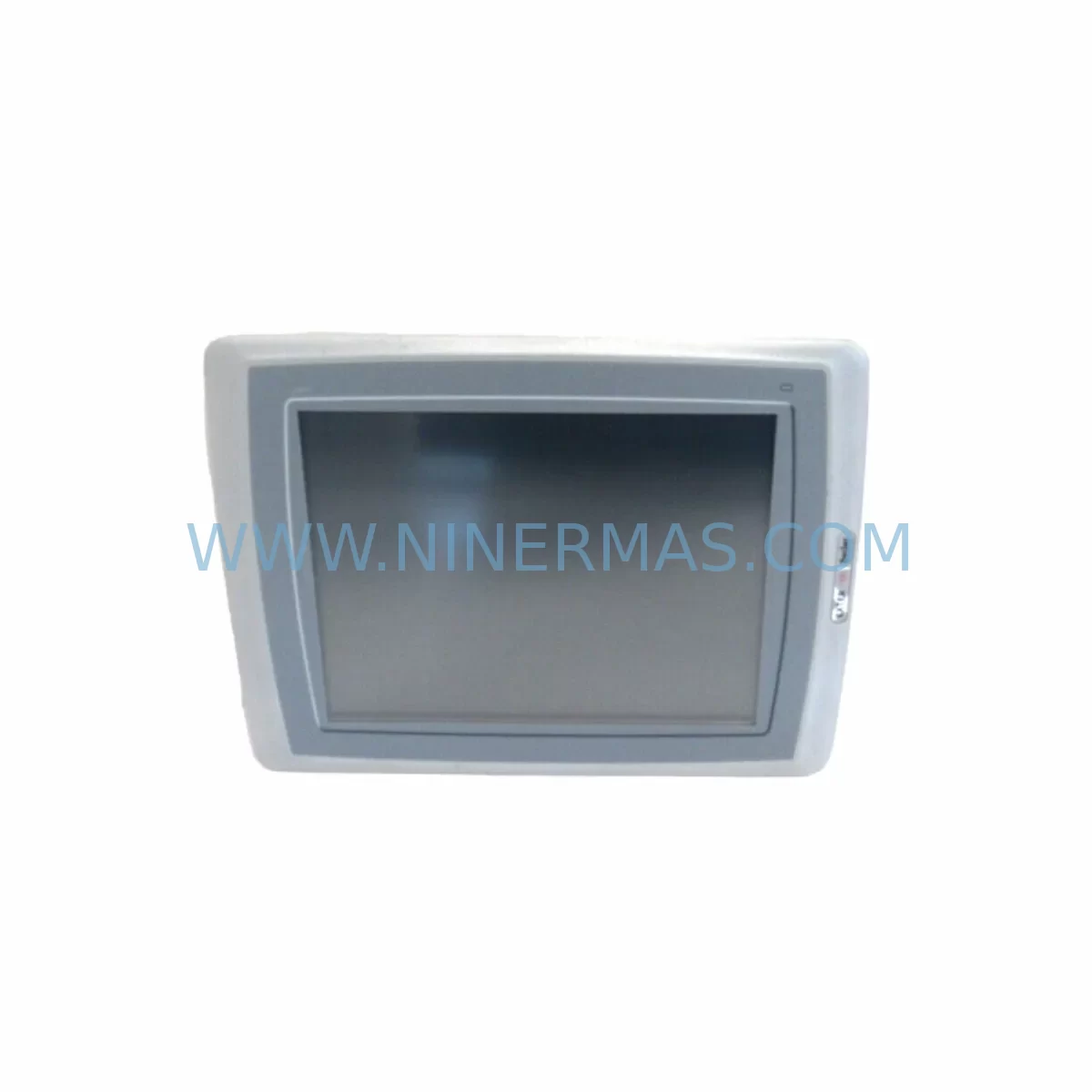
Beijer 06050B Retrofit-Compatible HMI for Legacy Systems
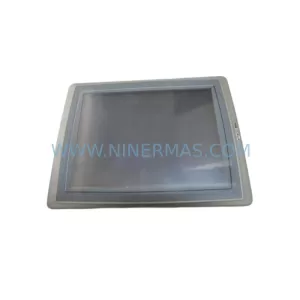
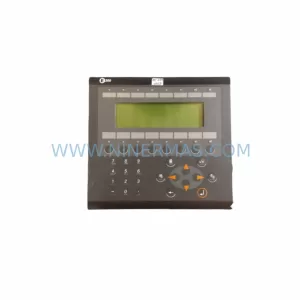
The Beijer Electronics 06050B is a ruggedized touch screen module from the EXTER series, purpose-built for demanding industrial environments where legacy HMI panels have reached end-of-life or are no longer supported by the original manufacturer. As automation engineers face increasing pressure to maintain aging production lines without full system overhauls, the 06050B provides a proven, cost-effective retrofit path that preserves existing control logic, wiring infrastructure, and operator familiarity. Whether you are replacing a failed panel on a bottling line, upgrading a legacy press control cabinet, or migrating a batch process from an obsolete HMI platform, the 06050B delivers the compatibility and durability required for seamless integration into existing automation architectures.
Designed to operate in harsh environments, the 06050B features a ruggedized enclosure rated for wide temperature ranges, high vibration tolerance, and resistance to dust and moisture ingress — characteristics that are essential in foundry, chemical processing, water treatment, and heavy manufacturing applications. Its touch interface supports direct operator interaction without the need for external keyboards or pointing devices, reducing panel complexity and improving response time during critical process interventions.
Upgrade Compatibility Table
| Parameter | Details |
|---|---|
| SKU / Part Number | 06050B |
| Series | EXTER (Beijer Electronics) |
| Product Type | Ruggedized HMI Touch Screen Module |
| Typical Replacement For | EXTER T100, EXTER K100, EXTER TA150, legacy Beijer panel variants |
| Communication Compatibility | Serial (RS-232 / RS-485), Modbus RTU, proprietary Beijer protocols |
| Power Supply Requirement | 24 VDC nominal (verify existing PSU capacity before installation) |
| Mounting / Installation | Panel cutout mount; confirm cutout dimensions against existing cabinet aperture |
| Programming Interface | Compatible with Beijer EXTER programming software via CAB-0809 or equivalent cable |
| Backplane / Rack Interface | Standalone panel unit; no backplane required |
| Retrofit Recommendation | Verify terminal block wiring, communication port pinout, and program file compatibility before cutover |
| Commissioning Notes | Upload existing project file; validate all screen objects, alarms, and communication links before live operation |
| Warranty | 12 Months from date of shipment |
Retrofit Planning for Existing Automation Systems
A successful retrofit begins well before the replacement unit arrives on site. When planning to replace a legacy EXTER panel with the 06050B, the first step is to audit the existing control cabinet for power supply capacity. Many older cabinets were sized for the original panel’s power draw, and if additional I/O modules, communication adapters, or signal isolators have been added over the years, the 24 VDC rail may be operating close to its rated limit. Confirm that the existing PSU — or a replacement 24 VDC power supply module — can support the 06050B’s inrush and steady-state current requirements before proceeding.
Terminal block wiring is the next critical checkpoint. The 06050B uses a defined connector layout for power, communication, and ground connections. If the existing cabinet was wired for an EXTER T100 or EXTER K100 panel, the communication port pinout may differ slightly, particularly for RS-485 multi-drop networks where termination resistors and bias resistors must be correctly positioned. Document the existing wiring before disconnecting any terminals, and use the original panel’s wiring diagram as a reference baseline.
For sites running Modbus RTU networks, the 06050B can be configured as a Modbus master or slave depending on the application. If the legacy system used a proprietary Beijer serial protocol to communicate with a downstream PLC or controller, verify that the 06050B’s firmware version supports the same protocol variant. In some cases, a communication protocol migration may be required — for example, transitioning from a legacy Beijer serial link to a Modbus TCP/IP connection using an Ethernet communication module or a serial-to-Ethernet gateway device.
I/O expansion is another consideration for sites where the HMI panel was connected to discrete I/O modules or analog signal conditioners mounted in the same cabinet. If the existing system included signal isolators between the panel and field devices, confirm that the isolator input/output ranges remain compatible with the 06050B’s communication interface. In retrofit projects involving older E1071 or E1151 series Beijer panels, engineers frequently encounter situations where the original I/O mapping must be re-verified against the new panel’s tag database before the project file can be uploaded.
Program file compatibility is one of the most time-sensitive aspects of any HMI retrofit. If the original project was developed in an older version of the Beijer EXTER programming environment, it may require conversion before it can be loaded onto the 06050B. Use the CAB-0809 programming cable or an equivalent USB-to-serial adapter to connect the programming PC to the panel’s programming port. Back up the existing project file from the original panel before removal — this is the single most important step to protect against data loss during the cutover window.
HMI screen validation should be performed in a staging environment whenever possible. Load the converted project file onto the 06050B, connect it to a test PLC or simulator, and verify that all screen objects, navigation buttons, alarm displays, trend views, and recipe pages function as expected. Pay particular attention to any screens that reference memory backup cards or external data storage, as the 06050B’s memory architecture may differ from the original panel. If the legacy system used EXTER memory cards for recipe storage or data logging, confirm compatibility with the replacement unit’s memory interface before finalizing the retrofit plan.
Finally, confirm the physical installation space. The 06050B’s panel cutout dimensions must match the existing cabinet aperture, or a new cutout must be machined. For cabinets where the original panel was mounted on a swing-out door or a sub-panel, verify that the door hinge clearance and cable management provisions are adequate for the replacement unit’s depth and connector routing.
Downtime Control During System Migration
Minimizing unplanned downtime is the primary objective of any HMI retrofit project. The most effective strategy is to complete as much preparation work as possible before the scheduled maintenance window. This includes converting and validating the project file, staging the 06050B with the correct firmware version, pre-cutting any required panel apertures, and pre-labeling all terminal connections to accelerate reconnection during the cutover.
During the cutover itself, follow a structured sequence: isolate power to the control cabinet, photograph all existing wiring, disconnect the legacy panel, install the 06050B, reconnect all terminals in sequence, restore power, upload the project file via the CAB-0809 cable, and perform a full functional check before returning the system to production. This sequence typically takes between two and four hours for a straightforward replacement, depending on cabinet complexity and the number of communication links that must be re-established.
To protect the original program logic, always maintain a backup copy of the project file on a secure network drive or engineering workstation — not only on the panel itself. If the 06050B is replacing a panel that was the sole repository of the HMI project, recovering the program from the original unit before removal is non-negotiable. For sites where the Beijer iX T7A or a newer iX panel series is being considered as a longer-term upgrade path, the 06050B can serve as an interim solution that maintains production continuity while the iX migration project is planned and budgeted.
Communication link verification is the final step before returning the system to automatic operation. Confirm that all PLC communication links — whether Modbus RTU, serial, or Ethernet — are active and that the panel is correctly reading and writing all process variables. Check alarm setpoints, operator messages, and any interlock logic that is managed at the HMI level. Only after a complete functional verification should the system be handed back to the production team.
Retrofit Support FAQ
Q1: Is the Beijer 06050B a direct drop-in replacement for the EXTER T100 or EXTER TA150?
The 06050B is functionally compatible with the EXTER series and can replace the EXTER T100 and EXTER TA150 in most applications. However, panel cutout dimensions, communication port pinouts, and power connector layouts should be verified against the existing installation before ordering. Minor wiring adaptations are common and do not typically require significant rework.
Q2: Can the existing EXTER project file be loaded directly onto the 06050B?
In most cases, yes — provided the project was developed in a compatible version of the Beijer EXTER programming software. If the original project was created in an older software release, a file conversion step may be required. Use the CAB-0809 programming cable to connect the programming PC to the 06050B’s programming port and follow the software’s import/conversion wizard. Always validate the converted project on a test bench before deploying to a live system.
Q3: What pre-shipment testing is performed on the 06050B?
Each 06050B unit supplied by NINERMAS undergoes functional testing prior to shipment, including power-on verification, touch screen calibration check, and communication port continuity testing. Units are shipped with a 12-month warranty covering manufacturing defects and component failures under normal operating conditions. Warranty claims are supported directly through NINERMAS with a target response time of one business day.
Q4: What is the typical lead time and stock availability for the 06050B?
NINERMAS maintains stock of the Beijer 06050B and equivalent EXTER series components to support urgent replacement requirements. Standard orders are processed within one to two business days, with express shipping options available for critical downtime situations. For long-term spare parts planning, NINERMAS can provide multi-unit quotations and consignment stock arrangements to ensure supply continuity for the 06050B and related EXTER series components throughout the operational life of your automation system.
| Product Series | Legacy |
|---|---|
| Country of Origin | SE |
Catalog Continuation
More Beijer Electronics modules in the catalog.
Use the brand lane to compare nearby part numbers, platform-adjacent modules, and other inquiry-ready listings before sending your final RFQ.
Catalog Continuation
Alternative parts within PLC & Industrial Automation Modules.
Stay inside the same system family when you need substitutes, adjacent modules, or a broader shortlist for procurement review.
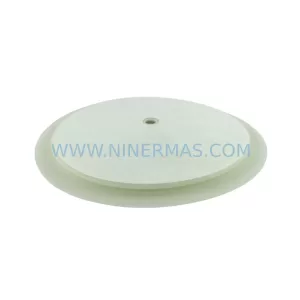
SKU: 16-167627-00 8122 410 05002, 4022.470.78191 8122 410 55702 16-273491-00
Novellus 16-167627-00 Service-Ready Industrial Spare Part
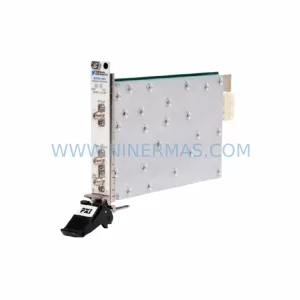
SKU: 2305451-C DT2000 0626 P2, OLE36-10632-02
Advanced Energy 2305451-C Service-Ready Industrial Spare Part