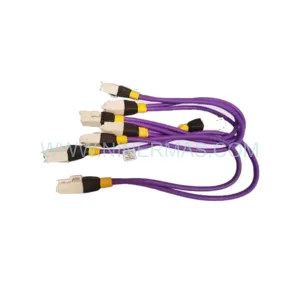
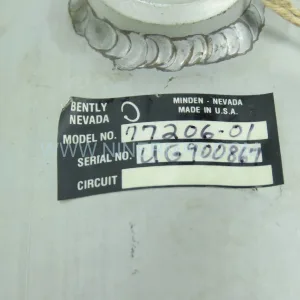
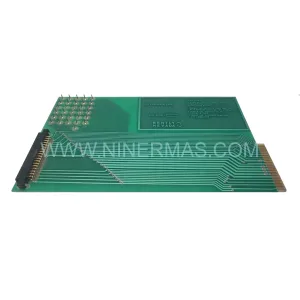
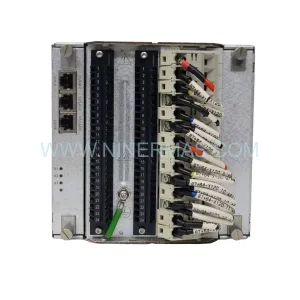
Original Industrial Spare Part
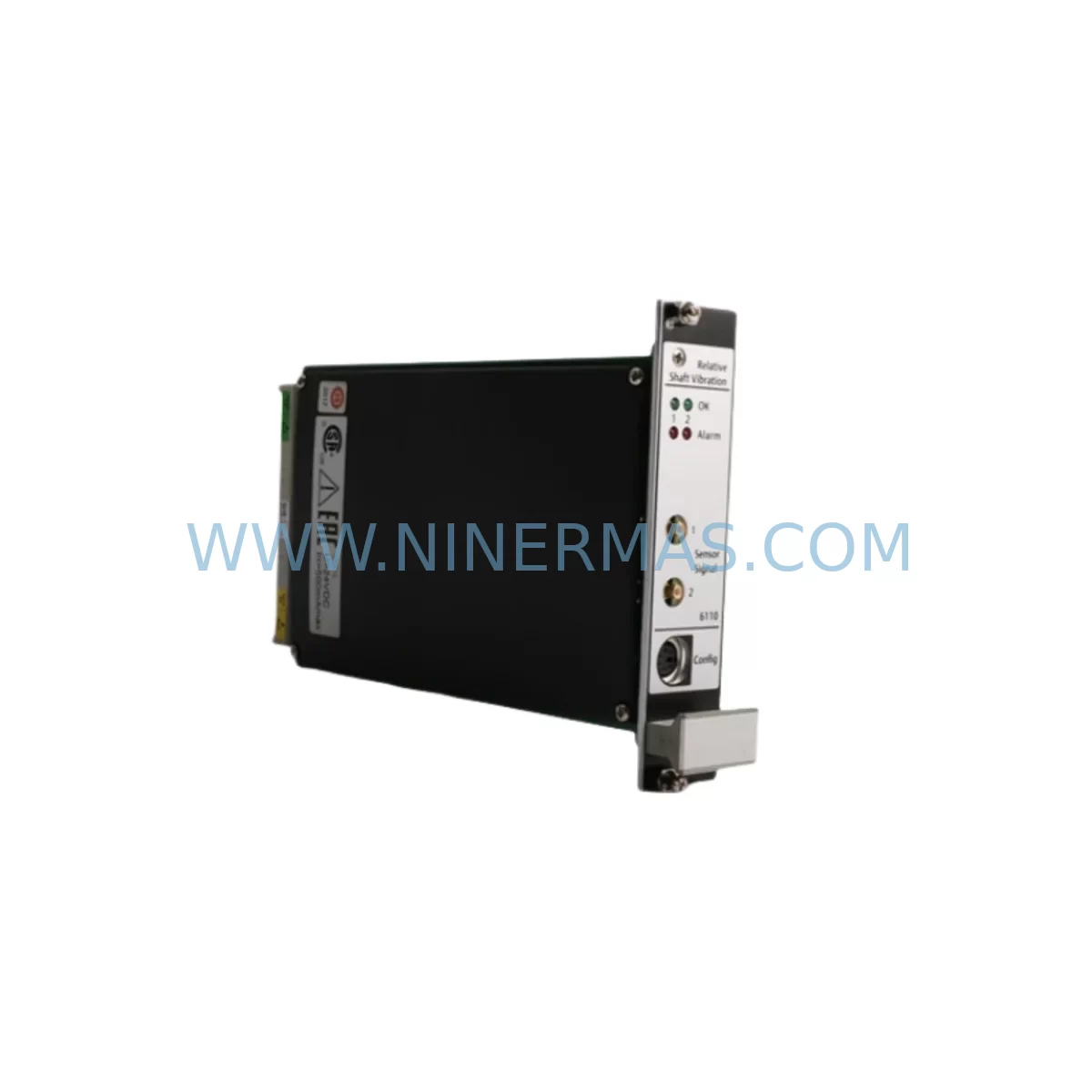
EMERSON A6110CD/022-000 Retrofit-Compatible Vibration Monitor
Verify the part, confirm the platform family, and move straight into quotation with the right commercial details.
RFQ Ready
- SKUA6110CD/022-000
- CategoryTSI & Rotating Machinery Monitoring
- BrandEMERSON
- SupportAvailability, lead time, condition, and shipping coordination
How Buyers Usually Use This Page
- Confirm the exact part number and platform family before sending the quote request.
- Use direct email when quantity, condition, and destination are already defined internally.
- Switch to the broader brand or category archive when you need alternates nearby.
Series Navigation
Move through the most common platform families behind this part.
Product RFQ
Send this part directly for quotation.
Include quantity, required condition, destination country, and target delivery timing. Current reference: EMERSON A6110CD/022-000 Retrofit-Compatible Vibration Monitor with SKU A6110CD/022-000.
EMERSON A6110CD/022-000 Retrofit-Compatible Vibration Monitor for Legacy AMS 6500 Systems
The EMERSON A6110CD/022-000 is a high-reliability vibration monitoring module engineered for the AMS 6500 Machinery Health Monitor platform. As legacy AMS 6500 installations continue to operate across petrochemical, power generation, and heavy manufacturing facilities worldwide, the A6110CD/022-000 serves as the critical spare and retrofit-compatible replacement for aging or discontinued vibration channel cards within this platform. NINERMAS maintains verified in-stock inventory of this module to support planned maintenance windows, emergency replacements, and long-term spare parts programs — all backed by a 12-month warranty.
When an existing AMS 6500 rack experiences a failed or degraded vibration input channel, the A6110CD/022-000 provides a direct-fit solution without requiring firmware re-architecture or rack reconfiguration. This makes it the preferred choice for maintenance engineers who need to restore continuous machinery protection monitoring with minimal downtime and without committing to a full platform migration.
Upgrade Compatibility Table
| Parameter | Detail |
|---|---|
| SKU / Part Number | A6110CD/022-000 |
| Platform Compatibility | EMERSON AMS 6500 Machinery Health Monitor Series |
| Module Function | Vibration Input / Condition Monitoring Channel Card |
| Installation Type | Rack-mount, backplane slot insertion — compatible with AMS 6500 standard rack chassis |
| Terminal / Wiring Interface | Rear-terminal I/O via AMS 6500 backplane connector; field wiring retained from original installation |
| Communication Compatibility | Integrates with AMS Suite Machinery Health Manager via existing rack communication bus |
| Replacement Recommendation | Direct slot-for-slot replacement for failed or end-of-life A6110CD variants within AMS 6500 racks |
| Commissioning Notes | Verify channel address assignment, transducer type configuration, and alarm setpoints post-installation |
| Warranty | 12 Months — NINERMAS standard spare parts warranty |
| Supply Status | In Stock — available for immediate dispatch |
Retrofit Planning for Existing Automation Systems
Replacing a vibration monitoring module within an operating AMS 6500 rack requires careful pre-work to avoid disrupting adjacent channels and the broader machinery protection loop. Before removing the existing card, maintenance teams should document the current channel configuration using AMS Suite Machinery Health Manager software — capturing transducer sensitivity settings, full-scale ranges, alarm and danger setpoints, and any special relay output assignments tied to that channel.
The A6110CD/022-000 slots into the AMS 6500 rack chassis backplane, sharing the same rear-terminal wiring interface as predecessor variants. This means field cabling — typically connected to Bently Nevada 3300 XL-compatible proximity probes or accelerometers — does not need to be re-routed or re-terminated in most standard retrofit scenarios. However, engineers should confirm that the transducer type (eddy-current, velocity, or accelerometer) matches the input configuration supported by the replacement module before powering up.
In larger AMS 6500 installations, the rack may also house companion modules such as the AMS 6500 ATG (Absolute Temperature and Gap) input cards, A6500-UM universal monitor modules, and dedicated tachometer input cards for speed reference. These adjacent modules share the rack’s internal communication bus and power distribution backplane. When replacing the A6110CD/022-000, verify that the rack’s internal DC power supply — typically a redundant 24 VDC supply module — is delivering within specification, as a marginal power supply can cause intermittent faults on newly installed cards even when the card itself is healthy.
For facilities running DeltaV distributed control systems alongside AMS 6500 machinery protection, the vibration data path from the A6110CD/022-000 typically flows through the AMS rack’s OPC server interface or Modbus TCP gateway to the DeltaV historian. After module replacement, confirm that the OPC tag mapping and Modbus register assignments for the affected channel remain intact and that the DeltaV operator station is receiving live vibration trend data before returning the machine to service.
In control cabinet environments where the AMS 6500 rack is co-located with Allen-Bradley ControlLogix or Siemens S7-300/S7-400 PLCs, the vibration alarm relay outputs from the A6110CD/022-000 may be hardwired into the PLC’s digital input modules. Verify relay output continuity and test alarm trip logic in the PLC program after replacement to ensure the machinery protection interlock chain remains functional. Signal isolators — such as those from the Phoenix Contact MACX or Pepperl+Fuchs KFD series — are sometimes installed between the AMS relay outputs and PLC inputs; inspect these for continuity as part of the commissioning checklist.
Where HMI visualization is involved, Wonderware InTouch or FactoryTalk View screens displaying vibration trend graphics should be verified post-replacement to confirm that the channel tag is updating correctly and that no stale or frozen values are being displayed to operators. A brief functional test — observing live vibration amplitude and phase readings against a known reference — is recommended before closing out the work order.
Downtime Control During System Migration
One of the primary concerns when replacing a vibration monitoring module in an operating facility is minimizing the window during which machinery protection coverage is reduced. For the A6110CD/022-000, the physical swap is typically achievable within a planned maintenance window of 30 to 60 minutes, provided all pre-work — configuration backup, spare module verification, and tooling preparation — is completed in advance.
Where the AMS 6500 rack supports hot-swap or online replacement for specific slot types, consult the rack’s hardware manual to confirm whether the affected slot can be serviced without a full rack power-down. In cases where a full rack shutdown is required, coordinate with the control room to place associated machinery protection bypasses in accordance with the site’s Management of Change (MOC) procedure, and ensure that alternative monitoring — such as portable vibration analyzers — is in place for critical rotating equipment during the replacement window.
To protect the original program logic and configuration, export a full AMS rack configuration backup using AMS Suite before beginning the physical replacement. This backup preserves all channel parameters, alarm setpoints, relay assignments, and communication settings, allowing rapid restoration if the replacement module requires re-configuration from scratch. After installation, use the AMS configuration import function to push the saved channel settings to the new A6110CD/022-000, then perform a live verification against the exported baseline to confirm all parameters have been correctly applied.
For multi-rack AMS 6500 installations monitoring multiple machines simultaneously, stagger replacement activities across racks to avoid simultaneous protection gaps on multiple assets. Prioritize replacement on the highest-criticality machines first, and maintain a clear communication log between the field team and the control room throughout the activity to ensure any unexpected alarms or process deviations are responded to promptly.
Retrofit Support FAQ
Q1: Is the A6110CD/022-000 a direct drop-in replacement for other A6110CD variants in the AMS 6500 rack?
In most cases, yes. The A6110CD/022-000 is designed for slot-compatible installation within the AMS 6500 rack chassis. However, confirm the specific sub-variant suffix of the module being replaced, as different suffix codes may indicate different input channel configurations (e.g., accelerometer vs. proximity probe inputs). Contact NINERMAS with your existing module’s full part number for a compatibility confirmation before ordering.
Q2: What commissioning steps are required after installing the replacement module?
After physical installation, restore the channel configuration from your AMS Suite backup, verify transducer type and sensitivity settings, confirm alarm and danger setpoints, test relay output continuity, and validate live vibration data is flowing correctly to the AMS historian and any connected DCS or SCADA system. A functional trip test of the relay outputs is recommended where site procedures permit.
Q3: Does NINERMAS provide pre-shipment testing for the A6110CD/022-000?
Yes. All spare modules dispatched by NINERMAS undergo outgoing quality inspection prior to shipment. Each unit is verified for physical integrity and basic functional readiness. A 12-month warranty is provided from the date of dispatch, covering manufacturing defects and functional failures under normal operating conditions.
Q4: What is the typical lead time and supply availability?
NINERMAS maintains in-stock inventory of the A6110CD/022-000 to support both planned maintenance programs and emergency replacement requirements. Standard orders are processed for same-day or next-business-day dispatch. For long-term spare parts programs or bulk procurement commitments, contact our sales team to discuss dedicated stock reservation and extended supply agreements.
| Product Series | AMS |
|---|---|
| Country of Origin | US |
Catalog Continuation
More EMERSON modules in the catalog.
Use the brand lane to compare nearby part numbers, platform-adjacent modules, and other inquiry-ready listings before sending your final RFQ.
SKU: KJ2201X1-HA1 12P3322X022
Emerson KJ2201X1-HA1 12P3322X022 Service-Ready Spare Part
SKU: KJ2201X1-BA1 12P3162X162 SLS1508
Emerson KJ2201X1-BA1 Retrofit-Compatible Logic I/O Module
SKU: KJ2201X1-BA1 12P3162X182 SLS1508
Emerson KJ2201X1-BA1 SLS1508 Safety-Reliable Logic Solver
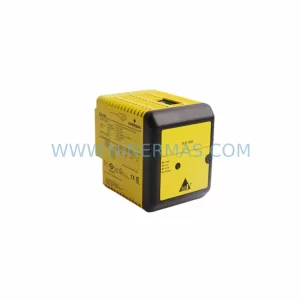
SKU: KJ2201X1-BA1 12P3162X142 SLS1508
Emerson KJ2201X1-BA1 SLS1508 Retrofit Safety Logic Solver
Catalog Continuation
Alternative parts within TSI & Rotating Machinery Monitoring.
Stay inside the same system family when you need substitutes, adjacent modules, or a broader shortlist for procurement review.
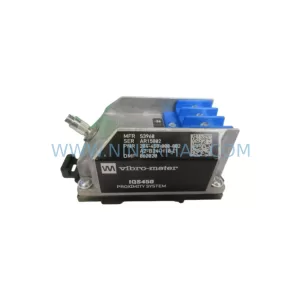
SKU: IQS450 204-450-000-001
VIBRO-METER IQS450 204-450-000-001 Service-Ready Spare Part
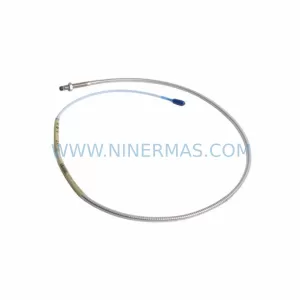
SKU: 330104-00-03-50-02-05
Bently Nevada 330104-00-03-50-02-05 Safety-Reliable Proximity Transducer
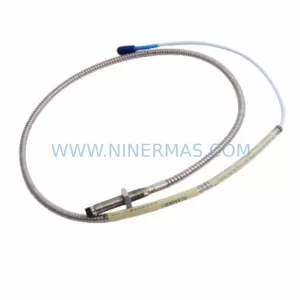
SKU: 21000-16-10-15-057-03-02
Bently Nevada 21000-16-10-15-057-03-02 Safety Proximity Probe