Original Industrial Spare Part
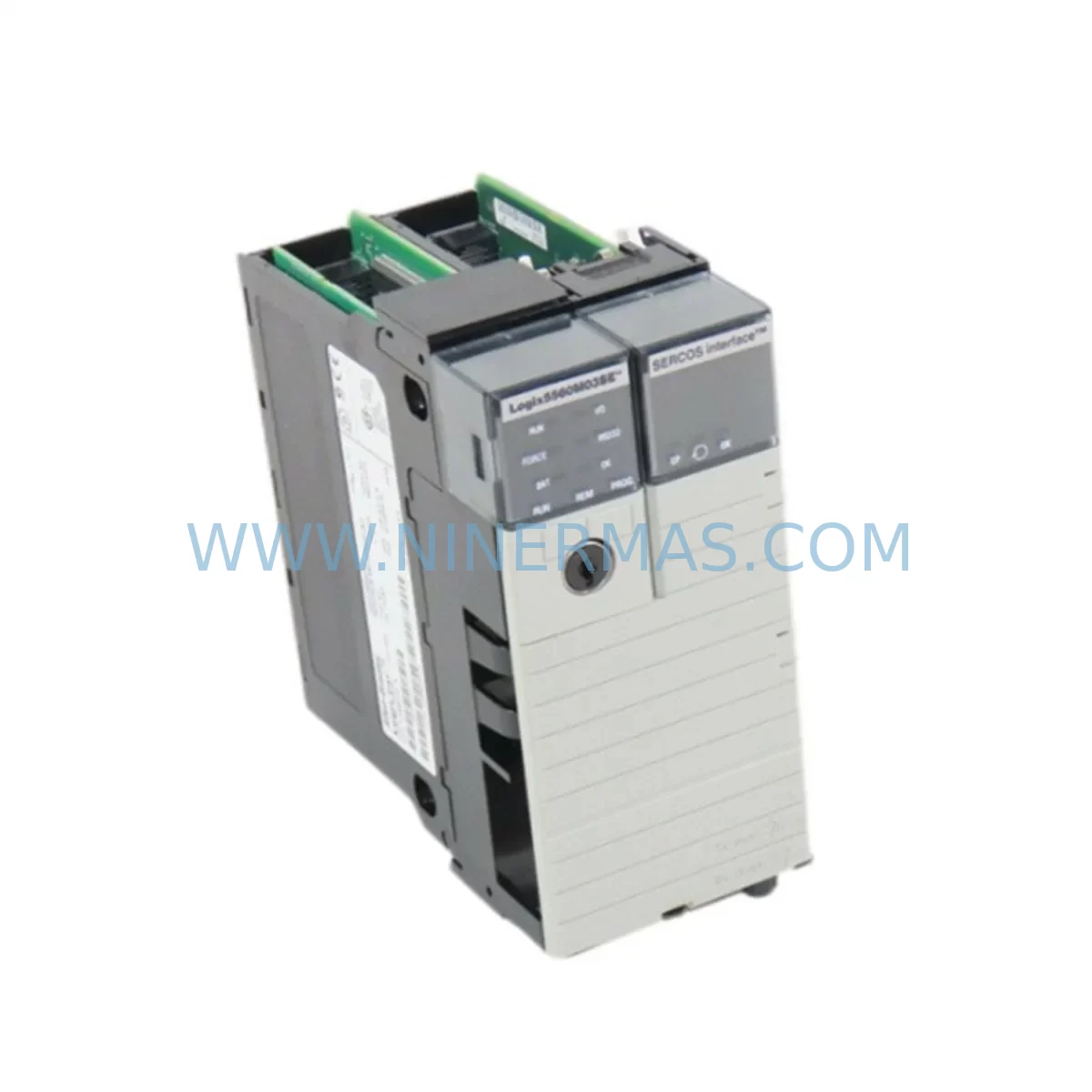
Allen-Bradley 1756-L60M03SE Service-Ready Spare Part
Verify the part, confirm the platform family, and move straight into quotation with the right commercial details.
RFQ Ready
- SKU1756-L60M03SE
- CategoryPLC & Industrial Automation Modules
- BrandAllen-Bradley
- SupportAvailability, lead time, condition, and shipping coordination
How Buyers Usually Use This Page
- Confirm the exact part number and platform family before sending the quote request.
- Use direct email when quantity, condition, and destination are already defined internally.
- Switch to the broader brand or category archive when you need alternates nearby.
Series Navigation
Move through the most common platform families behind this part.
Product RFQ
Send this part directly for quotation.
Include quantity, required condition, destination country, and target delivery timing. Current reference: Allen-Bradley 1756-L60M03SE Service-Ready Spare Part with SKU 1756-L60M03SE.
Allen-Bradley 1756-L60M03SE Service-Ready Spare Part for Industrial Maintenance
The Allen-Bradley 1756-L60M03SE is a ruggedized ControlLogix controller module engineered for demanding industrial environments where temperature extremes, vibration, and airborne contaminants pose constant threats to system uptime. As a service-ready spare part sourced and verified by NINERMAS, this unit is intended for maintenance engineers and procurement teams who cannot afford unplanned downtime in critical automation infrastructure. Whether you are managing a petrochemical plant, a heavy manufacturing line, or a utility control system, having a pre-tested 1756-L60M03SE on your spare parts shelf is a fundamental risk mitigation strategy.
The 1756-L60M03SE belongs to the Rockwell Automation ControlLogix 5560 series and is specifically designed for conformal-coated, extended-temperature operation. Its M03 designation indicates the enhanced environmental protection level, making it suitable for deployment in control cabinets exposed to humidity, dust, and chemical vapors. When this controller fails or reaches end-of-life, the entire PLC rack — and potentially the entire production line — can come to a halt. Stocking a verified replacement unit eliminates the lead time risk associated with sourcing from the open market under emergency conditions.
Spare Maintenance Table
| Parameter | Specification |
|---|---|
| SKU / Part Number | 1756-L60M03SE |
| Brand | Allen-Bradley (Rockwell Automation) |
| Series | ControlLogix 5560 (M03SE Ruggedized) |
| Product Type | Ruggedized PLC Controller Module |
| Memory | 2 MB User Memory |
| Communication Port | EtherNet/IP (1 port, integrated) |
| Environmental Rating | M03 Conformal Coated, Extended Temperature |
| Operating Temperature | 0°C to 60°C (standard rack); -25°C to 70°C (extended) |
| Backplane Compatibility | 1756 ControlLogix Chassis (all standard sizes) |
| Power Supply Compatibility | 1756-PA72, 1756-PB72, 1756-PA75, 1756-PB75 |
| Origin | United States |
| Condition | Original, Service-Ready |
| Warranty | 12 Months |
| Pre-Shipment Testing | Yes — functional verification before dispatch |
| Typical Application | Process control, discrete manufacturing, utilities, oil & gas |
Maintenance Planning for Continuous Operation
When a 1756-L60M03SE controller is flagged for replacement during a scheduled shutdown or an emergency callout, experienced maintenance engineers know that the controller module itself is rarely the only component that needs attention. A thorough site inspection should accompany every controller swap to prevent repeat failures and ensure the restored system operates reliably through the next maintenance cycle.
Begin by inspecting the 1756 ControlLogix chassis backplane for signs of corrosion, bent connector pins, or thermal stress marks. A compromised backplane can cause intermittent communication faults that are difficult to diagnose and may damage a newly installed controller. Next, verify the condition of the 1756-PA72 or 1756-PB72 power supply module — these units are the most common single point of failure in a ControlLogix rack and should be replaced on a proactive cycle in harsh environments.
Check all 1756-EN2T or 1756-EN2TR EtherNet/IP communication modules in the rack. The 1756-L60M03SE relies on the backplane for inter-module communication, and a degraded EN2T can cause the controller to log spurious connection timeouts. In redundant ring topologies, also inspect the 1756-RM2 redundancy module if the system is configured for high-availability operation.
On the I/O side, audit the 1756-IB16 digital input modules and 1756-OB16E digital output modules for blown fuses, failed output transistors, or wiring terminal corrosion. In analog-intensive applications, the 1756-IF16 analog input module should be calibrated and its signal wiring inspected for shield continuity. Signal integrity issues at the I/O level can cause the controller to log false faults that are incorrectly attributed to the CPU module.
For installations where the control cabinet is located near high-voltage switchgear or variable frequency drives, consider adding or replacing signal isolators and surge protection barriers on all field wiring entering the cabinet. These passive components are inexpensive relative to the cost of a controller replacement but are frequently overlooked during routine maintenance. Similarly, inspect all terminal blocks and DIN rail mounted relay modules for signs of overheating or loose terminations, which can introduce ground loops that corrupt analog signals and trigger nuisance faults in the controller’s I/O tree.
Finally, if the system includes an HMI panel such as a PanelView Plus 7 connected via EtherNet/IP, verify that the HMI firmware and RSLogix 5000 / Studio 5000 project file are backed up and version-matched to the replacement controller’s firmware. A firmware mismatch between the controller and HMI is a common cause of post-replacement communication failures that extend downtime well beyond the physical swap time.
Site Replacement Workflow
Replacing a 1756-L60M03SE in a live industrial environment requires a structured approach to minimize downtime and avoid configuration errors. Before removing the failed unit, use RSLogix 5000 or Studio 5000 Logix Designer to upload and save the current controller program, including all tag databases, motion configurations, and produced/consumed tag relationships. Confirm that the backup file is readable and complete before proceeding.
Power down the chassis using the appropriate lockout/tagout procedure. Remove the failed 1756-L60M03SE by releasing the top and bottom locking tabs and sliding the module straight out of the backplane slot. Inspect the backplane connector on the chassis side for debris or damage before inserting the replacement unit. Seat the new 1756-L60M03SE firmly until both locking tabs engage, then restore power to the chassis.
On first power-up, the replacement controller will boot without a program. Use RSLogix 5000 to download the saved project file to the controller. Verify that the firmware version on the replacement unit matches the project file requirements — if not, use ControlFLASH to update the firmware before downloading the program. Once the program is loaded and the controller transitions to RUN mode, perform a full I/O force test on all critical output channels before releasing the system to production.
For systems where the 1756-L60M03SE was operating in a redundant pair with a 1756-L61M03SE or 1756-L62M03SE as the secondary controller, follow Rockwell’s redundancy switchover procedure to verify that the new primary controller synchronizes correctly with the secondary before declaring the system restored. Document the replacement date, firmware version, and any configuration changes in the site maintenance log to support future audits and warranty claims.
Spare Parts Support FAQ
Q1: Is the 1756-L60M03SE compatible with my existing ControlLogix 5560 chassis and I/O modules?
Yes. The 1756-L60M03SE is fully compatible with all standard 1756 ControlLogix chassis sizes (4, 7, 10, 13, and 17 slots) and all 1756-series I/O modules. The M03SE designation refers to the environmental protection level of the controller module itself and does not affect backplane or I/O compatibility. Confirm that your Studio 5000 project firmware version matches the firmware on the replacement unit before downloading.
Q2: What is included in NINERMAS’s 12-month warranty for this spare part?
Every 1756-L60M03SE shipped by NINERMAS is covered by a 12-month warranty from the date of delivery. The warranty covers functional defects identified under normal operating conditions. Each unit undergoes pre-shipment functional testing to verify power-on, backplane communication, and EtherNet/IP port operation. If a unit fails within the warranty period under normal use, NINERMAS will arrange a replacement or repair at no additional cost.
Q3: How should I manage my spare parts inventory for ControlLogix systems to avoid emergency procurement?
Best practice for critical ControlLogix installations is to maintain at least one spare 1756-L60M03SE controller per production line, along with spares for the power supply module (1756-PA72 or 1756-PB72) and the primary EtherNet/IP communication module. For high-availability systems, consider stocking a spare redundancy module as well. Rotate spare parts on a 3–5 year cycle to avoid firmware obsolescence and ensure that stored units remain within Rockwell’s supported firmware range.
Q4: Can NINERMAS supply the 1756-L60M03SE on a long-term or blanket order basis?
Yes. NINERMAS supports long-term supply agreements for maintenance teams managing multiple sites or large installed bases of ControlLogix equipment. Contact our sales team to discuss volume pricing, reserved stock arrangements, and scheduled delivery programs that align with your annual maintenance budget cycle. Long-term supply agreements also provide priority access to stock during periods of global component shortages.
| Product Series | ControlLogix |
|---|---|
| Country of Origin | US |
Catalog Continuation
More Allen-Bradley modules in the catalog.
Use the brand lane to compare nearby part numbers, platform-adjacent modules, and other inquiry-ready listings before sending your final RFQ.
Catalog Continuation
Alternative parts within PLC & Industrial Automation Modules.
Stay inside the same system family when you need substitutes, adjacent modules, or a broader shortlist for procurement review.
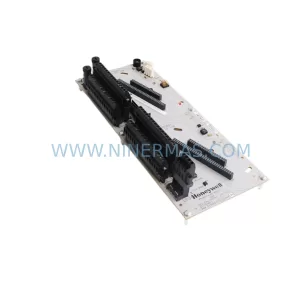
SKU: CC-TDOB11 51308373-175
HOLLEYWELL CC-TDOB11 51308373-175 Retrofit Digital Output
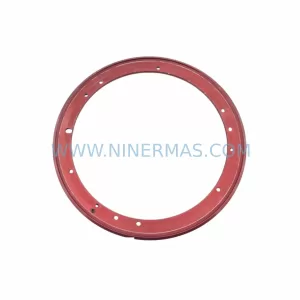
SKU: DIA 27CM 0020-21422 ARIES ACR CP*AR-13CE-15122 LAM 796-901039-002 100018066
AMAT 796-901039-002 Retrofit-Compatible Clamp for Legacy Systems