Original Industrial Spare Part
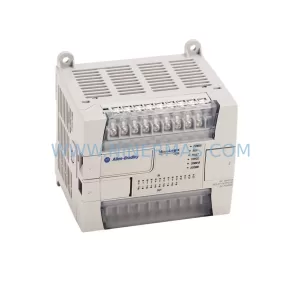
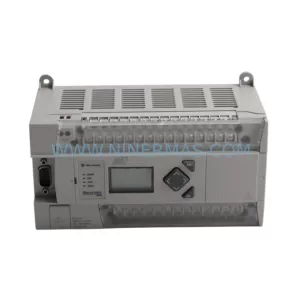
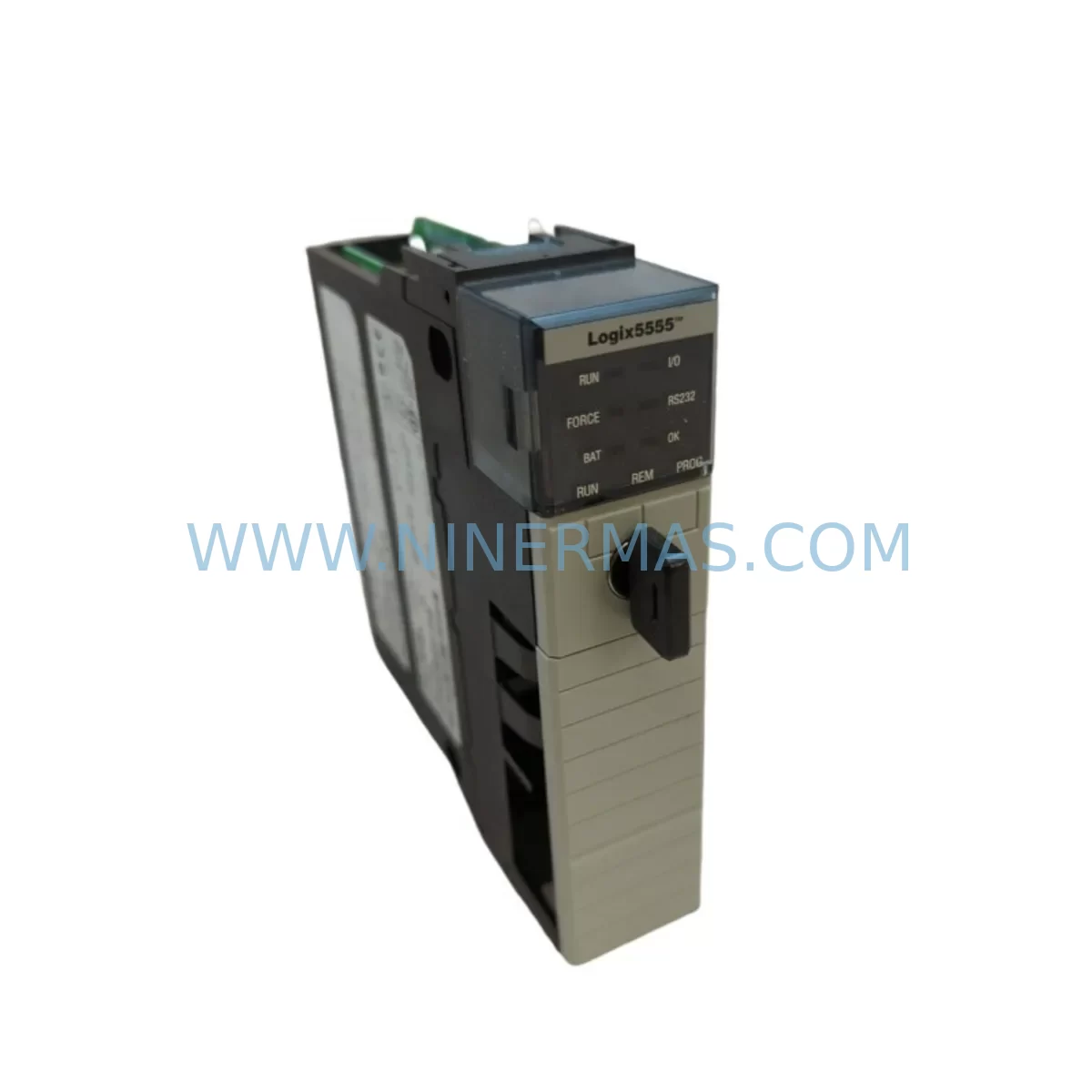
Allen-Bradley 1756-L55M16 Retrofit-Compatible Controller for Legacy
Verify the part, confirm the platform family, and move straight into quotation with the right commercial details.
RFQ Ready
- SKU1756-L55M16
- CategoryPLC & Industrial Automation Modules
- BrandAllen-Bradley
- SupportAvailability, lead time, condition, and shipping coordination
How Buyers Usually Use This Page
- Confirm the exact part number and platform family before sending the quote request.
- Use direct email when quantity, condition, and destination are already defined internally.
- Switch to the broader brand or category archive when you need alternates nearby.
Series Navigation
Move through the most common platform families behind this part.
Product RFQ
Send this part directly for quotation.
Include quantity, required condition, destination country, and target delivery timing. Current reference: Allen-Bradley 1756-L55M16 Retrofit-Compatible Controller for Legacy with SKU 1756-L55M16.
Allen-Bradley 1756-L55M16 Retrofit-Compatible Controller for Legacy ControlLogix Systems
The Allen-Bradley 1756-L55M16 is a ControlLogix series programmable logic controller (PLC) designed for high-performance industrial automation. As legacy Logix5555-based control systems approach end-of-life and spare parts become increasingly scarce, the 1756-L55M16 serves as a proven retrofit-compatible replacement that enables engineers to modernize aging control infrastructure without a full system overhaul. Whether you are managing a brownfield plant upgrade, restoring a discontinued spare, or migrating a legacy control cabinet to a current-generation platform, the 1756-L55M16 provides a reliable, field-verified upgrade path with minimal disruption to existing operations.
NINERMAS maintains verified inventory of the 1756-L55M16 and ships units that have passed pre-delivery functional testing. Each unit is covered by a 12-month warranty and is supported by our technical team for retrofit planning, wiring adaptation, and commissioning guidance.
Upgrade Compatibility Table
| Parameter | 1756-L55M16 (This Unit) | Retrofit Notes |
|---|---|---|
| Series | ControlLogix / Logix5555 | Compatible with 1756 chassis backplane |
| User Memory | 16 MB | Verify program size before migration |
| Backplane Interface | 1756 ControlLogix Backplane | Fits standard 1756-A4, 1756-A7, 1756-A10, 1756-A13, 1756-A17 chassis |
| Communication | EtherNet/IP, ControlNet, DeviceNet (via comm modules) | Retain existing 1756-ENBT, 1756-CNB, or 1756-DNB modules |
| Power Supply Compatibility | 1756-PA72 / 1756-PB72 / 1756-PA75 | Confirm power budget with existing I/O load |
| Programming Software | RSLogix 5000 / Studio 5000 Logix Designer | Verify firmware revision compatibility before download |
| Installation Footprint | Single slot, 1756 form factor | No mechanical modification required |
| Replacement Relationship | Direct replacement for 1756-L55M16; upgrade path from 1756-L1M1, 1756-L1M2 | Program conversion may be required for older firmware |
| Commissioning Focus | Module addressing, task configuration, I/O tree verification | Validate all produced/consumed tags post-swap |
| Warranty | 12 Months — Covered by NINERMAS COMPANY LIMITED | |
Retrofit Planning for Existing Automation Systems
Replacing a discontinued ControlLogix processor in a live production environment requires careful pre-engineering to avoid unexpected downtime and configuration errors. When planning a 1756-L55M16 retrofit, the first step is to audit the existing 1756 chassis configuration. Common chassis variants such as the 1756-A7 (7-slot) and 1756-A10 (10-slot) will accommodate the 1756-L55M16 without any mechanical changes, as the controller occupies a single slot in the standard ControlLogix form factor.
Power supply capacity must be verified before installation. The 1756-PA72 and 1756-PB72 power supplies are the most commonly paired units in legacy ControlLogix cabinets, and engineers should confirm that the combined backplane current draw of all installed modules — including digital I/O modules such as the 1756-IB16 and 1756-OB16, analog modules such as the 1756-IF8 and 1756-OF8, and communication modules such as the 1756-ENBT or 1756-EN2T — does not exceed the power supply’s rated output. If the existing power supply is marginal, a 1756-PA75 upgrade should be considered as part of the retrofit scope.
Communication architecture is another critical planning element. Most legacy ControlLogix systems use EtherNet/IP for SCADA and HMI connectivity, with the 1756-ENBT or 1756-EN2T modules handling network traffic. These modules are retained during a processor swap and do not require reconfiguration, provided the new controller is assigned the same IP address and node configuration. If the system also uses ControlNet for deterministic I/O scanning, the existing 1756-CNB module and network schedule should be preserved and re-validated after the controller replacement.
HMI screens connected via RSLinx Classic or FactoryTalk View SE will reference tag names and controller paths that must remain consistent after the swap. Before removing the legacy processor, export the full tag database and verify that all HMI screen references, alarm configurations, and historian data connections are documented. After installing the 1756-L55M16 and downloading the program, perform a full HMI screen navigation test to confirm that all dynamic data links are active and that no broken tag references exist.
For systems that include remote I/O racks connected via 1756-DHRIO or DeviceNet using a 1756-DNB bridge module, the module addressing and network node assignments must be preserved exactly. Any change to rack number or node address will cause I/O faults that require manual clearing before the system can return to run mode. Document all rack and node assignments before beginning the swap, and verify them against the I/O tree in RSLogix 5000 or Studio 5000 after the new controller is online.
Signal isolation requirements should also be reviewed during retrofit planning. In older control cabinets where analog signals share common ground references with digital outputs, signal isolators may be required to prevent ground loops after the controller is replaced. This is particularly relevant in systems where the 1756-IF8 analog input module is used alongside relay output modules in the same chassis.
Downtime Control During System Migration
Minimizing production downtime during a ControlLogix processor replacement is achievable with proper preparation. The most effective approach is to perform all pre-migration steps — program backup, tag export, firmware verification, and hardware staging — during scheduled maintenance windows before the actual swap day.
Begin by creating a full offline backup of the existing controller program using RSLogix 5000 or Studio 5000 Logix Designer. Save the .ACD project file to a secure location and verify that the backup opens without errors before proceeding. Note the exact firmware revision of the existing 1756-L55M16 and ensure that the replacement unit is loaded with a compatible firmware version using ControlFLASH or ControlFLASH Plus before installation. Firmware mismatches are one of the most common causes of extended downtime during processor swaps.
On the day of the swap, place the system in a safe state by coordinating with operations to halt production on the affected line. Remove the legacy processor from the chassis, install the replacement 1756-L55M16, and power up the chassis. The controller will enter Program mode automatically. Download the verified program file, confirm that all I/O modules are recognized in the I/O tree, and check for any unresolved faults in the controller fault log. Clear any inhibited modules that were set during the migration preparation phase.
Once the program is downloaded and the I/O tree is fault-free, transition the controller to Run mode and monitor the first production cycle closely. Verify that all interlocks, safety logic, and process control loops are responding correctly before releasing the line to full production. For systems with safety PLCs or GuardLogix controllers installed in the same chassis, additional validation steps per the site’s functional safety plan will be required before resuming guarded operations.
By staging all preparation work in advance and following a structured swap procedure, most 1756-L55M16 replacements can be completed within a two- to four-hour maintenance window, keeping production impact to a minimum.
Retrofit Support FAQ
Q: Is the 1756-L55M16 a direct drop-in replacement for my existing Logix5555 processor?
A: Yes, the 1756-L55M16 is a single-slot ControlLogix processor that fits any standard 1756 chassis. It is a direct physical replacement for other 1756-series processors of the same form factor. Program compatibility depends on the firmware revision and the RSLogix 5000 / Studio 5000 project version. NINERMAS recommends verifying firmware compatibility before installation.
Q: Has the unit been tested before shipment?
A: Yes. All 1756-L55M16 units supplied by NINERMAS undergo pre-delivery functional testing to verify processor operation, memory integrity, and backplane communication. Each unit ships with a test report and is covered by a 12-month warranty from the date of delivery.
Q: What wiring or terminal changes are required when replacing the processor?
A: The 1756-L55M16 processor itself does not have field wiring terminals — all field I/O connections are made at the I/O module terminal bases, which remain in place during a processor swap. No rewiring of field devices is required. Only the processor module is removed and replaced.
Q: How long does it typically take to receive the unit, and is stock available?
A: NINERMAS maintains in-stock inventory of the 1756-L55M16 and typically ships within 1–3 business days of order confirmation. Express shipping options are available for urgent retrofit and breakdown situations. Contact sale@ninermas.com or call +0086 187 5021 5667 to confirm current stock and lead time.
| Product Series | ControlLogix |
|---|---|
| Country of Origin | US |
Catalog Continuation
More Allen-Bradley modules in the catalog.
Use the brand lane to compare nearby part numbers, platform-adjacent modules, and other inquiry-ready listings before sending your final RFQ.




Catalog Continuation
Alternative parts within PLC & Industrial Automation Modules.
Stay inside the same system family when you need substitutes, adjacent modules, or a broader shortlist for procurement review.



SKU: HDD02.2-W040N-HS12-01-FW FWA-DIAX04-ELS-05VRS-MS
Rexroth HDD02.2-W040N-HS12-01-FW Service-Ready Spare Part

SKU: I5DAE375F10010000S
Lenze I5DAE375F10010000S Service-Ready Spare Part for Industrial Maintenance