Original Industrial Spare Part
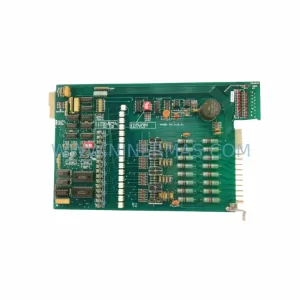
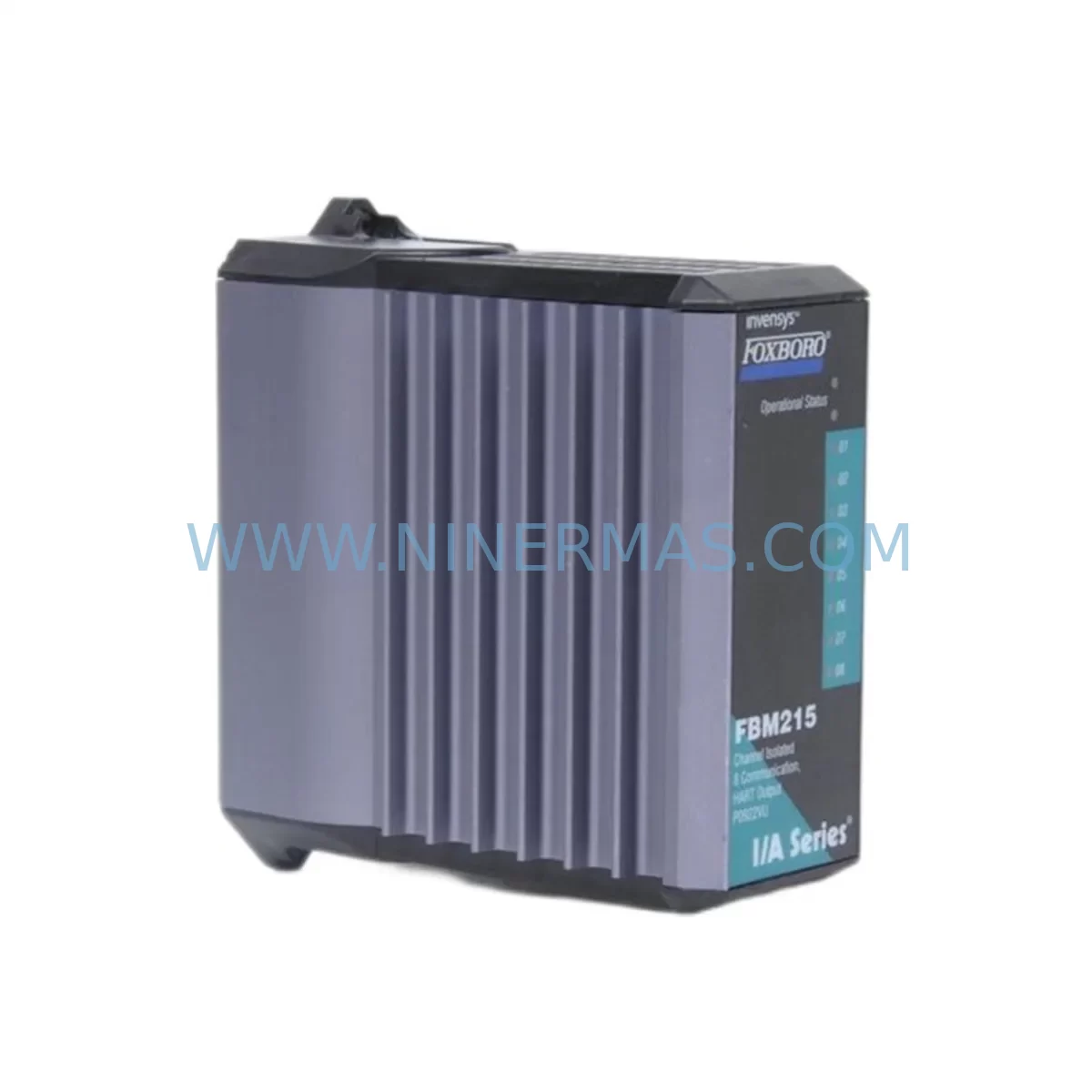
FOXBORO FBM215 Retrofit-Compatible Output Module for Legacy Systems
Verify the part, confirm the platform family, and move straight into quotation with the right commercial details.
RFQ Ready
- SKUFBM215
- CategoryDCS Distributed Control Systems
- BrandFOXBORO
- SupportAvailability, lead time, condition, and shipping coordination
How Buyers Usually Use This Page
- Confirm the exact part number and platform family before sending the quote request.
- Use direct email when quantity, condition, and destination are already defined internally.
- Switch to the broader brand or category archive when you need alternates nearby.
Series Navigation
Move through the most common platform families behind this part.
Product RFQ
Send this part directly for quotation.
Include quantity, required condition, destination country, and target delivery timing. Current reference: FOXBORO FBM215 Retrofit-Compatible Output Module for Legacy Systems with SKU FBM215.
FOXBORO FBM215 Retrofit-Compatible Output Module: Seamless Legacy System Modernization
The FOXBORO FBM215 is a ruggedized output interface module engineered for demanding industrial environments and designed to serve as a reliable retrofit solution within legacy Foxboro I/A Series Distributed Control Systems (DCS). As automation facilities face the challenge of maintaining aging control infrastructure — particularly systems built around discontinued Foxboro hardware — the FBM215 provides a proven, drop-in compatible path to extend operational life, restore system integrity, and defer the cost of full platform migration.
Whether your facility is managing a phased modernization of a 1990s-era control room, replacing a failed output module on a critical process line, or consolidating spare parts inventory ahead of a planned shutdown, the FBM215 addresses the core requirements of retrofit engineers: verified compatibility, documented wiring equivalence, and a module that can be commissioned without rewriting control logic or reconfiguring HMI displays.
NINERMAS maintains ready stock of the FBM215 with full functional testing prior to shipment and a 12-month warranty on every unit. Lead times are confirmed at order placement, and units are available for urgent dispatch to support unplanned outages and emergency maintenance windows.
Upgrade Compatibility Table
| Parameter | Details |
|---|---|
| SKU / Part Number | FBM215 |
| Brand / Manufacturer | FOXBORO (Schneider Electric) |
| Series | I/A Series DCS |
| Module Type | Ruggedized Output Interface Module |
| Backplane Interface | I/A Series Fieldbus Module (FBM) baseplate compatible |
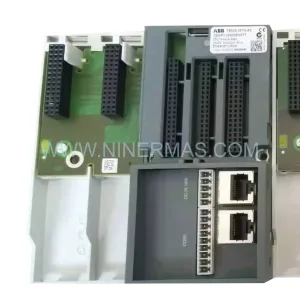
| Installation Format | DIN-rail / rack-mount baseplate slot (verify baseplate model: P0914YE or equivalent) |
| Communication Protocol | Nodebus / Fieldbus — I/A Series native |
| Output Type | Analog / Digital output (confirm channel count and signal range against existing loop documentation) |
| Power Supply Requirement | Supplied via baseplate — verify CP60 or CP30 controller power budget before installation |
| Terminal Wiring | Compatible with existing field termination assemblies (FTA); confirm FTA model against FBM215 wiring diagram |
| Address Configuration | Module address set via DCS configuration tool (IACC / FoxCAE); no hardware jumpers required |
| HMI Impact | No HMI display changes required when replacing like-for-like; verify tag assignments in configuration database |
| Replacement Recommendation | Direct replacement for failed or end-of-life FBM215 units in existing I/A Series installations |
| Commissioning Notes | Download configuration from existing DCS database; verify loop calibration after installation |
| Warranty | 12 Months — all units tested prior to shipment |
Retrofit Planning for Existing Automation Systems
Successful integration of the FBM215 into a legacy control system begins well before the module arrives on site. Retrofit engineers should start by auditing the existing I/A Series baseplate (commonly the P0914YE or P0914YF series) to confirm available slot positions and verify that the baseplate firmware revision supports the FBM215 module type. In multi-drop configurations where several FBM modules share a single Nodebus segment, the total module count and address assignments must be reviewed to avoid conflicts with adjacent modules such as the FBM201 (analog input) or FBM202 (analog output) already installed in the rack.
Power budget verification is a critical pre-installation step. The CP60 Controller Processor or CP30 powering the baseplate has a defined current capacity per slot. Adding or replacing an FBM215 requires confirming that the combined draw of all installed modules — including communication modules such as the FBM237 (PROFIBUS interface) or FBM220 (DeviceNet gateway) if present — does not exceed the controller’s rated output. This is especially relevant in older installations where power supply units may already be operating near capacity.
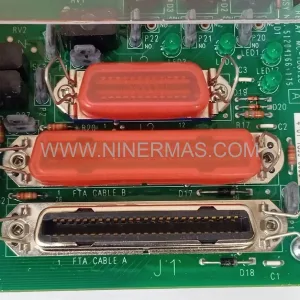
Field termination is handled through the associated Field Termination Assembly (FTA), which connects the FBM215 to field wiring without disturbing existing cable runs. Engineers should confirm the FTA model number (e.g., FBM215-compatible FTA variants) and verify terminal block labeling against the original loop drawings. In facilities where original documentation is incomplete, the existing wiring can be traced using the DCS configuration database exported from the FoxCAE engineering workstation or equivalent IACC configuration tool.
For facilities migrating from older Foxboro SPEC 200 or FOX1 legacy platforms toward the I/A Series architecture, the FBM215 may serve as part of a broader I/O migration strategy. In these scenarios, signal isolators and signal conditioners are often required to bridge legacy 4–20 mA loops to the new module’s input range, and marshalling cabinets may need to be reconfigured to accommodate the new termination layout. Coordination with the HMI layer — typically a Foxboro Workstation (FWS) or third-party SCADA system — is necessary to ensure that tag names, engineering units, and alarm limits are preserved during the transition.
Where I/O expansion is required alongside the FBM215 replacement, additional FBM204 (discrete input) or FBM207 (discrete output) modules can be added to adjacent baseplate slots, provided address space and power budget allow. This approach supports a modular, incremental upgrade strategy that avoids the need for a full control system replacement and minimizes disruption to ongoing production.
Downtime Control During System Migration
Minimizing unplanned downtime is the primary operational concern when replacing output modules in a live DCS environment. The FBM215 retrofit process is designed to support hot-swap replacement in systems where the baseplate remains energized, but site-specific safety procedures — including process isolation, loop inhibiting, and output forcing — must be followed before any module is removed from service.
Before extraction, engineers should use the DCS operator console to place all output channels associated with the FBM215 in manual mode and force outputs to safe states. This protects field devices — including control valves, motor starters, and solenoid outputs — from uncontrolled state changes during the module swap. The existing configuration, including module parameters, channel scaling, and alarm setpoints, should be exported from the DCS database and retained as a backup prior to any hardware change.
Once the replacement FBM215 is seated in the baseplate, the DCS will typically perform an automatic module recognition sequence. Engineers should monitor the system diagnostic display to confirm that the module comes online without fault codes and that all output channels return to their configured states. Loop calibration verification — confirming that output signals match the commanded values at the field device — should be completed before returning the loop to automatic control.
For planned maintenance windows, NINERMAS recommends pre-staging the replacement FBM215 on site, completing all documentation review and configuration backup steps in advance, and coordinating with operations to schedule the swap during a low-demand production period. This approach consistently reduces active intervention time to under 30 minutes for a single-module replacement, preserving process continuity and reducing the risk of extended unplanned outages.
Retrofit Support FAQ
Q: Is the FBM215 a direct drop-in replacement for the existing module in my I/A Series system?
A: In most I/A Series installations, yes. The FBM215 is designed for direct baseplate slot replacement. You should verify the baseplate model, FTA wiring compatibility, and DCS configuration database to confirm that no address or parameter changes are required before installation.
Q: Does NINERMAS test the FBM215 before shipment?
A: Yes. Every FBM215 unit supplied by NINERMAS undergoes functional testing prior to dispatch. Units are shipped with a 12-month warranty covering manufacturing defects and functional failures under normal operating conditions.
Q: What wiring changes are needed when installing the FBM215 as a replacement?
A: If the replacement is like-for-like (same FBM215 part number), no field wiring changes are required when the associated FTA is retained. Terminal connections at the FTA remain unchanged. If the FTA is also being replaced, refer to the FBM215 wiring diagram and cross-reference with existing loop drawings to confirm terminal assignments before reconnecting field cables.
Q: Can NINERMAS supply the FBM215 for emergency or urgent orders?
A: Yes. NINERMAS maintains stock inventory of the FBM215 and can confirm availability and lead time at the time of inquiry. For urgent requirements, contact our sales team directly at sale@ninermas.com or call +0086 187 5021 5667 to discuss expedited dispatch options.
| Product Series | I/A Series |
|---|---|
| Country of Origin | FR |
Catalog Continuation
Likely Foxboro I/A platform matches.
These parts are closer to the same platform family signaled by the current SKU and title, so buyers can validate continuity before sending a final RFQ.
SKU: P0961BS-OD P0961BS-0D
Foxboro P0961BS-OD Safety-Reliable Bus Connector
SKU: FBM203 P0916AE0C P0916AEOC
Foxboro FBM203 P0916AE0C Service-Ready Spare Part
Catalog Continuation
More FOXBORO modules in the catalog.
Use the brand lane to compare nearby part numbers, platform-adjacent modules, and other inquiry-ready listings before sending your final RFQ.
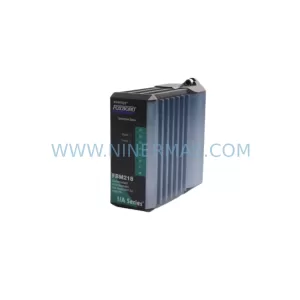
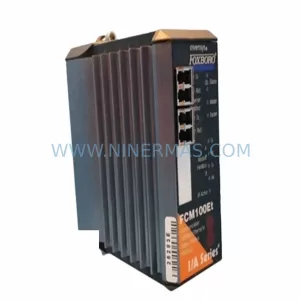
Catalog Continuation
Alternative parts within DCS Distributed Control Systems.
Stay inside the same system family when you need substitutes, adjacent modules, or a broader shortlist for procurement review.
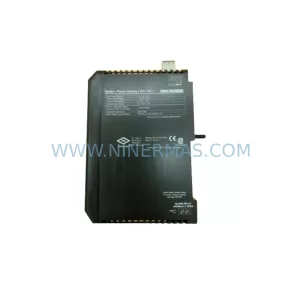
SKU: KJ1501X1-BB1 12P0678X042 VE5002
Emerson KJ1501X1-BB1 Retrofit Power Supply for Legacy DeltaV
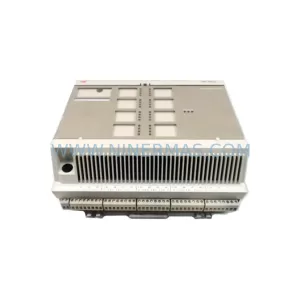
SKU: 8C-TCNT02 8U-TCNT02 8C-TCNTA1 8U-TCNTA1
Honeywell 8C-TCNT02 Service-Ready Spare Part for Industrial Maintenance