
Original Industrial Spare Part
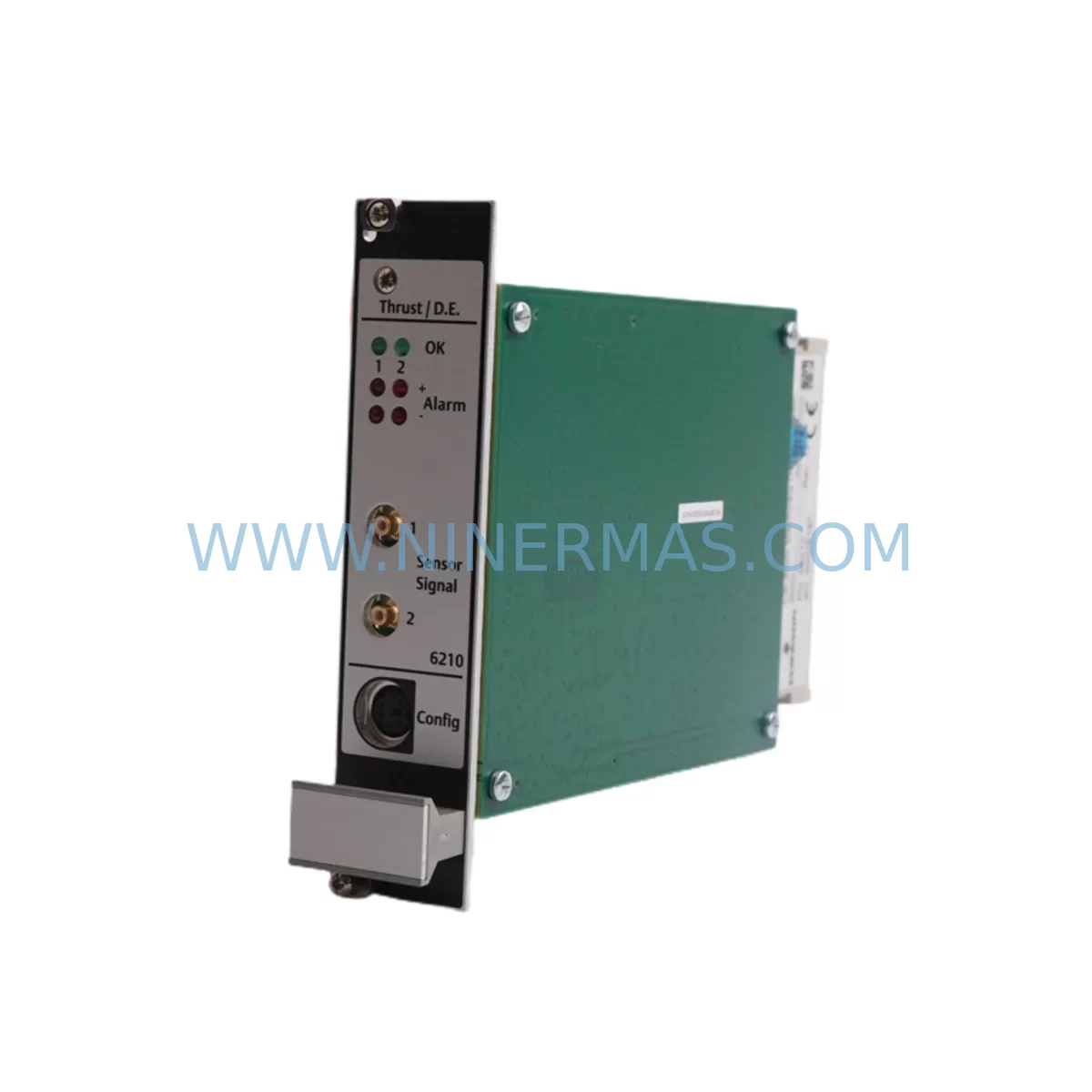
Emerson A6210 Service-Ready Spare Part for Industrial Maintenance
Verify the part, confirm the platform family, and move straight into quotation with the right commercial details.
RFQ Ready
- SKUA6210
- CategoryTSI & Rotating Machinery Monitoring
- BrandEMERSON
- SupportAvailability, lead time, condition, and shipping coordination
How Buyers Usually Use This Page
- Confirm the exact part number and platform family before sending the quote request.
- Use direct email when quantity, condition, and destination are already defined internally.
- Switch to the broader brand or category archive when you need alternates nearby.
Series Navigation
Move through the most common platform families behind this part.
Product RFQ
Send this part directly for quotation.
Include quantity, required condition, destination country, and target delivery timing. Current reference: Emerson A6210 Service-Ready Spare Part for Industrial Maintenance with SKU A6210.
Emerson A6210 Service-Ready Spare Part for Industrial Maintenance
The Emerson A6210 is a critical service-ready spare part designed for continuous operation within the AMS 6500 Series machinery health monitoring platform. Engineered to meet the demanding requirements of industrial maintenance environments, the A6210 module supports vibration signal acquisition and condition monitoring across rotating equipment such as turbines, compressors, pumps, and motors. Sourced as an original Emerson component, this spare is pre-tested, inspection-verified, and ready for immediate field deployment — minimizing downtime and restoring system integrity with confidence.
For maintenance engineers managing aging DCS or condition monitoring infrastructure, the A6210 represents a reliable, cost-effective alternative to full system replacement. Its compatibility with the AMS 6500 architecture ensures seamless integration without firmware conflicts or signal recalibration, making it an ideal candidate for both emergency replacement and planned annual overhaul inventories.
Spare Maintenance Table
| Parameter | Specification / Detail |
|---|---|
| SKU / Part Number | A6210 |
| Brand | Emerson |
| Series | AMS 6500 Machinery Health Monitor |
| Product Type | Vibration Monitor / Signal Acquisition Module |
| Compatibility | AMS 6500 Series backplane and rack systems |
| Application | Rotating machinery: turbines, compressors, pumps, motors |
| Installation | Rack-mount, hot-swap capable (verify with system documentation) |
| Signal Type | Vibration / dynamic signal input |
| Operating Environment | Industrial control cabinet, Class I Div 2 compatible environments |
| Origin | United States |
| Condition | Original, service-ready, pre-tested |
| Warranty | 12 Months |
| Lead Time | In stock — ships within 1–3 business days |
| Maintenance Interval | Inspect every 12 months or per OEM schedule |
Maintenance Planning for Continuous Operation
When replacing the Emerson A6210 in an AMS 6500 rack, a thorough inspection of the surrounding system is essential to prevent repeat failures and ensure full restoration of monitoring capability. Maintenance engineers should treat this replacement as an opportunity for a broader cabinet health check.
Begin by verifying the AMS 6500 power supply module — an aging or under-rated power supply is a common root cause of module failures and should be load-tested before the new A6210 is commissioned. Inspect the backplane and rack chassis for corrosion, loose connectors, or damaged bus contacts that could affect signal integrity. Check all field wiring terminals and terminal blocks connected to the vibration transducers; loose or oxidized connections introduce noise that can mask real machinery faults.
Review the condition of proximity probe drivers and Bently Nevada-compatible transducer cables routed to the A6210 inputs — cable insulation degradation is a frequent but overlooked failure point in long-running installations. If the system includes signal isolators or signal conditioners between field sensors and the module, verify their output ranges are within the A6210’s input specification.
For sites running integrated DCS or safety systems, confirm that the AMS 6500 communication interface module (such as the Modbus or FOUNDATION Fieldbus gateway card) is functioning correctly and that the A6210 replacement does not require a channel re-mapping in the host system. Procurement engineers should also consider stocking the AMS 6500 I/O terminal board and channel fuse assemblies as companion spares — these low-cost components are frequently overlooked until they cause an unplanned outage.
Where the AMS 6500 system interfaces with a DeltaV DCS or Ovation control platform, ensure that the A6210 channel configuration is backed up in the host engineering workstation before removal. Finally, if the installation includes an AMS Device Manager or AMS Machinery Manager software platform, update the asset database after replacement to maintain accurate maintenance history and alarm baseline records.
Site Replacement Workflow
Step 1 — Pre-Replacement Verification: Confirm the A6210 SKU against the rack slot label and system BOM. Cross-reference with the AMS 6500 system drawing to identify the correct channel assignment. Back up current configuration data from AMS Machinery Manager.
Step 2 — Safe Isolation: Follow site LOTO (Lockout/Tagout) procedures. De-energize the rack slot if hot-swap is not confirmed for your firmware revision. Disconnect field wiring from the terminal board, labeling each conductor.
Step 3 — Module Removal and Inspection: Extract the failed A6210 and inspect the slot connector for bent pins or debris. Clean the backplane connector with approved contact cleaner before inserting the replacement.
Step 4 — Installation and Configuration: Seat the new A6210 firmly into the rack slot. Reconnect field wiring per the original termination schedule. Power up the slot and verify channel status LEDs. Restore configuration from backup if required.
Step 5 — Functional Verification: Confirm live vibration readings in AMS Machinery Manager match expected baseline values for the monitored machine. Check alarm setpoints and trip levels are correctly applied. Document the replacement in the site CMMS.
This workflow reduces mean time to repair (MTTR), preserves system compatibility, and ensures the replacement A6210 is fully operational before the maintenance team leaves the site — a critical outcome for facilities where unplanned downtime carries significant production cost.
Spare Parts Support FAQ
Q1: Is the A6210 compatible with all AMS 6500 rack configurations?
The A6210 is designed for the AMS 6500 Series platform. Compatibility depends on rack revision and firmware version. We recommend confirming your rack model and slot type before ordering. Our technical team can assist with compatibility verification based on your system serial number or configuration drawing.
Q2: What testing is performed before shipment?
Every A6210 unit is functionally tested prior to dispatch. Testing covers power-on self-test, signal input verification, and communication handshake where applicable. Units are shipped with an inspection record. A 12-month warranty covers defects in materials and workmanship from the date of delivery.
Q3: Can the A6210 replace older or discontinued Emerson AMS modules?
In many cases, the A6210 serves as a direct or compatible replacement for earlier AMS 6500 channel modules. For legacy system life extension, we can advise on cross-reference options and any configuration adjustments required to maintain system integrity without full platform migration.
Q4: What is your long-term supply commitment for the A6210?
We maintain dedicated stock of the A6210 and key AMS 6500 Series components to support long-term maintenance contracts and annual overhaul programs. Blanket purchase orders and scheduled delivery agreements are available for procurement engineers managing multi-site spare parts inventories. Contact our team to discuss volume pricing and supply continuity arrangements.
—
| Product Series | AMS |
|---|---|
| Country of Origin | US |
Catalog Continuation
More EMERSON modules in the catalog.
Use the brand lane to compare nearby part numbers, platform-adjacent modules, and other inquiry-ready listings before sending your final RFQ.
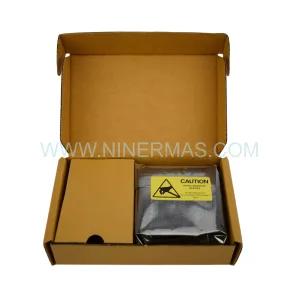
Catalog Continuation
Alternative parts within TSI & Rotating Machinery Monitoring.
Stay inside the same system family when you need substitutes, adjacent modules, or a broader shortlist for procurement review.
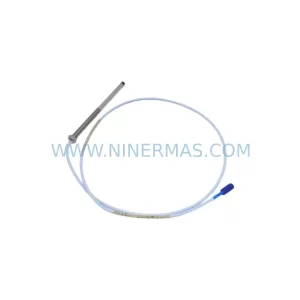
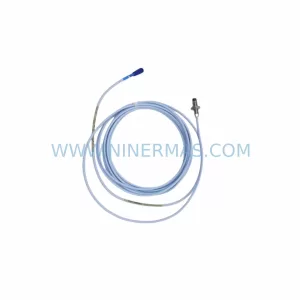
SKU: 330103-00-14-10-02-CN
Bently Nevada 330103-00-14-10-02-CN Retrofit Proximity Probe
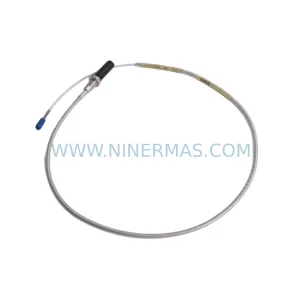
SKU: 330704-000-060-10-02-CN
Bently Nevada 330704-000-060-10-02-CN 3300 XL Probe
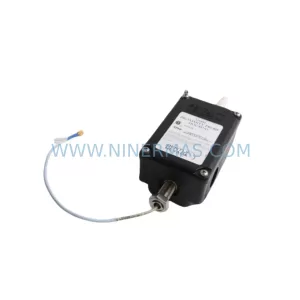
SKU: 31000-00-00-00-070-03-02
Bently Nevada 31000-00-00-00-070-03-02 Service-Ready Spare Part for Industrial Maintenance



