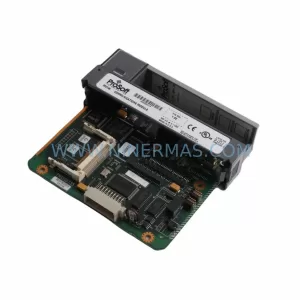
Original Industrial Spare Part
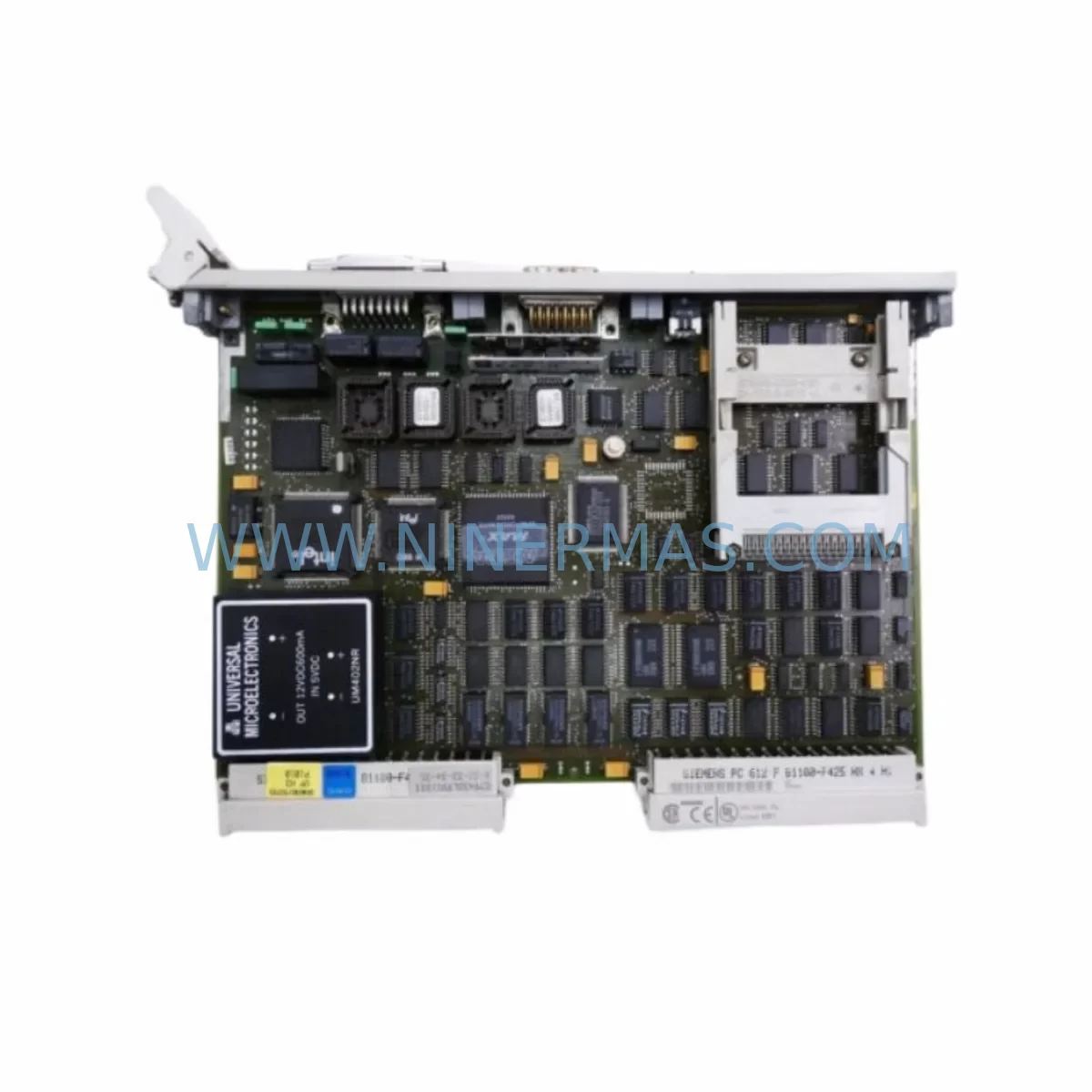
Siemens 6GK1143-0TA00 Retrofit-Compatible CP for Legacy Systems
Verify the part, confirm the platform family, and move straight into quotation with the right commercial details.
RFQ Ready
- SKU6GK1143-0TA00
- CategoryPLC & Industrial Automation Modules
- BrandSiemens
- SupportAvailability, lead time, condition, and shipping coordination
How Buyers Usually Use This Page
- Confirm the exact part number and platform family before sending the quote request.
- Use direct email when quantity, condition, and destination are already defined internally.
- Switch to the broader brand or category archive when you need alternates nearby.
Series Navigation
Move through the most common platform families behind this part.
Product RFQ
Send this part directly for quotation.
Include quantity, required condition, destination country, and target delivery timing. Current reference: Siemens 6GK1143-0TA00 Retrofit-Compatible CP for Legacy Systems with SKU 6GK1143-0TA00.
Siemens 6GK1143-0TA00 Retrofit-Compatible CP for Legacy Systems
The Siemens 6GK1143-0TA00, commercially designated as the CP 1430 TF, is a communications processor originally designed for the SIMATIC S5 programmable controller platform. As industrial facilities worldwide continue to operate aging S5-based control systems — or undertake phased migration toward modern SIMATIC S7 or TIA Portal architectures — the 6GK1143-0TA00 remains a critical spare part and retrofit component for maintaining network connectivity, sustaining production continuity, and bridging legacy fieldbus infrastructure with contemporary control environments.
NINERMAS maintains verified inventory of the 6GK1143-0TA00, sourced from original manufacturing channels and subjected to full functional testing prior to shipment. Each unit is covered by a 12-month warranty, ensuring that your retrofit or emergency replacement project is protected from the moment the module arrives on site.
Upgrade Compatibility Table
| Parameter | Details |
|---|---|
| Part Number | 6GK1143-0TA00 |
| Commercial Designation | CP 1430 TF |
| Compatible Platform | SIMATIC S5 (S5-115U, S5-135U, S5-155U) |
| Communication Protocol | SINEC H1 (Industrial Ethernet, 10 Mbit/s) |
| Interface | AUI (15-pin D-sub), compatible with standard MAU/transceiver |
| Installation | S5 central rack or expansion rack slot (standard S5 form factor) |
| Power Supply | Supplied via S5 backplane bus (5 VDC) |
| Retrofit Recommendation | Direct slot replacement in existing S5 rack; verify rack slot addressing and CP configuration in STEP 5 |
| Protocol Migration Note | For S7 migration, pair with CP 343-1 or CP 443-1 on the new platform; retain 6GK1143-0TA00 on S5 side during parallel run |
| Commissioning Focus | Module address assignment, SINEC H1 network parameters, connection table configuration in COM 1430 software |
| Origin | Germany |
| Warranty | 12 Months — NINERMAS Quality Guarantee |
Retrofit Planning for Existing Automation Systems
Replacing or reactivating a 6GK1143-0TA00 within a live or recently decommissioned S5 system requires careful pre-engineering to avoid configuration errors and unplanned downtime. The following considerations are essential for a successful retrofit.
Rack and Slot Verification: The CP 1430 TF occupies a standard S5 module slot in the central rack (CR) or expansion rack (ER) of an S5-115U, S5-135U, or S5-155U system. Before installation, confirm the available slot count and the existing slot address assignments documented in the STEP 5 project. If the original rack is an S5 UR1 or UR2 universal rack, verify that the power supply module — typically a 6ES5 955-3LC41 or equivalent S5 PS — has sufficient current capacity to support the CP 1430 TF alongside existing I/O modules.
Backplane Bus and Module Addressing: The 6GK1143-0TA00 communicates with the S5 CPU — such as the CPU 948 or CPU 928B — via the S5 backplane bus. Module address switches on the CP must be set to match the original configuration. Retrieve the existing COM 1430 configuration file from the engineering station or from backup media before proceeding. Mismatched module addresses will prevent the CPU from recognizing the CP and will generate bus faults that can cascade to other modules, including S5 digital input/output modules and analog I/O cards sharing the same rack.
Network Interface and Transceiver Compatibility: The CP 1430 TF uses an AUI interface for connection to the SINEC H1 Ethernet network. In most legacy installations, this connects to an external MAU (Medium Attachment Unit) or AUI transceiver, which then links to coaxial or twisted-pair Ethernet segments. Inspect the existing AUI cable and transceiver for physical integrity. If the network has been partially upgraded to modern switched Ethernet, an AUI-to-RJ45 transceiver may be required to bridge the CP to a contemporary SCALANCE X industrial Ethernet switch.
STEP 5 Program and Communication Block Compatibility: The CP 1430 TF is configured and operated through STEP 5 function blocks (FBs) and the COM 1430 configuration tool. Ensure that the STEP 5 project on the programming device — typically accessed via a PG 740, PG 760, or a PC running STEP 5 under a compatible OS environment — contains the correct FB library for the CP 1430 TF. Communication parameters including IP address, subnet mask, and connection definitions must be re-entered or restored from backup if the original CP has failed.
HMI and SCADA Connectivity: In systems where the CP 1430 TF serves as the gateway between the S5 controller and an HMI panel or SCADA server, verify that the supervisory system’s communication driver supports the SINEC H1 protocol or the S5-compatible Ethernet driver. If the HMI is being upgraded simultaneously — for example, replacing a legacy OP 17 or OP 27 with a modern KTP700 Basic or TP1200 Comfort — plan the CP replacement and HMI migration as coordinated steps to avoid a communication gap during the transition window.
Signal Isolation and Grounding: In electrically noisy environments such as steel mills, chemical plants, or port crane control rooms, ensure that the S5 rack’s PE (protective earth) connection is intact and that any signal isolators or surge protection modules on the I/O side are functioning correctly. Electrical noise on the backplane can cause intermittent CP faults that are difficult to distinguish from hardware failure.
Downtime Control During System Migration
Minimizing production interruption during a CP 1430 TF replacement or S5-to-S7 migration is a primary concern for plant engineers and maintenance teams. The following strategies help control downtime and protect existing program logic.
Parallel Operation Strategy: Where production schedules permit, the most reliable approach is to install the replacement 6GK1143-0TA00 in a spare slot or a test rack, configure it fully using COM 1430, and validate network connectivity before the planned maintenance window. This allows the engineering team to confirm that the new CP communicates correctly with the SINEC H1 network and that all connection definitions are accepted by the CPU — without touching the live system until the cutover moment.
Program Logic Preservation: Before any hardware change, upload and archive the complete STEP 5 program from the CPU using the programming device. Store the project on at least two independent media (e.g., hard disk and USB or memory card). This ensures that if the CPU loses its program during the rack power cycle required for module replacement, the program can be immediately reloaded. For systems using a SIMATIC S5 memory card (RAM or EPROM), verify that the card is readable and that the program version matches the current production configuration.
Cutover Sequence: During the actual replacement, follow a structured sequence: power down the S5 rack, remove the faulty or missing CP 1430 TF, insert the replacement 6GK1143-0TA00, verify address switch settings, reconnect the AUI cable, power up the rack, and observe the CPU and CP status LEDs. A correctly configured CP 1430 TF will indicate network activity within seconds of power-up. If the CP fault LED remains active, re-check the COM 1430 configuration and module address settings before escalating to network-level diagnostics.
Post-Replacement Validation: After the CP is operational, verify end-to-end communication by confirming that all SINEC H1 connections defined in the COM 1430 configuration are established and that the SCADA or HMI system is receiving live data from the S5 CPU. Document the final configuration and store it alongside the STEP 5 project archive for future reference.
Retrofit Support FAQ
Q1: Is the 6GK1143-0TA00 a direct replacement for a failed CP 1430 TF in my S5 system?
Yes. The 6GK1143-0TA00 is the original Siemens part number for the CP 1430 TF module. It is a direct slot-for-slot replacement in any compatible S5 rack. You will need to restore the COM 1430 configuration to the new module using your STEP 5 engineering station. NINERMAS ships each unit with a functional test report confirming that the module passed power-on and communication interface checks before dispatch.
Q2: Can this module be used during a phased migration from SIMATIC S5 to SIMATIC S7?
Yes. The 6GK1143-0TA00 is well-suited for parallel-run migration scenarios where the S5 system must remain operational while the S7 platform is being commissioned. The CP 1430 TF maintains the S5 side of the SINEC H1 network, while a CP 343-1 or CP 443-1 on the new S7 rack handles the modern Ethernet side. This approach allows a controlled, step-by-step migration without forcing a full production shutdown.
Q3: What is included with the unit and what does the 12-month warranty cover?
Each 6GK1143-0TA00 supplied by NINERMAS is individually tested, labeled with a test pass sticker, and shipped in anti-static protective packaging. The 12-month warranty covers hardware defects and functional failures under normal operating conditions. If a unit fails within the warranty period, NINERMAS will provide a replacement or full refund. Warranty claims are processed through sale@ninermas.com with a typical response time of one business day.
Q4: Do you maintain long-term stock of the 6GK1143-0TA00 for ongoing maintenance contracts?
Yes. NINERMAS specializes in long-lifecycle industrial spare parts for discontinued and legacy Siemens platforms. We maintain buffer stock of the 6GK1143-0TA00 and can support blanket purchase orders or scheduled delivery agreements for customers with multi-site S5 installations or long-term maintenance contracts. Contact our team at sale@ninermas.com or +0086 187 5021 5667 to discuss volume pricing and delivery scheduling.
| Product Series | SIMATIC S5 |
|---|---|
| Country of Origin | DE |
Catalog Continuation
More Siemens modules in the catalog.
Use the brand lane to compare nearby part numbers, platform-adjacent modules, and other inquiry-ready listings before sending your final RFQ.
SKU: A1A10000432.02M
Siemens A1A10000432.02M Retrofit Gate Board for SIMOVERT
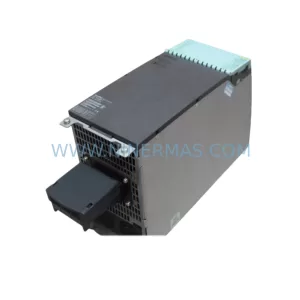
SKU: 6SL3120-1TE24-5AA1
Siemens 6SL3120-1TE24-5AA1 Service-Ready Spare Part for Industrial Maintenance
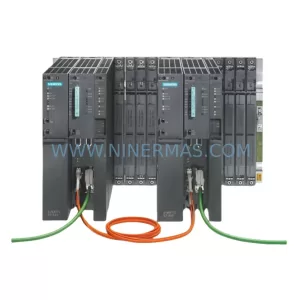
SKU: 6ES7400-0HR51-4AB0
Siemens 6ES7400-0HR51-4AB0 Retrofit-Compatible Rack for Legacy Systems
Catalog Continuation
Alternative parts within PLC & Industrial Automation Modules.
Stay inside the same system family when you need substitutes, adjacent modules, or a broader shortlist for procurement review.
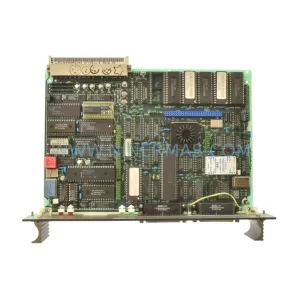
SKU: 87TS01E GJR2368900R2342 87TS01I-E
ABB 87TS01E GJR2368900R2342 Service-Ready Spare Part
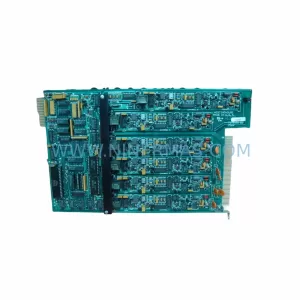
SKU: MDS60A0015-5A3-4-00 KV-U7 KV-C32XA KV-B16RA KV-DA40 KV-AD40 KV-1000 VER.4.13, 1080-00125 SM3410-APPMAT1
SEW MDS60A0015-5A3-4-00 Service-Ready Industrial Spare Part