Original Industrial Spare Part
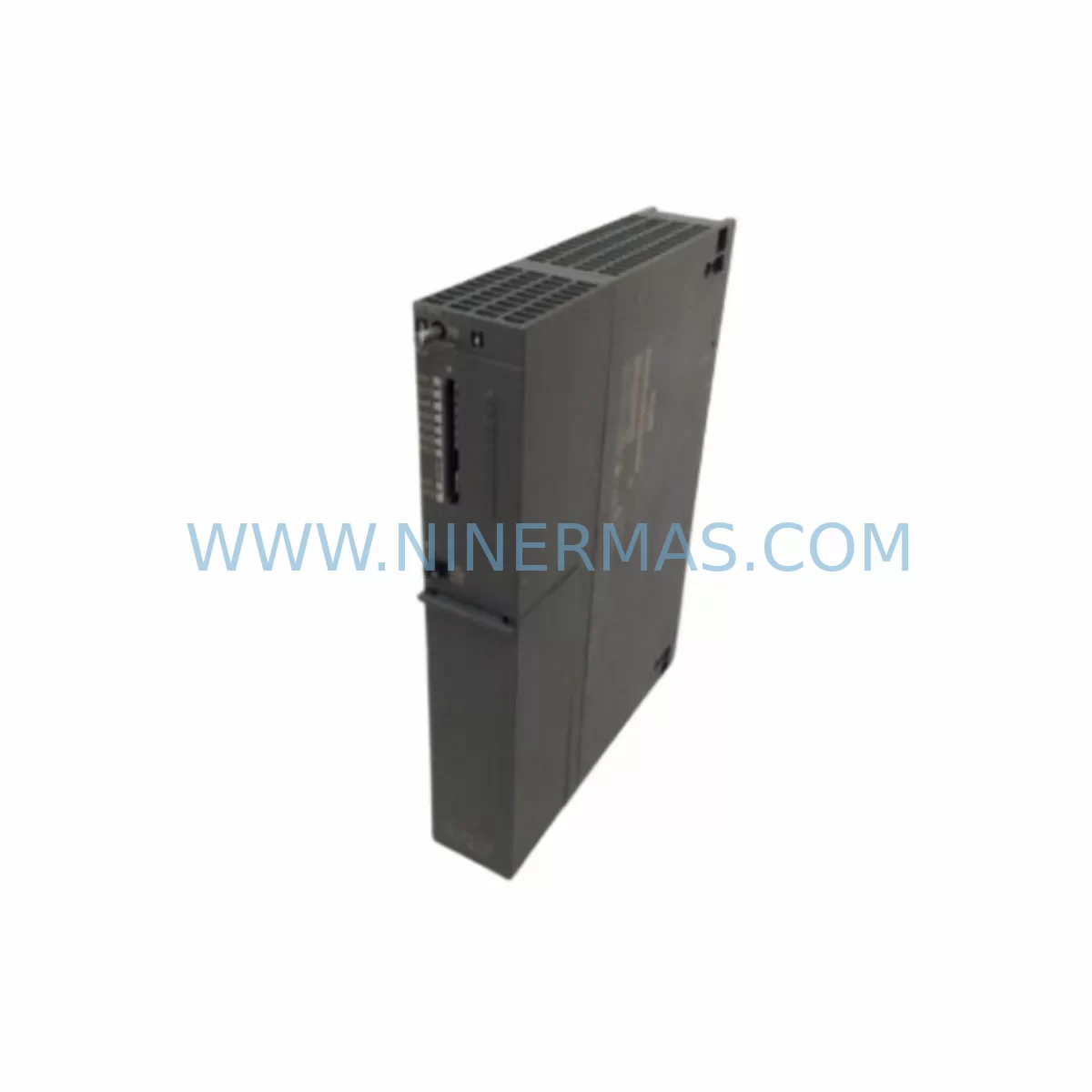
SIEMENS 6ES7417-4XL04-0AB0 Retrofit-Compatible CPU for Legacy Systems
Verify the part, confirm the platform family, and move straight into quotation with the right commercial details.
RFQ Ready
- SKU6ES7417-4XL04-0AB0
- CategoryPLC & Industrial Automation Modules
- BrandSiemens
- SupportAvailability, lead time, condition, and shipping coordination
How Buyers Usually Use This Page
- Confirm the exact part number and platform family before sending the quote request.
- Use direct email when quantity, condition, and destination are already defined internally.
- Switch to the broader brand or category archive when you need alternates nearby.
Series Navigation
Move through the most common platform families behind this part.
Product RFQ
Send this part directly for quotation.
Include quantity, required condition, destination country, and target delivery timing. Current reference: SIEMENS 6ES7417-4XL04-0AB0 Retrofit-Compatible CPU for Legacy Systems with SKU 6ES7417-4XL04-0AB0.
SIEMENS 6ES7417-4XL04-0AB0 Retrofit-Compatible CPU for Legacy Systems
The SIEMENS 6ES7417-4XL04-0AB0 is a high-performance CPU module from the SIMATIC S7-400 series, purpose-built for demanding industrial control environments. As automation infrastructure ages and original equipment manufacturers discontinue legacy components, the 6ES7417-4XL04-0AB0 has become a critical retrofit solution for engineers tasked with modernizing existing production lines, upgrading control cabinets, and extending the operational life of S7-400-based systems without a full platform migration.
This CPU supports a wide range of legacy backplane configurations and is fully compatible with the S7-400 rack architecture, including the UR1 and UR2 universal racks. When replacing an older CPU such as the 6ES7414-2XK05-0AB0 or 6ES7416-3XR05-0AB0, engineers must verify the backplane slot assignment, module address configuration, and MPI/PROFIBUS DP communication link settings before powering up the replacement unit. The 6ES7417-4XL04-0AB0 retains the same physical form factor and connector pinout as its predecessors, significantly reducing installation time and minimizing the risk of wiring errors during changeover.
Upgrade Compatibility Table
| Parameter | Details |
|---|---|
| SKU / Part Number | 6ES7417-4XL04-0AB0 |
| Series | SIMATIC S7-400 |
| Compatible Racks | UR1, UR2 (S7-400 Universal Rack) |
| Communication Interfaces | MPI, PROFIBUS DP (integrated), Industrial Ethernet (via CP modules) |
| Replaces / Upgrades From | 6ES7414-2XK05-0AB0, 6ES7416-3XR05-0AB0, 6ES7417-4HL04-0AB0 |
| Installation Requirement | Standard S7-400 slot; no additional mounting hardware required |
| Program Compatibility | STEP 7 V5.x / TIA Portal (with migration tool); existing OB/FB/FC blocks transferable |
| Power Supply Compatibility | PS 407 (6ES7407-0DA02-0AA0) / PS 405 series |
| Commissioning Tool | STEP 7 V5.6 or TIA Portal V16+; PC Adapter USB (6ES7972-0CB20-0XA0) |
| Warranty | 12 Months — All units tested prior to shipment |
Retrofit Planning for Existing Automation Systems
Successful integration of the 6ES7417-4XL04-0AB0 into an existing S7-400 installation begins with a thorough pre-retrofit audit. Engineers should document the current rack layout, including the position of all installed modules such as digital input/output modules (e.g., SM 421 / SM 422), analog I/O modules (SM 431 / SM 432), and any installed communication processors such as the CP 443-1 for Industrial Ethernet or CP 443-5 for PROFIBUS DP extension. Each module’s slot address must be recorded and cross-referenced against the existing hardware configuration in STEP 7 or TIA Portal to ensure the replacement CPU recognizes the full I/O map without requiring a complete reconfiguration.
Power budget verification is a mandatory step before installation. The PS 407 power supply module must be confirmed to provide sufficient current for the new CPU alongside all co-installed modules. The 6ES7417-4XL04-0AB0 draws more current than lower-tier CPUs in the S7-400 family, so engineers working with densely populated racks should calculate the total current draw across all slots and compare it against the rated output of the installed power supply. If the existing PS 405 is undersized, upgrading to a PS 407 10A variant may be necessary before the CPU swap can proceed.
Terminal wiring and field device connections do not require modification when replacing a CPU of the same physical generation, as all I/O signals are routed through the SM modules rather than directly through the CPU. However, if the retrofit also involves replacing aging SM 421 digital input modules or SM 431 analog input modules, engineers should prepare updated terminal strip diagrams and verify signal ranges, particularly for 4–20 mA analog loops connected to process transmitters or valve positioners.
For systems that include an HMI interface — such as a SIMATIC TP700 Comfort or MP377 Multi Panel — the HMI project must be reviewed to confirm that all tag addresses, screen navigation logic, and alarm configurations remain valid after the CPU replacement. If the original HMI project was built against an older CPU hardware configuration, a hardware update in TIA Portal or WinCC flexible may be required to re-establish the communication link. The MPI address of the new CPU should be set to match the original unit to avoid disrupting the HMI polling cycle.
Where the existing system uses a PROFIBUS DP network to communicate with distributed I/O stations — such as ET 200M or ET 200S remote I/O racks — the DP master configuration embedded in the CPU project must be verified. The 6ES7417-4XL04-0AB0 supports up to two integrated DP master interfaces, allowing it to manage complex multi-drop PROFIBUS networks without requiring an additional CP module. Engineers should confirm that all DP slave GSD files are correctly imported and that the network topology, including repeaters and termination resistors, is intact before restarting the DP network after the CPU swap.
Downtime Control During System Migration
Minimizing production downtime during a CPU replacement is the primary concern for most plant engineers and maintenance teams. A structured migration approach — rather than a direct hot-swap — significantly reduces the risk of extended outages and protects the integrity of the existing control program.
The recommended procedure begins with a full backup of the existing CPU program using STEP 7 or TIA Portal, including all data blocks, system function blocks, and hardware configuration files. This backup should be stored on both the programming PC and an external memory card (e.g., a SIMATIC S7-400 memory card such as the 6ES7952-1KK00-0AA0) to provide a recovery path in the event of an unexpected issue during commissioning. Before powering down the rack, the current process values and setpoints should be documented or captured via the HMI historian to allow rapid restoration of operating parameters after restart.
Once the 6ES7417-4XL04-0AB0 is physically installed in the rack, the program should be downloaded via the PC Adapter USB (6ES7972-0CB20-0XA0) or through the Ethernet interface using a CP 443-1 module. A cold restart should be performed first in a controlled test mode, with all field outputs disabled, to verify that the CPU initializes correctly, all I/O modules are recognized, and no hardware faults are reported in the diagnostic buffer. Only after a clean cold start should the system be transitioned to RUN mode with field outputs enabled.
For critical processes where even a brief interruption is unacceptable, a parallel commissioning approach can be used: the new CPU is configured and tested on a bench rack using a replica hardware configuration before being brought to the field. This approach allows the engineering team to resolve any program compatibility issues, HMI tag mismatches, or PROFIBUS DP configuration errors in a controlled environment, reducing the live changeover window to the minimum time required for physical module swap and final communication verification.
All units supplied by NINERMAS are pre-tested and shipped with a 12-month warranty, ensuring that the replacement module arrives in verified working condition and reducing the risk of a secondary failure during the commissioning phase.
Retrofit Support FAQ
Q1: Is the 6ES7417-4XL04-0AB0 a direct drop-in replacement for the 6ES7416-3XR05-0AB0?
In most cases, yes. Both modules occupy the same physical slot in the S7-400 UR1/UR2 rack and share the same backplane connector. However, the 6ES7417-4XL04-0AB0 offers higher processing performance and additional integrated DP interfaces. Engineers should review the hardware configuration in STEP 7 or TIA Portal and update the CPU type in the project before downloading the program to the new module.
Q2: Will my existing STEP 7 program run on the 6ES7417-4XL04-0AB0 without modification?
In the majority of retrofit cases, existing OB, FB, FC, and DB blocks compiled under STEP 7 V5.x are fully compatible with the 6ES7417-4XL04-0AB0. Minor adjustments may be required if the original program references CPU-specific system data blocks or uses memory areas that differ between CPU generations. A test download in STOP mode is recommended before transitioning to RUN.
Q3: What should I check regarding wiring and terminal connections before replacing the CPU?
CPU replacement in the S7-400 architecture does not require any changes to field wiring, as all I/O signals are routed through the SM modules. However, if the retrofit scope includes replacing SM modules alongside the CPU, terminal strip wiring diagrams should be updated and signal ranges verified — particularly for analog I/O channels connected to 4–20 mA transmitters or thermocouple inputs.
Q4: What warranty and pre-shipment testing does NINERMAS provide for this module?
All 6ES7417-4XL04-0AB0 units supplied by NINERMAS are functionally tested prior to shipment and covered by a 12-month warranty from the date of delivery. In-stock units are available for immediate dispatch, supporting urgent retrofit and emergency replacement requirements. For volume orders or scheduled maintenance programs, please contact our team to discuss inventory reservation and lead time commitments.
| Product Series | SIMATIC |
|---|---|
| Country of Origin | DE |
Catalog Continuation
More Siemens modules in the catalog.
Use the brand lane to compare nearby part numbers, platform-adjacent modules, and other inquiry-ready listings before sending your final RFQ.
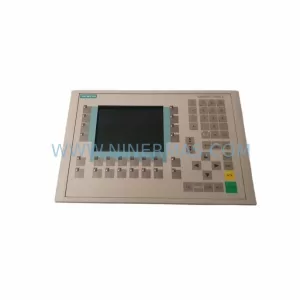
SKU: 6AV6542-0CA10-0AX0
Siemens 6AV6542-0CA10-0AX0 Safety-Reliable HMI for Critical Sites
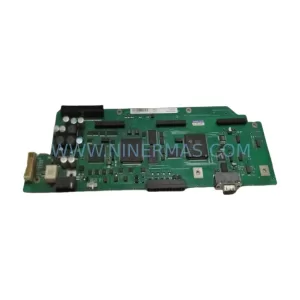
SKU: A5E00158600 6SE70 TP/EP60 CUVP-02
SIEMENS A5E00158600 6SE70 TP/EP60 CUVP-02 Safety-Reliable Power Module
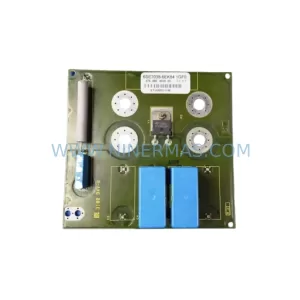
SKU: 6SE7038-6EK84-1GF0
SIEMENS 6SE7038-6EK84-1GF0 Service-Ready Spare Part
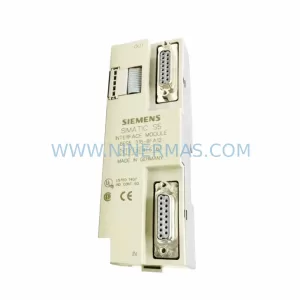
SKU: 6ES5316-8FA12
Siemens 6ES5316-8FA12 Retrofit-Compatible Interface Module
Catalog Continuation
Alternative parts within PLC & Industrial Automation Modules.
Stay inside the same system family when you need substitutes, adjacent modules, or a broader shortlist for procurement review.



SKU: HDD02.2-W040N-HS12-01-FW FWA-DIAX04-ELS-05VRS-MS
Rexroth HDD02.2-W040N-HS12-01-FW Service-Ready Spare Part

SKU: I5DAE375F10010000S
Lenze I5DAE375F10010000S Service-Ready Spare Part for Industrial Maintenance