Original Industrial Spare Part
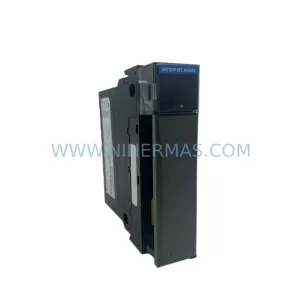
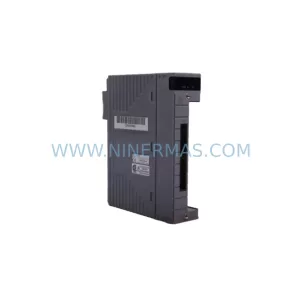
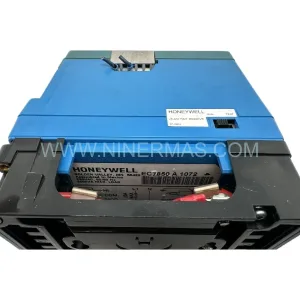
Honeywell 2MLR-DC42-CC Service-Ready Spare Part for Industrial Maintenance
Verify the part, confirm the platform family, and move straight into quotation with the right commercial details.
RFQ Ready
- SKU2MLR-DC42-CC
- CategoryDCS Distributed Control Systems
- BrandHoneywell
- SupportAvailability, lead time, condition, and shipping coordination
How Buyers Usually Use This Page
- Confirm the exact part number and platform family before sending the quote request.
- Use direct email when quantity, condition, and destination are already defined internally.
- Switch to the broader brand or category archive when you need alternates nearby.
Series Navigation
Move through the most common platform families behind this part.
Product RFQ
Send this part directly for quotation.
Include quantity, required condition, destination country, and target delivery timing. Current reference: Honeywell 2MLR-DC42-CC Service-Ready Spare Part for Industrial Maintenance with SKU 2MLR-DC42-CC.
Honeywell 2MLR-DC42-CC Service-Ready Spare Part for Industrial Maintenance
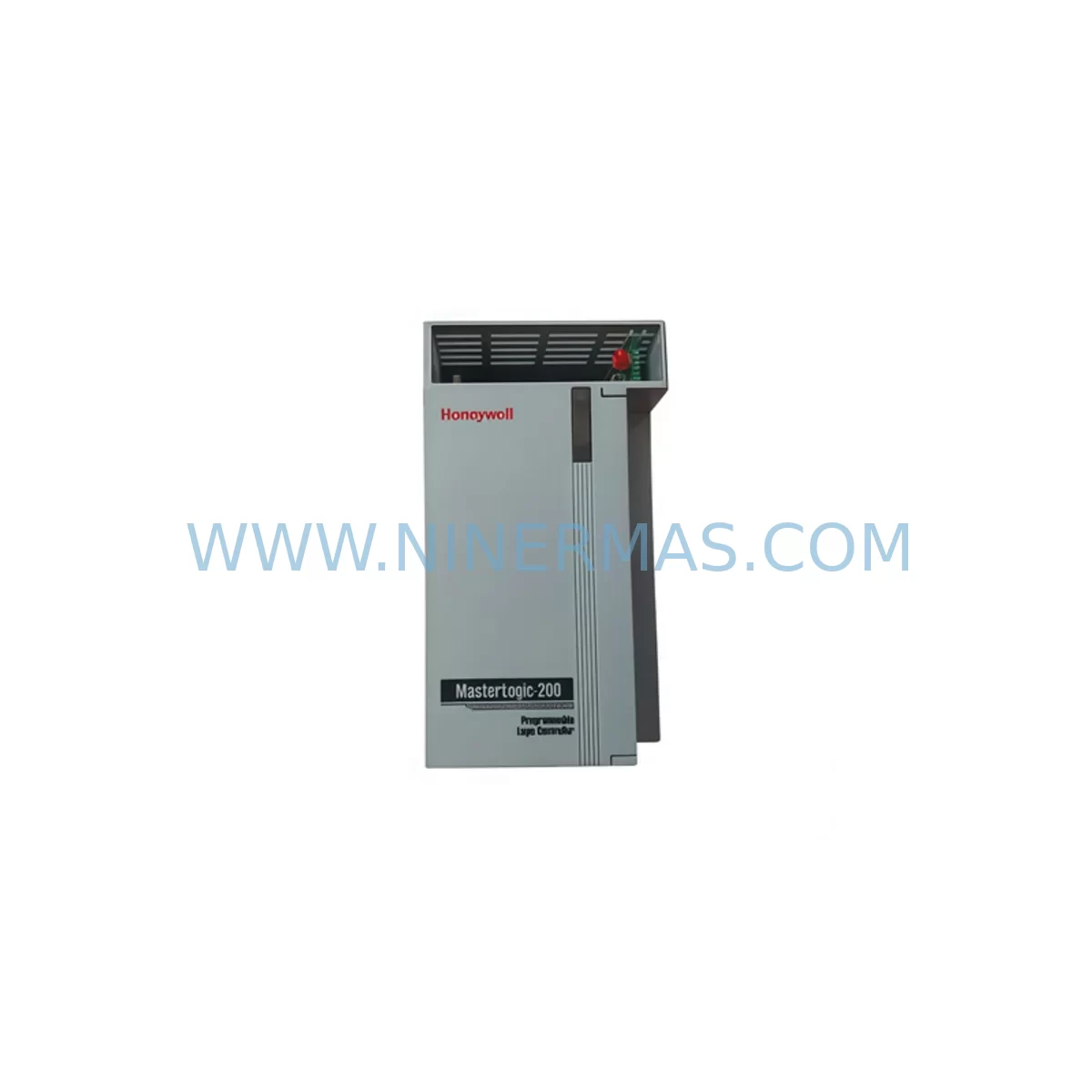
The Honeywell 2MLR-DC42-CC is an original communication card designed for the MasterLogic-200R series PLC platform — one of Honeywell’s proven process automation and discrete control architectures widely deployed in manufacturing, oil & gas, chemical processing, and utilities. For maintenance engineers managing aging control infrastructure, sourcing a verified, service-ready 2MLR-DC42-CC is critical to minimizing unplanned downtime and sustaining system integrity across multi-year operational cycles.
At NINERMAS, every 2MLR-DC42-CC unit is inspected, function-tested, and shipped with full traceability documentation. Our inventory supports both emergency breakdown recovery and planned annual maintenance programs, with a 12-month warranty and long-term supply commitment for discontinued or hard-to-source Honeywell MasterLogic components.
Spare Maintenance Table
| Parameter | Specification / Details |
|---|---|
| Part Number | 2MLR-DC42-CC |
| Brand | Honeywell |
| Series | MasterLogic-200R |
| Module Type | Communication Card |
| Application | PLC Communication Interface, MasterLogic-200R Backplane |
| Compatibility | Honeywell MasterLogic-200R Series Control Systems |
| Installation | Backplane slot-mount, MasterLogic-200R rack |
| Operating Environment | Industrial control cabinet, 0–55°C, humidity ≤95% non-condensing |
| Origin | United States |
| Condition | Original spare, service-ready |
| Maintenance Role | Emergency replacement, planned overhaul, spare inventory |
| Warranty | 12 Months |
| Lead Time | In-stock, ships within 2–5 business days |
| Quality Assurance | Function-tested before shipment, full traceability documentation |
Maintenance Planning for Continuous Operation
When a 2MLR-DC42-CC communication card fails or is flagged during a scheduled inspection, the fault rarely exists in isolation. Experienced maintenance engineers know that a communication card failure in a MasterLogic-200R rack often signals stress across adjacent modules and shared power infrastructure. A disciplined replacement workflow should extend beyond the card itself.
Begin with the MasterLogic-200R backplane — inspect all slot connectors for oxidation, mechanical damage, or intermittent contact that may have contributed to the communication fault. Verify the 2MLR-PS1 or equivalent MasterLogic power supply module is delivering stable DC voltage within specification; an under-voltage condition is a common root cause of communication card resets and data corruption events.
Next, audit the I/O modules seated in adjacent slots — particularly any 2MLR-DA16A analog output or 2MLR-DD32A digital I/O modules sharing the same rack segment. Communication card faults can mask upstream I/O errors that only surface after the card is replaced. Check all field wiring terminal blocks connected to the rack for loose terminations, especially in high-vibration environments.
For systems using Modbus, PROFIBUS, or proprietary Honeywell network protocols, inspect the communication cables and connectors between the MasterLogic-200R rack and any connected HMI panels, SCADA gateways, or remote I/O stations. A degraded cable shield or damaged DB9/RJ45 connector can cause recurring communication faults even after a card replacement.
If the control cabinet includes signal isolators or signal conditioners on analog loops feeding the MasterLogic system, verify their output ranges and isolation integrity — particularly for 4–20mA loops where ground loops can introduce noise that stresses communication hardware. Similarly, check any 24VDC relay output modules or interposing relay panels connected to the system’s digital outputs for coil degradation or contact wear.
For facilities running extended maintenance intervals, it is advisable to maintain at least one 2MLR-DC42-CC as a cold-standby spare alongside backup units for the power supply module and at least one I/O module of each type deployed in the rack. This spare parts strategy, combined with annual cabinet inspections, significantly reduces mean time to repair (MTTR) and protects against supply chain delays for legacy Honeywell MasterLogic components.
Site Replacement Workflow
Step 1 — Pre-Replacement Verification: Confirm the replacement 2MLR-DC42-CC part number matches the installed unit exactly. Cross-reference the label on the existing card with the purchase documentation. Do not substitute with a different revision unless Honeywell compatibility documentation explicitly confirms interchangeability.
Step 2 — System State & Safety: Follow your site’s lockout/tagout (LOTO) procedure. For hot-swap capable MasterLogic-200R configurations, verify whether the slot supports live insertion before proceeding. If not, initiate a controlled shutdown of the affected control loop and notify operations.
Step 3 — Card Removal: Release the card retention latch, extract the 2MLR-DC42-CC from the backplane slot, and place it in an ESD-safe bag immediately. Inspect the backplane connector pins for damage before inserting the replacement unit.
Step 4 — Installation & Seating: Insert the new 2MLR-DC42-CC firmly into the backplane slot until the retention latch engages. Do not force the card — misalignment can damage both the card and backplane connector.
Step 5 — Power-Up & Diagnostics: Restore power and observe the card’s status LEDs. Refer to the MasterLogic-200R hardware manual for expected LED sequences. Use the Honeywell configuration tool to verify communication link establishment and confirm the card is recognized by the controller CPU.
Step 6 — Functional Test: Execute a loop check on all I/O channels associated with the communication card. Confirm data integrity between the MasterLogic-200R rack and connected HMI or SCADA systems before returning the system to automatic operation.
Step 7 — Documentation: Record the replacement in your maintenance management system (CMMS), including the old card’s serial number, failure mode, replacement date, and technician ID. Retain the failed card for failure analysis if required.
Spare Parts Support FAQ
Q1: Is the 2MLR-DC42-CC still in production, and can NINERMAS guarantee long-term supply?
The MasterLogic-200R series has reached end-of-life status with Honeywell’s standard supply chain, making aftermarket and surplus inventory the primary source for maintenance teams. NINERMAS maintains dedicated stock of MasterLogic-200R components and actively sources verified units to support customers through extended system lifecycles. We provide long-term supply commitments for customers with multi-year maintenance contracts.
Q2: How is the 2MLR-DC42-CC tested before shipment?
Every unit undergoes functional testing prior to shipment, including power-on verification, communication interface checks, and visual inspection for physical damage. Units are shipped in ESD-safe packaging with traceability documentation. Our 12-month warranty covers functional defects identified after installation under normal operating conditions.
Q3: Can the 2MLR-DC42-CC be used as a direct replacement for older MasterLogic-200R communication cards with different revision suffixes?
Revision compatibility within the MasterLogic-200R series depends on firmware and hardware revision levels. NINERMAS recommends matching the exact part number and revision of the installed card whenever possible. If a revision substitution is required, our technical team can assist with compatibility verification based on your system’s CPU firmware version and rack configuration.
Q4: What is the recommended spare parts inventory strategy for MasterLogic-200R systems?
For critical production environments, we recommend maintaining a minimum of one cold-standby 2MLR-DC42-CC, one power supply module, and one unit of each I/O module type deployed in your MasterLogic-200R racks. Annual inventory audits aligned with planned shutdowns help ensure spare parts remain available and in serviceable condition. NINERMAS offers blanket order arrangements for customers requiring guaranteed stock reservation over 12–36 month periods.
| Product Series | MasterLogic |
|---|---|
| Country of Origin | US |
Catalog Continuation
More Honeywell modules in the catalog.
Use the brand lane to compare nearby part numbers, platform-adjacent modules, and other inquiry-ready listings before sending your final RFQ.
Catalog Continuation
Alternative parts within DCS Distributed Control Systems.
Stay inside the same system family when you need substitutes, adjacent modules, or a broader shortlist for procurement review.