Original Industrial Spare Part
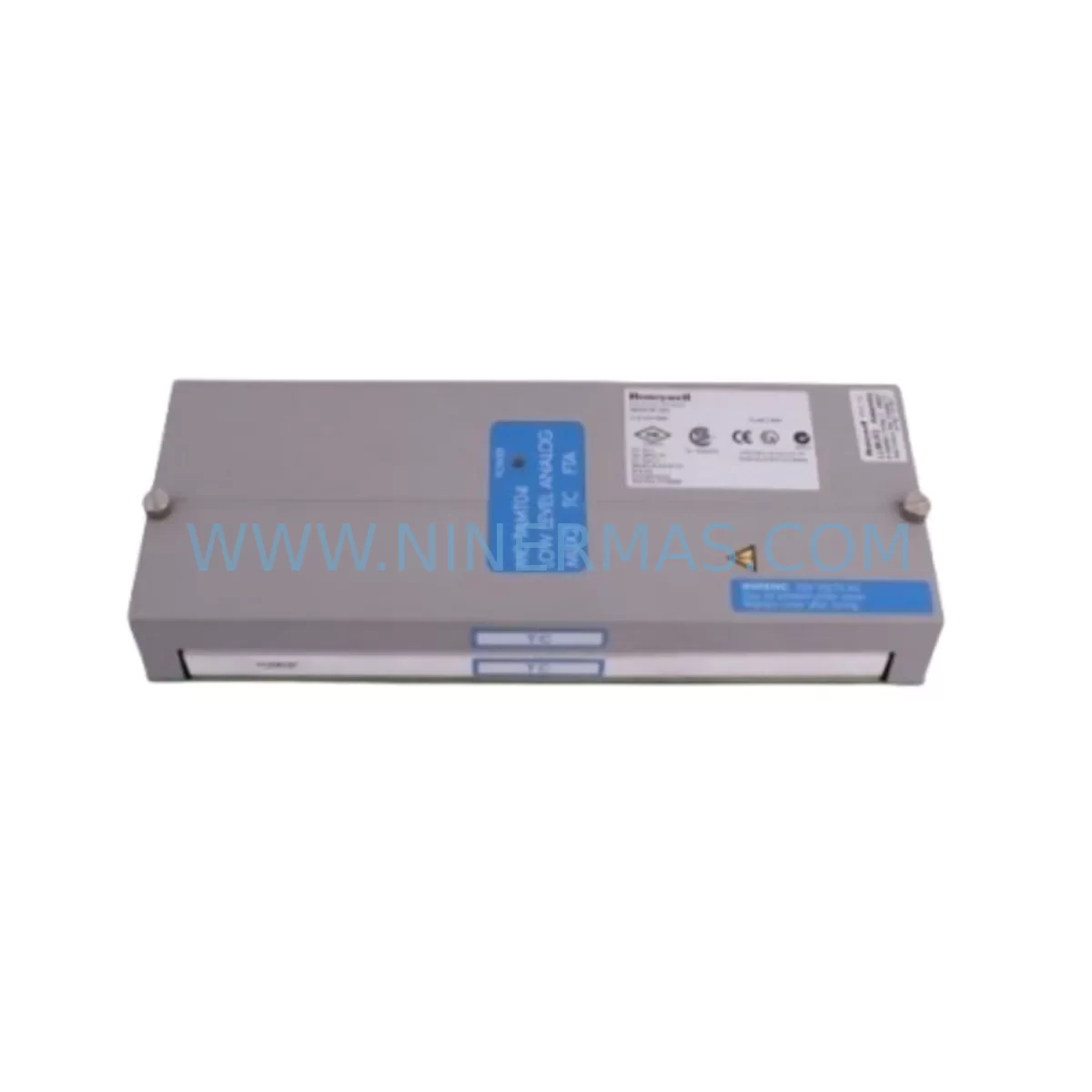
Honeywell TC-IDW161 Service-Ready Spare Part for Industrial Maintenance
Verify the part, confirm the platform family, and move straight into quotation with the right commercial details.
RFQ Ready
- SKUTC-IDW161
- CategoryDCS Distributed Control Systems
- BrandHoneywell
- SupportAvailability, lead time, condition, and shipping coordination
How Buyers Usually Use This Page
- Confirm the exact part number and platform family before sending the quote request.
- Use direct email when quantity, condition, and destination are already defined internally.
- Switch to the broader brand or category archive when you need alternates nearby.
Series Navigation
Move through the most common platform families behind this part.
Product RFQ
Send this part directly for quotation.
Include quantity, required condition, destination country, and target delivery timing. Current reference: Honeywell TC-IDW161 Service-Ready Spare Part for Industrial Maintenance with SKU TC-IDW161.
Honeywell TC-IDW161 Service-Ready Spare Part for Industrial Maintenance
The Honeywell TC-IDW161 is an original AC input module designed for the C300 Controller series within the Experion PKS (Process Knowledge System) distributed control system platform. As a critical field I/O component, the TC-IDW161 handles AC discrete input signals from field devices such as motor starters, valve limit switches, pressure switches, and relay contacts — making it an essential spare for any facility running legacy or active Honeywell DCS infrastructure.
For maintenance engineers managing aging Experion PKS installations, the TC-IDW161 represents one of the most frequently requested spare modules. Its role in AC signal acquisition means that a single failed unit can interrupt process monitoring across an entire control loop. Keeping a verified, tested unit in your spare parts inventory is a fundamental risk-reduction strategy for continuous plant operation.
Spare Maintenance Table
| Parameter | Specification / Detail |
|---|---|
| Part Number | TC-IDW161 |
| Brand | Honeywell |
| Series | C300 / Experion PKS |
| Module Type | AC Discrete Input Module |
| Input Voltage Range | 85–132 VAC / 170–265 VAC (field-selectable) |
| Number of Input Channels | 16 channels |
| Signal Isolation | Optically isolated per channel group |
| Backplane Interface | C300 IOLINK / FIM-compatible rack |
| Installation | Plug-in module, C300-compatible I/O rack |
| Operating Temperature | 0°C to 60°C |
| Compatibility | Experion PKS R300–R500+, C300 Controller |
| Replacement Recommendation | Direct drop-in replacement for failed TC-IDW161 units |
| Commissioning Note | Module address auto-assigned via IOLINK; verify in Control Builder |
| Warranty | 12-Month Warranty by NINERMAS |
Maintenance Planning for Continuous Operation
When a TC-IDW161 fails in the field, the replacement process extends beyond simply swapping the module. A thorough maintenance review should encompass the surrounding system components to prevent cascading failures and ensure long-term stability.
Start with the C300 Controller module itself — verify firmware version compatibility with the replacement TC-IDW161 and confirm that the IOLINK communication link between the controller and the I/O rack is stable. If the C300 controller is running an older firmware revision, a coordinated update may be required before the new input module is recognized correctly.
Inspect the Field Termination Assembly (FTA) paired with the TC-IDW161. The FTA carries the field wiring connections and is subject to terminal oxidation, loose screws, and insulation degradation over time. A module swap without FTA inspection is a common source of repeat failures. Verify terminal torque values and check for signs of moisture ingress or heat damage.
The IOLIM (I/O Link Interface Module) or FIM (Field Interface Module) connecting the I/O rack to the C300 controller should also be checked. A degraded IOLIM can cause intermittent communication errors that mimic module faults. If the TC-IDW161 replacement does not immediately restore normal operation, the IOLIM is the next diagnostic target.
Review the Power Distribution Module (PDM) supplying the I/O rack. AC input modules draw consistent power from the rack backplane; a PDM with marginal output voltage can cause erratic input readings or module resets. Measure backplane voltage under load before and after the module swap.
For facilities running mixed I/O racks, also inspect adjacent modules such as the TC-ODW161 AC output module, TC-IDV161 DC input module, and TC-ODV161 DC output module. These modules share the same rack environment and are subject to the same thermal and electrical stress conditions. A proactive inspection during a planned TC-IDW161 replacement reduces the risk of unplanned outages from neighboring modules.
If the plant uses Honeywell Safety Manager or FSC (Fail-Safe Controller) systems in parallel with the Experion PKS, verify that the AC input signals being monitored by the TC-IDW161 are not also feeding safety logic. Any change in I/O module status should be communicated to the safety system team before work begins.
Finally, confirm that the Experion PKS Control Builder configuration reflects the correct module type and channel assignments after replacement. An incorrect module type entry in the configuration database can cause the system to report false faults even when the hardware is functioning correctly. A full download and verification of the I/O assignment is recommended as part of the commissioning checklist.
Site Replacement Workflow
Replacing the TC-IDW161 on an active Experion PKS system requires careful sequencing to minimize downtime and protect process continuity. The following workflow reflects best practices for maintenance engineers performing a hot-swap or planned-outage replacement:
Step 1 — Pre-Replacement Verification: Confirm the replacement TC-IDW161 part number, firmware compatibility, and physical condition. Verify that the unit has been tested and is ready for installation. Check the current module status in Experion Station — note any active alarms or diagnostic messages associated with the failing module.
Step 2 — Process Isolation: Coordinate with the control room operator to place affected control loops in manual mode. For critical loops, confirm that backup control strategies or interlock bypasses are in place. Document the current process state before any hardware change.
Step 3 — Module Removal: Follow Honeywell’s lockout/tagout procedure for the I/O rack. Remove the failed TC-IDW161 by releasing the module latch and sliding it out of the rack slot. Inspect the backplane connector for bent pins or contamination before inserting the replacement.
Step 4 — Module Installation: Insert the replacement TC-IDW161 into the correct rack slot. The IOLINK protocol will automatically assign the module address based on slot position — no manual DIP switch configuration is required for standard C300 I/O racks. Confirm the module LED status indicates normal operation within 30 seconds of insertion.
Step 5 — System Verification: In Experion Control Builder, verify that the module is recognized and all 16 input channels are reporting correctly. Cross-check field signal states against physical device positions. Return control loops to automatic mode only after all channels are confirmed healthy.
Step 6 — Documentation: Record the replacement date, module serial number, and post-replacement test results in the plant maintenance management system. Update the spare parts inventory to reflect the consumed unit and initiate a replenishment order to maintain minimum stock levels.
Spare Parts Support FAQ
Q1: Is the TC-IDW161 a direct drop-in replacement for an existing failed unit?
Yes. The TC-IDW161 is a direct plug-in replacement for any failed unit of the same part number in a C300-compatible I/O rack. No hardware modification or reconfiguration is required. The IOLINK protocol handles module recognition automatically upon insertion. Verify firmware compatibility with your current Experion PKS release before installation.
Q2: How does NINERMAS verify the TC-IDW161 before shipment?
Every TC-IDW161 unit supplied by NINERMAS undergoes functional inspection and electrical verification prior to dispatch. Units are tested for correct backplane communication, input channel continuity, and optical isolation integrity. A 12-month warranty is provided from the date of shipment, covering manufacturing defects and functional failures under normal operating conditions.
Q3: Can NINERMAS supply TC-IDW161 units for long-term maintenance contracts?
Yes. NINERMAS maintains stock of TC-IDW161 and related C300 series I/O modules to support long-term spare parts programs. We offer scheduled delivery agreements for facilities requiring guaranteed inventory availability across multi-year maintenance cycles. Contact our sales team to discuss volume pricing and lead-time commitments.
Q4: What should I check if the replacement TC-IDW161 does not restore normal operation?
If the replacement module does not resolve the fault, the next diagnostic steps are: (1) inspect the paired Field Termination Assembly for wiring faults or terminal damage; (2) check the IOLIM or FIM for communication errors; (3) verify the Experion Control Builder configuration for correct module type and slot assignment; (4) measure backplane supply voltage from the Power Distribution Module. If the issue persists, contact NINERMAS technical support with the module serial number and Experion diagnostic log for further analysis.
| Product Series | Experion PKS |
|---|---|
| Country of Origin | US |
Catalog Continuation
More Honeywell modules in the catalog.
Use the brand lane to compare nearby part numbers, platform-adjacent modules, and other inquiry-ready listings before sending your final RFQ.
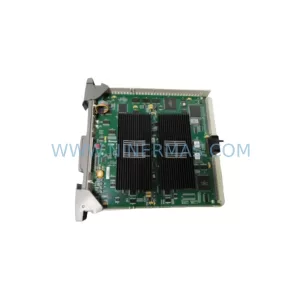
SKU: CC-PDIL51 CC-PDOD51 CC-PAIH51 CC-PAOH51
Honeywell CC-PDIL51 Service-Ready Spare Part for Industrial Maintenance
Catalog Continuation
Alternative parts within DCS Distributed Control Systems.
Stay inside the same system family when you need substitutes, adjacent modules, or a broader shortlist for procurement review.
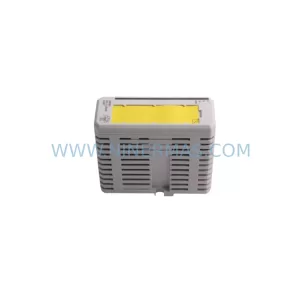
SKU: AI880A 3BSE039293R1
ABB 3BSE039293R1 Service-Ready Spare Part for Industrial Maintenance
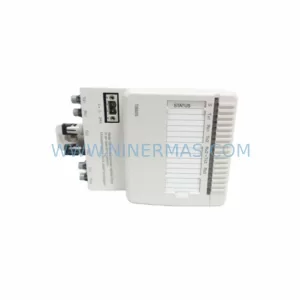
SKU: TB825 3BSE036634R1
ABB TB825 3BSE036634R1 Retrofit-Compatible Terminal for Legacy Systems